
Business Cards That List Your Services


A name and title tell a stranger who you are. Listing your services tells them why to call. These are the cards that put your offer front and center, from a short list on the back to a foldover menu to a QR code, each one printed by 4OVER4 with a free online proof before it runs.
A services business card lists what you do, not just who you are. A short, ranked list on the back suits a fixed offer, a foldover card carries a full menu, and a QR code links to a list you can update without a reprint. 4OVER4 prints each format on real stock, trusted by 150,000+ businesses and 10,000+ reviews.

Why list your services
Why a service list belongs on the card
A business card gives you a few square inches and about two seconds of attention. Spend them saying only your name, and a stranger still has to guess what you sell. Spend them listing your services, and the card answers the one question that decides whether they call: can you do the thing I need? The best service cards make that move. They put a short, ranked list where the eye lands and let the name and number play a supporting role.
The format follows the list. A stable set of three to six services fits cleanly on the back of a classic card. A full menu with tiers and prices wants the two extra panels of a foldover card. A list that shifts with the season is better sent to a page behind a QR code card you can edit any time. Browse every option with live pricing in the business cards catalog, and keep the card consistent with the rest of your business stationery.
You do not need a design team to get there. Type your services into the free Online Designer, or start from a free template and swap in your list. If you want a finish applied by hand, 4OVER4 printing services cover lamination, spot UV, and specialty stocks, and every order ships with a free online proof so you can confirm the list before it prints. Here is a closer look at the formats that carry a service list well.
Start here
Three cards built to list your services
A seeded pick from the formats that carry a service list best, each with live pricing pulled straight from the configurator. Start with one of these, or browse the full lineup further down.
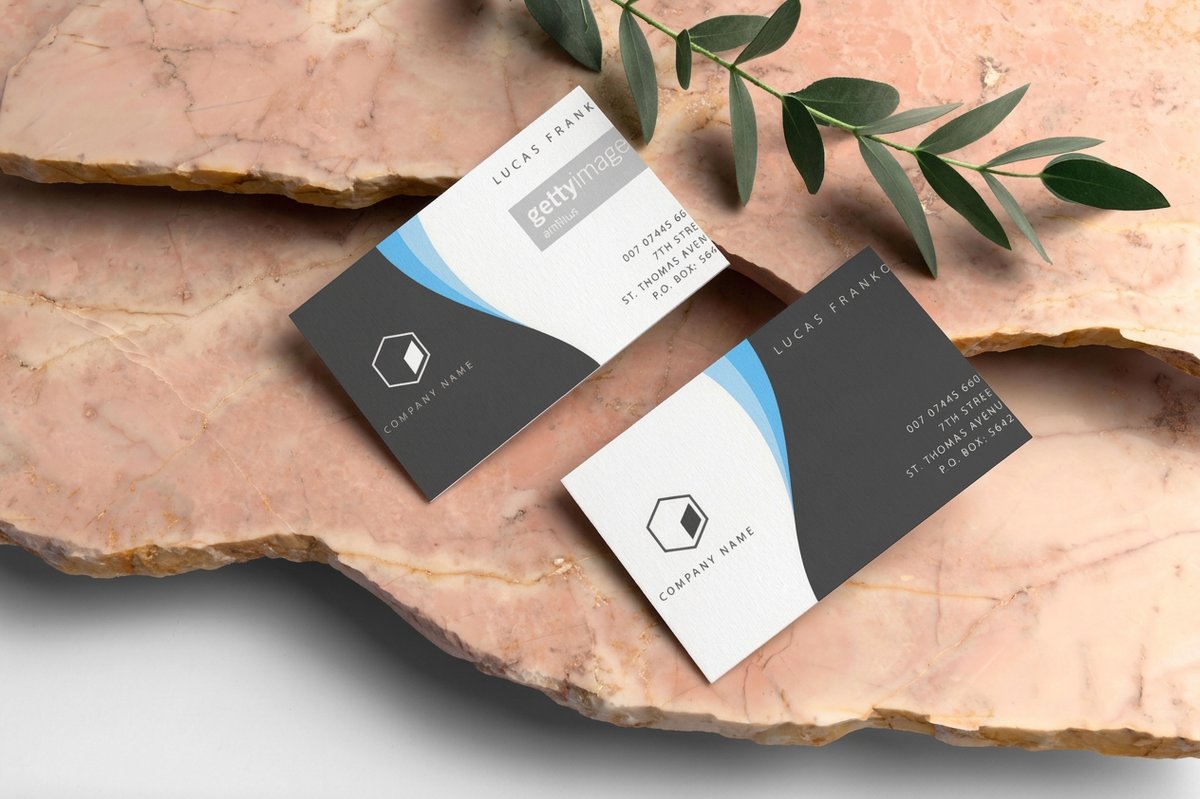 Classic Business Cards A clean, affordable card with just enough room for a tidy list on the back.
 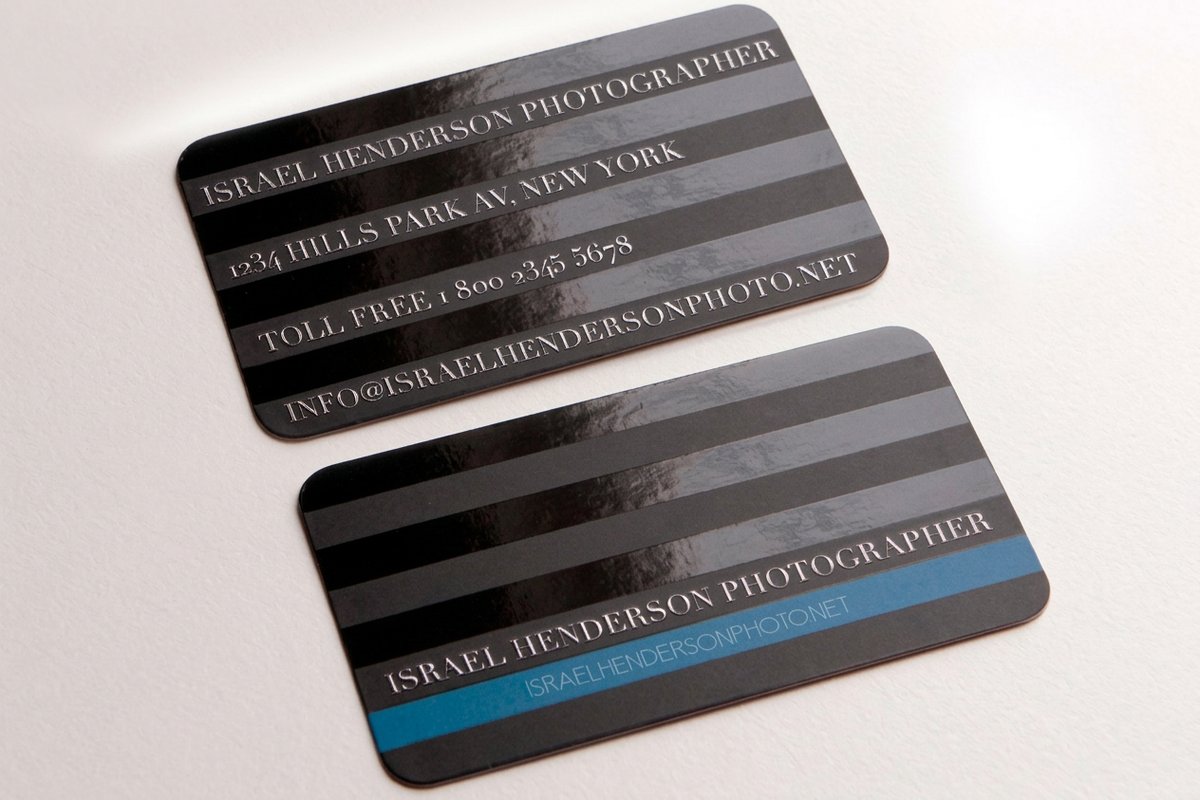 Spot UV Business Cards Gloss the one service you lead with so it catches the eye against the rest of the list.
 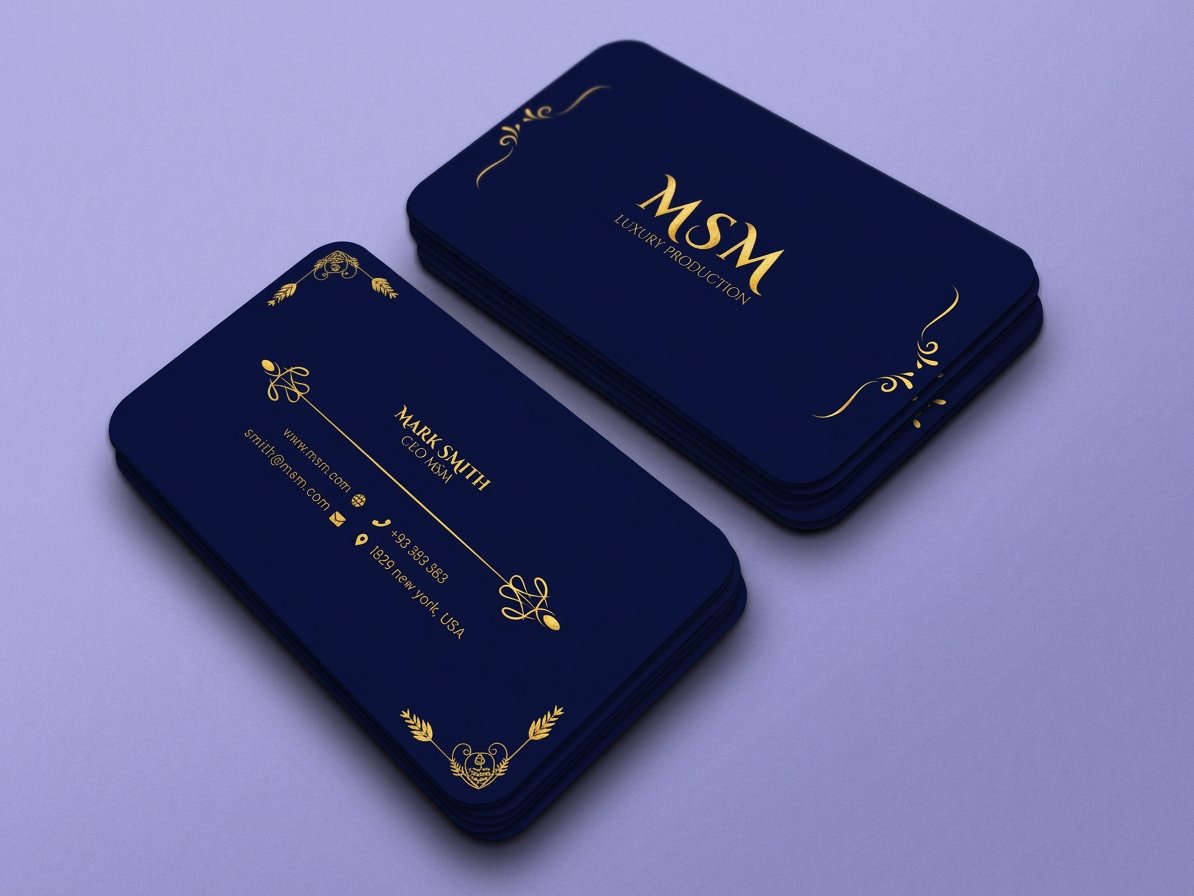 Premium Business Cards Thick, hefty stock that makes an itemized service list feel considered.
 The formats
Four ways to fit a service list on a card
The list drives the format. A short, fixed set of services sits neatly on the back of a flat card. A longer menu wants the extra panels of a foldover. A list that keeps changing is best handed to a QR code that points to a page you control. And a visual trade often reads faster from a grid of service icons than from a block of text. Match the format to the length and pace of your offer first, and the design gets easier. If your card needs a shape of its own, die-cut cards can cut it to fit the brand.
A Short List on the Back
Keep the front for your name and logo, then print three to six core services on the back as a clean, scannable list. It is the simplest way to say what you do without crowding the front.
A Foldover Service Menu
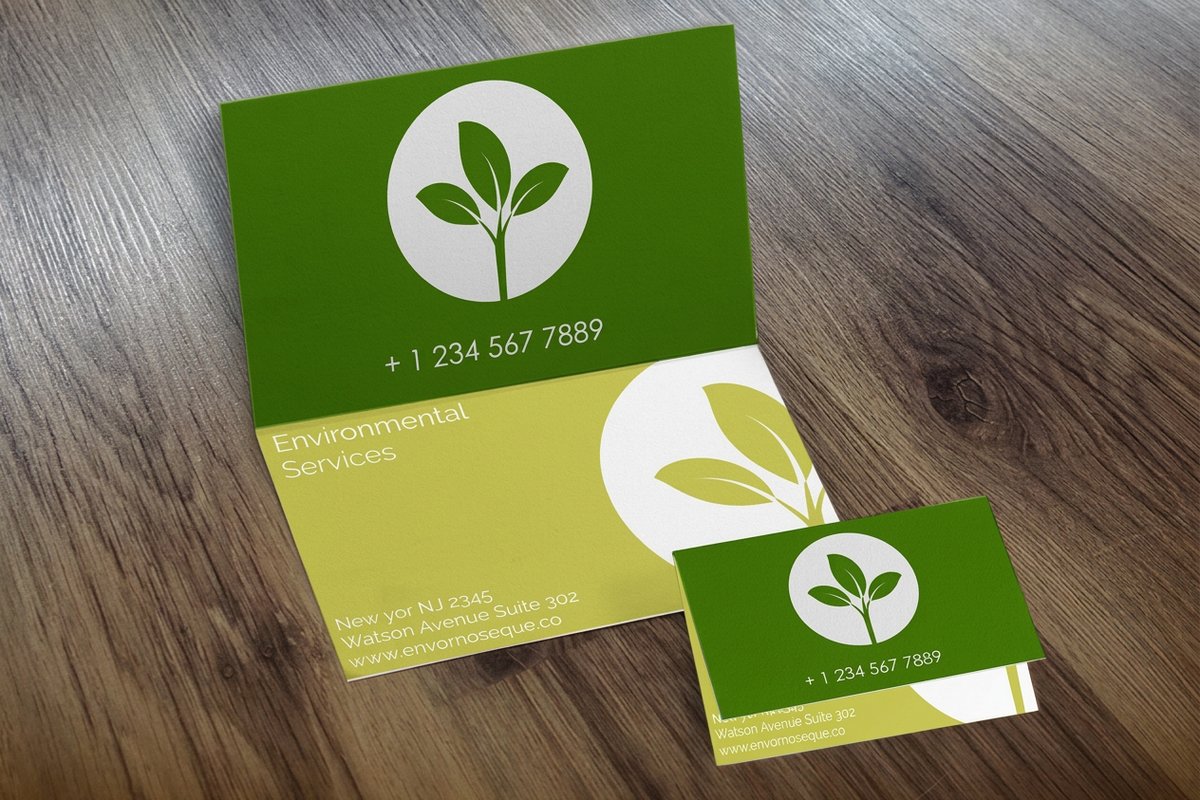
A foldover card adds two printable panels, so a full menu of services, tiers, or packages gets the room a flat card cannot give. Open it and the whole offer is laid out like a brochure in your pocket.
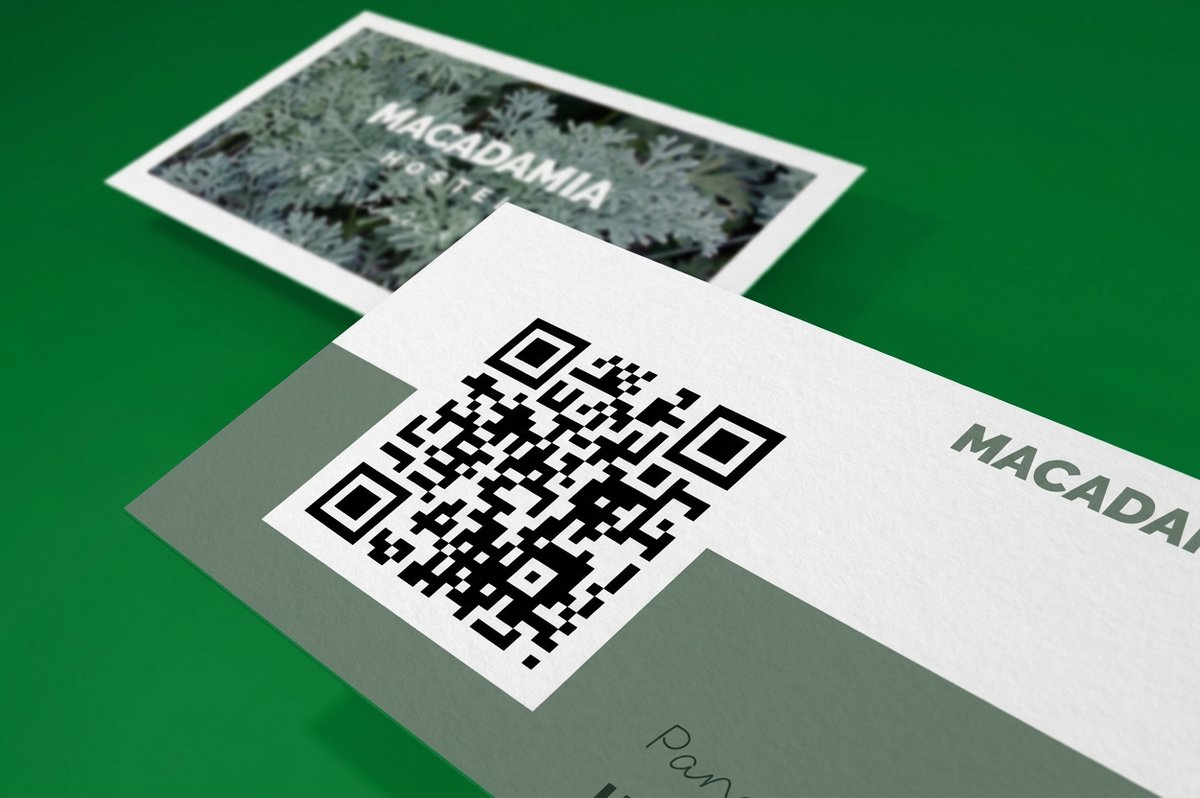
A QR Code to the Full List
When your services change often, print a QR code that points to a page you control. Update the list online any time and the card never goes out of date, no reprint required.
An Icon Service Grid
Turn each service into a small icon with a one-word label. A grid of icons reads faster than a paragraph and works well for trades and home services where the offer is visual.

Match your list
Which format fits your service list?
The right card is the one that fits how long your list is and how often it changes. Start from the offer you want a prospect to read in a glance, then pick the format that gives it room without crowding your name off the card.
A short, fixed list of services
Back-of-cardA classic card prints your top services cleanly on the back without adding cost or bulk to the card.
A full menu or tiered packages
FoldoverA foldover card gives you two extra panels, room enough to lay out every service, tier, and price.
A list that changes often
QR codeA QR code card sends prospects to a live service page you can edit any time, so the card never goes stale.
A card that lives in a tool bag
DurableSilk lamination adds a soft, durable coat that keeps a printed service list crisp through daily handling.
A service business that books
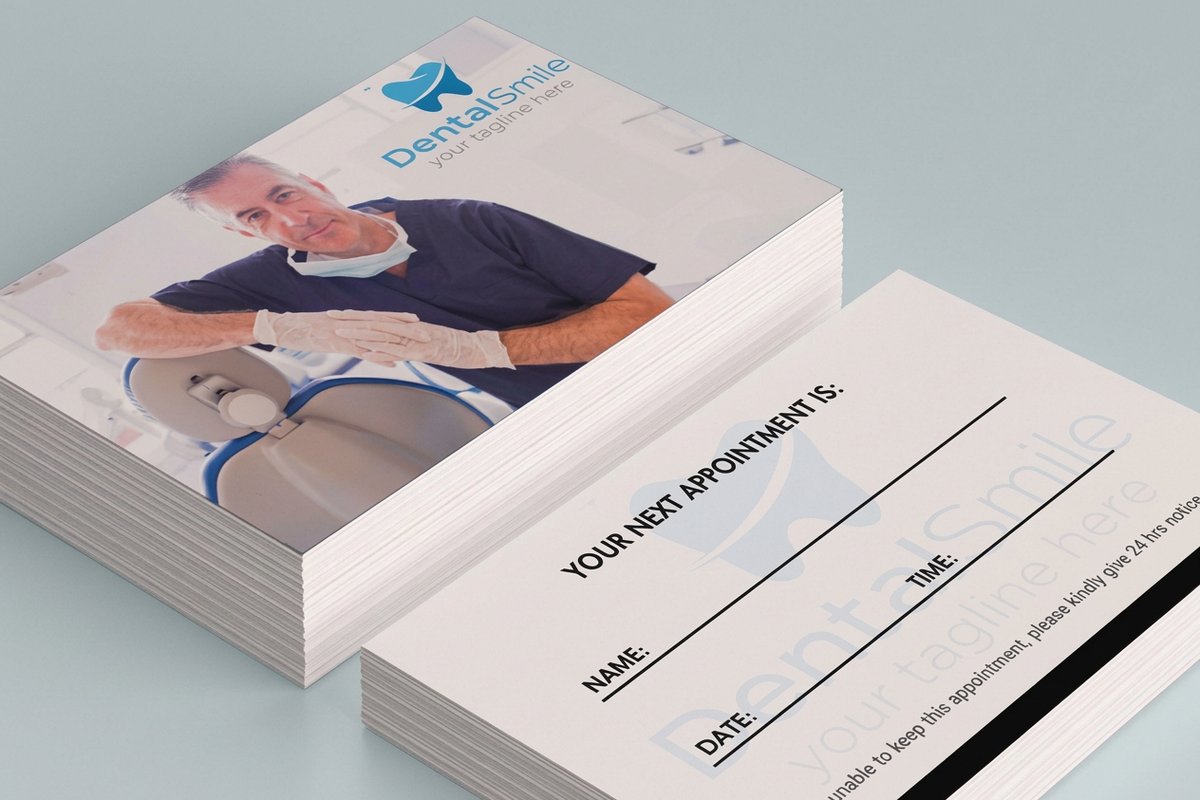
AppointmentsAppointment cards pair your list of services with space for the next date, perfect for salons and clinics.
We put our five core cleaning services on the back and it changed how people call us. Instead of asking what we do, they call and say they want the move-out clean. 4OVER4 printed them sharp and fast.
The lineup
Business cards worth printing your services on
These are the cards built to carry a service list, with live pricing, specs, and customer reviews. For more directions across every stock and finish, browse the styles and finishes gallery or the copper foil showcase. With 25+ years in printing, 4OVER4 knows how to make a small card work hard.
Specs & price
Stocks, options, and live pricing
These are the real configurator specs and prices behind the cards that carry a service list best, from a foldover with two extra panels to a silk-laminated card built to last. Every option below pulls straight from the live product configurator.
| Quantity | Price Per Unit | Total |
|---|---|---|
| 100 | 49.4¢ | $49.43 |
| 200 | 27.5¢ | $54.92 |
| 300 | 20.1¢ | $60.42 |
| 400 | 16.5¢ | $65.91 |
| 500 | 14.3¢ | $71.40 |
| 600 | 12.8¢ | $76.88 |
| Quantity | Price Per Unit | Total |
|---|---|---|
| 500 | 15.4¢ | $76.88 |
| 1,000 | 8.96¢ | $89.63 |
| 2,500 | 5.36¢ | $133.98 |
| 5,000 | 4.30¢ | $214.84 |
| 10,000 | 3.43¢ | $342.67 |
| 15,000 | 3.32¢ | $497.53 |
Side by side
Every format, compared
Line up the most popular business cards on price, turnaround, and rating so the trade-offs are clear before you decide where your service list goes. Weigh a foldover menu against a flat card at a glance.
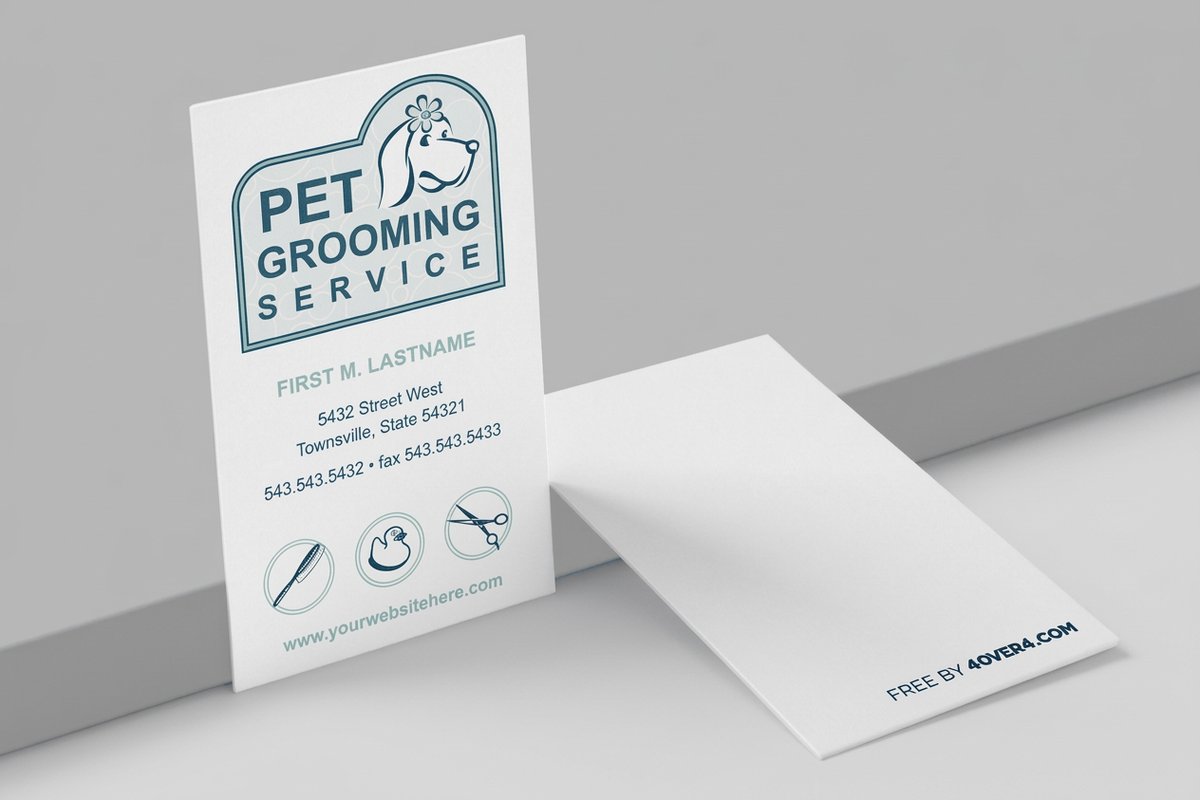 free business cards | 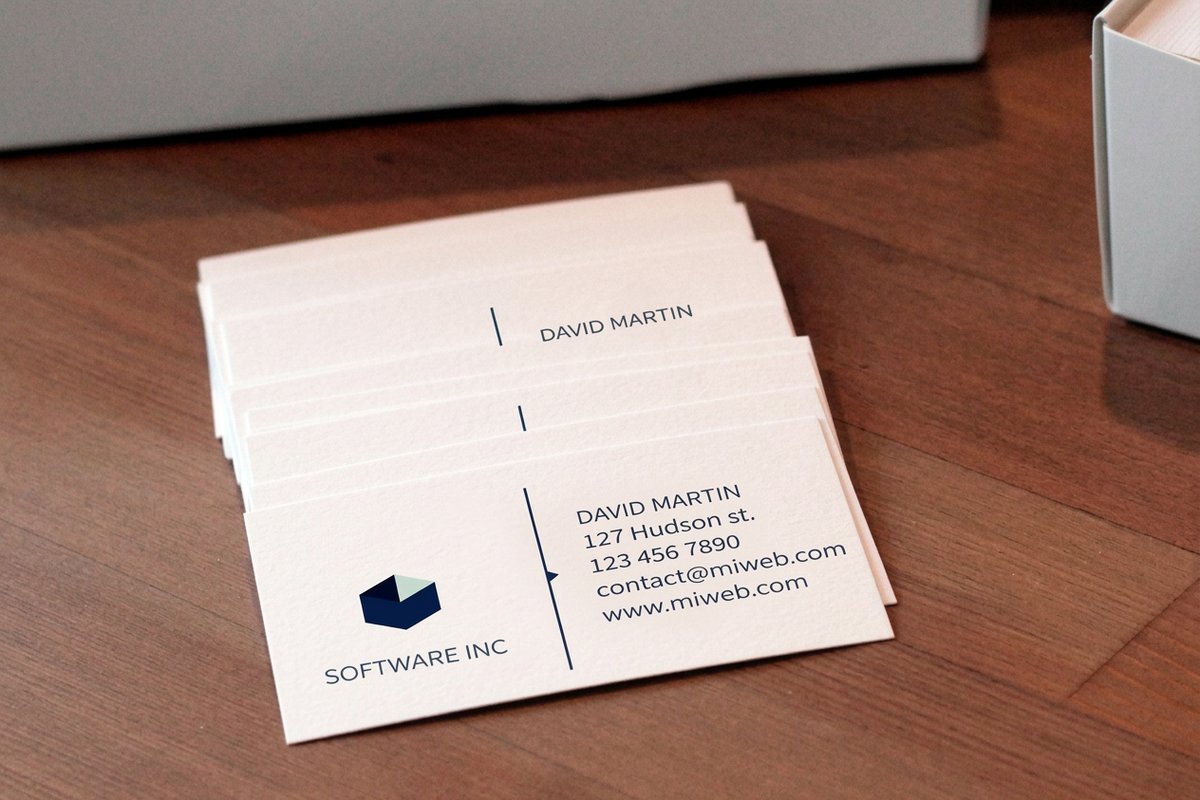 Standard Business Cards |  3D Lenticular Business Cards | 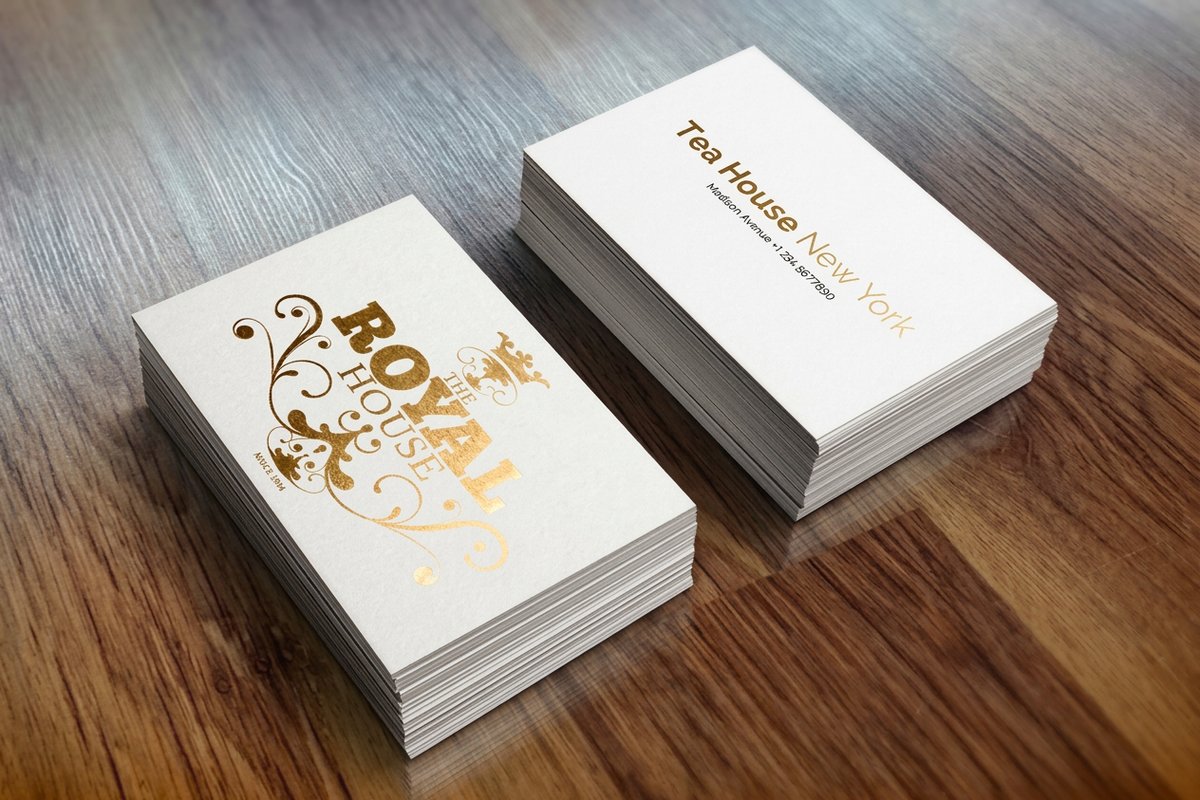 Metallic Foil Business Cards | 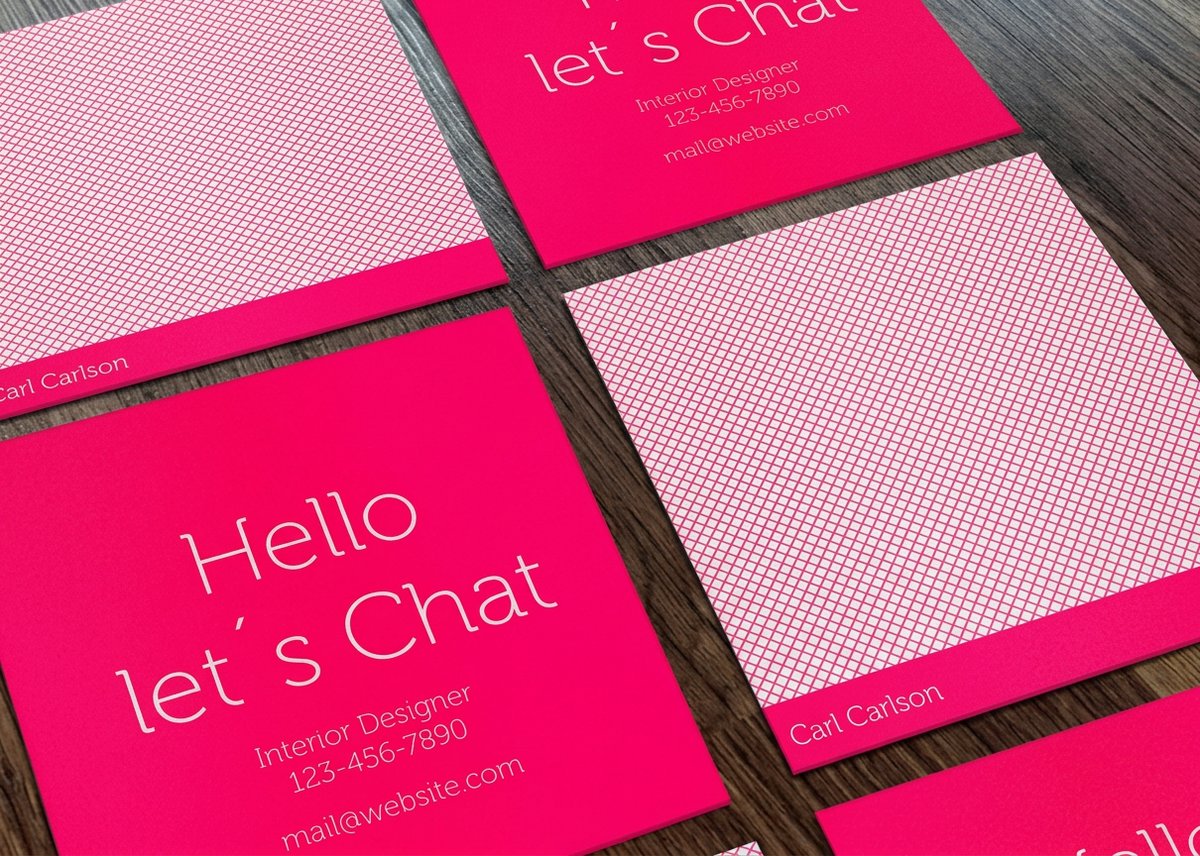 Mini Cards |  Premium Prestige Business Cards | Spot UV Business Cards | |
|---|---|---|---|---|---|---|---|
| Min price | Free | $17.57 | $690.88 | $222.13 | $17.57 | $36.62 | $76.88 |
| Paper / stock | 14pt Gloss Cover | 14pt Gloss Cover | 31pt Lenticular Lens | 16 Point Silk Laminated | 14pt Gloss Cover | 32pt UltraWhite Uncoated Cover | 14pt Gloss Cover |
| Finish | - | Standard Finish | - | - | Standard Finish | Standard Finish | - |
| Size | 2" x 3.5" | 2" x 3.5" | 2" x 3.5" - Vertical | 2" x 3.5" | 2" x 2" | 2" x 3.5" | 2" x 3.5" |
| Default qty | 200 | 100 | 500 | 500 | 100 | 50 | 500 |
| Turnaround | 5 business days | 3 business days | 22 business days | 7 business days | 3 business days | 5 business days | 5 business days |
| Rating | |||||||
| View & customize | View & customize | View & customize | View & customize | View & customize | View & customize | View & customize |
At a glance
Formats, starting prices, and best fit
A quick scan of the cards that list services well, the starting price for each, and the offer each one suits best, so you can shortlist a format before you open the configurator.
| Card | Starting price | Best for the list | Rating | Reviews |
|---|---|---|---|---|
| Foldover Business Cards | $49.43 | Room for a full service menu inside | 5.0 | 45 |
| QR Code Business Cards | $17.57 | Links to your full, updatable list | 4.5 | 4 |
| Appointment Cards | $17.57 | Service businesses that book clients | 4.9 | 81 |
| Classic Business Cards | $17.57 | A short service list on the back | 5.0 | 1 |
| Silk Laminated Business Cards | $74.53 | A durable list that survives a tool bag | 4.9 | 53 |
| Spot UV Business Cards | $76.88 | Gloss the one service you lead with | 4.9 | 109 |
| Custom Business Cards | $17.57 | A layout built around your services | 5.0 | 1 |
Who they suit
Whose card a service list fits best
Listing services is not for every card, but it is a fit anywhere the reader needs to know what you do before they know your name. It works hardest for the trades and services people hire on the spot, where a clear offer is the difference between a saved card and a tossed one.
Contractors and trades
A plumber, electrician, or handyman does a dozen jobs, and a homeowner rarely knows which one you cover. Listing services on the card turns a vague card into a clear yes or no at a glance.
Salons, spas, and stylists
Cut, color, lashes, brows, waxing. A short menu on the back tells a new client exactly what you offer and gives them a reason to book more than one thing.
Cleaning and home services
Residential, commercial, move-out, carpets. A service list on the card doubles as a checklist a customer can point to when they call for a quote.
Landscapers and lawn care
Mowing, design, cleanup, snow removal. Seasonal crews list what they cover so a neighbor who wants leaf pickup knows to keep the card instead of tossing it.
Consultants and freelancers
When you sell expertise, the card has to name your services or it says nothing. Three clear offerings beat a clever title every time.
Mobile and appointment services
Groomers, detailers, tutors, and technicians who come to the client can pair a service list with a QR code that books the next visit on the spot.
Wally turns your card into a menu
Say exactly what you do, right on the card
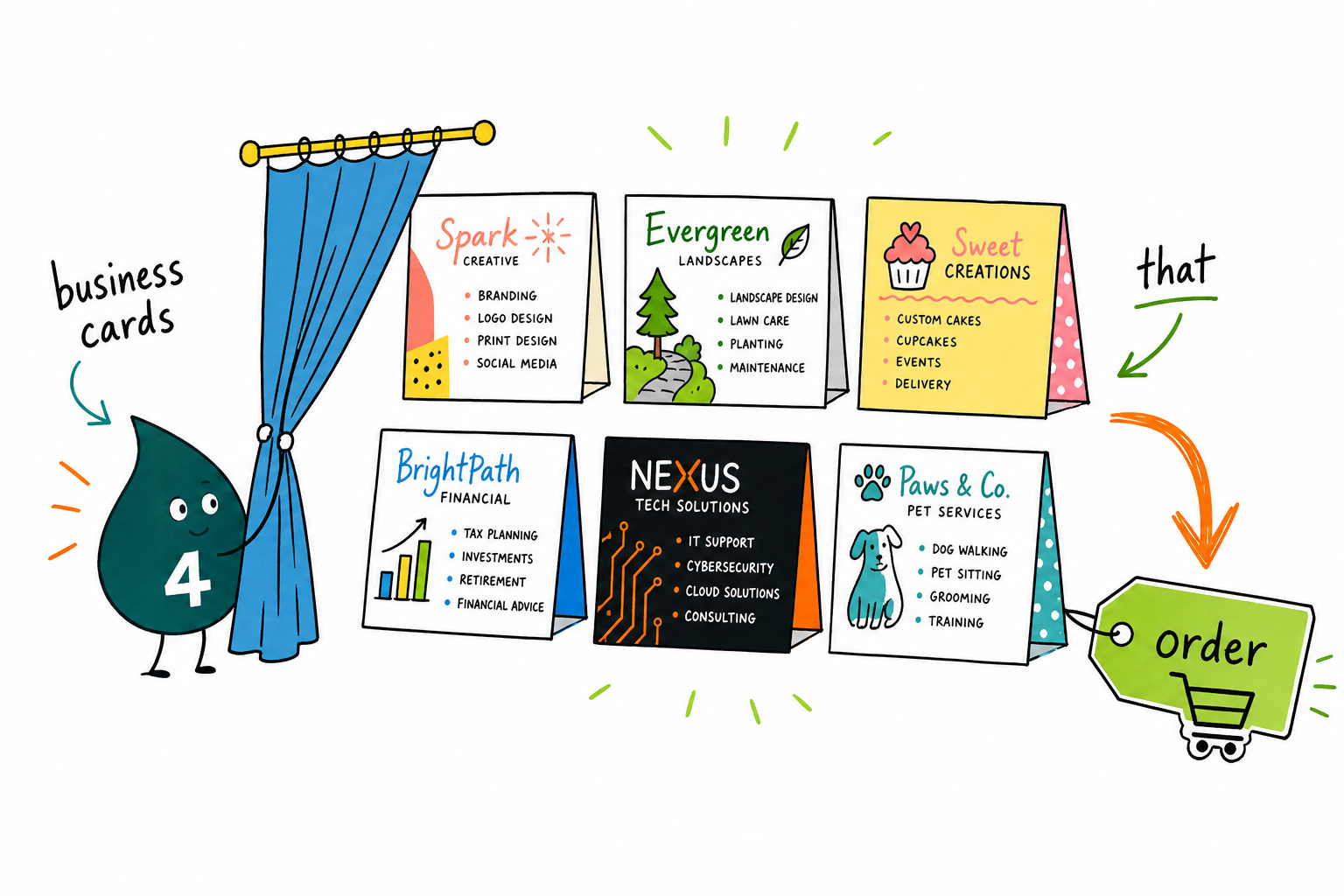
A card that lists your services answers the first question every prospect has: can you do the thing I need? Put your top services where the eye lands, keep the list short and scannable, and add a QR code if you offer more than fits. Upload your layout, pick a stock, and the free proof confirms it before it prints.
Design a services business card →I run a small landscaping crew and the foldover cards let me list every service with prices inside. Clients keep them on the fridge. Best card I have ordered.
Lay out the list
How to lay out a service list that reads clean
A service card is only as good as the way the list is set. Here is how to rank it, size it, and place it so a reader takes in your offer at a glance instead of squinting at a wall of text.
Lead with what you do, not just who you are
A name and title alone make a reader guess. Put your two or three headline services in type they can read at arm length, then let the name and contact details support them. The <a href="/guide/top-10-tips-on-what-to-include-on-a-business-card">what to include on a business card</a> guide covers the balance.
Rank the list before you set it
Order services by what you most want to sell or what clients most often ask for, and give the top one or two heavier weight or a spot UV shine. A ranked list reads as a recommendation instead of a dump of everything you can do.
Cap the list at what fits cleanly
Six services with clear space beat a dozen crammed to the edge. If the list keeps growing, move to a <a href="/product/foldover-business-cards">foldover card</a> for the extra panels or point a QR code at the full page instead of shrinking the type.
Use the back, or fold, for the list
Keep the front for your identity and put the service list on the back or an inside panel. It separates who you are from what you do, and a reader flips the card knowing exactly where to look. See <a href="/guide/proper-business-card-format-tips-on-formatting-your-cards">how to format your cards</a> for layout that reads clean.
Add a QR code when the list moves
Prices, packages, and seasonal offerings change. A QR code that points to a page you control keeps the card current without a reprint. The <a href="/guide/the-a-to-z-of-qr-codes-the-complete-guide">complete guide to QR codes</a> walks through building one that scans reliably.
The QR code card was the move. My services and rates change with the season, and now I update a page instead of reprinting. The scan works every time.
Start fast
Free business card templates
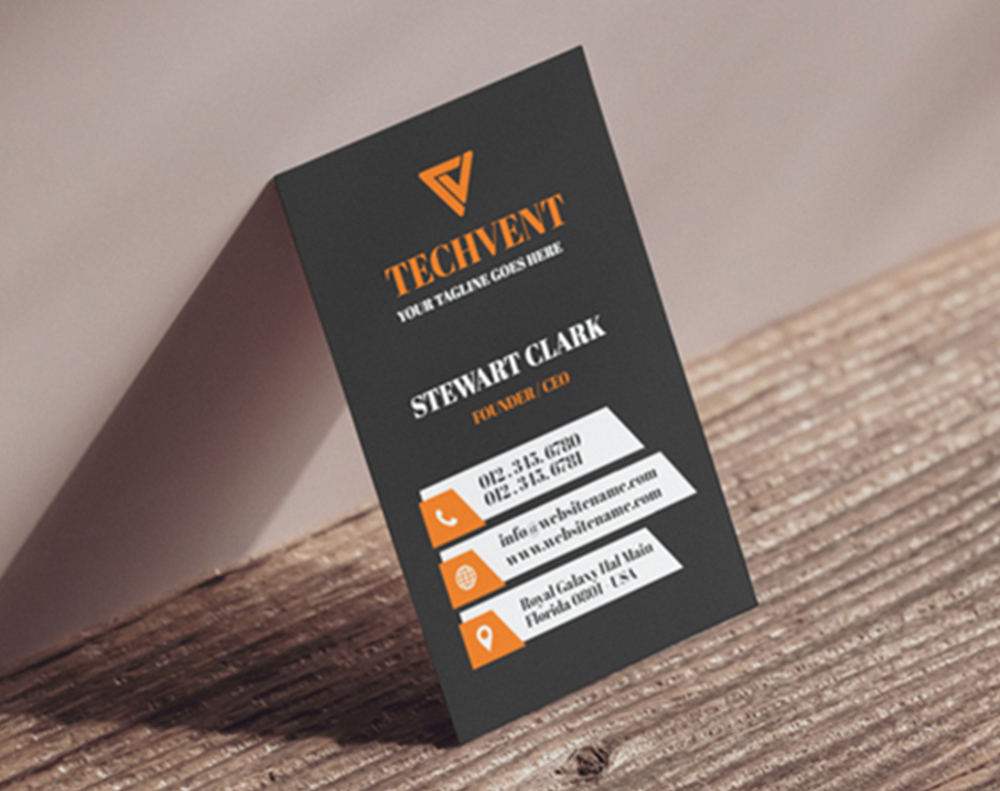
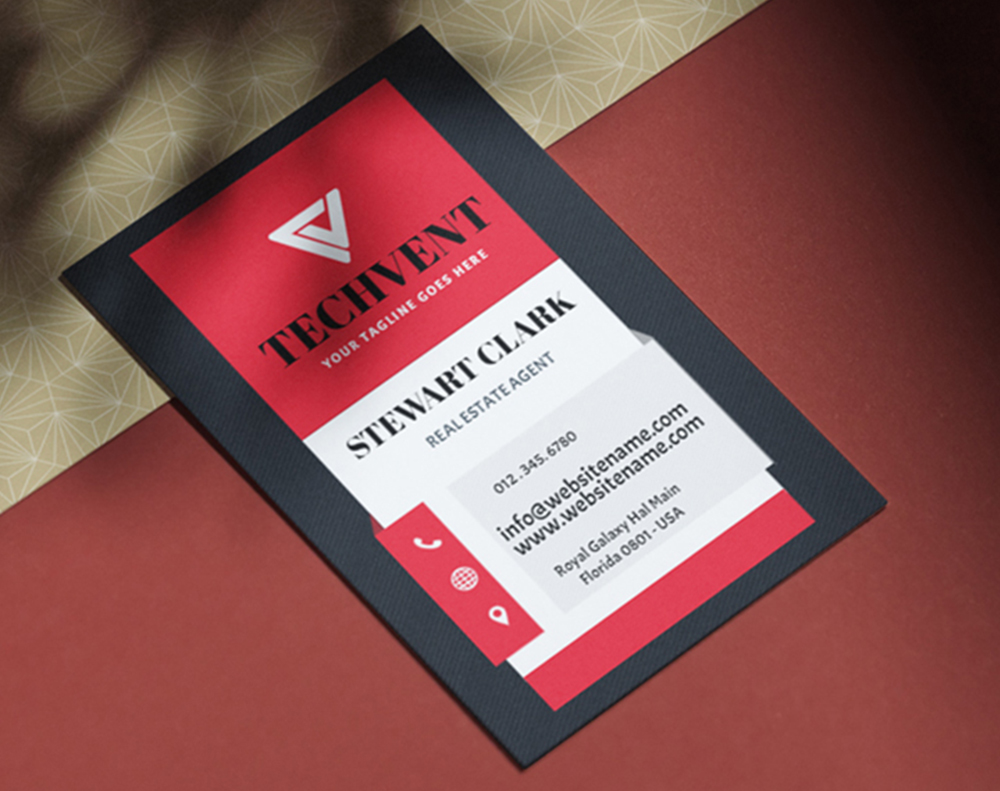
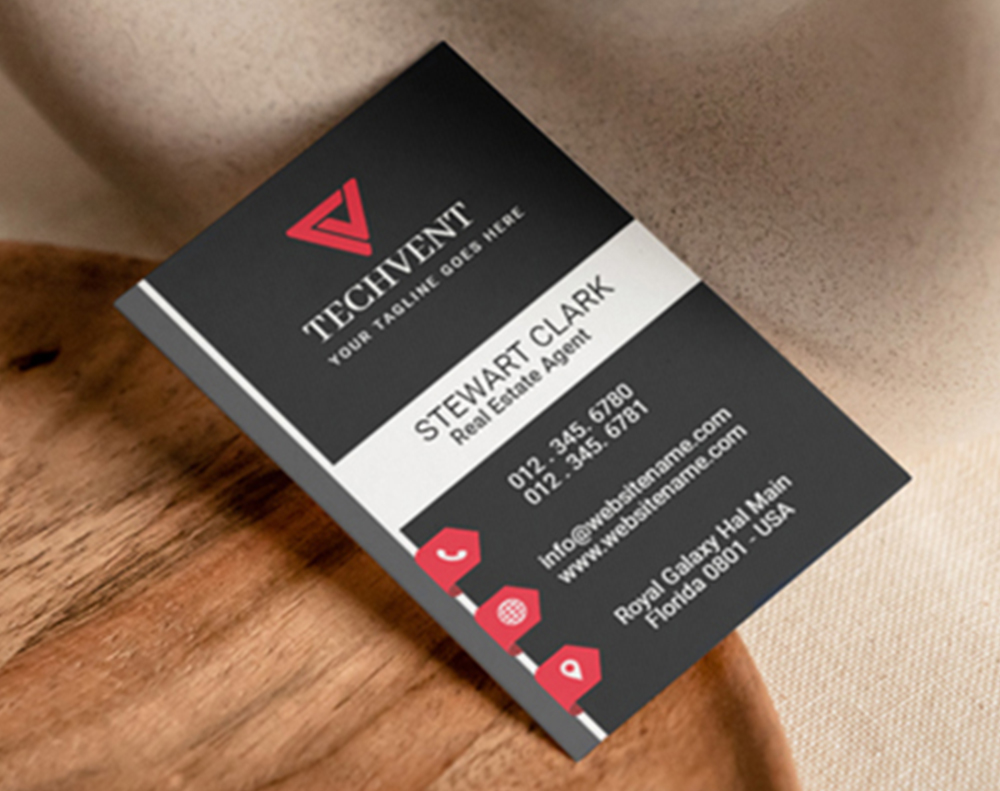
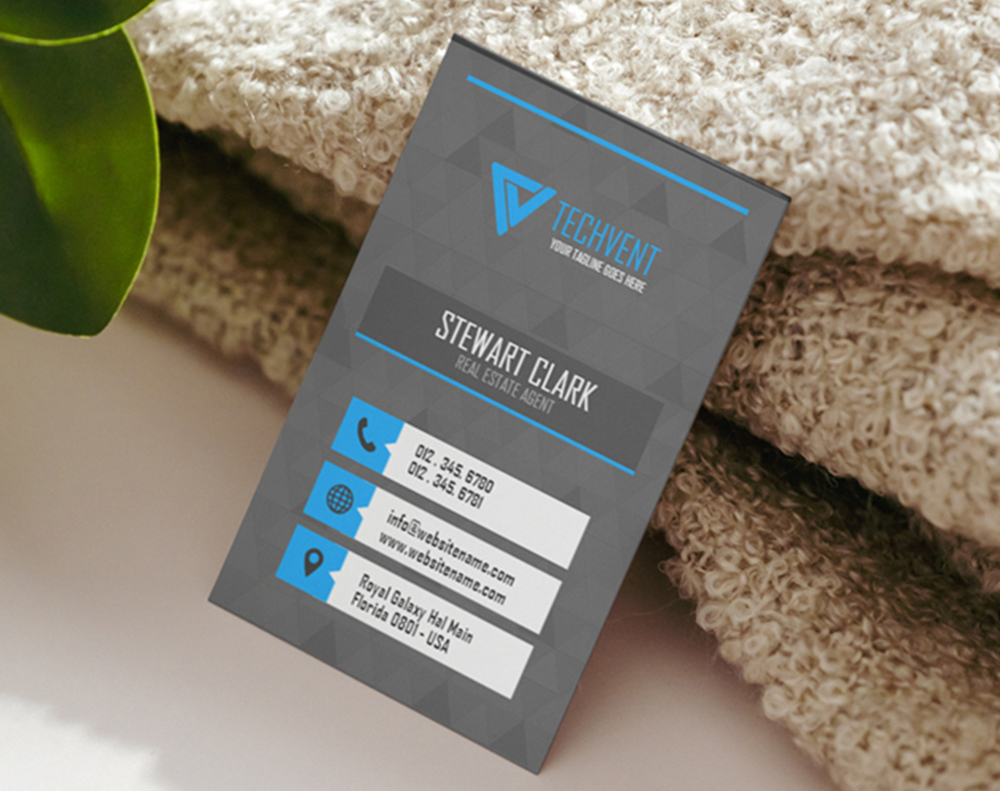
Need a head start? Open a ready-to-customize template in the designer, swap in your service list, and you will see a free proof before anything prints.
Myth vs fact
What to know before you list your services
Four myths about putting a service list on a card, set straight, so you print an offer that reads clean and pick the right format for the length of your list.
Listing services makes a card look cluttered.
It only clutters if the list is unranked and crammed. A short, ordered list with clear space reads cleaner than a card packed with taglines, and it tells the reader something a slogan cannot.
A business card cannot hold my whole service menu.
A flat card holds a short list, but a foldover card adds two panels for a full menu, and a QR code can carry an unlimited, updatable list. The format is chosen to fit the length of your offer.
If services change, a printed list is a waste.
For a stable core of services, print is perfect. For anything seasonal or priced, add a QR code that points to a page you control, so the card stays current without a reprint.
People only look at the front of the card.
A reader flips a card when the front invites it. Put a short prompt near your name and the service list on the back, and the flip becomes part of how the card sells.
By the numbers
Why service businesses print with 4OVER4
Real results
What customers say about their service cards
We put our five core cleaning services on the back and it changed how people call us. Instead of asking what we do, they call and say they want the move-out clean. 4OVER4 printed them sharp and fast.
I run a small landscaping crew and the foldover cards let me list every service with prices inside. Clients keep them on the fridge. Best card I have ordered.
The QR code card was the move. My services and rates change with the season, and now I update a page instead of reprinting. The scan works every time.
As a consultant, my old card just had a title nobody understood. Listing three clear services on the card doubled the questions I got at events. Printed beautifully at 4OVER4.
The silk lamination was worth it. My cards live in a tool belt all day and the service list still looks new after a month. Colors are crisp.
I do brows, lashes, and makeup, and putting all three on the back means clients book more than one service. The online proof caught a typo before it printed.
Upside & trade-offs
What a service list does well, and what to weigh
The honest pros and cons of putting your services on the card, so you know where the approach wins and where it needs a little editing before you commit.
Where service cards win
- A prospect learns what you do without calling, so the card qualifies leads before they reach you
- A ranked list quietly steers people toward your best or most profitable services
- A QR code or foldover panel carries a longer menu than a name-only card ever could
- The card doubles as a leave-behind quote checklist for trades and home services
What to weigh first
- A list that is too long shrinks the type and stops being readable, so it needs editing
- Services that change often can date a printed list, which is where a QR code earns its place
- A crowded layout can bury your name and logo if the list is not given a clear place
- Very visual trades sometimes read faster from an icon grid than from a text list
The service card handbook
Start with the list, then choose the format
Three decisions shape every service card: the list you actually want to sell, the format that gives it room, and the layout that lets it lead. Here is the whole picture, so the card reads clean and does the qualifying for you.

Everything starts with the list, not the card. Write down every service, then cut it to the three to six you most want to sell or that clients most often ask for, ranked in that order. That edited list decides the format: a short one fits the back of a flat card, a full menu wants a foldover, and a list that changes with the season belongs behind a QR code. If you run more than one line of work, the guide on cards with multiple businesses or logos covers how to keep them from colliding, and why business cards still matter makes the case for printing at all.
Then decide where the list lives. Keeping the front for your name and logo and the list on the back separates who you are from what you do, so a reader knows exactly where to look. A short prompt near your name invites the flip. For the mechanics of a clean layout, formatting your cards and what to include on a business card both point the same way: give the list room and let the details support it.
Stock, finish, and hierarchy
Make the list durable, and make it lead

A service card earns its keep by being carried, so the stock and finish matter. A card that lives in a tool bag or an apron wants a durable coat, which is where a silk-laminated card keeps a printed list crisp through daily handling, and the right cardstock guide helps you match weight to use. To pull the eye to your headline service, a touch of spot UV glosses one line against a matte back, and choosing a finish walks through the options.
Hierarchy is the last mile. Set your top service in heavier type, keep the rest even and quiet, and hold enough contrast that the whole list reads across a desk. Set your files up correctly with the CMYK vs RGB guide so the print matches your screen, and if your list will move, the complete guide to QR codes shows how to point a card at a page you control.
A card rarely travels alone. The same list and layout carry across your whole kit, so a services card pairs naturally with the rest of your business stationery, and the directions in the styles and finishes gallery translate to postcards and flyers. To see a service card at work, read how a salon launched with premium cards, browse business card reviews, or check the business card industry data before you plan a reprint.

Trusted by
Cards businesses rely on
Explore more
Related cards, guides, and inspiration
Category Shop business cards Every stock, format, and finish with live pricing and free proofs. 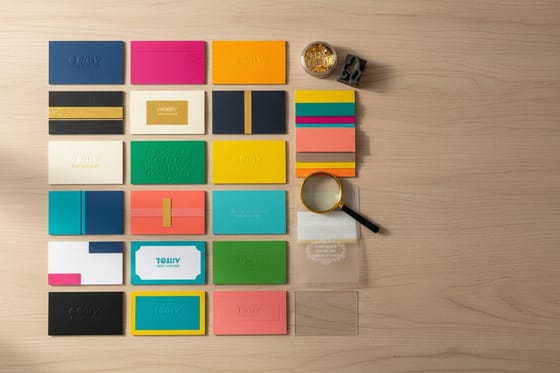 Showcase Styles and finishes gallery Real customer cards across matte, gloss, soft-touch, and spot UV.
 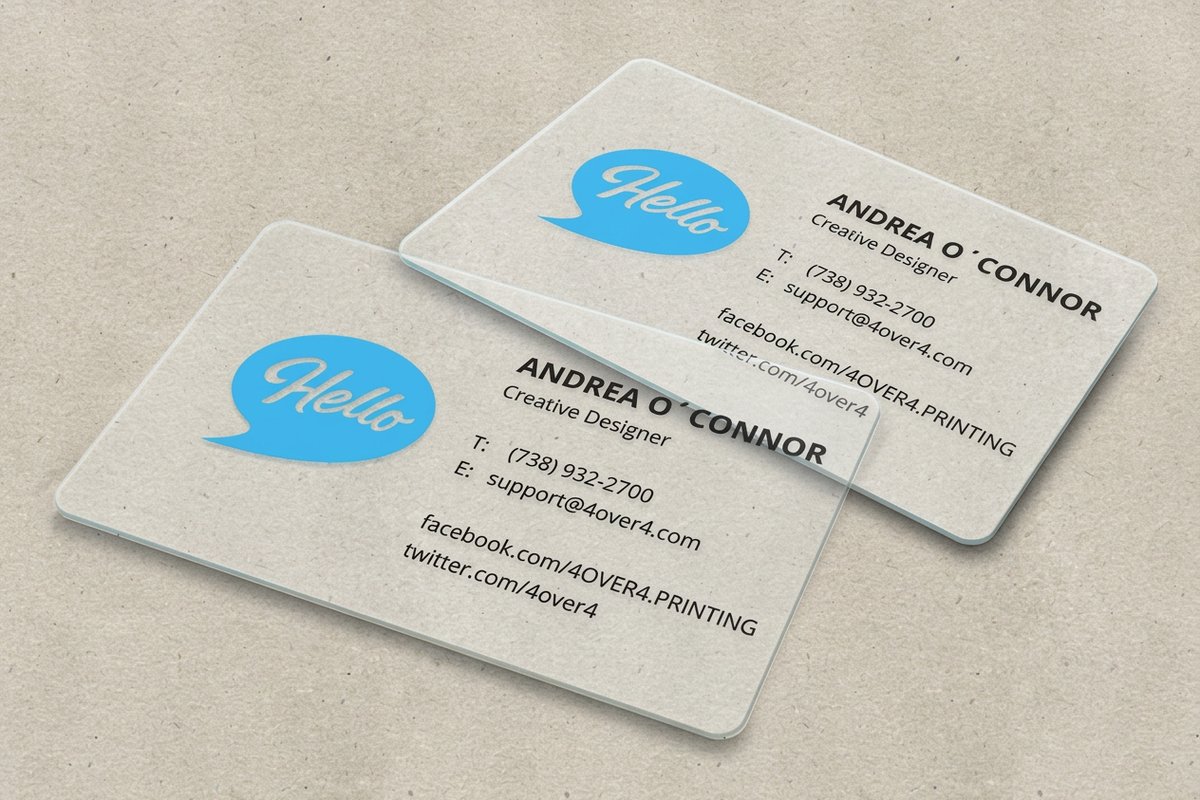 Reviews Business card reviews Ratings and feedback from 10,000+ verified buyers.
 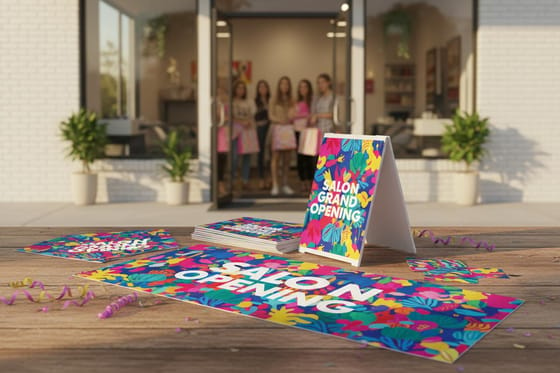 Case study A salon grand opening How a service menu on a card helped a new salon book more.
  Statistics Business card data Trends and numbers on why cards still convert in 2026.
  Guide What to include on a card The ten details that make a card work, service list included.
  Alternative 4OVER4 vs Vistaprint How the two compare on custom business card printing.
  Locations Cards near you Local custom business card printing, delivered fast. Hub Business stationery Match the services card to your whole branded set.
 Questions, answered
Common questions about listing services on a card
Placement, list length, changing services, and format, straight answers. For definitions of any print term, see the printing terms glossary, or browse the full 4OVER4 FAQ library.
Where should I put the list of services on a business card?
Most cards that list services keep the front for the name, logo, and contact details, then put the service list on the back or an inside panel of a foldover card. That separation lets the reader see who you are first, then flip the card to learn what you do. Keep the list short and ranked, with your headline services at the top. Our guide on formatting your cards covers how to lay it out cleanly.
How many services should I list on a card?
Aim for three to six on a flat card, ordered by what you most want to sell or what clients most often ask for. More than that and the type shrinks past comfortable reading. If your menu is longer, use a foldover card for the extra panels, or add a QR code that links to your full list. The point is a scannable summary, not an exhaustive catalog.
What if my services or prices change often?
Print a QR code that points to a page you control, then update the list online whenever it changes. The card stays current without a reprint, which suits seasonal trades and anyone whose packages or rates move. The complete guide to QR codes walks through building a code that scans reliably, and QR code business cards are built for exactly this.
Which card format is best for listing services?
It depends on how long and how stable your list is. A classic or custom card handles a short, fixed list on the back. A foldover card gives you a full menu across two extra panels. A QR code card carries an unlimited, updatable list. Service businesses that book, such as salons and clinics, often pair a list with appointment cards. Compare the options in the business cards catalog.
Can I design a services card without a designer?
Yes. Upload your logo and type your service list into the free 4OVER4 Online Designer, or start from a free template and swap in your services. Every route shows a free online proof so you can confirm the list, the spacing, and the type size before anything prints. For a broader look at what belongs on a card, see what to include on a business card.
Do you have templates for service business cards?
Yes. 4OVER4 offers free, ready-to-customize business card templates you can open in the designer and adapt to your services. Browse them in the templates section below, or explore the business card styles and finishes gallery for more design directions. For definitions of any print term, see the printing terms glossary.
Get Started
Ready to print a card that lists your services?
Type your services into a free template or the online designer, pick the format that fits your list, and we will print it sharp on real stock with a free online proof.
Legal Disclaimer
Gold Standard guarantees apply to all standard orders placed through 4over4.com. Price match requires verifiable proof of a competitor's published price for an equivalent product with matching specifications and turnaround time. Satisfaction guarantee covers manufacturing defects and print quality issues. Contact support with order number and documentation. On-time delivery rate based on tracked orders 1999 to 2026. Individual results may vary based on shipping carrier performance.
