All Guides
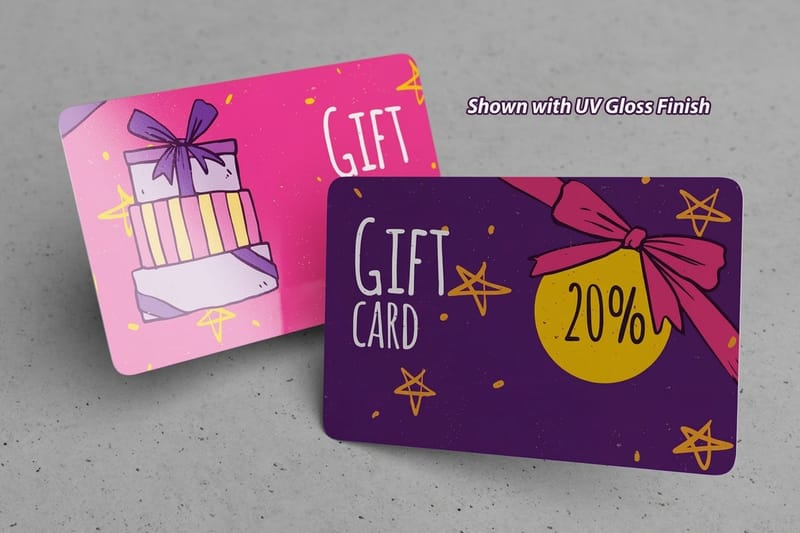
How to Make an Image Black and White in Photoshop That Prints Sharp
Convert a photo to black and white in Photoshop with the Black and White adjustment layer, set shadows near 90 percent, and export a K-only grayscale PDF for print.
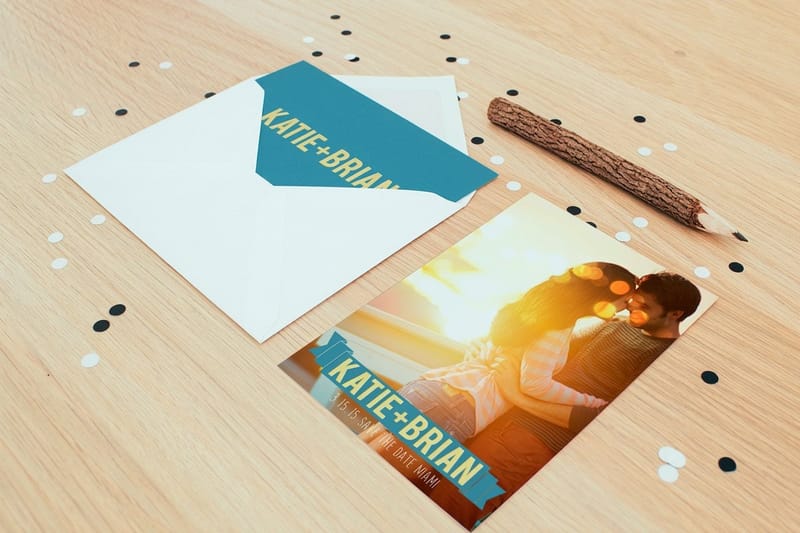
How to Save and Send Large Format Print Files Without Losing Quality
Save large format art as a PDF/X-4 at full size, match resolution to viewing distance, and send anything over 25 MB by upload or transfer link, not email.
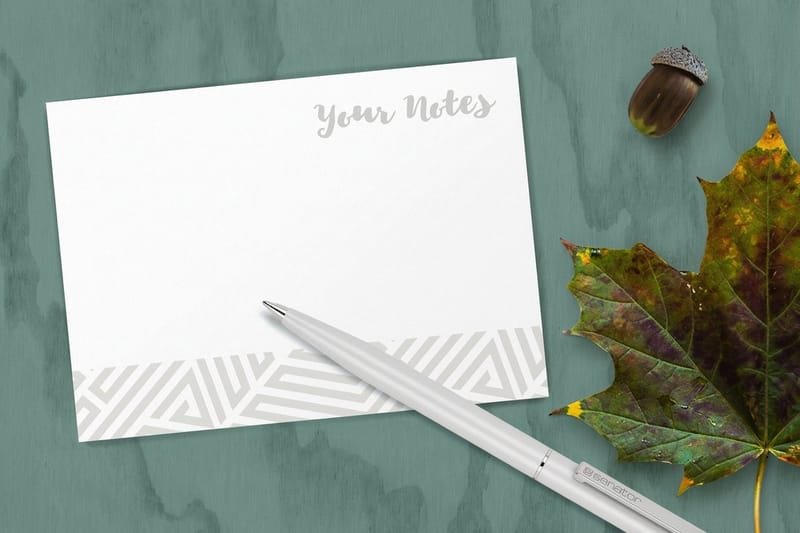
How to Use Print Layout Templates in Photoshop Without Getting Your File Rejected
Open a print template in Photoshop, set 300 ppi and CMYK, design between the bleed and safe lines, then hide the guide layer and export a flat print-ready file.
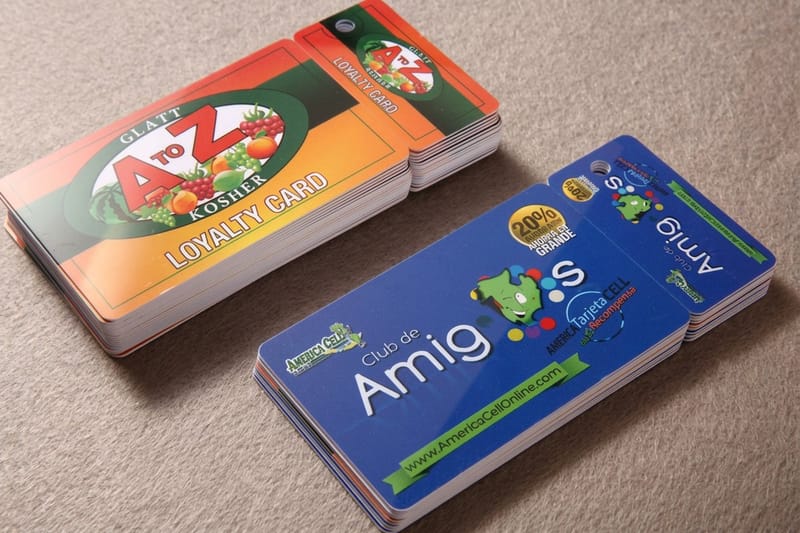
How to Work With Transparency in Illustrator for Printing
Flatten transparency in Illustrator only when the spec needs PDF/X-1a. The flattener settings, the 72 ppi raster effects trap, and a safer way to export.
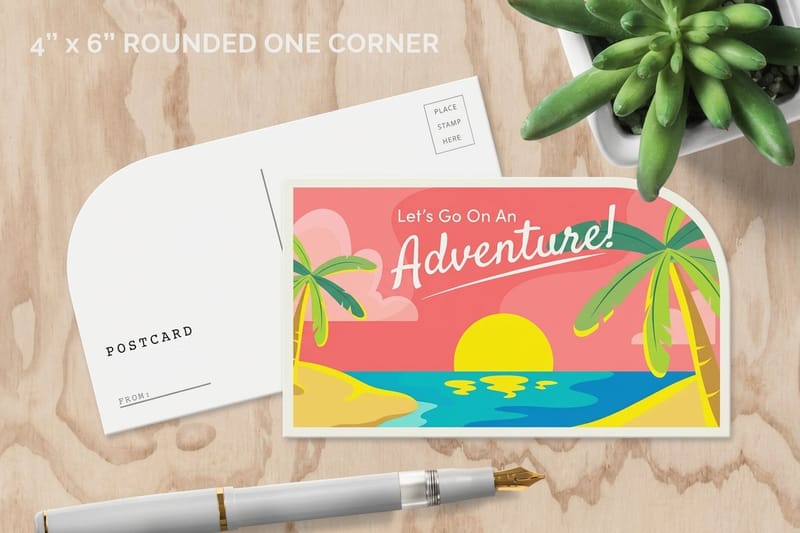
How to Set Up a Postcard Outline With Bleed, Safe Area and the Address Panel
Set up a postcard outline that survives the cut: 0.125 inch bleed, the safe area, trim sizes by postage tier, and the address panel USPS needs kept clear.

Why Your Colors Look Dull in Print, RGB vs CMYK Explained
Your screen mixes light and the press mixes ink, so neon green and electric blue lose punch. See exactly which colors shift, and how to keep the rest.

RGB vs CMYK Color Modes Made Simple for Print-Ready Files
Learn which color mode is used for printing, why CMYK beats RGB on press, and how to convert your files so printed colors match what you saw on screen.

What Is Full Bleed Printing and How Much Bleed Your File Needs
Full bleed printing explained in plain terms, with the exact bleed and safety margins to set in InDesign, Illustrator, or Canva so nothing gets trimmed off.

What Type of Paper Are Brochures Printed On?
What type of paper are brochures printed on? Compare gloss, matte, and uncoated stocks by weight and finish. See 60+ papers today.
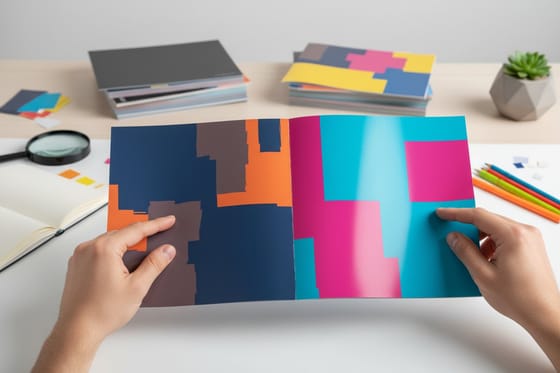
Matte Vs Glossy Brochure: Which is Better for Print
Gloss brochures make photos pop and resist moisture, matte reads cleaner and hides fingerprints. Pick by content, then add 80lb text or 100lb cover.
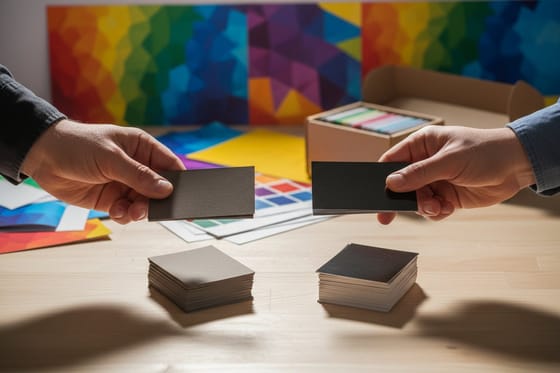
Matte vs Glossy Business Cards: Which Is Better?
Matte vs glossy business cards, learn how each finish affects readability, texture, and brand perception.
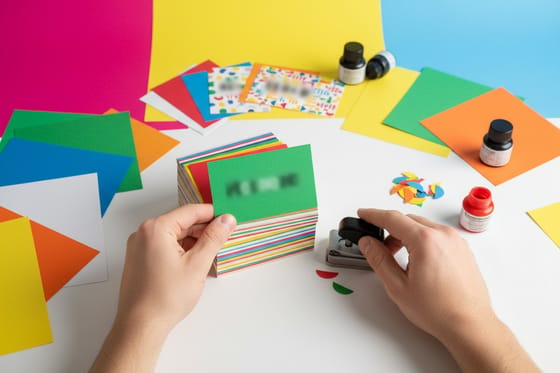
Why Is Cardstocks the Best Paper for Business Cards?
Choosing the right cardstock for business cards? Compare weight, thickness, and texture across 60+ paper types to find your perfect match.