
How to Save and Send Large Format Print Files Without Losing Quality


Tobias is our voice for cutting, binding and large format, built from the knowledge of our production team, with over 20 years in printing.
Big art breaks the ordinary rules. Here is the export that holds up, the resolution the piece actually needs, and how to move a file that will never fit in an email.
Save large format artwork as a PDF/X-4 built at the finished size in CMYK, with fonts embedded or outlined and placed photos at 100 to 150 ppi measured at that finished size. Send it by uploading with the order or by transfer link, because most mail servers refuse attachments over 20 to 25 MB and zipping a PDF barely shrinks it. When the piece is larger than your application allows, build it at 1:10, multiply the resolution by ten, and write the scale into the filename.
Quick answer
One export, one resolution decision, one way to send it
A PDF/X-4 at the finished size covers the export. It keeps type vector, keeps transparency live and carries the color profile, which is what a wide format RIP wants. Resolution comes from viewing distance rather than habit: 150 ppi for anything read at arm's length, 100 ppi for a storefront banner, less again for work read from a road. Then move the file by upload or transfer link instead of email, and if the piece is bigger than your application will draw, work at a tenth and say so on the file.
Pick the Format First, Because It Decides Everything After
The format you export decides whether your type prints as a clean vector edge or as a stack of pixels. Everything else on this page follows from that one choice.
PDF/X-4 is the answer for almost every large format job. It keeps vector artwork vector, keeps transparency live instead of pre-flattening it, and carries an ICC profile so the RIP knows what your colors meant. PDF/X-1a still exists because some workflows require it, and the price of that compatibility is a flattening pass at export: a drop shadow sitting over a gradient gets rasterized into a rectangle, and on a 10 foot banner you can see the seam from across the street.
| Format | What survives | Transparency | Send it when |
|---|---|---|---|
| PDF/X-4 | Vector type and art, embedded fonts, ICC profile, layers of live transparency. | Live, flattened by the RIP at output. | Default for banners, signs, window graphics and posters. |
| PDF/X-1a | Vector type and art, embedded fonts, CMYK and spot only. | Flattened at export, permanently. | A printer specifically asks for it, or the file is pure CMYK with no effects. |
| Packaged AI or INDD | Everything, including editability, if the package includes links and fonts. | Live and editable. | You want the printer to be able to fix a typo for you. |
| TIFF | Flattened pixels at whatever resolution you set. No live type. | Gone. | Photographic art with no lettering, going to a single substrate. |
| JPEG | Flattened pixels plus compression artifacts along every hard edge. | Gone. | Last resort. Never for anything with text on it. |
Build the artwork in CMYK before you export, not after. A file assembled in RGB and converted at the last second shifts the saturated brand colors the most, which is the one place a client will notice. Our walkthrough of converting files from RGB to CMYK covers the conversion order, and the print ready PDF export settings guide has the dialog box choices for both apps.
When the Art Is Bigger Than the Application Will Allow
Every layout application has a ceiling, and large format work runs into it regularly. The numbers are worth knowing before you start a document rather than after you have laid out half of it.
| Application | Largest document | What to do above it |
|---|---|---|
| Illustrator | 227.54 by 227.54 inches per artboard, about 19 feet. | Work at 1:10 and note the scale on the file and the order. |
| InDesign | 216 by 216 inches per page, exactly 18 feet. | Same 1:10 approach, or split a long run into panels. |
| Photoshop, PSD | 30,000 pixels per side and a 2 GB file limit. | Save as PSB, or cut the resolution to what the viewing distance needs. |
| Photoshop, PSB | 300,000 pixels per side. | Nothing you will hit on a printed job. Export a flat TIFF for the printer. |
Working at a tenth is straightforward as long as you scale two things instead of one. Draw a 48 by 12 inch document for a 40 by 10 foot banner, and multiply your resolution target by the same factor: a 100 ppi finished requirement means placed images need 1000 ppi inside the scaled file. Line weights scale too, so a quarter point rule that looks delicate on screen arrives as a 2.5 point stripe.
Put the scale in the filename, every time. A file called banner_40x10ft_at-10pct.pdf cannot be mistaken for a 48 inch banner by anyone downstream, and a file called final_v3.pdf can. Add the same note to the order. If you would rather skip the arithmetic entirely, start from a correctly sized layout in the blank template library and let the document size take care of itself.
How Much Resolution a Large Piece Actually Needs
Resolution arguments waste more time on large format jobs than any other topic, and they come from applying a business card rule to a building. The useful question is not how many dots per inch the press can lay down. It is how close a person stands. Our guide to large format printing for signs puts that distance next to each sign type.
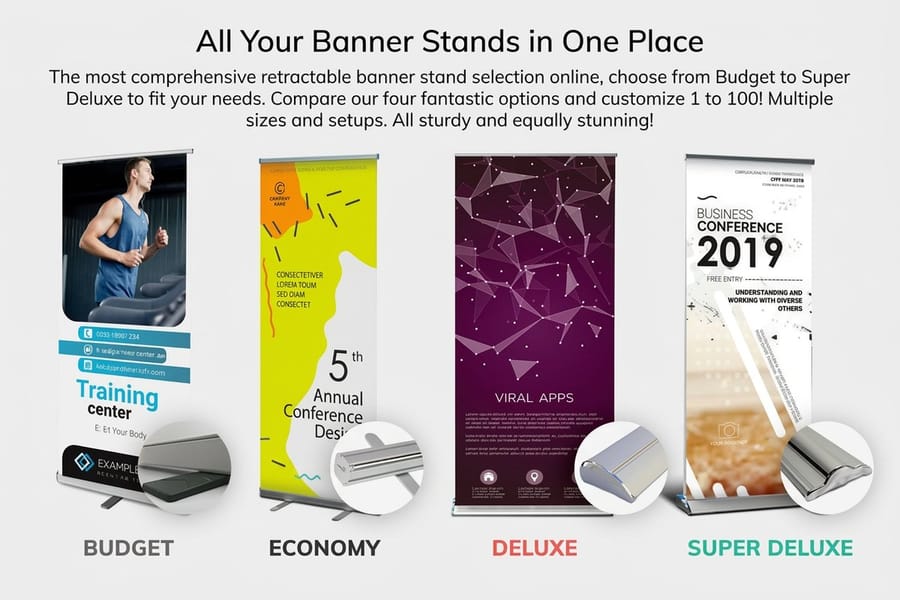
Three working numbers cover most jobs. Anything read from arm's length, like a tabletop sign or a retractable banner someone leans in to read, wants 150 ppi at the finished size. A storefront banner or a wall graphic seen from around 10 feet is clean at 100 ppi. Fence wraps, building banners and anything read from a moving car drop far lower, and the lower number is not a compromise: at that distance your eye cannot resolve the difference, and the file becomes something you can actually move.
The arithmetic explains why this matters. A 120 by 36 inch banner at 300 ppi is 36,000 by 10,800 pixels, over a gigabyte of raw RGB data before you save anything. The same banner at 100 ppi is 130 MB and looks identical to everyone who will ever see it hanging. Halving resolution quarters the file, so the saving compounds fast.
One caution that runs the other way. Enlarging a small photo in Photoshop does not recover detail, it invents pixels, and enlargement magnifies every flaw by the same factor as the picture. A logo pulled off a website at 72 ppi will not survive a banner no matter what you do to it, which is why brand marks belong in vector. Our printing resolution guide lists the numbers product by product, and large format printing explained covers what the wide format presses do with the file once it arrives.
Bleed, Hems and the Parts of Your Art That Disappear
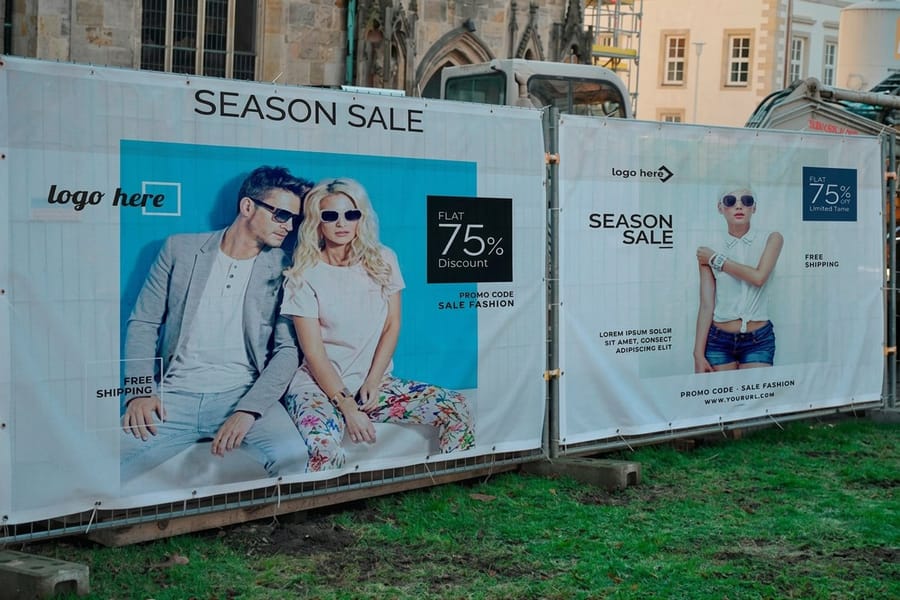
Large format finishing removes more of your artwork than trimming a business card does, and it removes it from different places depending on the product.
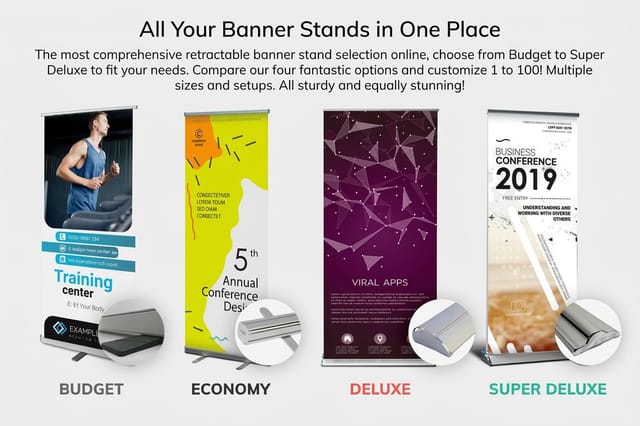
A hem folds roughly an inch of each edge to the back and welds it, which is what the grommets bite into. A pole pocket takes several inches at the top or the bottom so a rod can pass through. A retractable banner stand hides the bottom few inches inside the cassette and the top inch under the rail. None of that shows up in your design document unless you put it there, so type sitting an inch from the edge is type that ends up folded over a seam or rolled into a base.
Two habits fix it. Include bleed as the product template specifies and extend the background past it rather than stretching it at the last minute, because a stretched background changes the proportions of anything in it. Then keep live text and logos well inside the safety area, further in than you would on a flat sheet, because large format tolerances are wider than press trimming tolerances. The bleed and trim guide covers the principle, and the banner setup guide has the finishing allowances by hardware type.
Product choice changes the file too. Mesh banners start at $75.00 and print through a perforated weave, so fine detail and thin type soften more than they would on solid vinyl. Perforated window vinyl starts at $30.00 and prints on a surface that is half holes, which means high contrast art survives and delicate gradients do not. Match the artwork to the substrate before you fight the file.
Getting a Half Gigabyte File to the Printer

The file is finished and it will not go through email. This is the point where most large format jobs stall for a day, and it is entirely avoidable.
Upload the artwork with the order. That path keeps the file attached to the job number, so nobody has to match a stray link to a purchase later. Email is the wrong tool: most servers cap attachments somewhere between 20 and 25 MB, and an oversized attachment frequently fails at the recipient's server rather than yours, which means you see nothing and assume it went. If a separate transfer link is unavoidable, keep it live until the job actually prints rather than the day you sent it.
Before you reach for a transfer service, shrink the file honestly. Downsample the placed images to the resolution the viewing distance calls for and re-export, rather than exporting a 300 ppi monster and hoping compression saves you. Zipping a PDF is close to useless, because the images inside it are already compressed and the archive lands within a few percent of the original. Flattening a many-layered Photoshop file before export usually helps more than any of it.
Last, open your own export and look at it at 100 percent before you send it. Check that the fonts embedded, that no image is flagged low resolution, that the page size matches the size you ordered, and that the scale note is on the file if you built at a tenth. Outlining type is a reasonable extra step here, covered in converting text to outlines. Then order the piece: vinyl banners start at $79.00, retractable banner stands at $139.00, and step and repeat banners at $217.50 across the large format printing range.
Wally explains big files
Export it once, at the right size, and send it up the link
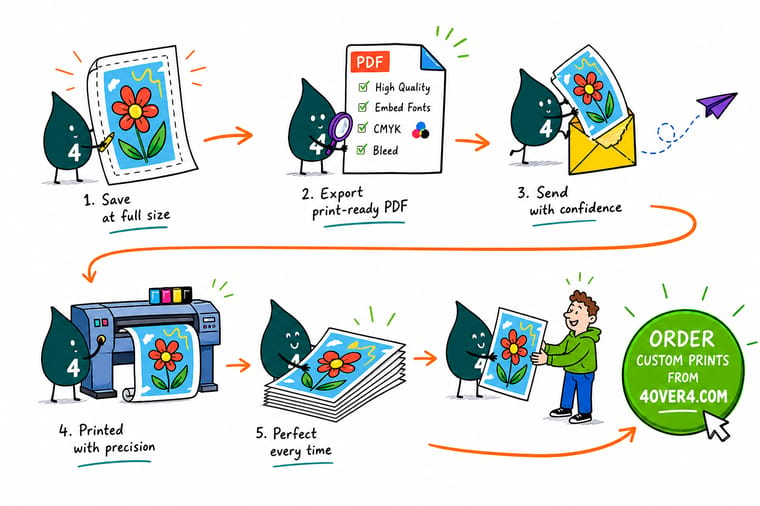
Wally builds the banner at a tenth of the finished size because the application will not draw 40 feet, then multiplies the resolution by ten so nothing is lost. He exports one PDF/X-4 in CMYK with the fonts embedded, writes the scale into the filename, and uploads it with the order rather than emailing it. The mail server would have bounced it anyway.
Order vinyl banners →
Specs and pricing
Large format sizes, options and starting prices
Check the default size before you build the document, because it is the number your bleed and your resolution both hang off. Vinyl banners open at 2 by 4 feet on 13 oz outdoor or 15 oz blockout vinyl from $79, mesh banners at 24 by 72 inches on 8 oz perforated vinyl from $75, and step and repeat banners at 8 by 8 feet on 13 oz smooth blockout vinyl or 9 oz wrinkle free fabric from $217.50. These come straight from the 4OVER4.COM configurator.


From PDF/X-4 to vinyl
Send the file, get the piece
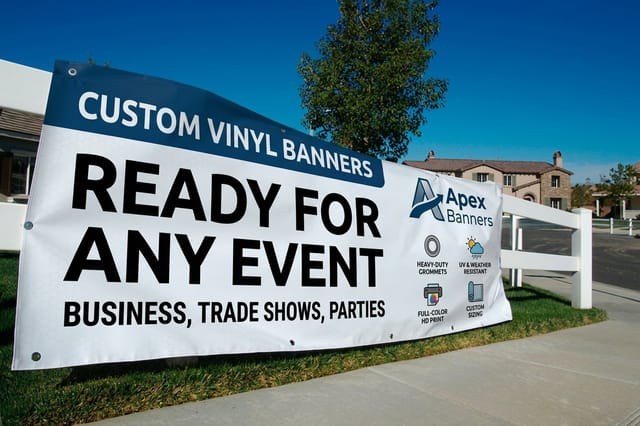
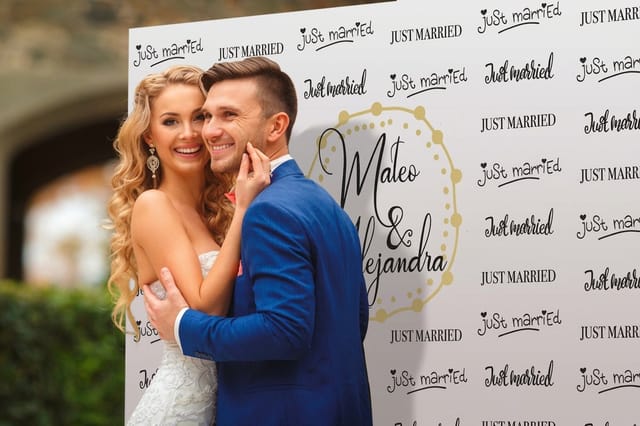
A 2 by 4 foot vinyl banner at 100 ppi is a 2,400 by 4,800 pixel file, small enough to upload in one go, and a retractable banner stand or an 8 by 8 foot step and repeat takes the same PDF/X-4 export at its own finished size.
%22%2F%3E%3Ccircle%20cx%3D%2242%22%20cy%3D%2249%22%20r%3D%2227%22%20fill%3D%22%23f59e0b%22%20opacity%3D%220.15%22%2F%3E%3Ccircle%20cx%3D%2278%22%20cy%3D%2258%22%20r%3D%2214%22%20fill%3D%22%23f59e0b%22%20opacity%3D%220.1%22%2F%3E%3Crect%20x%3D%2272%22%20y%3D%2229%22%20width%3D%2227%22%20height%3D%2234%22%20rx%3D%224%22%20fill%3D%22%23f59e0b%22%20opacity%3D%220.08%22%20transform%3D%22rotate(37%2080%2030)%22%2F%3E%3C%2Fsvg%3E)
Resolution, color and file transfer
Where to go next

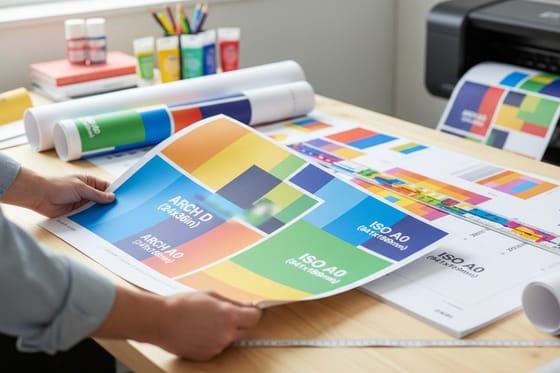
Files up to wall size, printed in Queens
Large format files accepted at any size
Common Questions
Your large format file questions, answered
What file format should I use for large format printing?
Export a PDF/X-4 at the finished trim size with bleed included. It holds vector artwork, live transparency and an embedded ICC profile, so a wide format RIP interprets it the same way your design app did. PDF/X-1a is the fallback when a printer asks for it, but it flattens transparency at export, which is where soft shadows over gradients turn into visible boxes. Send a packaged Illustrator or InDesign file only when someone has asked for an editable master, and package it so the links and fonts travel with it.
Does a banner really need 300 dpi?
No, and insisting on it is the most common way people make a file too heavy to move. Resolution is only meaningful at the finished size and at the distance the piece gets read from. A storefront banner read from 10 feet looks clean at 100 ppi. A trade show graphic people stand next to wants 150 ppi. Highway work runs far lower than either. A 120 by 36 inch banner at 300 ppi is over a gigabyte of raw pixels and gains you nothing a passerby can see.
How do I design a 40 foot banner when Illustrator stops at 227 inches?
Build it at 1:10. Draw a 48 by 12 inch document for a 40 by 10 foot banner, multiply every resolution requirement by ten so a 100 ppi target becomes 1000 ppi in the scaled file, and name the export something like banner_40x10ft_at-10pct.pdf. Say the scale in the order notes as well. Vector art scales with no loss at all, so the only thing you have to watch is the effective resolution of any placed photograph.
How do I send a print file that is too big to email?
Upload it with the order rather than attaching it to a message. Most mail servers reject attachments over 20 to 25 MB, and a bounced attachment often fails silently at the recipient end. If you must send it separately, use a transfer link and keep the link live until the job prints. Zipping rarely helps, because the images inside a PDF are already compressed and the archive comes out roughly the same size.
Should I outline my fonts or embed them?
Either works if you do it deliberately. Embedding keeps the text searchable and correctable, and a properly exported PDF/X embeds every font automatically unless the license forbids it. Outlining removes the font question entirely, which matters when the file passes through several hands. On large format the usual downside of outlining, losing hinting on small text, does not apply because nothing is small. Keep an editable master either way.
Will a JPEG work for a banner?
It will print, and it will cost you the type. A JPEG is flattened pixels, so lettering that would have printed as clean vector edges arrives with compression artifacts along every stroke, and those artifacts get magnified by the same factor as the art. If a JPEG is genuinely all you have, supply it at the finished size at the resolution your viewing distance calls for and accept softer edges. For anything with text on it, rebuild the type in vector and place the photo behind it.
Why does my file look sharp on screen and soft on the banner?
Almost always because the placed image is being enlarged past its real pixel count. Zooming to fit on a monitor hides it, since the screen is showing you a fraction of the pixels. Check the effective resolution in the links panel rather than the original image size, and remember that upsampling in Photoshop invents pixels rather than recovering detail. The other cause is a low resolution logo pulled off a website at 72 ppi, which is why brand marks belong in vector.
Get Started
File ready? Put it on something big.
Pick the size, choose the finishing, upload the PDF with the order, and we print it on vinyl, mesh, fabric or window film.
Legal Disclaimer
Gold Standard guarantees apply to all standard orders placed through 4over4.com. Price match requires verifiable proof of a competitor's published price for an equivalent product with matching specifications and turnaround time. Satisfaction guarantee covers manufacturing defects and print quality issues. Contact support with order number and documentation.
