


Whether you live in Photoshop, Illustrator, or Canva, getting a file print-ready comes down to a handful of moves the software won't make for you. These guides show the exact steps, color mode, resolution, export settings, to hand off a file that prints exactly as you designed it.
Design Software Guides
Latest Design Software Guides
How to Design a Greeting Card in InDesign From Setup to Press Ready PDF
Design a print-ready greeting card in InDesign step by step: trim size, facing pages, 0.125 in bleed, CMYK, 300 PPI links, fold marks, and PDF/X export.
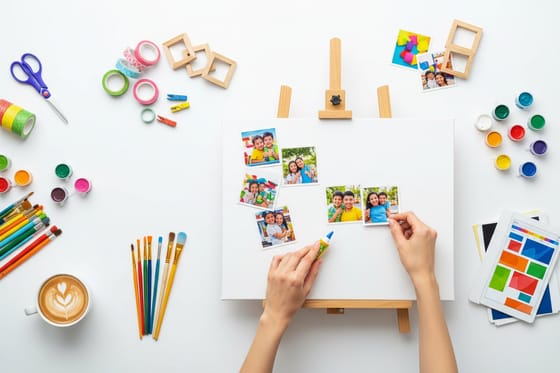
Canvas Photo Collage, 4 Tips to Make a Photo Canvas the Easy Way
Turn photos into a canvas collage the easy way. 4 tips for choosing a layout, prepping photos, and printing a photo canvas that lasts at 4OVER4.COM.
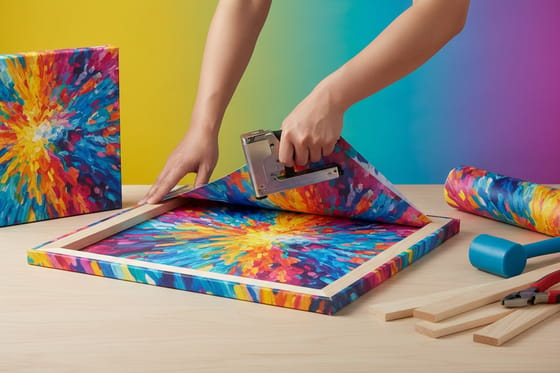
Wrapped Canvas Prints Explained from Gallery Wrap to Stretched Canvas
Wrapped canvas prints explained: gallery wrap vs museum wrap, stretched canvas, sizes, stocks, finishes, pricing and fast turnaround from 4OVER4.COM.
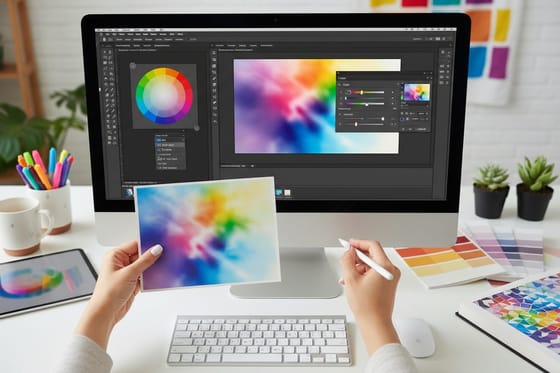
How to Convert RGB to CMYK in Photoshop and Illustrator
How to convert RGB to CMYK in Photoshop and Illustrator. Set the color mode, convert with a profile, soft-proof, and export a print-ready PDF.
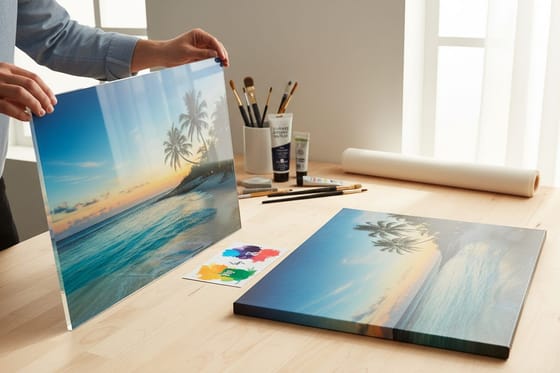
Acrylic Prints vs Canvas Prints Compared
Choose acrylic when the photo is saturated and the room is bright or humid. Choose canvas for portraits, art and warm rooms with zero glare.
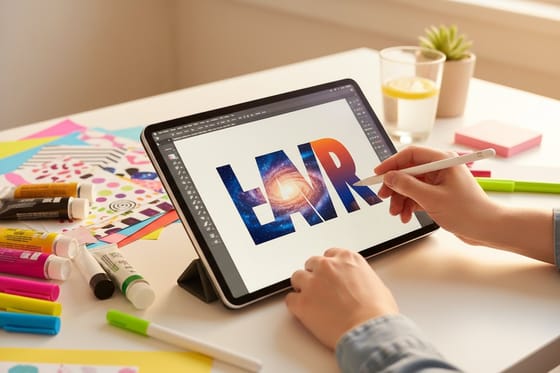
Filling Text With Images and Creating Duotones in Photoshop
Fill text with an image and create duotones in Photoshop, step by step, then print your bold headline on posters and business cards at 4OVER4.COM.
All Design Software Guides
Warping Text to Fit Into Shapes With Illustrator
Warp text to a shape and fit text inside a shape in Illustrator with clear steps, then turn your design into custom die-cut prints at 4OVER4.COM.
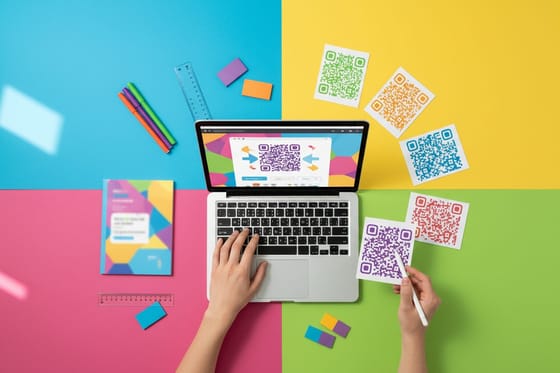
5 Simple Steps to Generate QR Codes in InDesign
Generate QR codes in InDesign in 5 simple steps. Use the built-in generator for sharp, print-ready codes, then print them on business cards at 4OVER4.COM.
How to Create Outlines in Illustrator and Send a Print-Ready File
Create outlines in Illustrator with Shift Command O, then run the preflight that catches hairlines, overprint, RGB swatches and missing bleed before you export.
Draw a Moon and Stars Vector in Illustrator That Prints Clean
Draw a crescent moon and scattered stars in Illustrator with Pathfinder, the Star tool and a scatter brush, then export a print-ready CMYK PDF for posters.
Photoshop Layers and Panel Symbols Explained for Print Design
What every symbol in the Photoshop Layers panel means, how masks and adjustment layers behave, and how to flatten a layered PSD into a print ready file.