Print File Setup Guides for Flawless Results
All Layout File Setup Guides
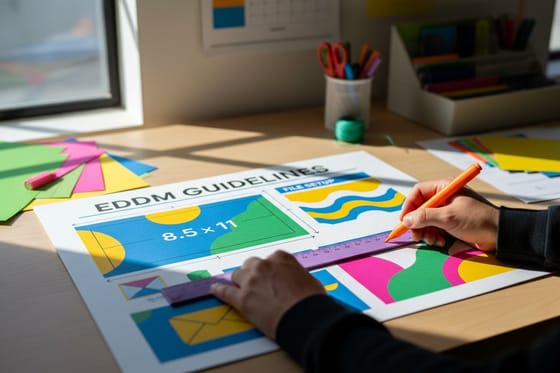
EDDM Guidelines for File Setup and Size Requirements
EDDM guidelines: flat-size minimums, the USPS size window, indicia placement, and the file setup that qualifies your postcard for Every Door Direct Mail.
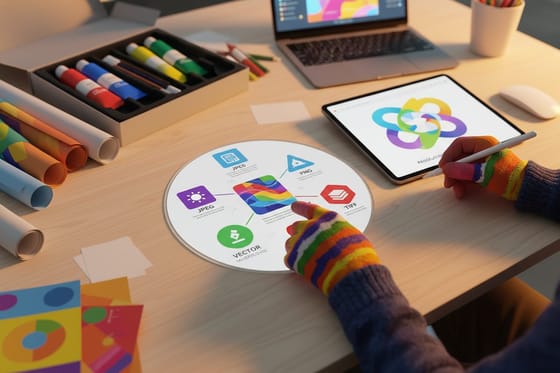
Choosing the Right File Type for Printing
The best file type for printing is a press ready PDF, so see when to use PDF, TIFF, JPEG, PNG and vector files, and the right format for banners.
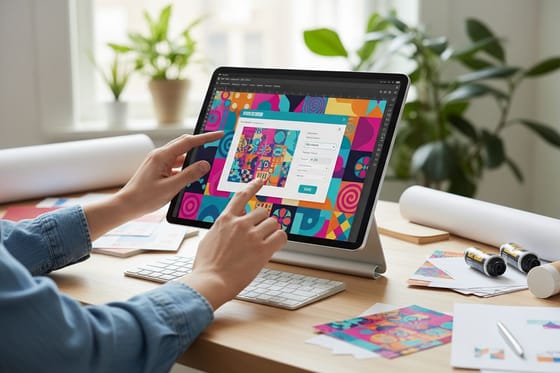
How to Save a Photoshop File as a Print-Ready PDF
Save a Photoshop file as a print-ready PDF: convert to CMYK, set 300 PPI, add bleed, and export PDF/X-1a with Press Quality so it prints sharp.
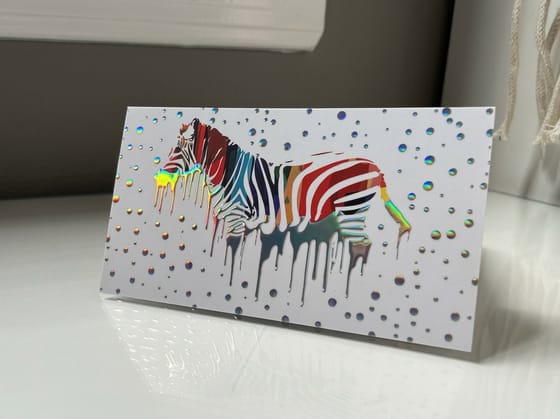
How Holographic Foil Catches Light and What Artwork It Needs
How holographic foil differs from metallic foil, the artwork a foil layer needs, and the design choices that keep the rainbow from swallowing your type.
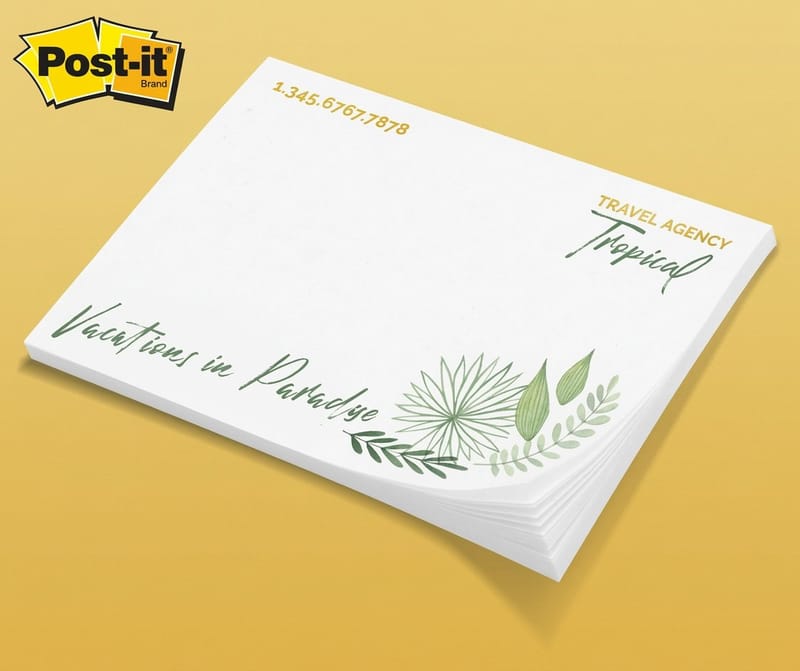
How to Add a Logo to Envelopes Without Blocking the Mail
Where a logo goes on a #10 envelope, how tall to make it, and the file setup that prints sharp, plus the zones the post office needs left clear.

Convert Text to Outlines in Illustrator, InDesign and Photoshop Before You Send Print Files
Converting text to outlines turns glyphs into paths so the press never needs a font, with steps in Illustrator, InDesign and Photoshop and when to embed.
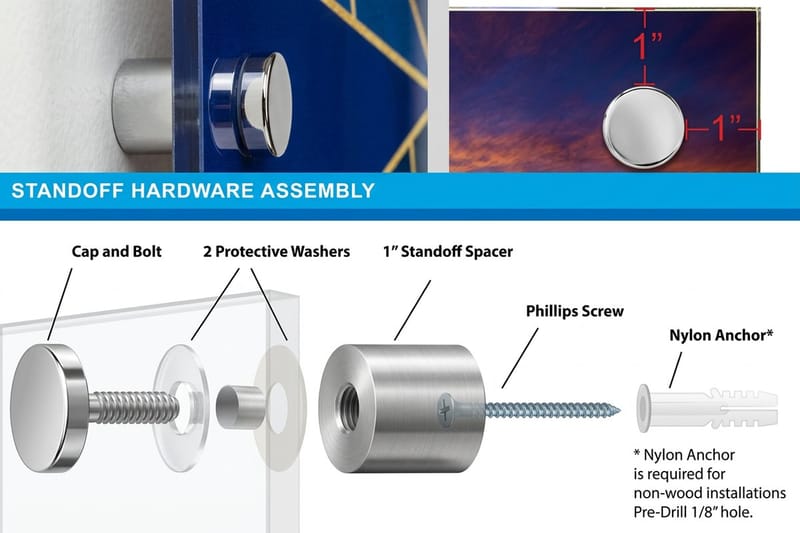
How to Embed Fonts in Illustrator for a Print Ready PDF
Embed fonts in Illustrator by exporting with a PDF/X preset and subsetting under 100 percent, then confirm each font in the Acrobat Fonts tab.
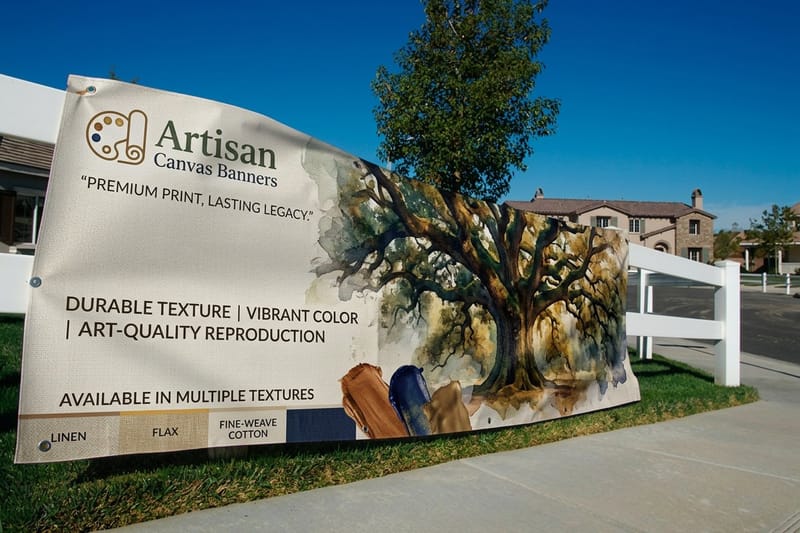
How to Export a File in a Print Ready Format From Canva
Export a print ready file from Canva: PDF Print, crop marks and bleed, CMYK color, and the low resolution warnings to fix before you upload it to print.
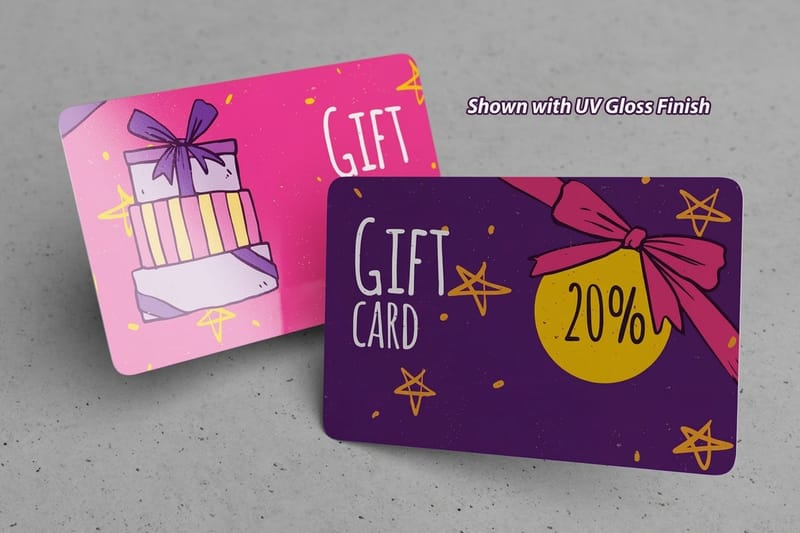
How to Make an Image Black and White in Photoshop That Prints Sharp
Convert a photo to black and white in Photoshop with a Black and White adjustment layer, set shadows near 90 percent, and export a K-only PDF.
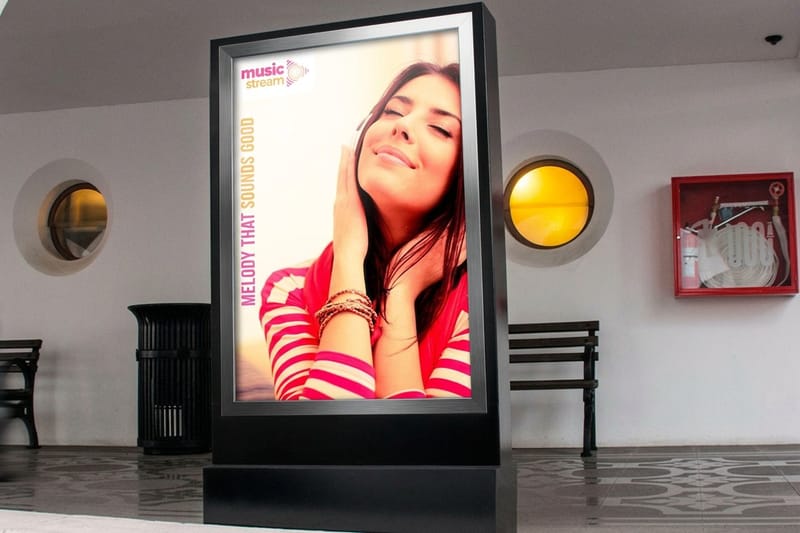
How to Save and Send Large Format Print Files Without Losing Quality
Save large format art as a PDF/X-4 at full size, match resolution to viewing distance, and send anything over 25 MB by upload or transfer link, not email.
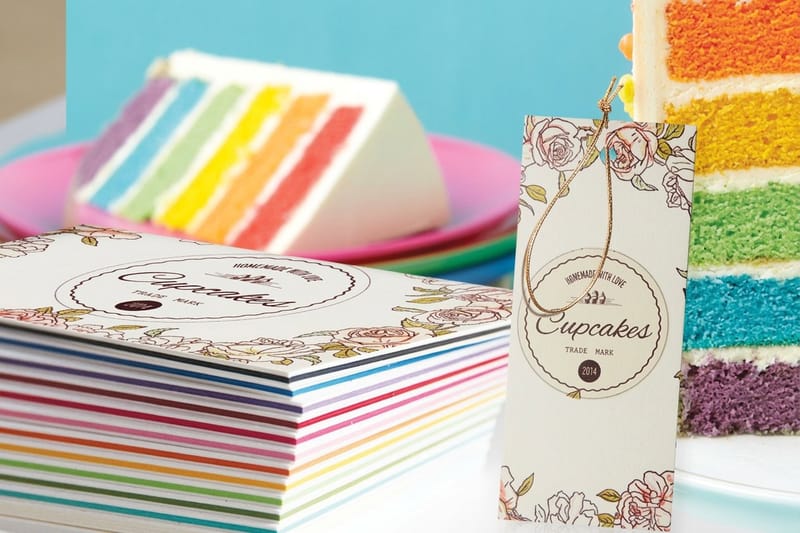
How to Use Print Layout Templates in Photoshop Without Getting Your File Rejected
Open a print template in Photoshop, set 300 ppi and CMYK, design between the bleed and safe lines, then hide the guide layer and export a print-ready file.
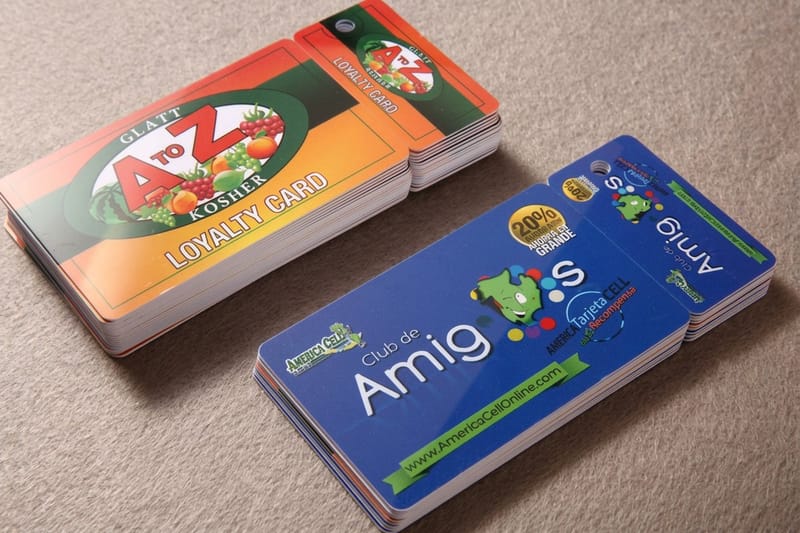
How to Work With Transparency in Illustrator for Printing
Flatten transparency in Illustrator only when the spec needs PDF/X-1a, with flattener settings, the 72 ppi raster effects trap and a safer export path.