
How to Add a Logo to Envelopes Without Blocking the Mail


Nadia is our customer education voice, built from the knowledge of our production team, with over 20 years in printing.
The logo goes in one corner, at one working size, in one file format. Here is the placement, the sizing by envelope, the return address layout, and the setup that keeps a small mark sharp.
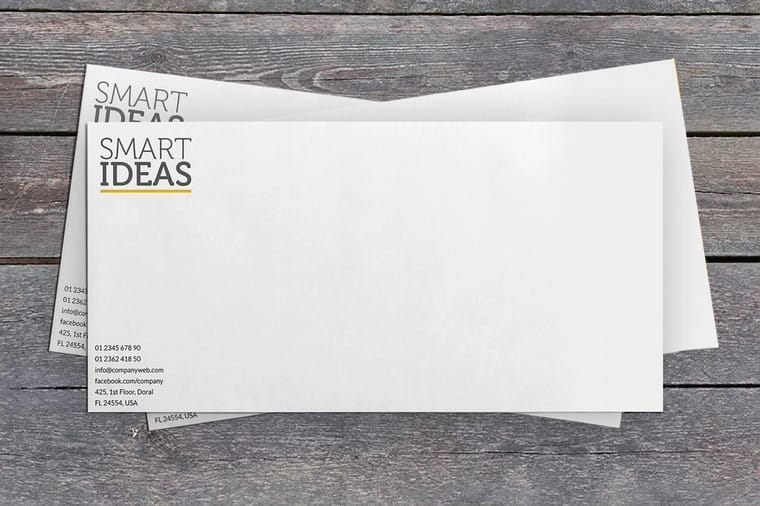
Put the logo in the return address block in the upper left corner, half an inch in from the top and left edges, sized 0.5 to 0.75 inch tall on a #10 envelope. Supply it as vector art, or as a raster image at 300 ppi at the printed size, converted to CMYK before you export. Leave the upper right 1.5 inch square for postage, and keep every piece of artwork out of the band from 0.625 inch to 2.75 inches above the bottom edge, because that is where sorting equipment reads the delivery address.
Quick answer
One corner is yours, the rest belongs to the mail
A logo on an envelope lives in the return address block, top left, about three inches wide by one inch tall. The upper right is postage clearance, the lower two thirds is the delivery address and the barcode strip, and artwork in either place slows the piece down at the sorting facility. Size the mark 0.5 to 0.75 inch tall on a #10 so the address under it stays at 8 point or larger, supply vector art or 300 ppi raster at final size, and convert the brand color to CMYK yourself so you see the shift before the run does.
Where the Logo Goes, and Why Every Other Spot Is Taken
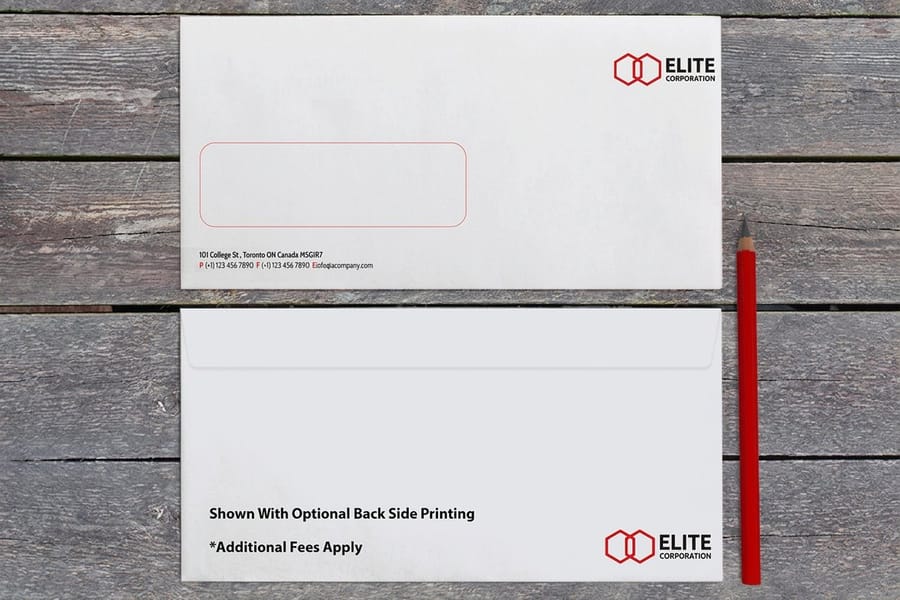
Open any envelope template and the face looks like open space. It is not. Three of the four zones on a business envelope already have owners, and the logo goes in the one that is left.
| Zone | Where it sits on a #10 | What belongs there | What ruins it |
|---|---|---|---|
| Return address | Upper left, 0.5 in from the top and left edges, about 3 x 1 in | Your logo, company name, and address | A mark so tall the address under it drops below 8 point |
| Postage | Upper right, a 1.5 x 1.5 in square | Stamp, meter mark, or printed indicia | Any artwork, including a tagline sneaking across the top |
| Delivery address | The band from 0.625 in to about 2.75 in above the bottom edge | The recipient block, and nothing else | Background color or a watermark behind the address |
| Bottom strip | The lowest 0.625 in, full width | Left clear for the barcode | A footer, a website URL, or a decorative rule |
Read the last column first. The delivery band and the bottom strip are not aesthetic preferences, they are where automated sorting equipment reads a piece of mail, and dark or busy artwork behind an address block is the reason envelopes get kicked to manual handling. So the workable answer is the boring one: put the brand in the top left corner and leave the rest alone. If you want a broader look at the whole face, our guide on how to design an envelope maps every margin.
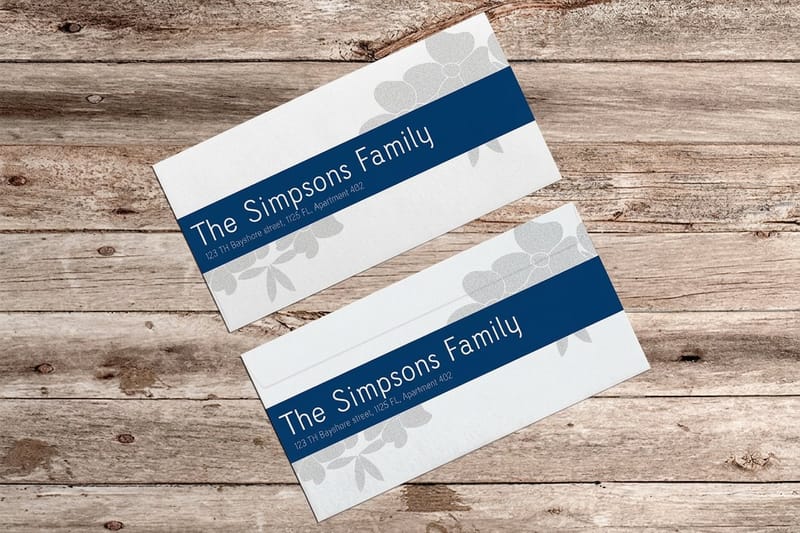
One useful exception. A thin color band or a small repeated pattern across the top third of the envelope, above the delivery zone, gives you brand presence without touching anything the post office cares about. That is the design move behind most of the branded stationery you have received, and it prints cleanly on printed envelopes at any quantity.
How Big to Make the Logo on Each Envelope Size
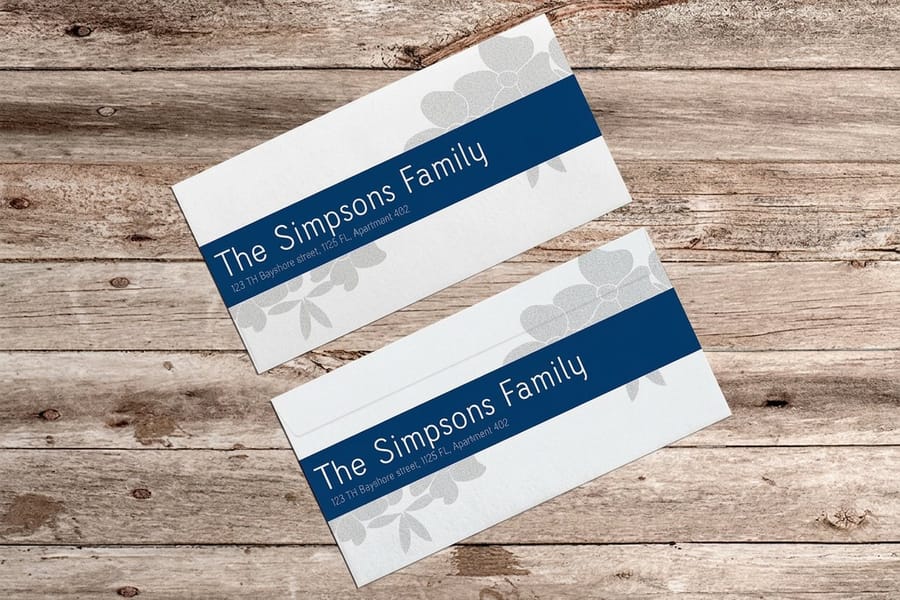
Logo size on an envelope is decided by what has to fit underneath it, not by how much you like the mark. A return address needs two or three lines at 8 to 10 point, and those lines plus the logo have to live inside about an inch of vertical space on a business envelope.
| Envelope | Face size | Working logo height | Practical lockup |
|---|---|---|---|
| #10 business | 4.125 x 9.5 in | 0.5 to 0.75 in | Mark on the left, name and address stacked to the right of it |
| A7 invitation | 5.25 x 7.25 in | 0.75 to 1 in | Centered mark above a two line address, or the flap instead |
| A2 note | 4.375 x 5.75 in | 0.4 to 0.6 in | Mark alone, address on the back flap to save the face |
| 6 x 9 booklet | 6 x 9 in | 0.75 to 1.25 in | Horizontal lockup that carries the company name inside it |
The trade-off nobody mentions: a tall stacked logo eats the return address, a wide horizontal one eats the postage clearance. If your logo is a stacked mark with the name sitting under a symbol, it is usually worth building a second, horizontal version specifically for envelopes and letterheads. That is exactly what a set of logo variations is for, and stationery is where the need for one shows up first.
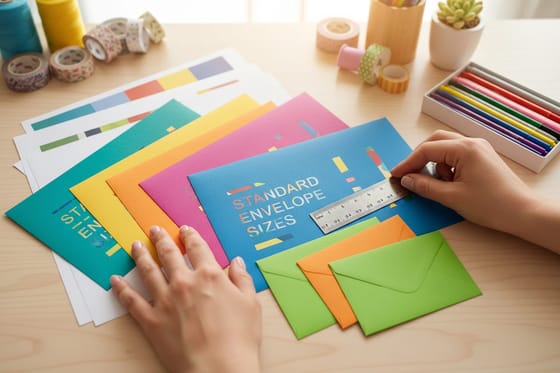
Sizes vary more than people expect once you leave the #10, so confirm your envelope against standard envelope sizes for printing before you scale anything. An A7 for a 5 by 7 invitation gives you noticeably more room, and it is the one case where a larger, more decorative mark is the right call. Invitation envelopes start at $170.42.
Laying Out the Return Address Around the Mark
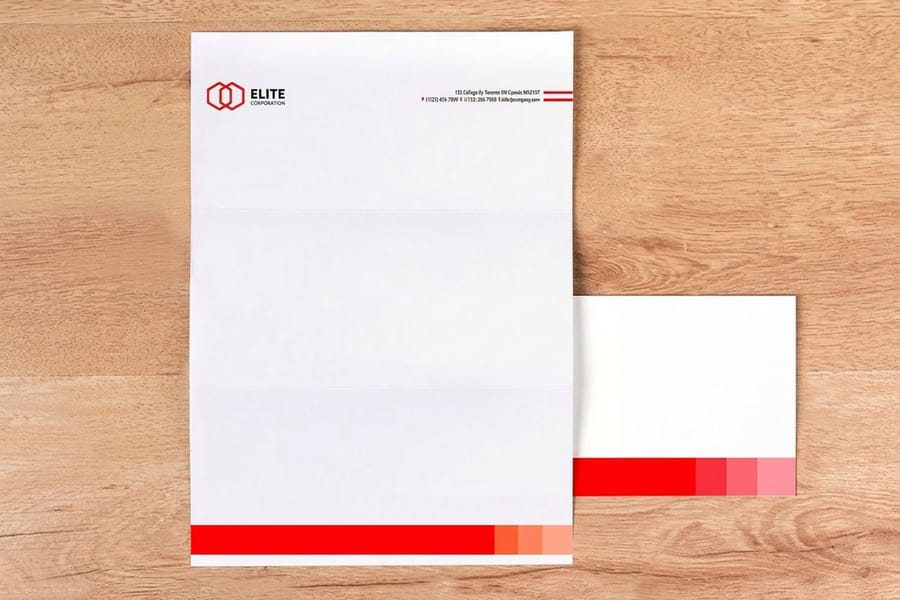
There are three arrangements that work, and one that quietly makes every envelope look homemade.
- Mark left, text right. The logo sits at the far left, the company name and address run in two or three lines beside it, aligned to the logo's cap height at the top. This is the safest layout on a #10 because it keeps the whole block under an inch tall.
- Mark above, text below. Works when the mark is small and roughly square. Give the logo about 0.1 inch of breathing room before the first line of type, and set the address flush left with the logo edge, not centered under it.
- Mark alone on the face, address on the flap. The move for invitations and note cards. The face stays almost empty, the return address prints on the back flap, and the piece reads as personal rather than transactional. Confirm the printer supports flap printing for your size before you design it.
- The one to avoid: a logo centered across the top of the envelope. It looks balanced on screen and it puts your mark straight into the postage clearance, and on a piece of mail the eye expects the sender to be in the corner.
Set the return address type at 8 point minimum, in the same typeface as the rest of your stationery, and leave it a single color. A three line address in three weights is where amateur stationery gives itself away. If the address needs to stay legible for a return, plain is better than clever, and how to address an envelope properly covers the conventions in full.
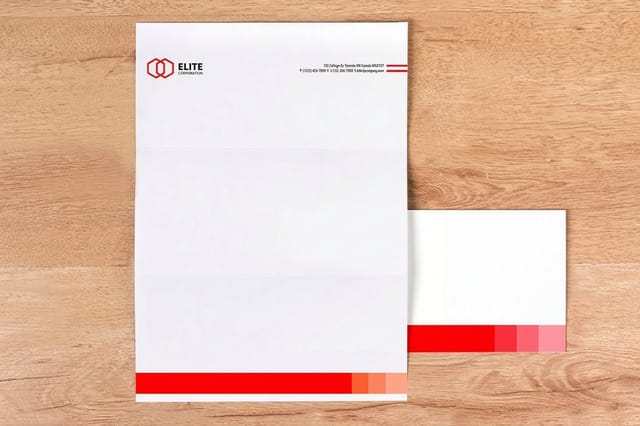
Then reuse the exact block on the letter inside. The same lockup at the top of a letterhead, starting at $99.95, and on the front of your business cards at $17.57, is what makes three separate print jobs read as one company. Our guide on designing letterhead and stationery works through the matched set.
Setting Up the File So the Mark Prints Sharp
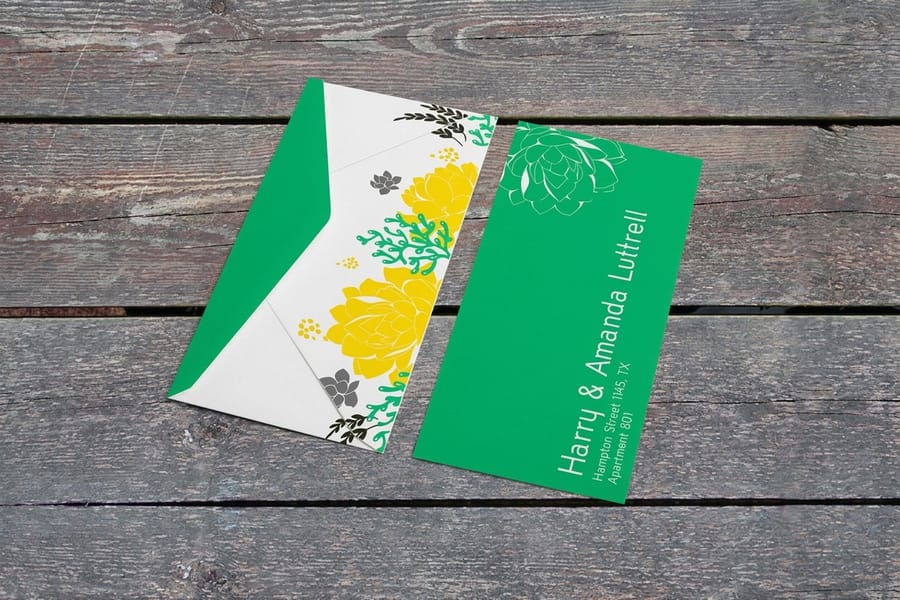
Most disappointing envelope logos are file problems, not design problems. The mark is small, and small artwork is unforgiving about resolution and color.
Supply vector if it exists. An AI, EPS, or vector PDF version of the logo scales to any size with an edge that stays crisp. Convert fonts to outlines before you export so nothing substitutes on our end. If the only file you have is a raster image, it has to be 300 ppi at the printed size, which for a 0.75 inch tall mark means roughly 225 pixels of height. The logo file sitting on your website is typically a fraction of that, and it prints with a soft, stepped edge that is obvious at arm's length.
Convert to CMYK yourself. Brand colors defined in RGB shift when they are converted, and bright blues and vivid greens shift the most. Doing the conversion in your own file means you see the shift on your screen and can correct it, instead of finding out on 500 envelopes. The steps are in converting RGB to CMYK for print.
Build on the real template. Start from a correctly sized layout in the blank template library rather than a rectangle you drew, so the flap, the seams and the safe margins are already marked. Keep a 0.125 inch safe margin inside every edge for type, and remember that an envelope has folded paper underneath the face. A solid block of color running across a side seam picks up a visible ridge, while type and a logo in the clear corner sit on flat paper.
Bleed only matters if color touches a trimmed edge. A corner logo does not, so most envelope files need no bleed at all. If you do want a color flood or an edge to edge band, order envelopes printed flat and converted afterward, and read bleed and trim explained first.
Printed, Blank, or Labeled: What to Actually Order
Three routes get a logo onto an envelope, and the right one depends almost entirely on how many you are sending.
Under about fifty pieces a year, blank envelopes at $13.17 plus a printed label is defensible. It looks like what it is, but nobody orders a print run for twenty holiday cards. Between fifty and a few hundred, printing becomes the better value and the better looking option at the same time: printed envelopes start at $142.99 with your logo and return address printed in place, and the per piece cost keeps dropping as the quantity climbs. Above that, printing is not a question.
The third route is a matched stationery set ordered in one go, which is what most businesses should do. Envelopes, letterheads, and cards printed from the same file with the same converted color values means the brand color matches across all three. Order them months apart from different sources and it usually does not. Browse the full range at envelope printing, and if you need the mechanics of placing the order, how to order custom printed envelopes walks through it.
One last decision to make before you upload: whether these envelopes will ever go back through your own laser printer. If yes, keep the coverage light and stay on uncoated stock, because toner does not fuse reliably over a coated surface and a heavy ink flood tends to curl an envelope on the way through the fuser.
Wally explains envelope logos
Top left corner, three quarters of an inch tall, vector file
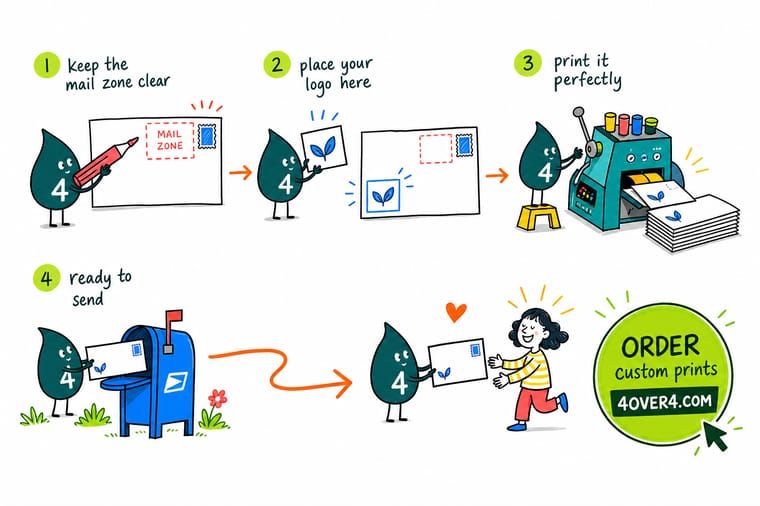
Wally draws four boxes on an envelope before he places anything. Postage sits top right, the delivery address takes the band above the bottom edge, the barcode strip runs along the bottom, and the corner that is left over is where the logo goes. He keeps the mark under three quarters of an inch so the return address underneath still sets at 8 point, supplies it as vector art, and converts the brand color to CMYK himself so he sees the shift before the press does.
Order printed envelopes →%22%2F%3E%3Ccircle%20cx%3D%2241%22%20cy%3D%2249%22%20r%3D%2226%22%20fill%3D%22%2314b8a6%22%20opacity%3D%220.15%22%2F%3E%3Ccircle%20cx%3D%2278%22%20cy%3D%2258%22%20r%3D%2214%22%20fill%3D%22%2314b8a6%22%20opacity%3D%220.1%22%2F%3E%3Crect%20x%3D%2271%22%20y%3D%2228%22%20width%3D%2226%22%20height%3D%2234%22%20rx%3D%224%22%20fill%3D%22%2314b8a6%22%20opacity%3D%220.08%22%20transform%3D%22rotate(36%2080%2030)%22%2F%3E%3C%2Fsvg%3E)
Specs and pricing
Envelope sizes, stocks, and starting prices
Compare the stationery options side by side. Printed envelopes start at 250 for $142.99 in 41 sizes from #7 to #10, window and remittance included, on white wove, Royal Laid or Royal Linen. Invitation envelopes start at 250 for $170.42 in A2 to A10 and square sizes, and both print the logo in black, one or two PMS inks, or full color on the front. The live configuration choices and starting prices come straight from the 4OVER4.COM configurator.
Print it
Order the envelope with your logo already on it
Envelopes print in 7 business days and letterheads in 5, so order both together and the letter and the envelope arrive with the same logo in the same ink. Letterheads start at 50 for $99.95 on 8.5 by 11 inch sheets of 70# uncoated text or 24# Royal Laid.
Explore more
Where to go next
Lay out the whole envelope face and its postal zones, check the dimensions of every standard size, line an address up behind a window, build the letterhead from the same logo lockup, then shop envelope printing.

By the numbers
The stationery line that prints your logo
Common Questions
Your envelope logo questions, answered
Where exactly does the logo go on an envelope?
In the return address block in the upper left corner. Set the whole lockup, logo plus your company name and address, about half an inch in from the top edge and half an inch in from the left, inside a footprint of roughly three inches wide by one inch tall on a #10. That placement is not a style choice. The upper right 1.5 inch square is reserved for the stamp or indicia, and the delivery address sits in a band that runs from five eighths of an inch above the bottom edge up to about two and three quarter inches, which is where sorting equipment looks. Put art in that band and you are fighting the machine that has to read the mail.
How big should a logo be on a #10 envelope?
Half an inch to three quarters of an inch tall for the logo mark itself, which leaves room for two or three lines of return address at 8 to 10 point underneath. If your logo is a horizontal lockup with the company name built in, you can run it up to about 2.5 inches wide and drop the separate company name line entirely. Anything taller than an inch starts to crowd the delivery zone on a 4.125 inch tall envelope, and it reads as shouting rather than as letterhead.
What file format should I supply for envelope printing?
A press-ready PDF with the logo as vector art, exported from Illustrator or InDesign with fonts converted to outlines. Vector scales to any size with a clean edge, which matters most on small marks. If the logo only exists as a raster image, it needs to be 300 ppi at the printed size, so a 0.75 inch tall mark needs about 225 pixels of height. Convert to CMYK before you export, because a conversion you do yourself is a color decision you control. Our guide on converting RGB to CMYK covers the settings.
Can I print a logo on a window envelope?
Yes, and the only new rule is to clear the window. A #10 window aperture is commonly about 1.125 by 4.5 inches, positioned near seven eighths of an inch from the left edge and half an inch up from the bottom, so the top left corner stays free for your logo. Check the exact aperture against the template for the envelope you are ordering rather than trusting a generic figure, because window positions do vary between converters. The window envelope setup guide shows how the insert address has to line up behind it.
Do I need bleed for a logo on an envelope?
Not for a corner logo, which is the whole point of putting it there. Bleed only comes into play when color touches the trimmed edge, and a return address lockup sitting half an inch in from two edges never does. If you want a color band across the top or a full flood of color, then you need bleed and you should order envelopes printed flat and converted afterward, because printing edge to edge on an already glued envelope runs into the seams. For the mechanics, read bleed and trim explained.
Will my logo survive being run through an office laser printer?
Only if you keep the coverage light and uncoated. Envelopes you order pre-printed and then feed through an office laser to add a mail merge address are common, and the two failure modes are toner sitting on top of a coated area and refusing to fuse, and heavy ink coverage making the envelope curl on the way through the fuser. A one color logo on an uncoated stock handles it fine. If you plan a full color flood, have the variable content printed at the same time instead of feeding the envelopes twice.
What does it cost to print envelopes with a logo?
Printed Envelopes start at $142.99 at 4OVER4.COM and Invitation Envelopes at $170.42, both with your artwork printed in place. Blank Envelopes start at $13.17 if you would rather hand address or label them, which is the honest option for a run of twenty. The break point is volume: once you are ordering hundreds, printing the return address and logo costs less per piece than any labeling scheme and looks considerably better. Prices move with size, stock and quantity, and the configurator on each product page shows your exact combination.
Get Started
Order 250 printed envelopes from $142.99
Pick your envelope size, upload the vector logo, and we print the return address block in place so every piece leaves looking like it came from one company.
Legal Disclaimer
Gold Standard guarantees apply to all standard orders placed through 4over4.com. Price match requires verifiable proof of a competitor's published price for an equivalent product with matching specifications and turnaround time. Satisfaction guarantee covers manufacturing defects and print quality issues. Contact support with order number and documentation.
