
Content Hub
Stories, Ideas and Advice — Page 41
 story
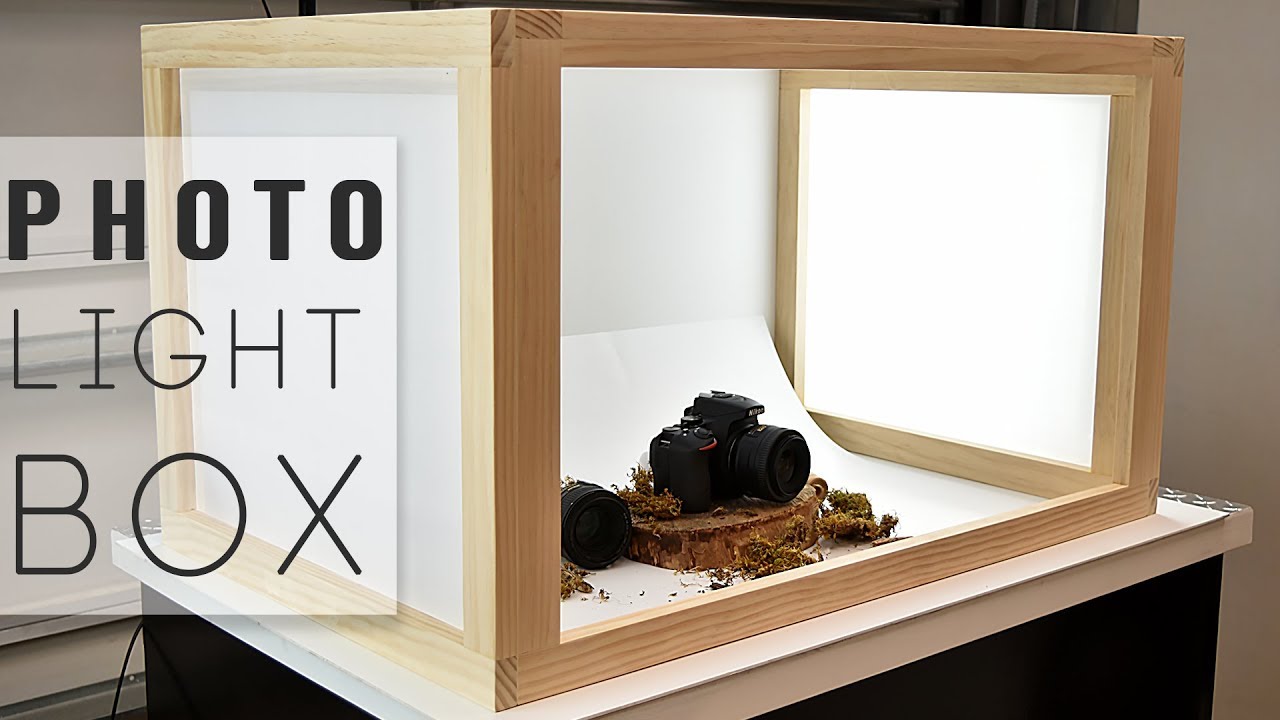
story How to Make Unique Custom Lightboxes
Source Lightbox give your products a better and more targeted outlook as you profile it. Cool Custom Lightboxes With so many styles of lightboxes out here, it should become clear why having the right one is so important for the particular message you want to convey. Think hard about what your lightbox design will communicate, what your brand is about, and how it will help you seal the deal with your clients. Don’t be afraid to get original custom lightboxes just like the ones we’ve shared here. After all, the right one might just be what sparks the interest of a new customer! We offer great discounts and hundreds of free templates that will make your brand stand out. Let your creative self shine by displaying all your amazing ideas on a blank custom lightboxes that you can customize with different designs and get a feel of what the final look will be.
 Sep 29, 2020
  story
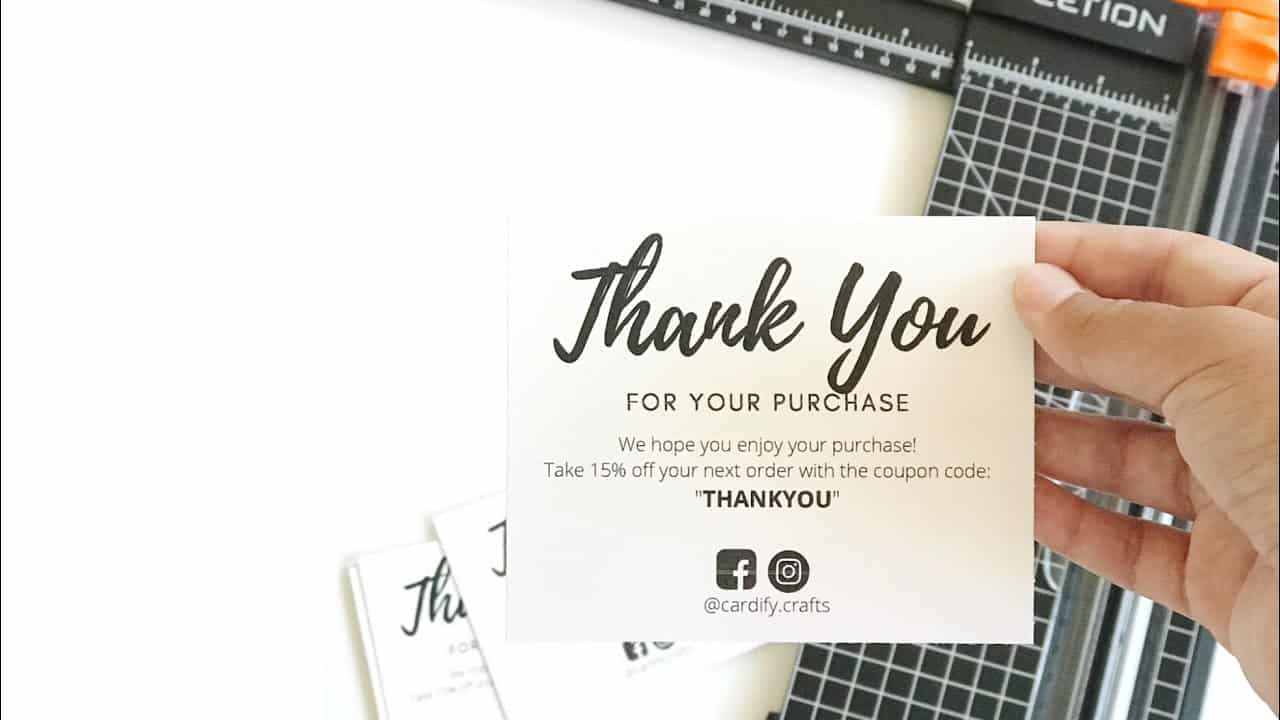
story How to Make Unique Custom Thank You Card at Home
source Make your own customized thank you cards with these easy steps. Take a leap of faith and try it. Custom thank you card templates With so many styles of thank you cards out there, it should become clear why having the right one is so important for the particular message you want to convey. Think hard about what your thank you card will communicate what your brand is about and help you seal the deal with your clients. Don’t be afraid to get an original custom thank you card just like the one we’ve shared here. After all, the right one might just be what sparks the interest of a new customer! Let your creative self shine by displaying all your amazing ideas on a blank custom thank you card that you can customize with different designs and get a feel of what the final look will be.
Oct 5, 2020 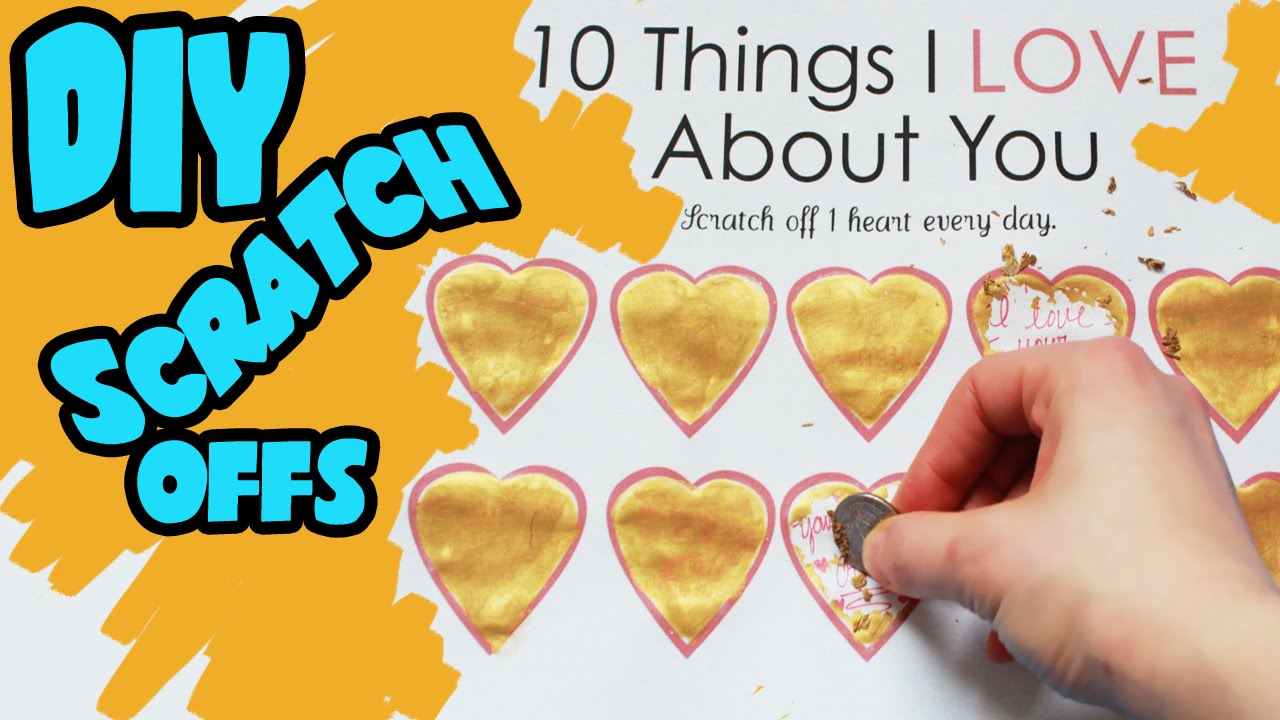 story
story How to Make Unique DIY Scratch Off Valentines Day Card
source Make Valentine's day extra special by custom-making great scratch-off cards with sweet messages for your loved ones. With so many styles of scratch-off cards out here, it should become clear why having the right one is so important for the particular message you want to convey. Think hard about what your scratch-off will communicate what your brand is about and help you seal the deal with your clients. Don’t be afraid to get an original DIY scratch off card just like the one we’ve shared here. After all, the right one might just be what sparks the interest of a new customer! DIY Scratch Off Cards To Ensure Results Let your creative self shine by displaying all your amazing ideas on a blank DIY scratch off that you can customize with different designs and get a feel of what the final look will be.
Jan 25, 2021 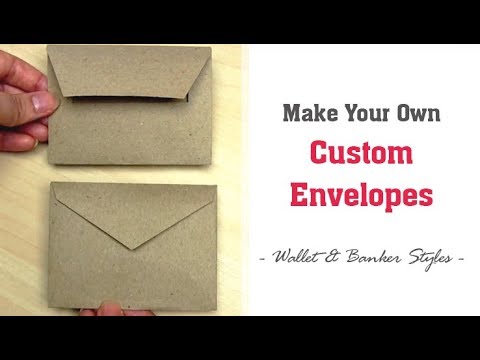 story
story How to Make Unique Envelopes | Easy Custom Envelope for Cards
source With so many styles of custom envelopes out here, it should become clear why having the right one is so important for the particular message you want to convey. Think hard about what your envelope template will communicate what your brand is about and help you seal the deal with your clients. Don’t be afraid to get an original custom envelope just like the one we’ve shared here. After all, the right one might just be what sparks the interest of a new customer! Custom Envelope to Impress Let your creative self shine by displaying all your amazing ideas on a blank envelope template that you can customize with different designs and get a feel of what the final look will be.
Jan 13, 2021 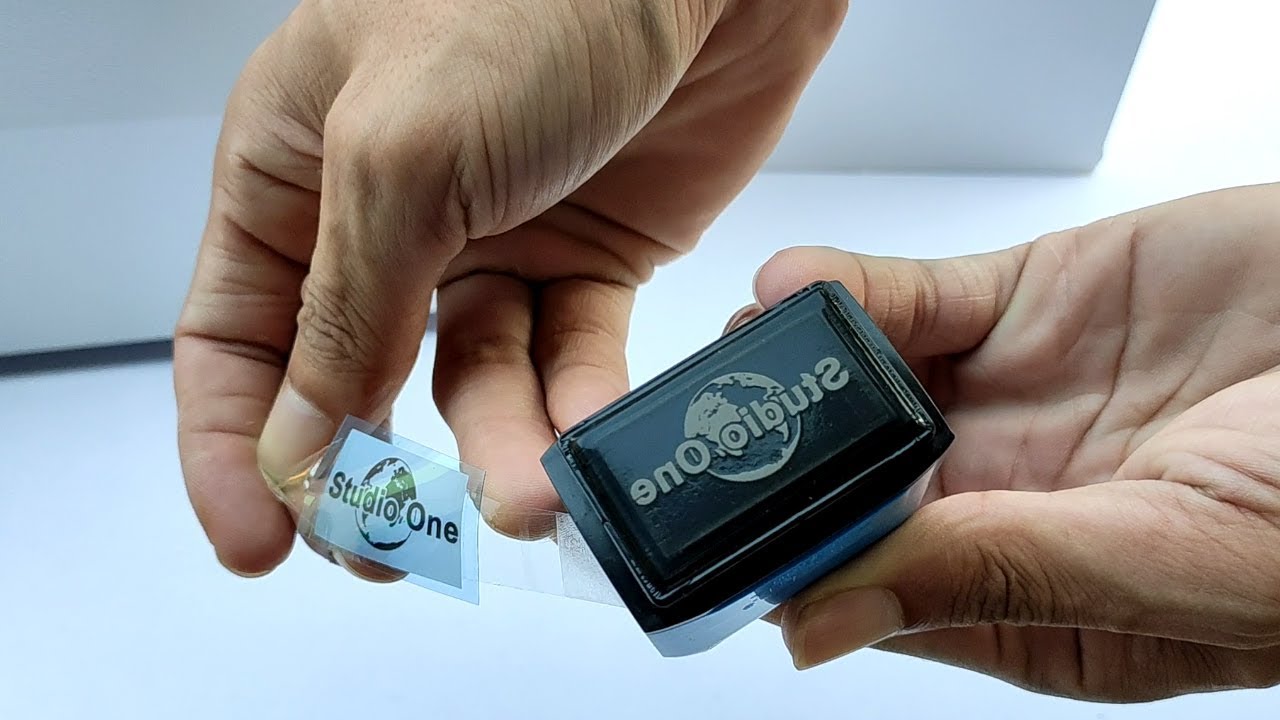 story
story How to Make Unique Pre-ink Rubber Stamp in just 5 minutes
Source Invest in creating artistic custom printed stamps that make your logo pop. With so many styles of stamps out here, it should become clear why having the right one is so important for the particular message you want to convey. Think hard about what your rubber stamp will communicate what your brand is about and help you seal the deal with your clients. Don’t be afraid to get an original rubber stamp just like the one we’ve shared here. After all, the right one might just be what sparks the interest of a new customer! Rubber Stamp Designs Let your creative self shine by displaying all your amazing ideas on a blank rubber stamp that you can customize with different designs and get a feel of what the final look will be.
Apr 27, 2021  image
image How to Plan a Successful Small Business Saturday
With consumers tightening their purse strings, small business across the nation have a much harder job acquiring sales. Although the general feel...
Nov 15, 2013 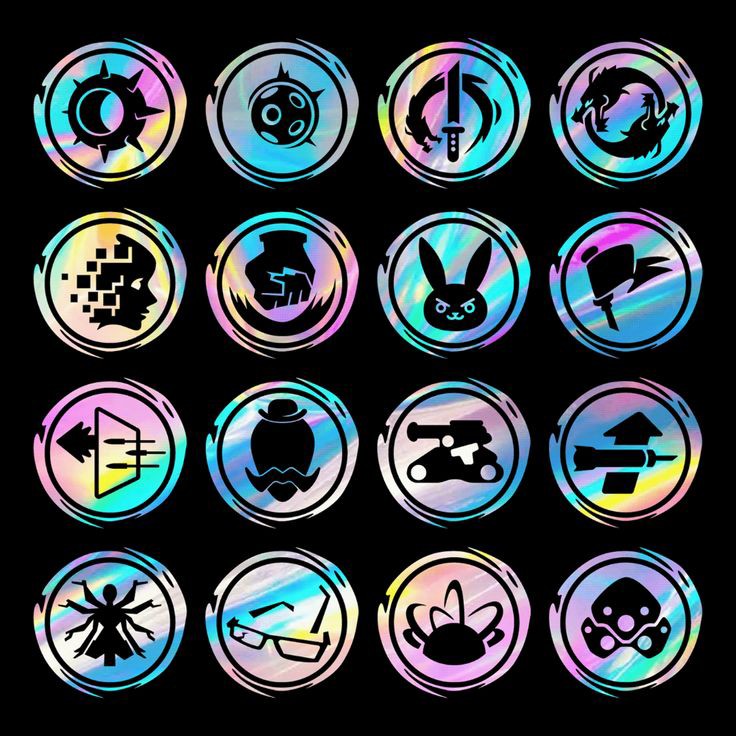 story
story How To Print Holographic Labels
Do you wonder how to print holographic labels? These labels give your package a unique look thanks to its shine when exposed to light. These labels produce a glistening rainbow shine, giving your product a premium look that is noticeable from a distance. Since they draw all the attention to your product, they make your brand more popular, thereby improving your sales. In addition, these labels are water-proof and will stick to various surfaces. We design these labels to dazzle and impress your customers. What Is a Holographic Label? Like any other labels, holographic labels carry essential details about your product, such as your brand's name, logo, and product content. You can apply these labels to your product when you peel and stick them. We print them using quality BOPP material to ensure they're transparent and durable. As a result, these labels are unaffected by water, oil, or most solvents. Also, they resist UV light and are suitable for indoor and outdoor use. Imagine your product is on a supermarket shelf alongside similar alternatives. You can persuade clients to pick up your product when you apply these high-quality, attention-grabbing labels on them. Hence, holographic labels add sparkle to your product to help you stand out from the competition. These labels are great for labeling premium products, wine bottles, makeup packaging, and food containers. These labels are also used as authenticity stickers and temper proofs. The holographic void shows “void” if the temper-proof stickers are removed. So you can easily know if a product has been opened or changed. Uses and Benefits of Holographic Labels Holographic labels provide the following benefits: They grab attention due to their metallic or rainbow-like shine They are suitable for labeling premium products, wine bottles, makeup packaging, and the likes The lamination protects your prints, so they last longer and are moisture or tear resistant They are easy to peel and apply They stick to most surfaces easily They are suitable for indoor and outdoor use These labels are scratch-resistant and do not fade from exposure to sunlight How to Make Holographic Labels? Do you wonder how to make holographic labels? We make these stickers from vinyl-based material. We stamp holographic foil on the stock for the special rainbow or iridescent effect. The pattern of the holographic effect depends on the holographic foil used. Some of the available holographic foil layers are: Rainbow foil Sparkle foil Cracked ice foil Void foil Faceted spin foil Hyperplaid foil Afterward, we laminate the printed layer with a clear and transparent material. This lamination protects your design and makes your labels durable and unaffected by moisture or exposure to sunlight. Finally, we cut your labels into the shape you desire. And that’s how to make holographic labels. How To Print Holographic Labels? Ordering holographic labels is simple on 4OVER4.COM. First, select the size of your orders and choose a quantity. Select the pattern of holographic effect you want. Next, simply choose your proof option and turnaround time. Our online proof option allows you to preview your labels for free before we print. In addition, you can make last-minute changes to your design until it looks right. Choose a shorter turnaround time for urgent orders. Then upload your artwork or design. Use our free design tool to design a professional-looking holographic label quickly. Finally, input your delivery address and select a preferred delivery method. You can track your orders online to know when your job is ready. Now you know how to print holographic labels. Conclusions Now you know how to print holographic labels. As we have seen, they are worth the effort since they are durable, versatile, and attention-grabbing. These labels are how you recommend your brand to customers and help them choose you. Place your order today.
Nov 11, 2022 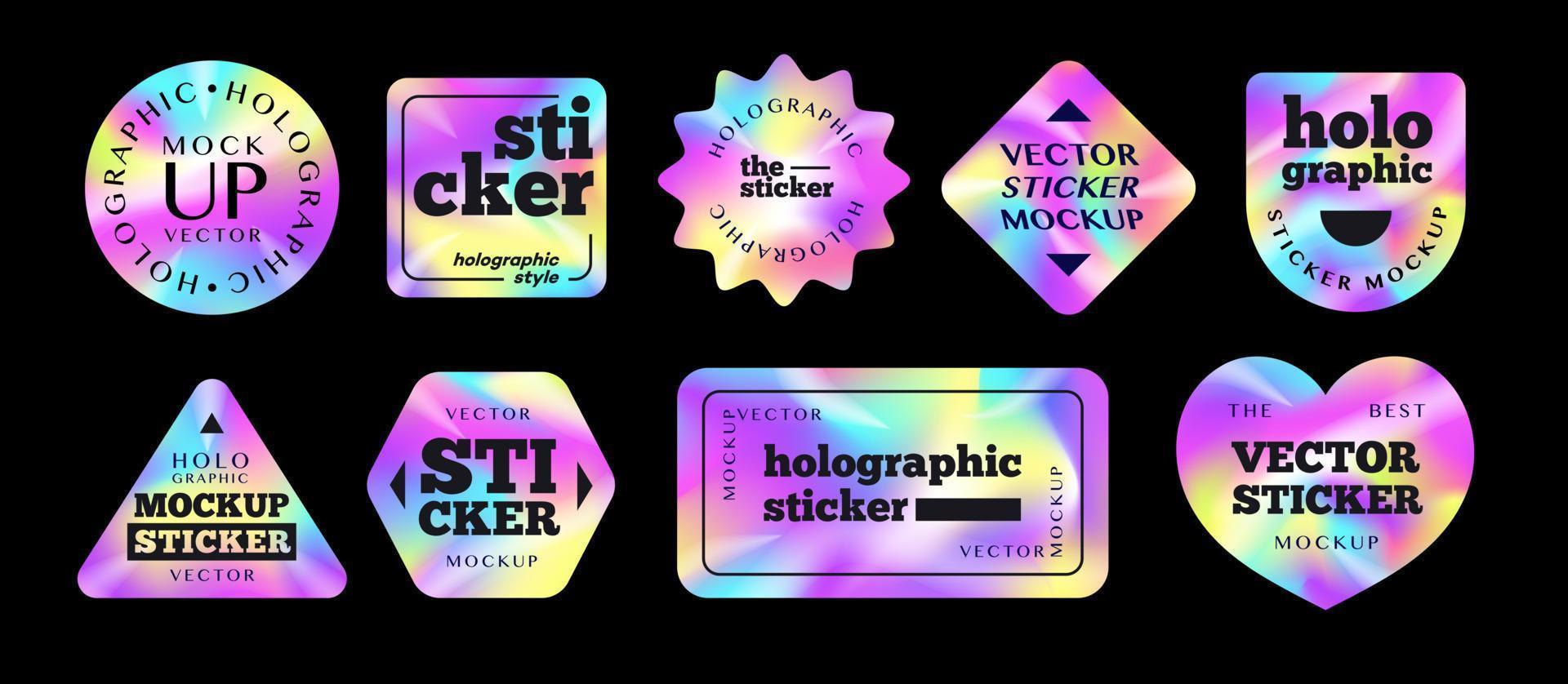 story
story How To Print Holographic stickers
Holographic stickers are becoming a business trend since they make your product and packaging look attractive. Because of the holographic effect, consumers associate these stickers with premium brands, and they can be a useful security measure for your product. They give off a rainbow-like shine when seen under light. When competing products sit on a counter at a supermarket, consumers will pick the product with the most attractive packaging. Therefore the colorful shine of these stickers will catch the customer's eye and help improve your sales. Print brand information such as name, logo, or emblem on these stickers. Also, you can peel and apply these like regular stickers, and they'll adhere to most surfaces. We'd later reveal how to print holographic stickers. What Are Holographic Stickers? We print holographic stickers on unique cardstock, so it has a shiny, iridescent glow. Holographic stickers paper aren't just fanciful but can serve a functional and crucial role. These custom stickers will help prevent product counterfeiting and can be tamper-proof for your product or packaging. Beauty brands, pharmaceuticals, and the healthcare industry use custom hologram-printed stickers to help customers distinguish genuine products from cheap counterfeits. Since these stickers are difficult to replicate, and unoriginal brands will simply stop at mimicking your product, but with an absent, or poorly made sticker, customers know the deal. As a result, brands protect themselves, recover money lost to imitation brands, and ensure customer satisfaction. The extra layer of lamination on the stickers ensures they're durable, waterproof, tearproof, and thus suitable for indoor or outdoor use. So, an effective holographic sticker is: Impossible to replicate Durable with strong adhesion Weather and water resistant Tamper-proof and Attractive How to Make Holographic Stickers with Cricut? How to make a holographic sticker? The Cricut machine is versatile and popular with craft makers. It will cut printed designs with precision and uniformity. Hence, you can use a printer to print and cut sticker paper, label sheets, greeting cards, and T-shirt designs from home. In addition, Cricut will cut materials such as vinyl, paper, cardstock, or anything you'd cut with scissors. The Cricut machine has small blades that move about to cut your designs from the printed material accurately. So they're suited for creating hologram-printed stickers. After printing out your sticker design on holographic cardstock, use Cricut to cut out the stickers in these steps accurately: Ensure to place your printed material on the cutting mat, then insert the mat into the Cricut. Export your design to the Cricut design application. Choose the material type you're cutting and send the design to the Cricut. Finally, press the start or go button on the Cricut to cut. That’s how to make hologram stickers with Cricut. Ensure that you remove the cutting mat when the process is complete. For help using the machine, you can watch some YouTube tutorials. How To Print Holographic Stickers? Alternatively, you can order custom hologram-printed stickers on 4OVER4. Visit the sticker product page and choose the holographic sticker product. Then input the sticker size and order quantity. We'd select the paper type for holographic sticker printing for you. Next, select a turnaround time and proof option for your order. We ensure your orders are available on schedule, and we'd send you free proof if you choose the online proof option. You can make changes to your proof as you please, and we'd print it when you're happy. Finally, upload the sticker artwork. Again, we accept popular design formats and recommend a PDF file for the artwork. Print and cut the stickers yourself, or order custom holographic stickers on 4OVER4. That's how to print holographic stickers. If you already have a design, holographic laminate the stock to create the holographic effect. Get my free sticker designs to make holographic stickers! Get my free sticker designs to create unique holographic stickers that will stand out from the crowd. With a variety of eye-catching designs to choose from, you can easily customize your own holographic stickers for personal or business use. Whether you're looking to add some flair to your laptop, water bottle, or planner, these stickers are sure to turn heads wherever you go. Simply download the designs, print them out on holographic paper, and cut them to size for the perfect finishing touch to any surface. Don't miss out on this opportunity to elevate your sticker game! Conclusions For those diving into the world of professional networking, business cards remain a fundamental tool. Not only does it convey your contact information, but it also reflects your brand's identity and professionalism. If you're keen on crafting a business card that stands out, our comprehensive guide on how to make business cards provides in-depth insights and creative ideas. Whether you're exploring the basics or seeking innovative designs, these resources offer invaluable tips to ensure your business cards make a lasting impression. Now you know how to make a hologram sticker. Making holographic stickers will put your brand in a good light while fending off imitation or competition. Your product packaging may be missing these stickers. So utilize its benefits when you order custom hologram-printed stickers today. FAQs Q: What is a holographic sticker? A: A holographic sticker is a type of sticker that reflects light to create a 3D effect, making it appear as if the image is popping out. Q: How do I design holographic stickers? A: You can design holographic stickers using graphic design software such as Adobe Photoshop or Illustrator, and then print them using a sublimation printer onto holographic vinyl. Q: Where can I get holographic vinyl for printing stickers? A: You can purchase holographic vinyl from craft stores, online retailers, or specialty shops that carry vinyl printing supplies. Q: Can I laminate holographic stickers? A: Yes, you can laminate holographic stickers to protect them from wear and tear, and to enhance their holographic effect. Q: What is the best way to print holographic stickers? A: The best way to print holographic stickers is to use a sublimation printer and high-quality holographic vinyl for vibrant colors and a 3D effect. Q: Are holographic stickers waterproof? A: Holographic stickers printed on vinyl and laminated are generally waterproof and can withstand exposure to water and outdoor elements. Q: Can I create custom holographic stickers with my own designs? A: Yes, you can create custom holographic stickers with your own designs by using graphic design software to create the artwork and then printing it on holographic vinyl.
Nov 25, 2022 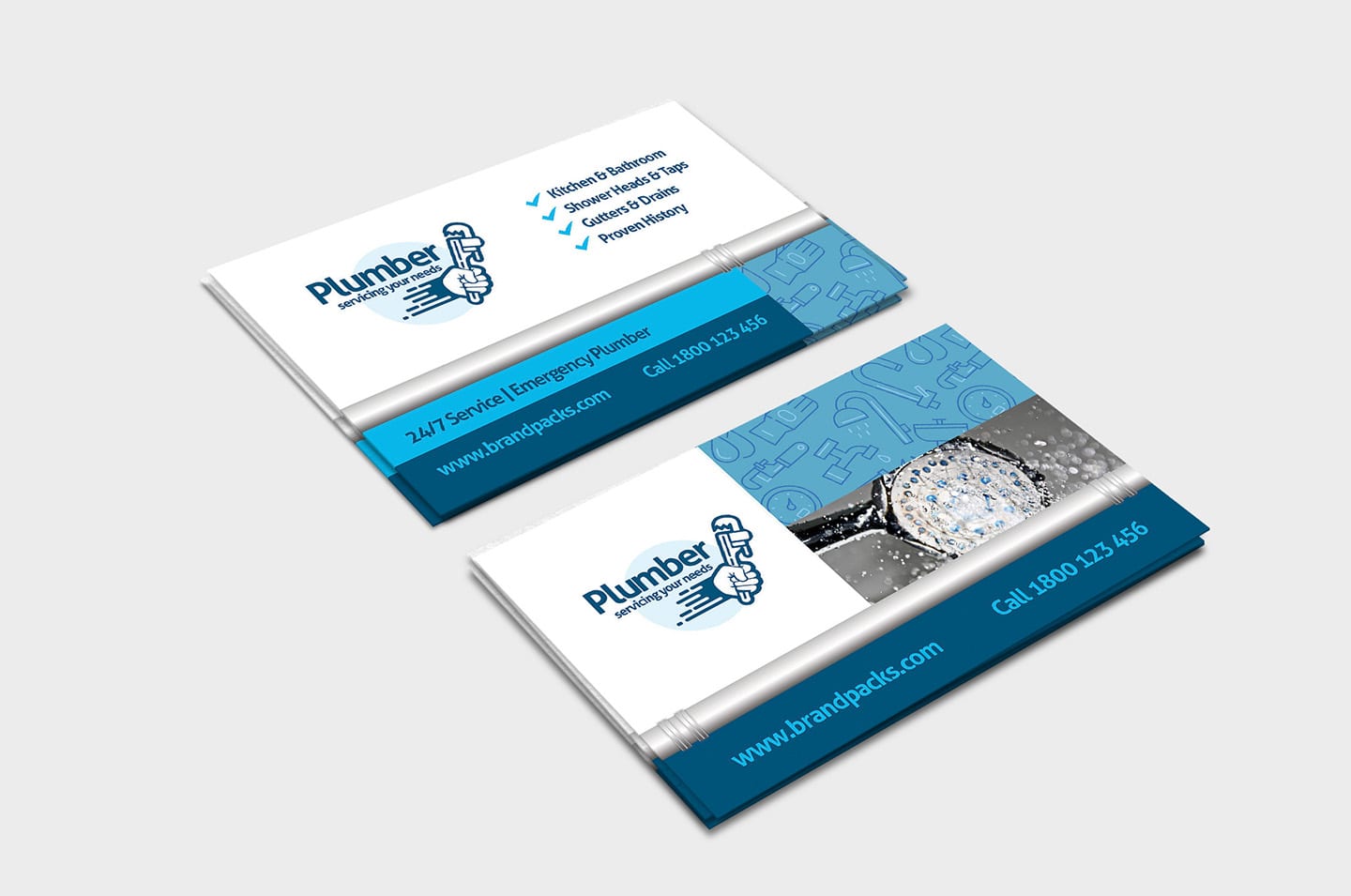 story
story How to Put Logo on Business Card?
Logos are an essential element of business card design. They add a professional touch to your design and help to reinforce your brand identity. Hence, knowing how to put logo on business card can contribute to your card's overall success. In this article, we will explore the importance of having a logo on your card and provide step-by-step guidance for incorporating a logo effectively. Importance of a Logo on Business Cards Logos are essential on a business card for several great reasons, namely: Brand recognition: They are a visual representation of your brand. Therefore, you create a consistent and recognizable identity by incorporating your logo on your card, website, social media profiles, and promotional items. As a result, people will associate your logo with your business and recall your brand. Professionalism and credibility: A well-designed logo enhances your business's professionalism and credibility. After all, clients can tell that you pay attention to details and are invested in creating a strong brand identity for your brand. Clients and partners are more likely to buy into your offers when they perceive such levels of professionalism. Differentiation and memorability: Standing out is crucial in a competitive business landscape. A unique and visually appealing logo makes your card distinct and memorable. So clients can tell you apart from competitors and buy from you. Visual impact: They can communicate aspects of your business, such as creativity, trustworthiness, innovation, or reliability. Many companies rely on a logo to leave a strong visual impact on recipients. How to Put Logo on Business Card? Do you wonder how to put logo on business card? You can complete this process in 3 steps: Choose the right file format : Is your logo in a high-resolution digital format, such as vector or high-quality raster? High-quality images remain clear and sharp when printed. Determine the size: What is the size of your business card and the available space for the logo? Aim for an ideal proportionate size that is too small or too overpowering. Positioning : Some of the most common logo positions are the top or bottom corners, centered or aligned with other elements, such as your name or job title. Placement Options for Logo on Business Cards These are the popular spots to place your logo on a business card: Top or bottom corners Centered Aligned with other elements Integrating Logo with Business Card Design A well-designed card correctly integrates a logo into the design. The below tips explain how to put logo on business card: Consistent color scheme: Avoid using too many colors on your design unless necessary. Instead, use the colors from your logo throughout your business card for a harmonious look. Typographical harmony: Like colors, you should use only a few fonts on your business card. Instead, consider using your logo’s fonts to maintain consistency and a unified visual identity. Use white spaces: White or negative space is the empty areas around your design elements. They help create a clean, uncluttered design and can emphasize important design elements on your card. Printing Options for Logo on Business Cards We’ve covered how to put logo on business card, but it’s also important to choose an experienced online printing service like 4OVER4. We offer high-quality, cost-effective, and fast printing. Also, you can conveniently use our free business card maker to complete your card design. Choose from hundreds of professional-looking templates and modify them by including your details and importing your logo. Conclusion With over 20 years of online printing experience, 4OVER4 is uniquely suited to handle your business card printing needs. To order, check out our business card products and make your pick. Whether it’s the impressive-looking Die-cut cards or the exciting Metal and Wood cards, there’s a product to impress any audience.
Jul 14, 2023 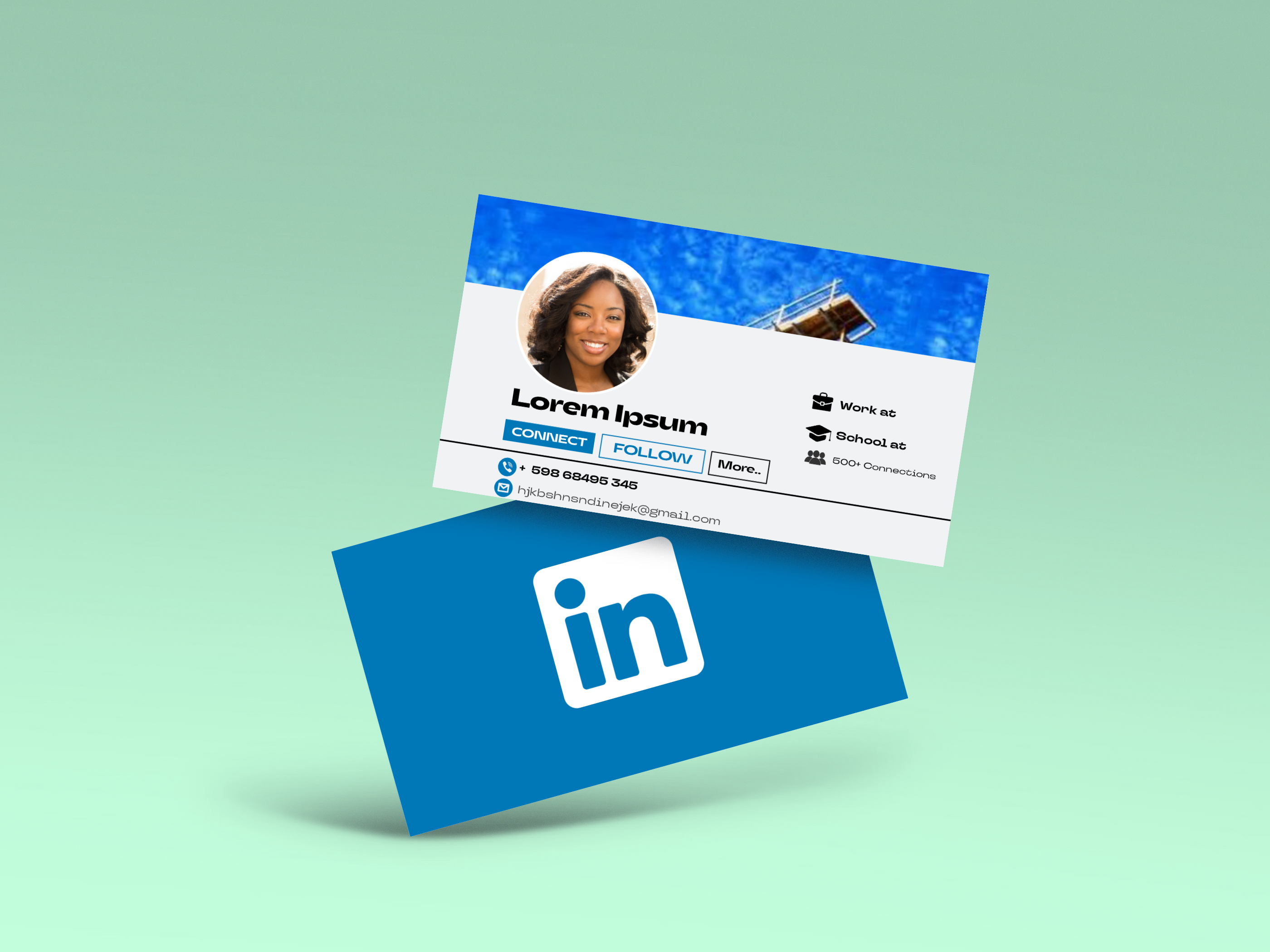 story
story How To Put Your Linkedin on a Business Card?
LinkedIn is the most notable business or career social media platform, with over 900 million members. Individuals can connect with their favorite brands and professionals on the platform. Hence, including your profile on a business card is great. But do you wonder how to put your LinkedIn business card? In this blog post, we will show you that and more. Should I Put My LinkedIn on My Business Card? Yes, we recommend you put your LinkedIn on your card. Including your profile on promotional items will help to increase your visibility and make it easier for clients, employers, and partners to connect with you online. A LinkedIn profile is the standard for professionals; including it on your business card will give your brand a professional image. We’d now explain how to put your LinkedIn on a business card. How to Put Your LinkedIn on a Business Card? There are several ways to include your LinkedIn profile on your card, including: LinkedIn URL One of the simplest ways is by including your Linkedin Profile URL on your business card. You can include the URL underneath your name and job title. Use a custom URL that is short and easy to read. To modify or copy your URL, click on your profile picture icon on the app or website, then click the "View Profile" button. You can then copy or share your URL from there. However, we recommend you shorten your URL so it's easier to read by clicking on the "Edit public profile & URL" link. Despite the changes, your previous URLs will still redirect to your LinkedIn profile, so you don’t miss a connection. Your URL should look like "linkedin.com/in/yourname" afterward. LinkedIn QR Code You can add a QR code to your card that takes people to your LinkedIn profile. This instantly connects your business card with linkedin. This option will make it easier for people to connect with you. You can generate a LinkedIn QR code by clicking on the search bar in the mobile app and tapping the QR code icon. You must clear any search term in the bar to see the QR code icon. LinkedIn qr code business cards can be very effective for networking and creating business opportunities, which more or less allows you to share your digital business card Adding LinkedIn Logo You can add the LinkedIn logo to your business card , thus drawing attention to your profile. You can include your URL or QR code alongside the logo. Ensure to follow the platform’s branding guidelines for using their logo. Ensure to test your URL or QR code directs visitors to your profile before printing. How to Print Business Cards with My LinkedIn? You can use our free business card maker tool to design and print your card with LinkedIn on it. We offer thousands of customizable, professional-looking templates. In addition, you can print unique business cards, such as 3D Lenticular, Cotton, or Custom Shaped Collection. 4OVER4 offers unique card customization options, high-quality prints, and a fast turnaround time at an affordable price. With over 20 years of printing experience, we’re the most reliable online printing service in NYC, USA. We welcome you to browse our catalog of eye-catching card designs to get started. Also, you can check out a related article on including your Instagram handle on a business card. Crafting the Perfect First Impression Designing an effective business card goes beyond just putting LinkedIn on business card. it's about making that first impression count. Remember, your business card is often the first tangible piece of your professional identity that people receive, which means it needs to resonate with your personal brand. To ensure that the LinkedIn profile enhances your card rather than clutter it, consider using a clean and modern design that provides a professional, yet approachable look. It's not just about what you put on the card, but how you display it. Make sure your linkedin business card handle complements the other elements on your card, balancing wisely with your contact details, logo, and any other design features. Strategizing Your Networking In the sea of connection opportunities, your business card is like a personal anchor you leave with others. Each time you hand it out, you create a potential avenue for new partnerships, opportunities, and collaborations. Add your LinkedIn profile on your business card effectively merges your real-life networking with your digital presence, creating a fuller picture of your professional life for your connections. It opens up new conversations and maintains old ones, as your LinkedIn profile will likely be updated more frequently than the information on your business card. Remember to maintain an active LinkedIn profile, which reflects your latest achievements and roles. That way, when people do follow your invitation to connect, they see the dynamism of your professional journey. At 4OVER4, we understand that the perfect business card should be an intersection of physical craftsmanship and digital finesse. As such, we encourage you not only to design visually compelling cards but also to think about the strategic placement of digital hooks like your LinkedIn profile. We are here to provide you with the tools and expertise needed to make a memorable and impactful first impression. Conclusion You now know how to put your LinkedIn on a business card. The platform is the internet’s business and career hub. As a result, it can help to make your brand more visible. You should decide whether to use your URL or a QR code alongside the platform’s logo. That way, clients and prospects readily connect with your brand. FAQs Q: How can I effectively include my LinkedIn on a business card? A: Consider adding your LinkedIn profile URL to your business card to make it easy for contacts to connect with you digitally. Q: What are some expert tips for creating a LinkedIn profile URL on a business card? A: When creating a LinkedIn profile URL for your business card, make sure it is easy to read and directly leads to your profile to increase the chances of connections. Q: How can I use LinkedIn profile URL to enhance my business card's impact? A: Adding your LinkedIn profile URL to your business card is a great way to stand out from the competition and showcase your professional online presence. Q: Why is creating a LinkedIn important in today's digital world? A: Creating a LinkedIn profile is crucial in today's digital world as it allows you to connect with business partners, expand your network, and showcase your skills and experience. Q: How can LinkedIn help me in networking and building new business relationships? A: LinkedIn's platform provides a space for professionals to connect, share insights, and build relationships that can lead to new business opportunities and collaborations. Q: What are the benefits of adding your LinkedIn profile URL to a physical business card? A: By adding your LinkedIn profile URL to your physical business card, you provide recipients with an opportunity to learn more about you professionally and connect with you online.
Apr 7, 2023 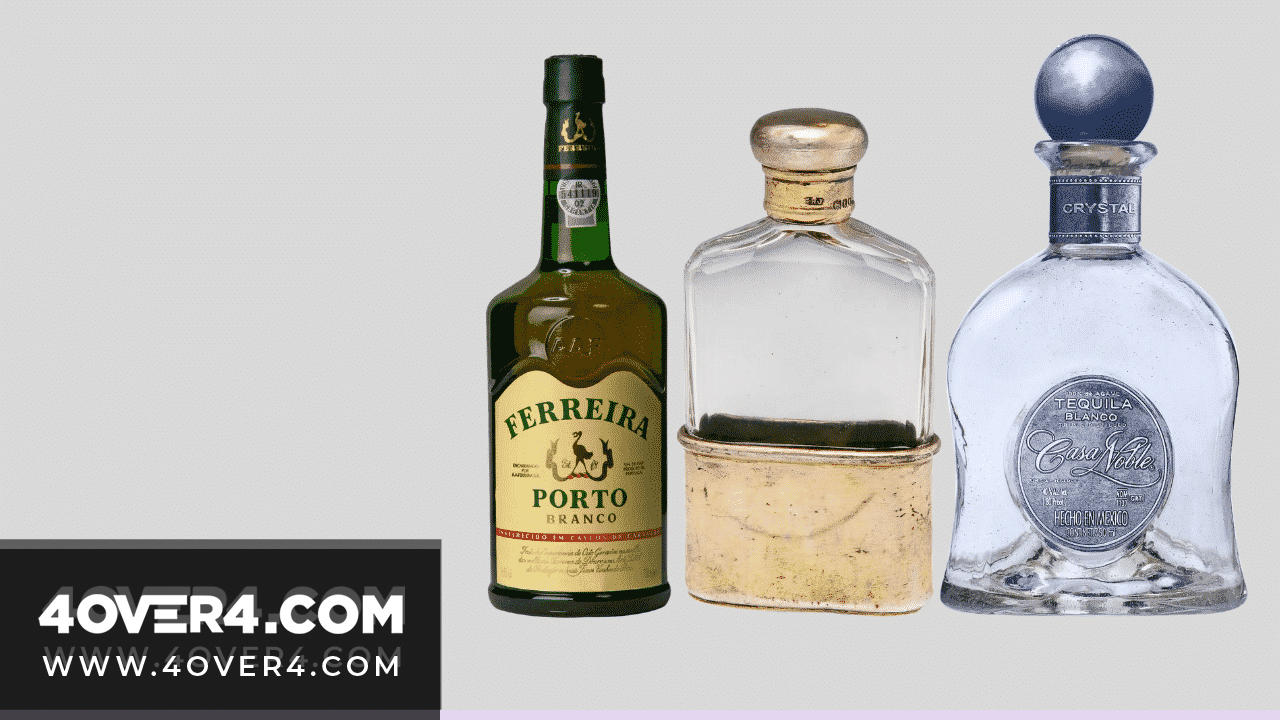 image
image How To Remove Attractive Yet Sticky Wine Labels on Bottles
For wine lovers, we know how important the wine labels are. It influences the decision as to whether you are going to buy a particular bottle of ...
Sep 19, 2020 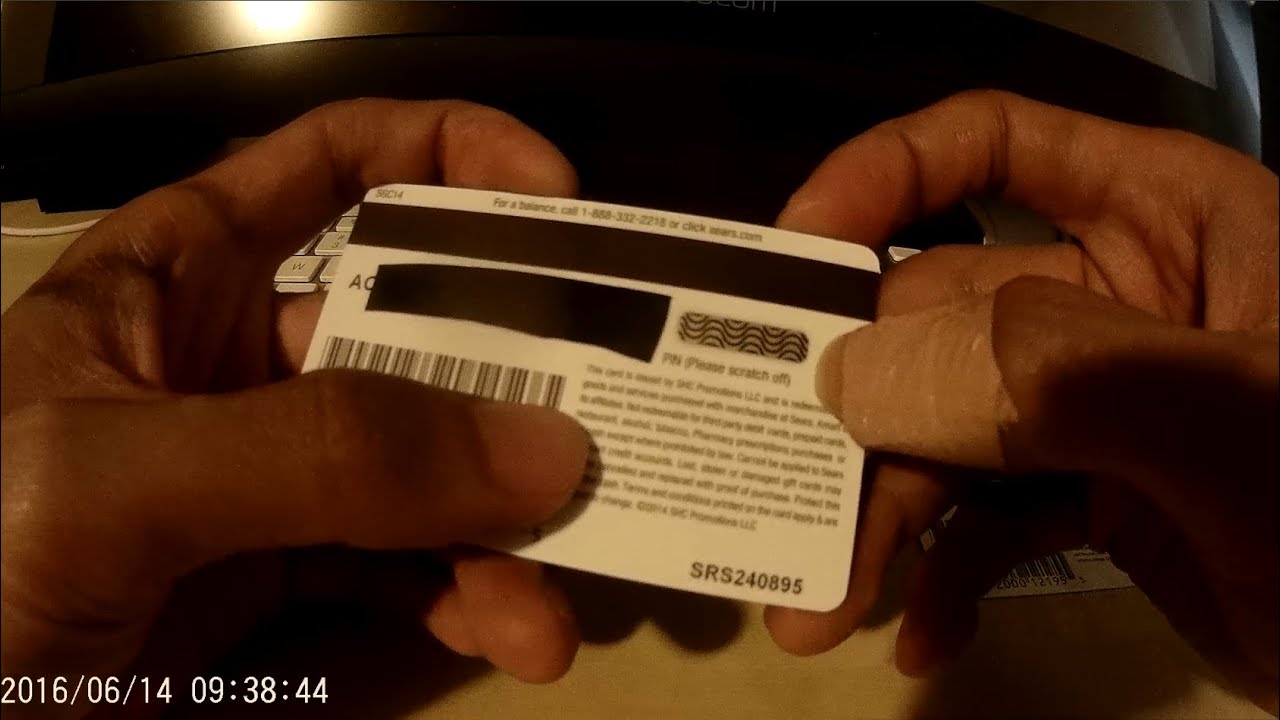 story
story How to Remove Secret Scratch Off PIN Cover Label
source Scratching off to reveal your code is a delicate process. Therefore use the right devices to get the job done. Scratch Off Pin Cover With so many styles of gift card scratch-off printing out here, it should become clear why having the right one is so important for the particular message you want to convey. Think hard about what your scratch off PIN cover design will communicate what your brand is about and help you seal the deal with your clients. Don’t be afraid to get an original scratch-off printing just like the one we’ve shared here. After all, the right one might just be what sparks the interest of a new customer! Let your creative self shine by displaying all your amazing ideas on a blank scratch off PIN cover design that you can customize with different designs and get a feel of what the final look will be.
Feb 3, 2021