
Babysitting Business Card Design Ideas for 2026


Emma is our prepress and print production voice, built from the knowledge of our production team, with over 20 years in printing.
Babysitting business card design ideas that get you hired
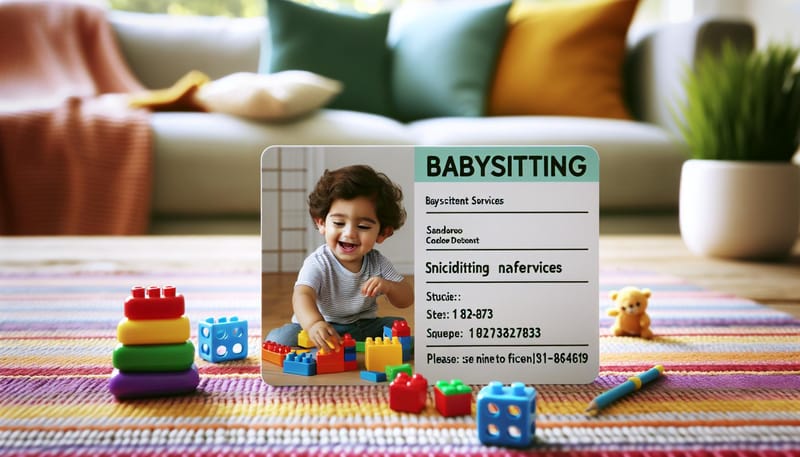
Babysitting business card design ideas go beyond cute clipart and a phone number. A strong card tells parents you are organized, professional, and serious about childcare: the standard 3.5" x 2" size so it fits a wallet, 16pt stock so it survives a diaper bag, and your CPR or first aid training on the front where a parent sees it first. 4OVER4.COM has printed 10 billion+ cards across every industry, and babysitting cards are one of the most personal categories out there. The right design turns a quick hello into a steady stream of bookings.
Picture it from a parent's point of view. They meet three sitters at a neighborhood event. Two hand over a number scribbled on a sticky note. You hand over a crisp, well-designed card with your name, certifications, and a QR code linking to your references. Who gets the call? That is the quiet power of a good babysitting business card.
This guide walks through layouts, colors, materials, and finishes that work, so you can turn your name into a card parents keep on the fridge. Everything here prints on the same premium stocks in the 4OVER4.COM business cards printing range.
Babysitting business card examples
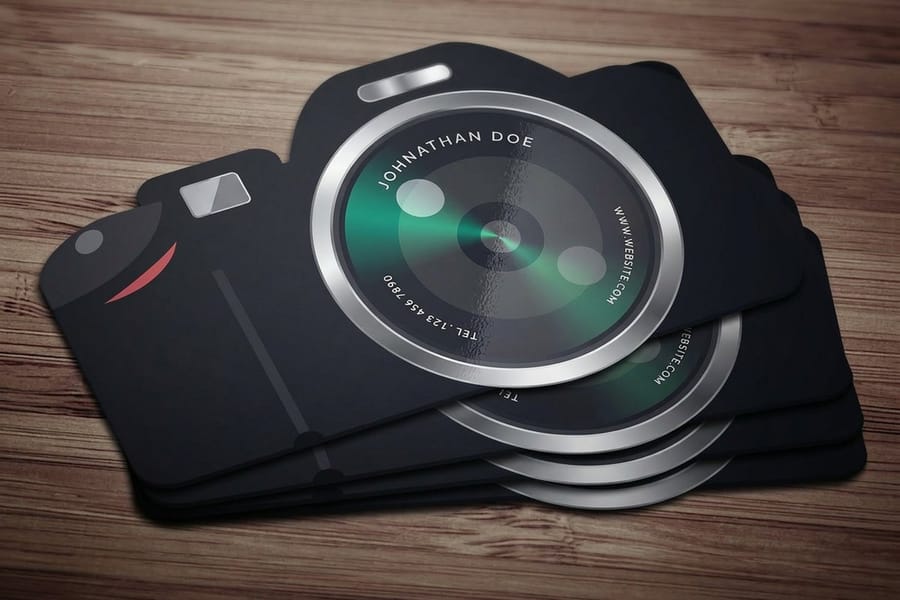
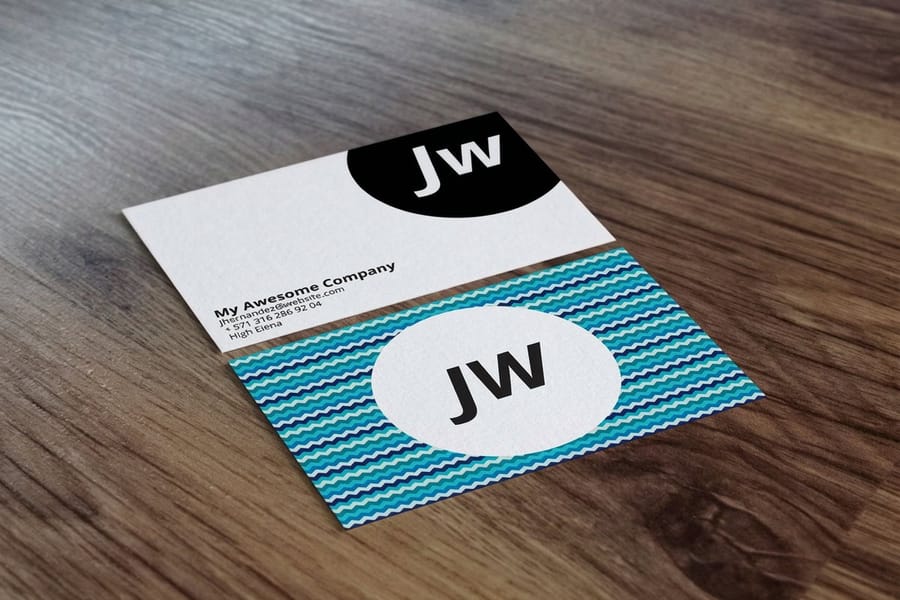
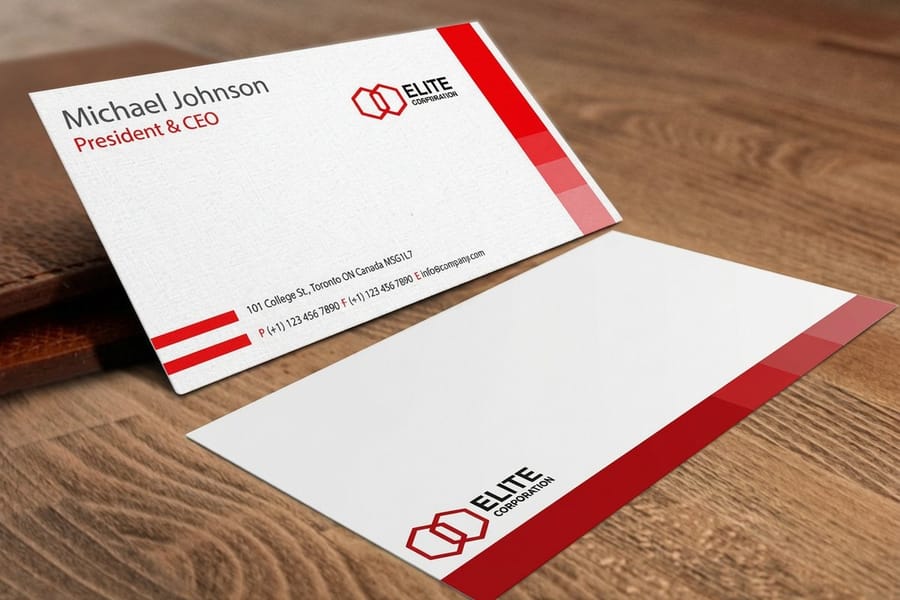
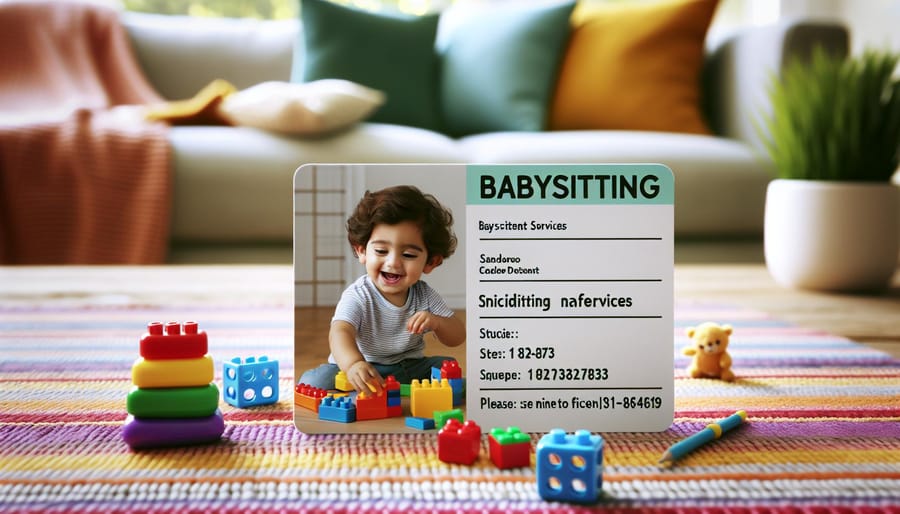
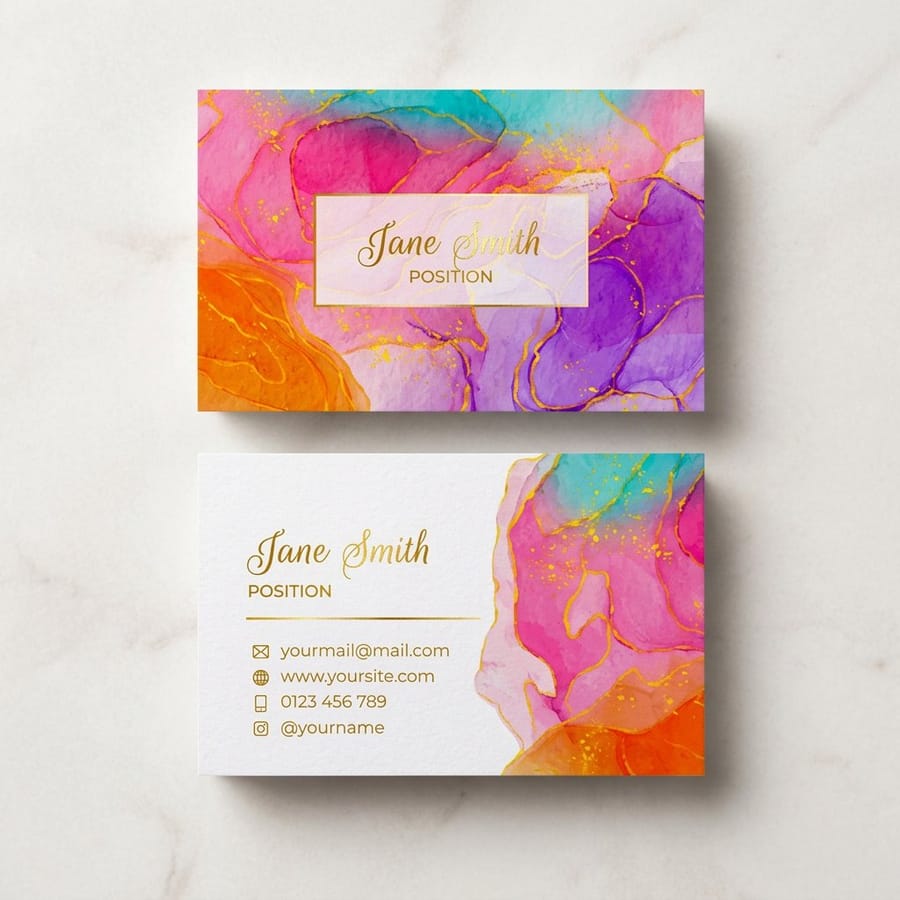
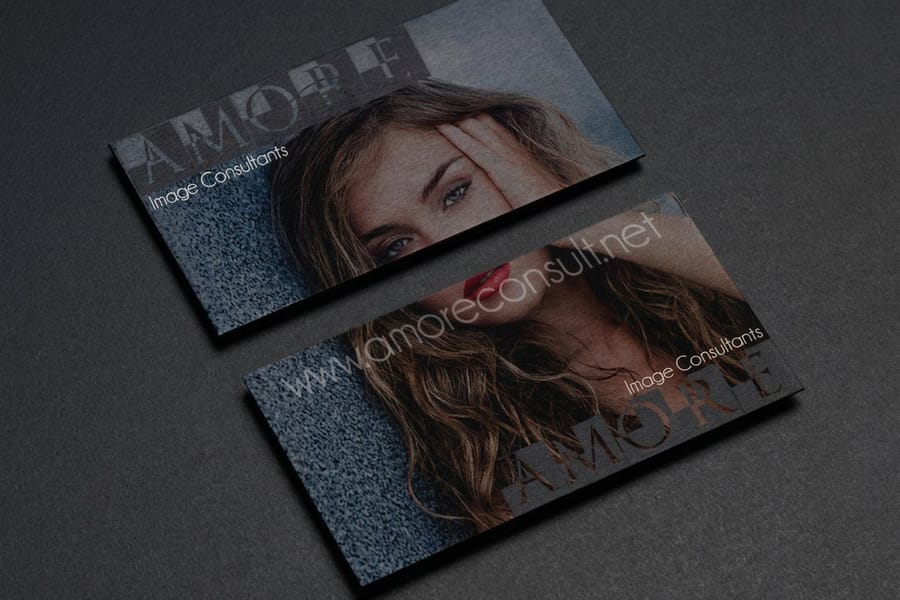
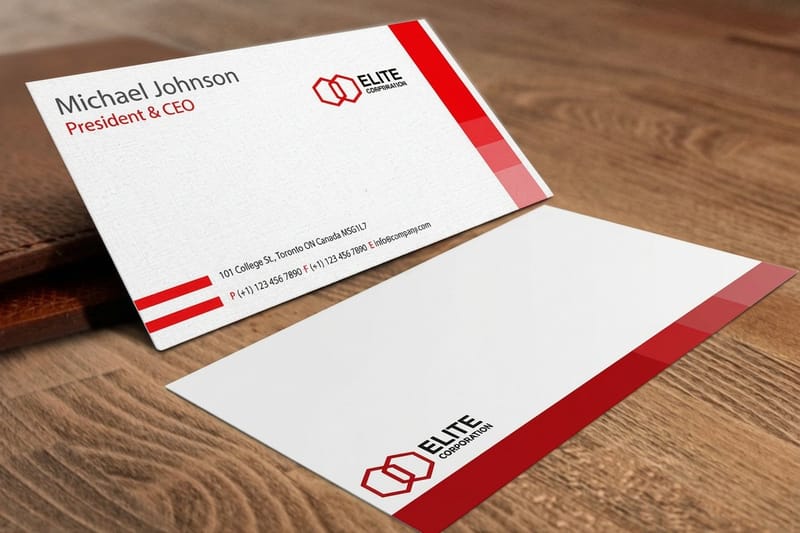
Six directions that work, each on a stock you can order today: paper cards from 100, on 14pt or 16pt gloss for a photo layout or 18pt uncoated if you want to write the next booking on the back, and 30mil plastic cards from 250 for a card that survives the laundry. Find the one closest to how you actually work, then borrow its structure rather than its colors.
Why babysitters still need cards in 2026
A babysitting card is a trust signal. You are asking parents to hand you their children, so a physical card with your name and credentials says you take the job seriously. The goal is a card parents remember and keep on the fridge. Standard business cards print in 3 business days, so a new sitter can have cards in hand before the first weekend of work.
Professionalism parents notice
A thoughtfully designed card reflects high standards. When your card looks polished, parents assume your childcare is just as organized. Premium paper stocks and finishes feel solid in the hand, and that tactile impression matters more than most people expect.
Instant access for busy parents
Parents juggle schedules, carpools, and deadlines. A card on the fridge or in a wallet is ready the moment they need a sitter on short notice. List your phone, email, and available hours, and make reaching you effortless. For a deeper checklist, see these tips on what to include on a business card.
Trust before the first call
Certifications like CPR, first aid, or early childhood education printed right on the card reassure parents before they dial. A short testimonial on the back works wonders. Specialties such as infant care, special-needs experience, or homework help show you are not just any sitter.
Standing out from other sitters
Hand-drawn illustrations, rounded corners, or a QR code linking to your profile make your card the one parents remember. For something truly different, 3D Lenticular Business Cards shift images when tilted, and children love them.
What to put on your babysitting card
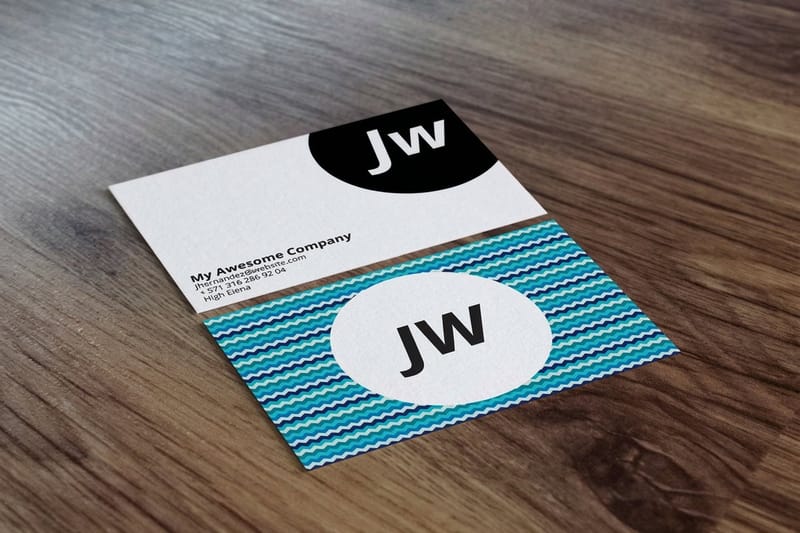
Parents rely on your card to grab the details they need in a glance. Including the right information makes it easy to reach you and builds confidence in your credibility from the first look. Set the phone number at 9pt or larger and keep every line 0.125 inch inside the trim of the 3.5" x 2" card, then add what belongs on every babysitting business card.
- Full name and contact details. Show your full name, phone number, and email up front. Adding your city or neighborhood helps families confirm you serve their area.
- Professional address, optional. You do not need a street address, but a general area or zip reassures families about availability nearby.
- Skills and certifications. Highlight infant care, special-needs experience, or after-school supervision, plus CPR, first aid, and early childhood credentials that parents scan for first.
- Social media and QR codes. A QR code links to reviews, photos, or your availability calendar. For branding ideas that translate to cards, see Logo Sticker Design Ideas and this guide to business cards with social media icons.
- Experience and the ages you cover. How long you have been sitting, and whether you take infants, toddlers, or school age. Parents screen on that line before they read anything else.
- Your rate. One clear line, hourly or per evening, saves an awkward text exchange later. Say whether extra children change it.
- Availability. Weeknights, weekends, after school, or on call, plus the neighborhoods you travel to.
Keep the layout clean so none of it feels cramped. When every essential has room to breathe, your card reads as calm and capable, exactly the impression a parent wants from a sitter.
If the wording is the part holding you up, here are three you can copy and adjust. Swap the bracketed parts for your own details.
Teen or student sitter
Front: [Your Name], Babysitter, [Neighborhood], [phone], [email]
Back: Weeknights and weekends. Ages 2 and up. CPR and first aid certified. Homework help included. References from [number] local families on request.
Professional nanny
Front: [Your Name], Professional Nanny, [City], [phone], [email], [website]
Back: [X] years of full-time childcare, infant through school age. CPR, first aid, and early childhood education certified. Available full-time, part-time, and for travel. Background check on file.
Babysitting agency
Front: [Agency Name], vetted sitters booked in minutes, [phone], [website]
Back: Every sitter is interviewed, background checked, and CPR certified. Same-day and overnight bookings. Serving [areas]. Scan to book, [QR code].
All three answer a parent's first three questions, who you are, what you are qualified for, and how to reach you, without making anyone ask. Pick one shape and keep it identical on every card you print.
Slogans and taglines that fit on a sitter card
A tagline is optional, and a bad one costs you the space you needed for a phone number. It earns its line when it answers the question a parent has not asked out loud, which is usually about reliability rather than fun.
Borrow one of these and make it true for you.
- Care you can count on, evenings and weekends.
- CPR certified and used to bedtime.
- Homework first, then the fun part.
- Infants to eight year olds, same steady hands.
- Your night off starts here.
- Local, checked, and on your street.
Two rules keep a tagline from working against you. Never promise something the card cannot back up, because a parent who reads always available and then cannot reach you has learned something about you. And keep it under seven words, since anything longer gets set too small to read and takes the room your rate or your certifications should have had.
Design styles that work for babysitting cards
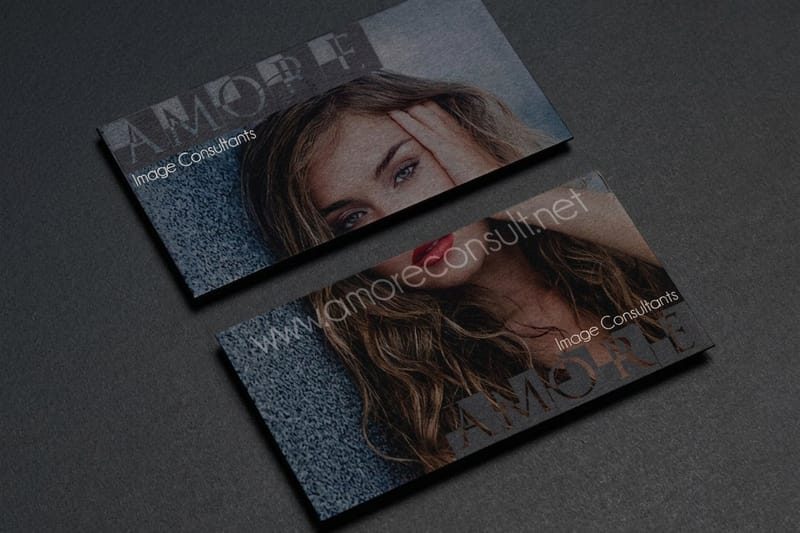
Your design should match your personality and the families you want to reach. A card for a college student offering weekend sitting looks different from one for a career nanny with ten years of experience. Here are the styles that work, and why.
Playful and colorful
Bright colors, friendly fonts, and simple illustrations shine if you watch younger children. Think building blocks, stars, or a small animal, kept cheerful but not cluttered. Two or three colors is plenty. Soft pastels of pink, mint, and light yellow feel warm and caring.
Clean and professional
Marketing to families who want experienced care? Go minimal. White or cream backgrounds, one accent color, and a professional headshot read as polished and trustworthy. This style suits formal certifications and years of experience.
Photo-forward cards
A friendly, well-lit headshot puts a face to your name and adds accountability. Upload a sharp image of at least 300 DPI so 4OVER4.COM can print it crisp rather than blurry.
Illustrated and hand-drawn
Custom illustrations give your card a one-of-a-kind feel, from a hand-drawn border to a small teddy bear doodle. If you are artistic, this shows off a skill that also makes you a more engaging sitter. For layout and composition ideas, browse these graphic design portfolio examples.
Bold and modern
Dark backgrounds with bright text, geometric patterns, or big type make a statement, ideal for teen sitters who want to look current. Pair navy or charcoal with white or gold, or start from Black Business Cards for instant drama.
Choosing the right paper and finish
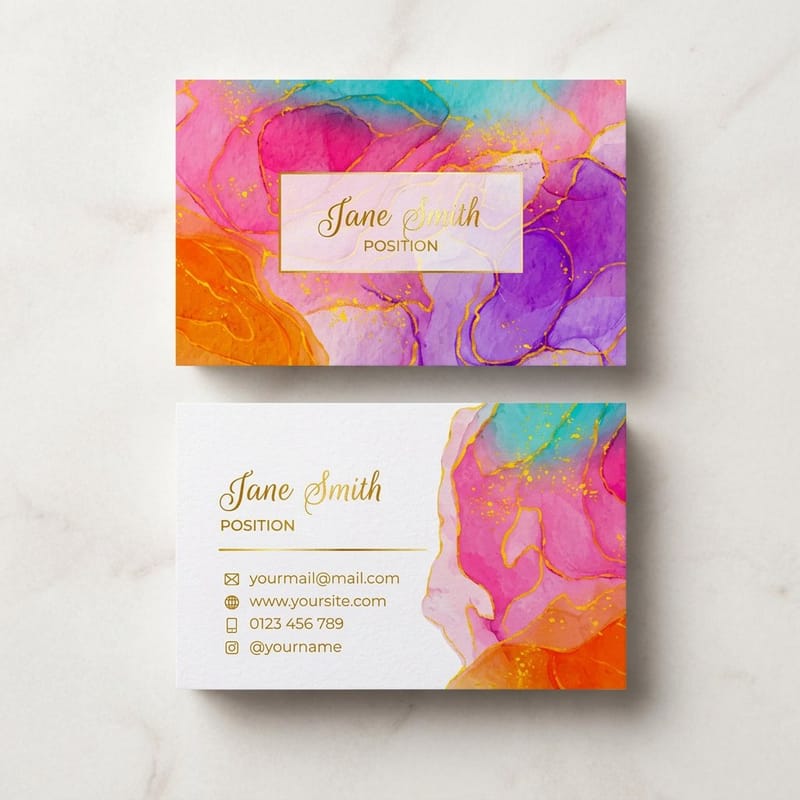
What paper works best for a babysitting card? 14pt cardstock for everyday handouts, which is the standard on standard business cards, 32pt or a plastic stock if the card has to survive a diaper bag, matte if parents will write on it, and gloss if you are printing a photo. That is the short answer, and here is why each one lands differently.
Design is only half the story. The stock and finish decide how your card feels in someone's hand, and that tactile moment shapes perception more than you would expect.
Standard 14pt cardstock is a sturdy, professional starting point. For something that signals quality the instant it is held, 32pt ultra-thick stock runs about three times the thickness of a normal card. To match weight to your design, read how to choose the right cardstock for your business card, and if you are unsure how a stock feels, order a free sample pack first.
Matte finishes feel smooth and understated, and they are easy to write an availability note on. Gloss makes colors pop and photos look vivid. Soft-touch lamination adds a velvety texture people cannot stop touching, a subtle upgrade that suits the warm feel of a sitter card. Compare the two in this guide on matte versus glossy business cards, or learn what makes a soft-touch business card special.
Want to go beyond paper? Artist Business Cards and plastic options are waterproof and nearly indestructible, perfect for a card that might land in a diaper bag or a car cup holder.
Creative extras that make your card unforgettable
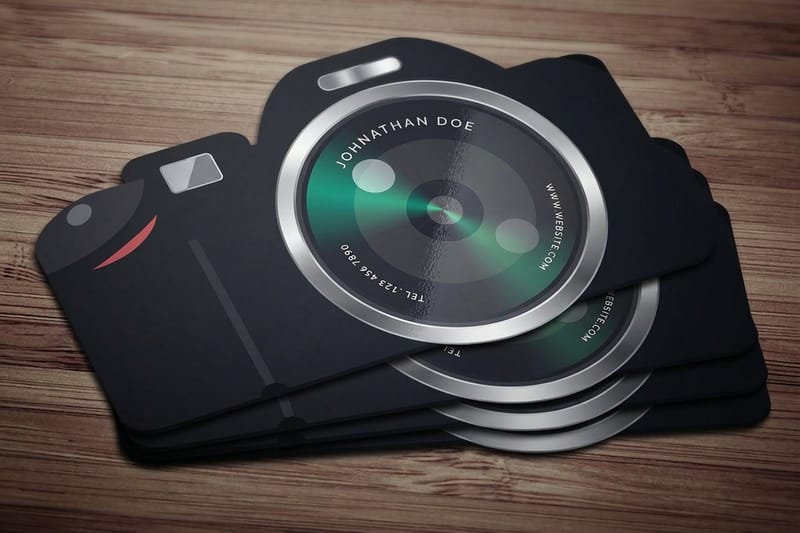
The best babysitting business card design ideas include one detail that makes a parent pause and look twice. These extras work well for childcare.
- QR codes. Link to a booking calendar, a short video hello, or a page of parent testimonials. They take almost no space and add real function.
- Rounded corners. A small touch that feels softer and more approachable, and it resists bending in wallets and purses.
- Die-cut shapes. A card shaped like a house, a heart, or a teddy bear starts conversations. Children love them and parents remember them.
- Double-sided printing. Front for your name, photo, and contact, back for certifications, services, or a testimonial. Twice the space, no extra bulk.
- Spot UV or foil accents. A glossy coating or gold foil on your name draws the eye exactly where you want it, a premium touch that sets you apart from the stack.
Pick one or two of these rather than all five. Restraint keeps the card readable, and a single well-chosen detail lands harder than a crowded design ever could. For more shape ideas, see this complete guide to business card shapes.
The flyer that works next to the card
A card gets handed to somebody you have already met. A flyer does the meeting for you, which is why sitters who post one on a community board get calls from streets they have never walked.
Keep the flyer to five things, in this order.
- What you do and the ages you take, set large enough to read from a few feet away.
- Your neighborhood, because a parent scanning a board is filtering by distance first.
- Certifications, which is the line that separates you from a handwritten note.
- Your rate, or a clear range, so nobody has to send a message to find out.
- Tear off tabs along the bottom, with your name and phone number on every tab.
Print it on a light stock, since the tabs have to tear cleanly, and use the same colors and type as the card so the two read as one person. Ask before you pin anything up. Libraries, laundromats, coffee shops and pediatric waiting rooms all keep boards, and the people who ask permission stay up longest.
How to design your babysitting card step by step

You do not need a design degree to make a great babysitting card. This process works whether it is your first card or a refresh of an old one.
Step 1: Define your brand
Before opening any tool, decide what parents should feel when they see your card. Warm and nurturing? Fun and energetic? Experienced and calm? Pick two or three words and let them guide colors, fonts, and layout.
Step 2: Gather your information
Write out everything you might include, then edit ruthlessly. Name, phone, email, area, certifications, specialties, and a website or handle. A cluttered card is worse than a sparse one, so keep the front simple and use the back for extras.
Step 3: Choose a template or start fresh
Pick a layout that matches your direction and customize it, or design from scratch. The 4OVER4.COM Design Templates library handles spacing and bleed for you, and this free business card templates guide shows how to make them yours.
Step 4: Select paper and finish
Match the stock to the style. Bright designs pop on gloss, minimal designs shine on matte or soft-touch, and thick stock feels premium. Think about where the card will end up and choose accordingly.
Step 5: Order a small batch first
Start with 50 to 100 cards and hand them out. If parents mention your card, the design works. If not, tweak and reorder. The full walkthrough lives in how to make business cards.
Try free business cards first
If you are not ready to commit to a paid run, print a set of free business cards, test your babysitting design in the real world, and upgrade once you know it lands. New customers get 200 cards at no charge, one set per account for US addresses; shipping is $5.99 flat, or free when you redeem 500 loyalty coins.
Try it free
Free business cards to test your design
Print a small run at no cost, hand them out, and refine before a larger order.
Free babysitting business card templates
Three starter layouts cover nearly every sitter. A photo layout puts a friendly headshot on the left and your name, certifications, and phone on the right, and it is the one parents put a face to. A text-only layout runs a bold name across the top, three service lines in the middle, and contact details at the base, which is the easiest to read at a glance from a fridge door. A QR layout gives the back panel to a code that opens your availability calendar or your references, leaving the front nearly empty.
Build any of them two ways. Print-ready blank templates hand you the exact dimensions, bleed, and safe zones to lay it out in your own software. Or start from a ready-made layout in the online designer, swap in your name, photo, and rate, and send it straight to press.
Then test it for nothing. A run of free business cards puts the design in parents' hands before you spend anything, and you can move up to a heavier stock once you know which version gets the calls.
Products and pricing for babysitting cards
4OVER4.COM keeps pricing clear, with no hidden setup fees and no surprise charges for proofs. Standard business cards are the most popular pick for sitters starting out, and the per-card cost drops sharply as quantity rises. Below are real configurator numbers and specs so you can budget with confidence.
Quantity and price
Standard business card pricing and specs
Real configurator numbers, the more you order, the lower the per-card cost drops.
| Quantity | Price Per Unit | Total |
|---|---|---|
| 100 | 17.6¢ | $17.57 |
| 200 | 11.5¢ | $23.07 |
| 300 | 9.15¢ | $27.46 |
| 400 | 7.96¢ | $31.86 |
| 500 | 7.25¢ | $36.26 |
| 600 | 6.77¢ | $40.64 |
Compare popular business card formats
Standard cards cover most sitters, but it helps to see the options side by side. Stock, finish, quantity, turnaround, and starting price all change with the format, so compare before you commit to a run.
Compare formats
Popular business cards, side by side
Stock, finish, quantity, turnaround, and from-price across our most-ordered cards.
 free business cards |  Standard Business Cards |  3D Lenticular Business Cards | 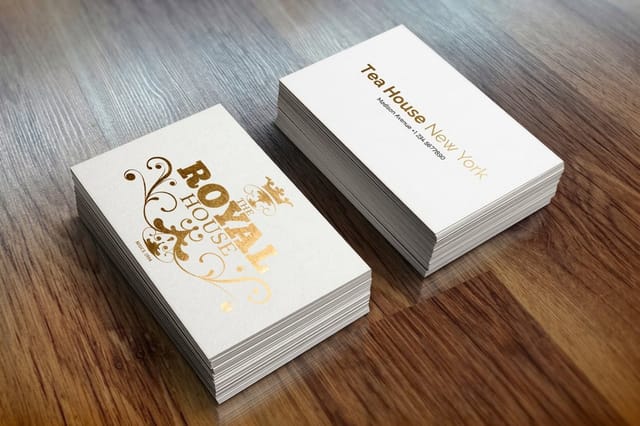 Metallic Foil Business Cards | |
|---|---|---|---|---|
| Min price | Free | $17.57 | $690.88 | $222.13 |
| Paper / stock | 14pt Gloss Cover | 14pt Gloss Cover | 31pt Lenticular Lens | 16 Point Silk Laminated |
| Finish | - | Standard Finish | - | - |
| Size | 2" x 3.5" | 2" x 3.5" | 2" x 3.5" - Vertical | 2" x 3.5" |
| Default qty | 200 | 100 | 500 | 500 |
| Turnaround | 5 business days | 3 business days | 22 business days | 7 business days |
| Rating | ||||
| View & customize | View & customize | View & customize | View & customize |
Templates built for babysitting cards
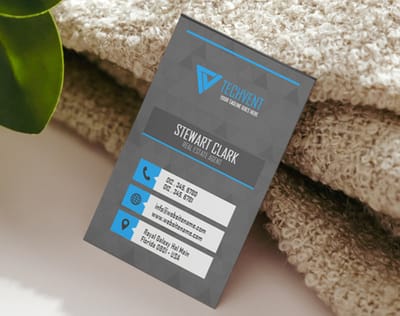
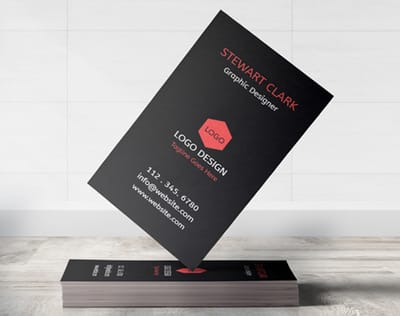
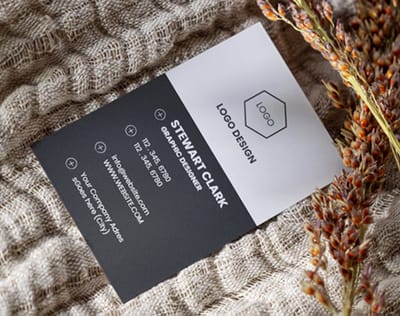
Starting from a blank canvas can feel daunting. Ready-to-customize templates handle layout, spacing, and bleed, so you swap in your details, adjust colors, and upload a photo. Prefer full control? Print-ready blank templates give you exact dimensions and safe zones to design from scratch.
Start fast
Templates and print-ready blanks
Business card design templates and exact-size blanks so your details land inside the safe zone.





Wally turns your name into a card parents trust
One card, and busy parents always know who to call
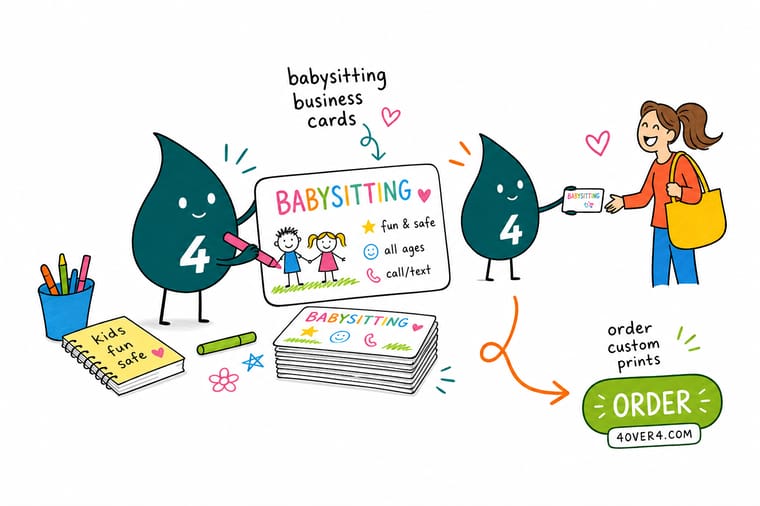
A great babysitting card is a trust signal in your pocket. Put your name, CPR and first-aid credentials, and a QR code on a clean layout, choose a warm finish like soft-touch, and 4OVER4.COM prints it sharp. Start with free business cards to test your design, then order a small batch and hand them out at the playground.
Design your babysitting cards →What to remember about babysitting card design
DIY printing versus professional printing
| Feature | DIY printing | Professional printing |
|---|---|---|
| Cost | Low cost, suited to small runs | Varies with materials and finishes |
| Quality | Basic paper, limited to home printers | High-end cardstock with precise color |
| Finishing options | Few options, no advanced coatings | Gloss, matte, UV, soft-touch, and foil |
| Convenience | Requires personal effort and setup | Smooth process with expert help |
Need them fast? 4OVER4.COM same day printing produces and ships rush orders the same day, and the green printing program prints on sustainable stocks parents appreciate.
Explore more
More ways to print and brand your babysitting cards
Every related page on 4OVER4.COM, one card each, so you can keep exploring business card printing.
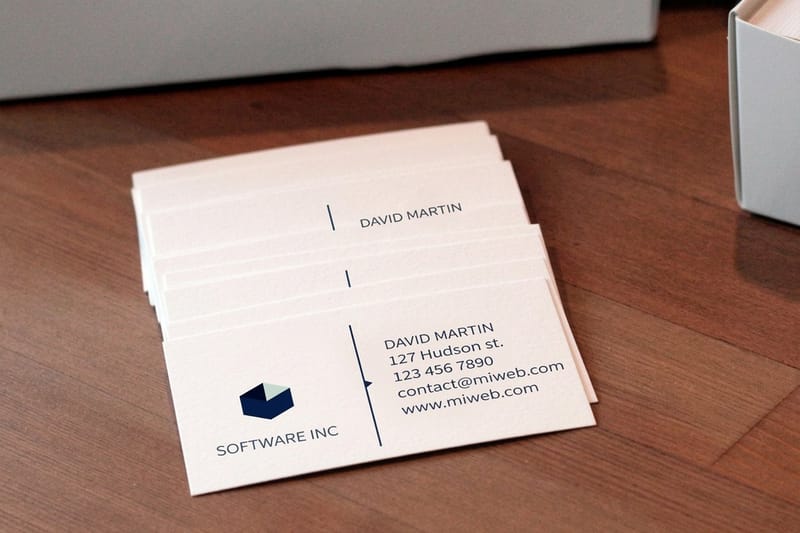 Product Standard Business Cards The most popular sitter card, from $17.57. Free Free Business Cards Test your design at no cost with free shipping.
 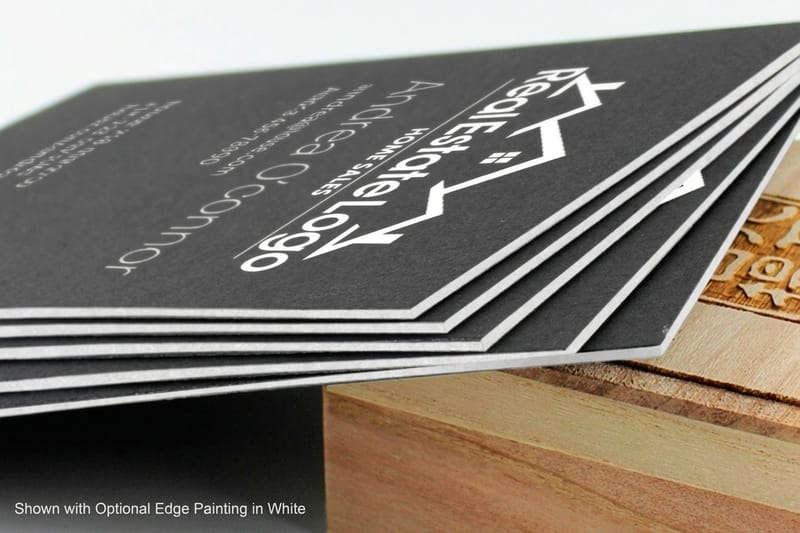 Product Black Business Cards Bold, modern cards for a striking look.
  Product 3D Lenticular Business Cards Cards that shift when tilted, and kids love them. Hub Business Cards Printing Browse every business card format in one place.
  Guide How to Make Business Cards Design, print, and finish, start to finish.
 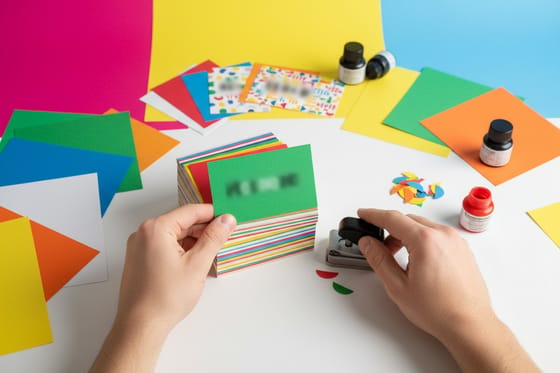 Guide Choosing the Right Cardstock Match paper weight to your card design.
  Article Graphic Design Portfolio Examples Composition and layout ideas that win clients.
 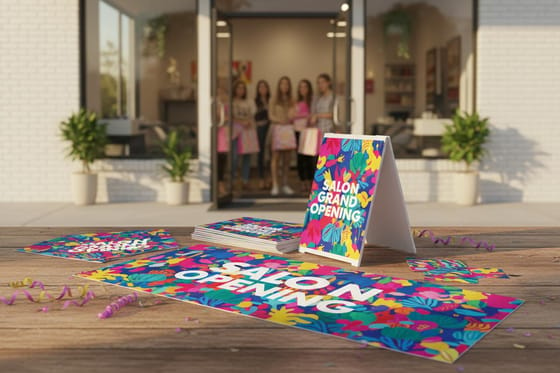 Case study Premium Cards Case Study How premium business cards launched a brand.
 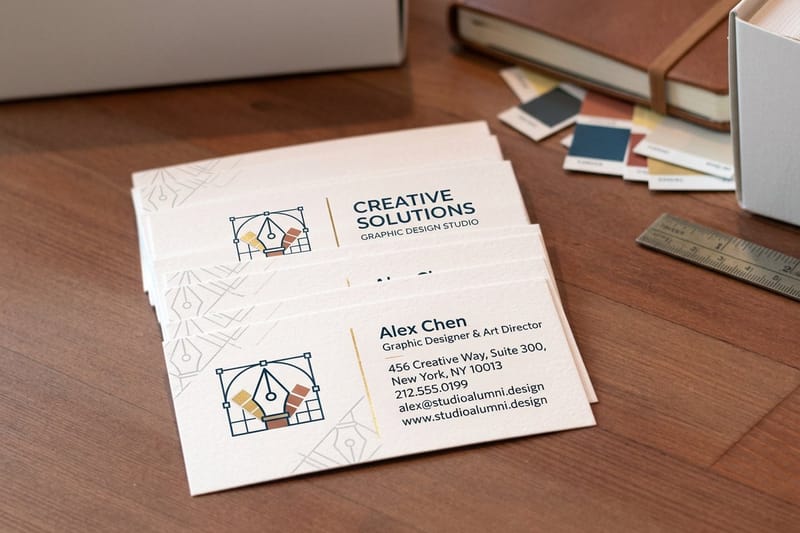 Templates Design Templates Ready layouts that save hours on every project.
 Ready to design cards that get you hired?
Pick a style, drop in your name and credentials or a free template, and 4OVER4.COM prints it sharp, as fast as same day.
Common questions about babysitting card design
How do you make a successful babysitting business?
Treat it like a business from the first week. Set a rate and say it out loud, keep a simple calendar so you never double book, and get CPR and first aid certified, because that is the line parents screen on. Ask every family you sit for whether you can use them as a reference, then ask them to mention you to one other family. Word of mouth fills a weekend, and a card in each of those hands makes it easy for them to pass you on.
Is it safe to put my phone number and address on a babysitting card?
Put the phone number on and leave the street address off. A parent needs a way to reach you and a general neighborhood to know you are local, and nothing more than that. If you are under eighteen, use a number a parent or guardian can also see, and let an adult handle the first call from a family you do not know. Skip anything that identifies your school or the hours your own house sits empty.
Where should I hand out babysitting cards?
Start with people who already know you. Neighbors, your parents' friends, family contacts, and anyone at school pickup. Then widen to places where parents wait, like pediatric offices, dance and swim classes, libraries and family cafes, and ask at the front desk before you leave a stack. A card on a community board next to a flyer with tear off tabs is the version that keeps working while you are asleep.
What are the best practices for babysitting business card design?
Keep the layout clean with no more than two fonts and three colors. Put your name and phone number on the front and list certifications and specialties on the back. Use high-resolution art of at least 300 DPI and leave enough white space so nothing feels cramped. Check the Help Center for file preparation guidelines before you upload.
How do I choose the right babysitting business card design?
Match the design to the families you want to attract. Playful, colorful cards appeal to parents of toddlers, while clean, minimal designs connect with families seeking experienced nannies. Your card should also feel like you. For a modern, translucent look, 30Mil Frosted Plastic Cards stand out from standard paper.
What makes a babysitting business card effective for marketing?
Effective cards pair clear contact details with a memorable design. Cards with QR codes, a professional photo, and listed certifications earn more callbacks than plain text. A sturdy stock like 32pt ultra-thick keeps your card in the drawer instead of the trash. Try 30Mil White Plastic Cards for something parents will not throw away.
How much should I budget for babysitting business cards?
Pricing starts low for standard business cards, which keeps professional cards within reach even for teen sitters on a budget. A batch of 100 to 250 is a smart start. Upgrades like thicker stock, rounded corners, or a soft-touch finish add small per-card costs but sharply raise the perceived value of your card.
