
How to Make Custom Letterhead That Elevates Your Brand


Emma is our prepress and print production voice, built from the knowledge of our production team, with over 20 years in printing.
Custom letterhead puts your logo, company name, and contact details at the top of every letter you send. Here is how to design one in Microsoft Word or a print tool, set up the file, and print it on the right stock.
To make custom letterhead, place your logo, company name, and contact details in a compact header across the top 1.5 to 2 inches of an 8.5 by 11 inch page. Build it fast in Microsoft Word using Insert then Header, or design it in CMYK at 300 DPI and export a print-ready PDF. Hold to two fonts and two or three colors, add a 0.125 inch bleed if color runs to the edge, and print on an uncoated stock that takes pen and toner cleanly.
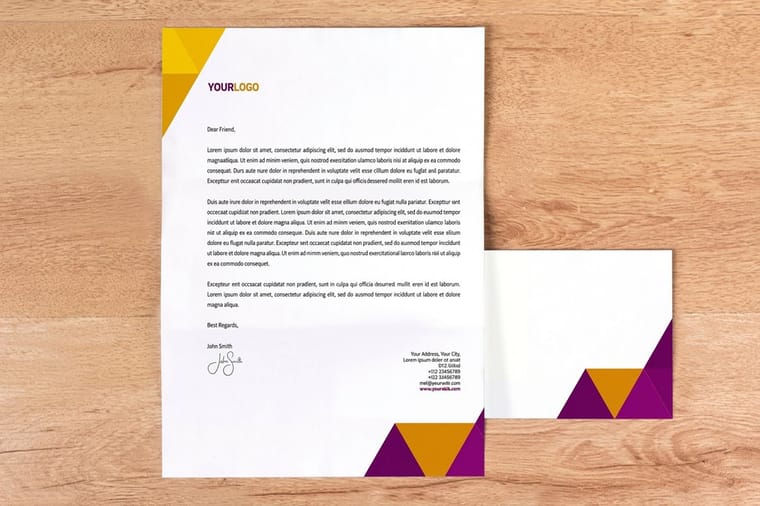
Quick answer
How to make custom letterhead, in plain terms
To make custom letterhead, design a compact header with your logo and contact details across the top of an 8.5 by 11 inch page. Build it in Microsoft Word for quick in-house letters, or design it in CMYK at 300 DPI and export a print-ready PDF for a professional run. Hold to two fonts and two or three colors, add a 0.125 inch bleed if color reaches the edge, and pick an uncoated stock so the sheet takes pen and toner cleanly. 4OVER4.COM stocks more than 60 paper types across its whole range, and prints letterhead on five of them, from 70# uncoated text to 28# Royal Linen Bright White.
Watch it printed
See standard letterheads on the press, in 142 seconds
Why custom letterhead still matters
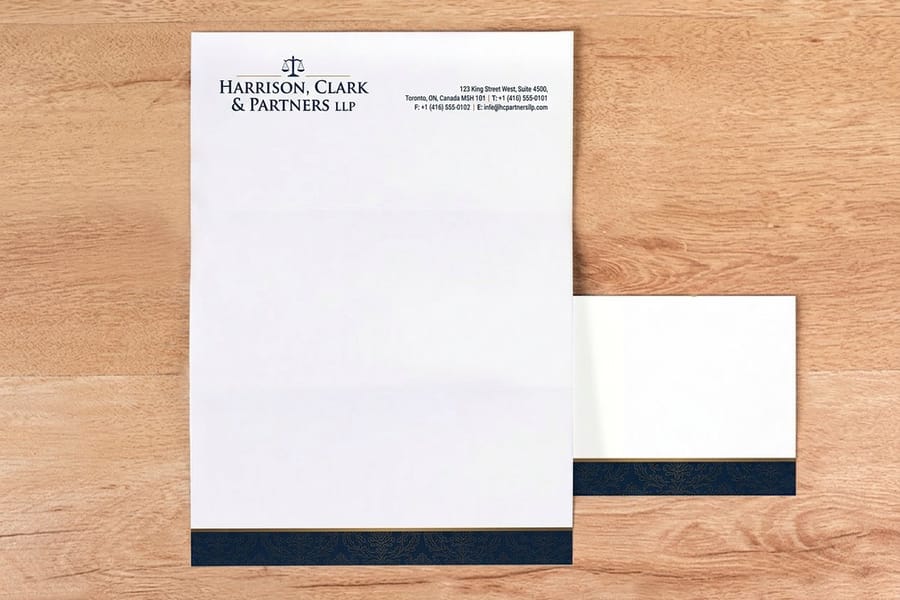
Custom letterhead is the first thing a client sees when they open your envelope, and it sets the tone before they read a single word. The top 1.5 to 2 inches of an 8.5 by 11 sheet carry the whole brand: logo, company name, phone, email and website. Get that strip right and the reader sees an established, careful business before the first line of the letter.
This guide walks you through every step, from the first concept to a finished print file. You will learn how to structure your header, choose fonts that match your brand, and avoid the file setup errors that quietly ruin a print run. Prefer to skip design software altogether? The Online Designer builds your letterhead right in the browser with no downloads, and it also lets you upload a finished file directly.
4OVER4.COM carries more than 60 paper types across its range, and five of them are letterhead sheets: 70# uncoated text, 24# Royal Laid in bright white, natural white or gray, and 28# Royal Linen Bright White. Pick the sheet that fits your brand and start designing today.
Step 1: define your purpose and audience
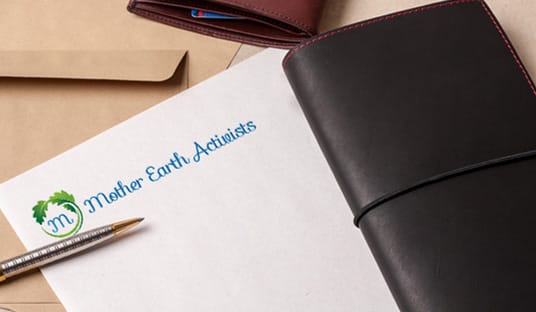
Before you open any design tool, think about who is receiving this letterhead. A law firm sending contracts needs a different feel than a yoga studio confirming class bookings: the firm might run black ink on 28# Royal Linen Bright White, the studio full color on 70# uncoated text. Your audience shapes every decision, from the color palette to the paper weight.
Write down three things your letterhead should communicate. Authority? Creativity? Warmth? Those words become your design compass. A real estate agent might lean toward clean lines and neutral tones, while a children's party business calls for bright colors and a playful font.
This step takes five minutes and saves hours of redesign later. For more on branded print materials, the 4OVER4.COM guide hub covers dozens of related topics.
Step 2: gather your brand assets
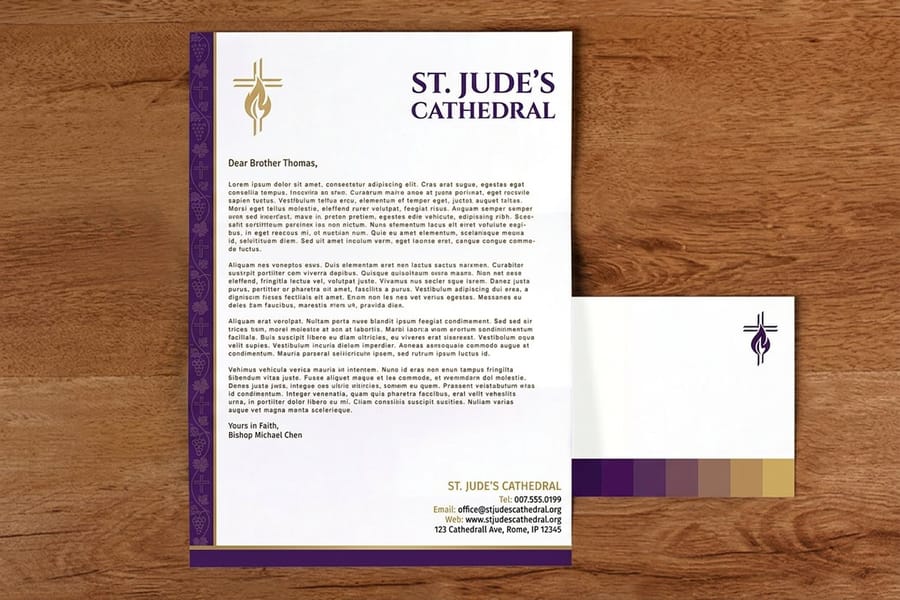
Pull together everything you need before you start designing. Here is the short checklist:
- Logo file. A vector format (AI, EPS, or SVG) prints crisp at any size.
- Brand colors. Get your exact CMYK values, not just the RGB or hex codes.
- Fonts. The same typefaces you use on your website and business cards.
- Contact information. Company name, address, phone, email, and website URL.
- Legal details. Registration numbers, license info, or a tagline if your industry requires it.
Using CMYK color values is non-negotiable for print. RGB colors look different on screen than they do on paper. If you have designed flyers before, you already know the rule, and the same one applies to letterhead.
Step 3: choose your size and layout
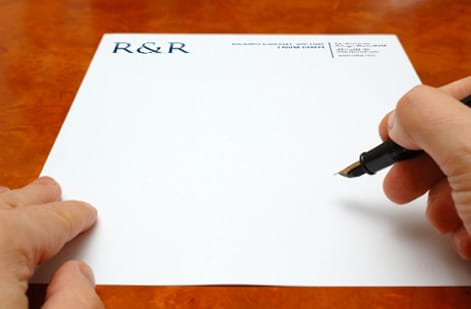
Standard letterhead in the US is 8.5 by 11 inches. That is what fits a number 10 envelope and what most printers expect, so stick with it unless you have a specific reason to go custom.
For the layout, you have three main options:
- Top-centered header. Logo and company name centered at the top. Classic and formal.
- Left-aligned header. Logo on the left with contact info on the right. Modern and clean.
- Sidebar layout. Branding runs vertically along the left edge. Bold and distinctive.
Most businesses go with a top header because it is versatile enough for letters, invoices, proposals, and internal memos. The sidebar approach grabs attention but eats into your writing space. If you are creating matching envelopes too, our guide on how to make envelopes walks through coordinating the full stationery set.
Step 4: design your header and footer
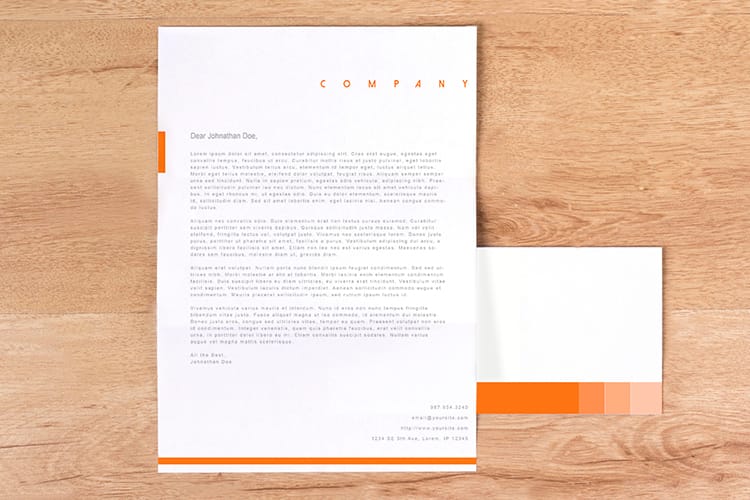
Your header is the star of the show. It is the branded zone at the top of the page, usually 1.5 to 2 inches tall. Position your logo where it is visible but not overpowering, because a logo that is too large looks amateur. Keep it between 1 and 1.5 inches tall, and if it is horizontal, it sits well on the left with the contact info stacked to the right.
If your logo already includes your company name, do not repeat it in text. If the logo is just an icon, add the company name beside or below it in your brand font. Put your phone number, email, and website in the header, and let the physical address live in the header or the footer, whichever you prefer. Do not cram everything onto one line. Stack it neatly with consistent spacing.
The footer is optional but useful. Many businesses place a physical address, social handles, or a tagline down there. Keep it subtle with a smaller font and a lighter weight so it never competes with the header for attention.
The contact block, the legal line and the second sheet
Readers expect the contact block in a fixed order and notice when it is scrambled: business name, then the street address on one or two lines, then phone, email and website. Set it in one typeface at 8 to 10 point and align it to the edge of the logo. A registered company adds its legal name with Inc, LLC or Ltd in the block or the footer, and a licensed trade such as a contractor adds its license number on the same line. In the United Kingdom a limited company prints its registered name, company number and registered office address, so check your state or regulator before you lock the footer.
A letter longer than one page needs a second sheet. Print it on the same stock with the header removed, or with the logo alone reduced to a corner, so page two reads as yours without repeating the whole block. Order both sheets in the same run so the paper matches. If you send letters abroad, A4 at 8.27 by 11.69 inches is the size your reader's printer expects.
The same layout works for email too. Export a PDF with the header and footer in place and the body empty, and your team can type a letter straight into it and send it as an attachment that looks like your printed letterheads.
Step 5: select your fonts and colors
Two fonts is the ceiling in a Word letterhead. One sets the company name inside the header, the other sets the letter your team types below it, and a third crowds a header only 1.5 to 2 inches tall.
For font pairing, contrast works. A bold sans-serif for your company name next to a clean serif for body text is a reliable combination. Avoid decorative or script fonts for contact information, because they turn hard to read at small sizes. On color, your letterhead does not need every brand color. Pick your primary brand color for the header elements and a neutral like black or dark gray for text, with a subtle accent for lines or dividers. White space is your friend here, so let the page feel open and readable rather than packed like a flyer.
The same principle carries to your other branded materials. If you are making brochures too, our guide on how to fold a brochure covers layout choices that complement your letterhead.
Build your letterhead in Microsoft Word
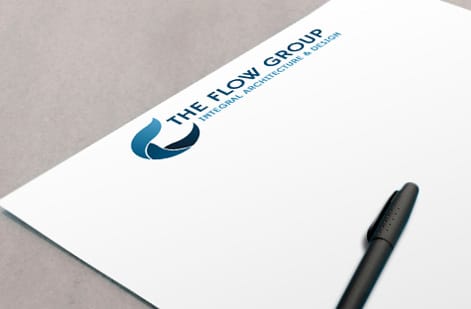
Microsoft Word is the fastest way to build a simple letterhead without design software, and it puts your branding in the header so the whole thing repeats cleanly on every page.
Jump to your version: Word for Microsoft 365 · Word 2021 and 2019 · Word for Mac
Here is the full sequence:
- Open a new Word document and go to the Insert tab.
- Click Header and select Edit Header to enter the header area.
- Add your company name, address, contact information, and any other text you want, then adjust the font style, size, and color to match your branding.
- To add a logo, click Pictures on the Insert tab, choose your image file, and resize and position it as needed.
- Once the header looks right, open the Design tab and pick a color scheme or background for it.
- To add a footer, click Footer on the Insert tab and enter your details, such as a disclaimer or a copyright notice.
- Match the footer to the header by adjusting its font style, size, and color.
- Save the file through File then Save As, and choose Word Document to keep editing or PDF for sharing and printing.
Word is perfect for the in-house letters your team prints day to day. When you want a heavier stock and true CMYK color for a professional run, design the same layout for print and send it to 4OVER4.COM.
Word for Microsoft 365
The Header control sits on the Insert tab, in the Header & Footer group on the right side of the ribbon. Click Header, then Edit Header. Word opens the Header & Footer tab, and Close Header and Footer is the last button on it. If your window is narrow, the group collapses into a single Header & Footer icon, so click that first.
Word 2021 and 2019
Same place: Insert tab, Header & Footer group. The difference is that the contextual tab is called Header & Footer Tools, Design, and the header measurement box, Header from Top, lives on that tab. Set it to 0.5 inch and let the header content fill down to about 1.5 to 2 inches from the page edge.
Word for Mac
Use the Insert menu in the menu bar, then Header and Footer, or double-click directly into the top margin of the page. The ribbon shows a Header & Footer tab with the same Close button. To place the logo, use Insert then Pictures then Picture from File, since the Mac version splits the picture source into a submenu.
Start from a print-ready letterhead file
Start from a blank 8.5 by 11 letterhead file with the header zone, margins, and safe area already set. Download the matching letterhead blank template, drop your logo into the header zone, and everything already lines up with the trim when you send it to press. If you would rather build it in the browser than in Word, the online designer opens the same layout with the guides in place.
Start from a Word template, then save your own as one
Word ships with free letterhead layouts. Go to File, then New, type letterhead into the search box, and Word downloads a set of designs with the header, footer and body styles already built. Pick one that matches the layout you chose in Step 3, then replace the sample logo through Pictures, retype the contact block, and swap the colors to your CMYK values. That path gets a usable sheet in ten minutes.
The finished file should become a template, not a document you copy. Use File, then Save As, and change the file type to Word Template, which is a .dotx. Word stores it in the Custom Office Templates folder, and from then on it appears under File, New, Personal. Opening it creates a fresh untitled letter with the header in place, and the template itself stays untouched.
When the same design goes to press on a heavier stock, export a PDF from that template and upload it to Letterheads, which start at $99.95. The layout rules for the letter that sits on the sheet are in our business letter format guide.
Step 6: set up your print file correctly
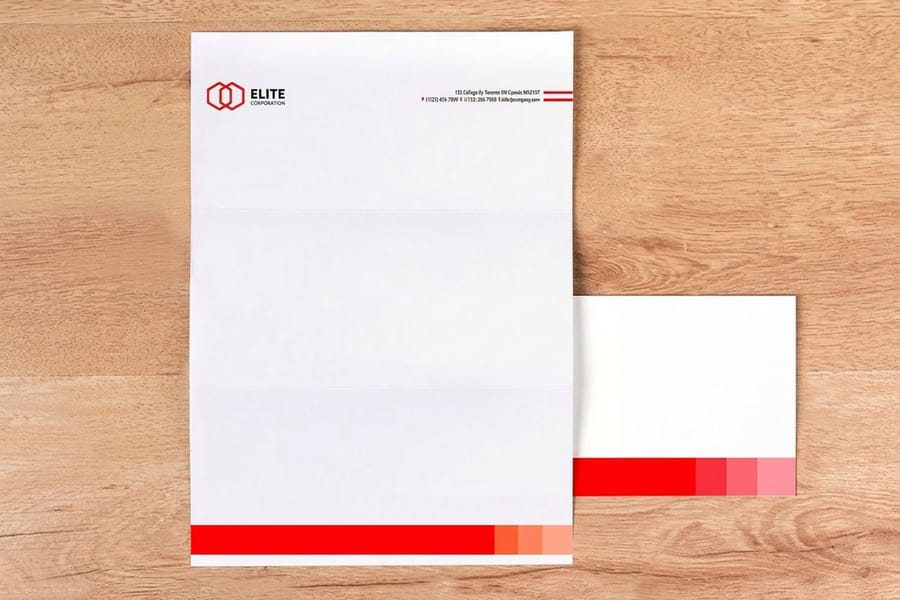
A Word file prints fine on the office laser. A press run on letterhead stock needs the file built to these specs:
- Document size. 8.5 by 11 inches, with a 0.125 inch bleed on all sides if your design runs to the edge.
- Resolution. 300 DPI minimum. Screen resolution at 72 DPI prints blurry.
- Color mode. CMYK, not RGB. Convert every color before you export.
- File format. PDF is the safest choice, because it locks in fonts, colors, and layout across systems.
- Safe zone. Keep all text and important elements at least 0.25 inches from the trim edge.
4OVER4.COM provides blank templates pre-configured with the correct dimensions, bleed, and safe zones. Download the matching letterhead template for your design software and drop your artwork straight in, no guessing. If your business adds a stamped seal to its letters, our guide on how to clean rubber stamps is worth a bookmark for keeping that mark sharp.
Step 7: pick your paper stock
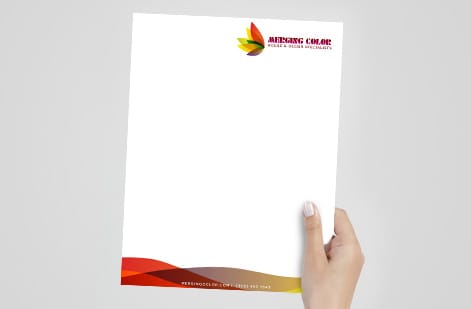
Paper changes everything about how a letterhead feels. A thin, flimsy sheet reads as budget, while a thick, textured one reads as established.
Uncoated paper is the traditional choice. It takes pen ink well, absorbs toner from desktop printers, and has a natural, professional feel, which is why most business correspondence runs on it. Coated paper, matte or gloss, gives a smoother, more polished look and makes colors pop, but it is harder to write on and can smudge with some inks, so it suits letterhead that is printed rather than handwritten. Linen or textured stock adds a tactile quality people notice the moment they pick it up, which makes it a strong pick for law firms, financial advisors, and luxury brands.
4OVER4.COM offers more than 60 paper types across its range, and the five letterhead sheets cover the three feels above: 70# uncoated text, the laid finishes and the 28# linen. If you are extending that brand into promotional pieces, our custom magnets guide covers material choices for that format.
Step 8: review, proof, and print
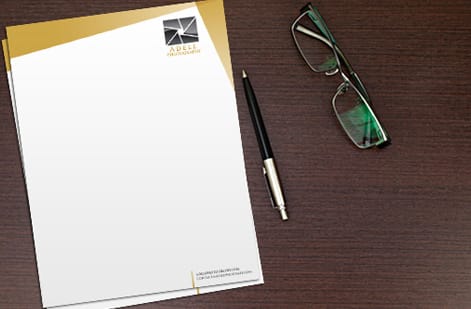
Before you place the order, run through the file one more time and check for:
- Spelling in your company name, address, phone number, and email.
- The correct logo version, not a low-res screenshot pulled from your website.
- Alignment, so nothing sits off-center or crooked.
- Consistent spacing between elements.
- CMYK color mode, confirmed.
Print a test copy on your home printer at actual size and hold it up. Does the header feel balanced? Is there room for the letter body? Does the footer crowd the bottom margin? That quick check catches problems a screen hides. Once you are satisfied, upload the file to 4OVER4.COM and you will get a digital proof to approve before printing starts. Take that proof seriously, zoom in, and check every detail. It is your last chance to catch a mistake before ink hits paper.
Mistakes that ruin custom letterhead
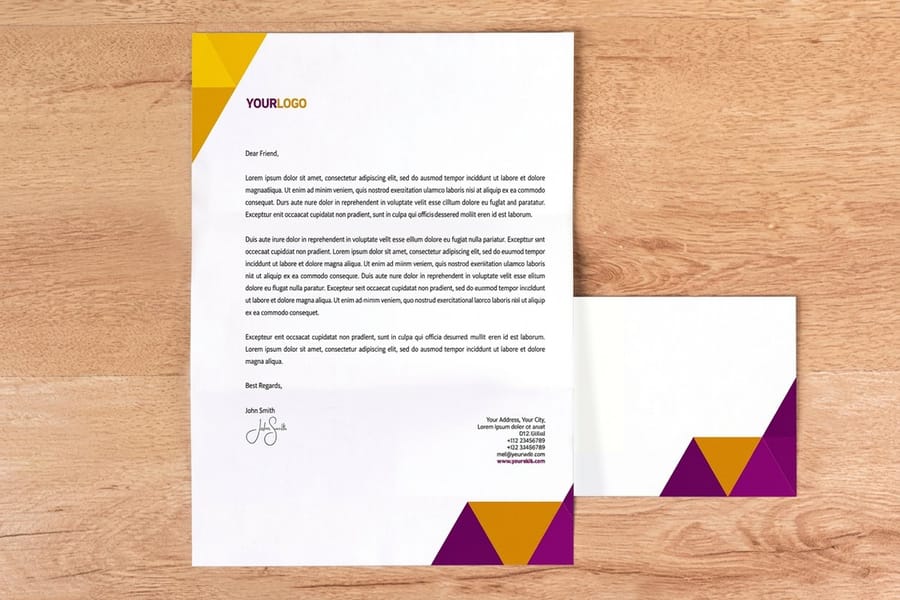
Even with a solid plan in hand, these errors show up constantly. Avoid them and your letterhead looks tighter everywhere.
Oversized logos. Your logo should not dominate the top third of the page. Keep it proportional, and if it runs bigger than 1.5 inches tall, scale it down. RGB color files. Designing in RGB and printing in CMYK produces color shifts, so a bright blue on screen can turn muddy purple on paper. Work in CMYK from the start.
Too much information in the header. Your letterhead is not a business card, so skip the full list of social handles, fax numbers, and satellite offices and keep only the essentials. Ignoring bleed and safe zones. Text set too close to the edge gets trimmed off, and the built-in guides in 4OVER4.COM templates prevent it. Inconsistent branding. Letterhead that uses different fonts or colors than your business cards and envelopes makes the whole brand look disjointed, so match everything. 4OVER4.COM prints with 99.8% on-time delivery, so a coordinated stationery set arrives together when you need it.
Wally explains custom letterhead
One clean header, and every letter you send looks established
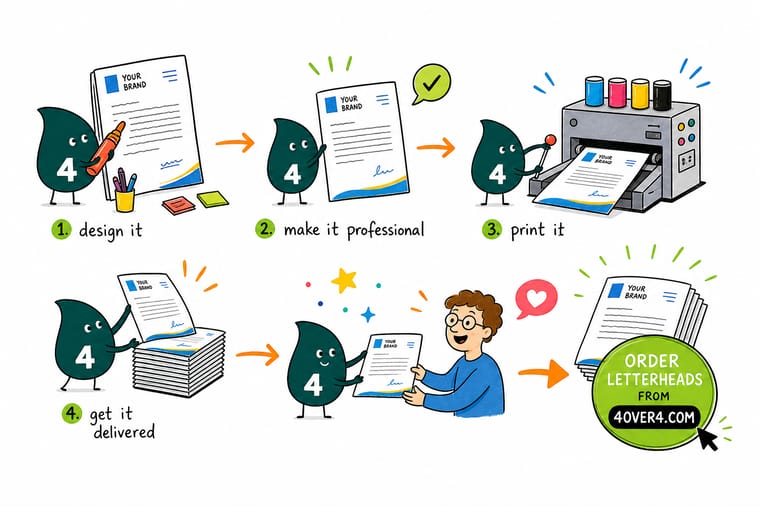
Wally treats a letterhead like a handshake on paper: the logo, name, and contact details across the top tell a reader you are real before they read a word. Build it fast in Microsoft Word with Insert then Header, keep it to the top two inches, hold to two fonts and two or three colors, and match it to your cards and envelopes. When you want a heavier stock and true CMYK color, 4OVER4 prints your finished letterhead on more than 60 paper types.
Order letterhead →
Specs and pricing
Custom letterhead specs and pricing
Here is what a fresh, made-to-order letterhead gives you at 4OVER4.COM, with live specs and price-per-unit straight from the configurator.
| Quantity | Price Per Unit | Total |
|---|---|---|
| 50 | $2.00 | $99.95 |
| 100 | $1.05 | $105.44 |
| 200 | 58.2¢ | $116.43 |
| 300 | 43.6¢ | $130.72 |
| 400 | 34.9¢ | $139.49 |
| 500 | 29.4¢ | $147.18 |
| 600 | 25.4¢ | $152.68 |
| 700 | 22.6¢ | $158.17 |
Print it
Order letterhead and matching print at 4OVER4
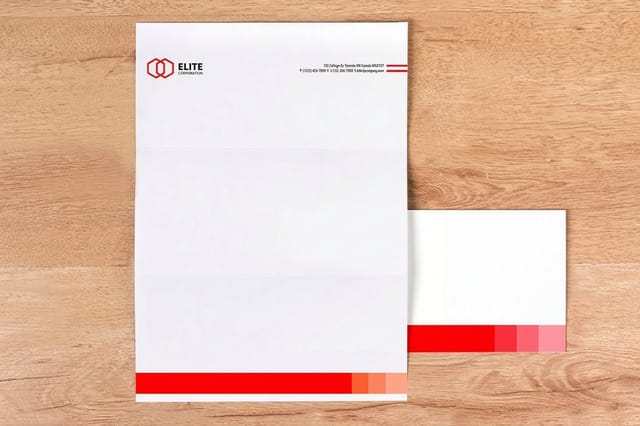
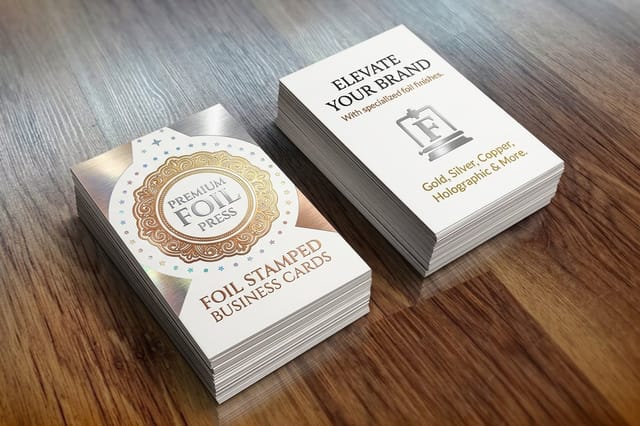
Once your letterhead design is set, build out a complete branded stationery set. Matching letterheads deserve better than a plain envelope, business cards in the same palette tie your brand together at meetings, and for something unexpected, 30 mil clear plastic cards make a bold impression alongside traditional stationery. The web story on letterheads shows five ways to build the sheet before you order.

See it in use
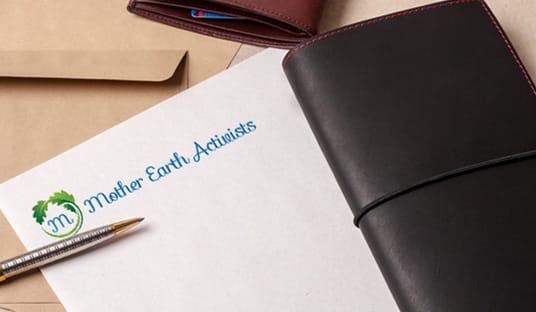
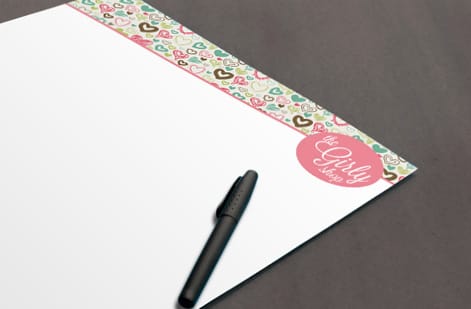
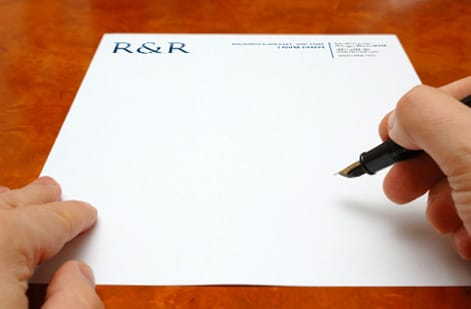
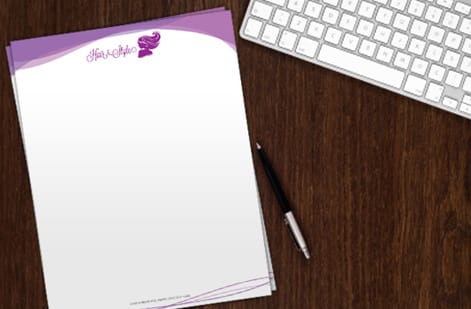
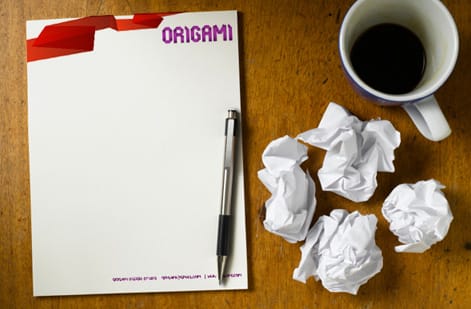
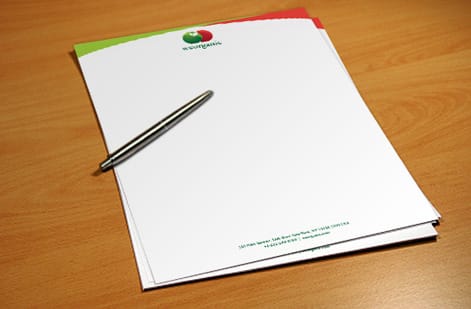
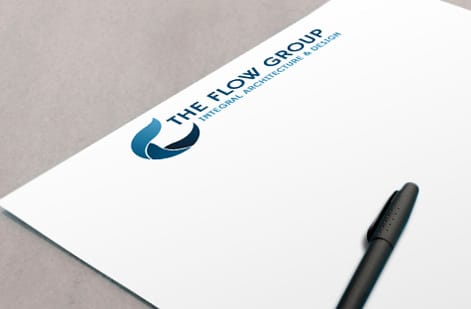
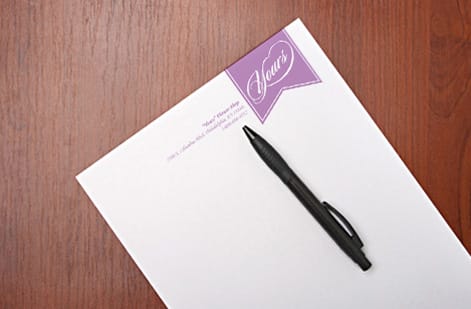
Letterheads our customers exported from Word and printed

Explore more
Where to go next




By the numbers
Trusted print for your whole brand kit at 4OVER4
Common Questions
Your custom letterhead questions, answered
What is legally required on a letterhead?
In the United States no single federal rule covers most businesses, but state corporate law usually requires a registered company to use its full legal name, including Inc or LLC, on business correspondence, and licensed trades such as contractors often have to show a license number. In the United Kingdom a limited company must print its registered name, company number and registered office address. Check your state or regulator, then put the required line in the footer.
How do I format a letterhead?
Keep the branding in the top 1.5 to 2 inches of an 8.5 by 11 inch page: logo on the left or centered, company name if the logo does not carry it, then phone, email and website stacked with even spacing. Leave the body area clear so a letter starts about 2.5 inches from the top, and put the street address or legal line in a smaller footer. Two fonts and two or three colors keep the sheet readable.
How do I save a Word document as a letterhead template?
Build the header and footer, then use File, Save As and change the file type to Word Template (.dotx). Word saves it to the Custom Office Templates folder and lists it under File, New, Personal. Every new letter opens as an untitled copy with the letterhead in place, so the template never gets overwritten by accident.
Can I download free letterhead designs in Word?
Yes. In Word go to File, New and search for letterhead, and Word downloads free layouts you can edit directly. Replace the placeholder logo and contact details with your own, switch the colors to your brand values, and save the result as a template. For a printed run, export the same file as a PDF and order it on the letterhead stock you want.
What file format should I use for custom letterhead printing?
PDF is the best format for custom letterhead. It preserves your fonts, colors, and layout without any shifting between systems. Set the PDF to CMYK color mode at 300 DPI, and 4OVER4.COM accepts PDF uploads directly through the ordering process.
What is the standard size for custom letterhead?
The standard US letterhead size is 8.5 by 11 inches. It fits a standard number 10 business envelope and works with every desktop printer. If your design runs to the edge, add 0.125 inches of bleed on each side when you set up the file.
Can I write on printed custom letterhead with a pen?
Yes, if you choose an uncoated paper stock. Uncoated paper absorbs ink from pens and desktop printers without smudging. Coated stocks, gloss or matte, can make pen ink bead up or smear, so for letterhead you will handwrite on, always go uncoated.
How many colors should I use on my letterhead?
Stick to two or three colors maximum. Your primary brand color, black for body text, and optionally one accent for lines or small details. Too many colors make letterhead look cluttered, and simple designs print more consistently too.
Do I need a graphic designer to create custom letterhead?
Not at all. This guide covers everything you need, and the 4OVER4.COM online design tools and blank templates give you professional starting points. If you want extra help, the Help Center has file setup guides and support resources.
What paper weight works best for business letterhead?
For everyday correspondence, 70 lb text weight is the industry standard. It feels substantial without being too thick to fold into envelopes. For special documents like proposals or certificates, stepping up to 80 lb or 100 lb text weight adds a premium, hefty feel clients notice.
Can I make custom letterhead in Microsoft Word?
Yes. Open a new document, use the Insert tab to Edit Header, add your company name and contact details, and insert your logo through Pictures. Save it as a Word file to reuse or a PDF for printing. For a heavier stock and true CMYK color, send that layout to 4OVER4.COM for a professional run.
Get Started
Ready to order custom letterhead?
Pick your paper, drop in your logo and details, and we print a crisp, professional letterhead that makes every letter look established.
Legal Disclaimer
Gold Standard guarantees apply to all standard orders placed through 4over4.com. Price match requires verifiable proof of a competitor's published price for an equivalent product with matching specifications and turnaround time. Satisfaction guarantee covers manufacturing defects and print quality issues. Contact support with order number and documentation.
