
How to Fold a Brochure, 8 Popular Fold Styles Explained


Sofia is our design and templates voice, built from the knowledge of our production team, with over 20 years in printing.
Pick the fold that fits your message, size the panels so the brochure closes flat, then score and crease with the grain. Here is every common fold, step by step, so each panel reads in the right order.
To fold a brochure, choose the fold first: tri-fold and roll folds nest panels inside each other with the inner panel about 1/16 inch narrower, while a Z-fold uses equal panels that alternate direction. Fold with the paper grain, score any stock heavier than 80 lb text, then crease from the center outward. For anything over 50 pieces, machine folding gives crisp, uniform results.
Quick tips
Step-by-step brochure folding, at a glance
Every brochure fold creates a unique reading path. The fold you choose depends on how much content you have, how you want to reveal information, and how you plan to distribute it. Tri-folds and roll folds nest panels with a slightly narrower inside panel. Z-folds alternate direction and open flat. Gate folds meet at the center for a dramatic reveal. Fold with the grain, score thick stock, and 4OVER4.COM customers who set panels up correctly get crisp, professional brochures every time.
Watch it printed
See standard brochures on the press, in 153 seconds
Why brochure folding matters more than you think
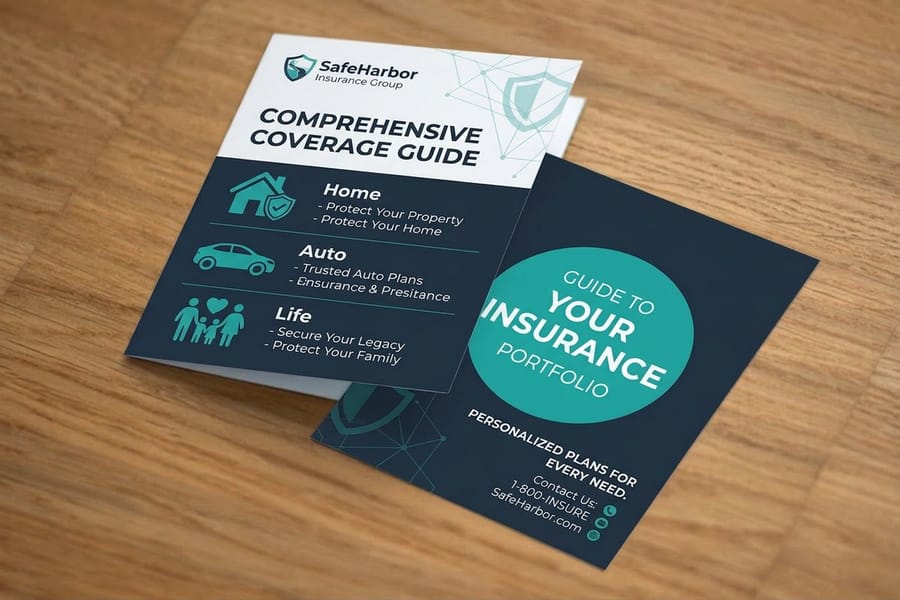
A brochure is a flat sheet with a reading order. An 8.5 by 11 inch sheet folded as a tri-fold gives you six panels, with creases at 3.625 and 7.3125 inches from the left edge of the outside, and the fold controls what your reader sees first, second, and last. Get it wrong and your message lands out of order. Get it right and each panel builds on the next like a conversation.
Learning how to fold a brochure starts with choosing the right fold style for your message. Tri-fold, bi-fold, Z-fold, and gate fold each create a different reading experience, and the fold you pick affects panel sizing, content layout, and print setup. Whether you are folding by hand or setting up files for professional custom brochure printing, this guide walks you through every common fold, step by step.
You will also pick up tips on panel sizing, paper grain, and the mistakes that ruin an otherwise great brochure. Across all its work since 1999, 4OVER4.COM has printed over 10 billion cards and delivers 99.8% of orders on time, company wide, so your brochures arrive ready to fold perfectly every time.
Brochure folding order, which panel folds in first

On a tri-fold and a roll fold the narrower inner panel folds in first, then the outer panel wraps over it. On a Z-fold and an accordion the panels are equal width and fold in alternating directions, so there is no inner panel at all. That one difference decides how you size the panels in your file.
Take the standard 8.5 by 11 inch sheet folded the long way. A tri-fold gives you two panels at 3.6875 inches and one at 3.625 inches, and the 3.625 inch panel is the one that folds in first. Cut all three the same width and the brochure will not close flat, because the inner panel has to travel around the thickness of the paper. The usual allowance is 1/16 inch, and 1/8 inch on cover stock heavier than 80 lb text.
Fold order by style:
- Tri-fold (letter fold): the narrow panel folds in first, then the front cover panel wraps over it. Two creases, one closed piece 3.6875 by 8.5 inches that drops into a number 10 envelope.
- Roll fold, four panels or more: the same rule repeated. On a four panel roll fold the innermost panel is 3/16 inch narrower than the outer panel, the next one 2/16 inch narrower, the next 1/16 inch narrower, so every panel clears the one wrapping it.
- Z-fold: three equal panels, 3.667 inches each on letter size, folded in opposite directions. Nothing nests, so there is no first panel, only a first crease: fold crease one back and crease two forward.
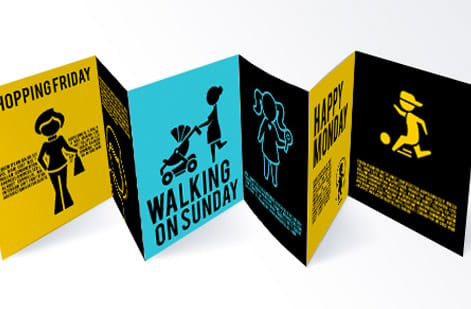
- Accordion: the Z-fold rule carried past three panels. Every panel is the same width and every crease reverses direction, so the piece pulls open flat in one motion.
- Gate fold: both outer panels fold in at the same time to meet at the center, so neither one is first. On an 11 inch sheet that is a 5.5 inch center span with two gates just under 2.75 inches each.
- Bi-fold (half fold): one crease down the middle, two equal halves, no width allowance to subtract.
Panel map you can print and fold, letter size tri-fold:
- Outside of the sheet, left to right: panel 6, the outer face of the inner flap, 3.625 inches wide. Panel 5, the back cover, 3.6875 inches. Panel 1, the front cover, 3.6875 inches.
- Inside of the sheet, left to right: panel 2, the inside front, 3.6875 inches. Panel 3, the center, 3.6875 inches. Panel 4, the inner face of the flap, 3.625 inches.
- Reading order: panel 1 while it is closed, then panels 2 and 6 the moment the cover swings open, then the full spread of panels 2, 3 and 4, with panel 5 sitting on the back.
- Letter size Z-fold map: panels 1, 2, 3 on the front and 4, 5, 6 on the back, all six at 3.667 inches, creases at 3.667 and 7.333 inches from the left edge.
To use this as a folding proof, print the map at 100% scale, no shrink to fit, on the same 8.5 by 11 inch stock you plan to order. Mark the two tri-fold creases at 3.625 and 7.3125 inches from the left edge of the outside, fold with the grain, and run a bone folder along each crease. If the closed piece sits flat and no panel edge pokes past the cover, your panel widths are right and the file is ready for custom brochure printing. Ordering in New York, the city page for custom brochure printing covers pickup and delivery there.
You only fold the proof by hand. Machine folding is included on every brochure order at 4OVER4.COM and scoring is handled during production, so the panel map is there to prove your artwork sits on the panel you think it does before the press run starts.
The classic tri-fold (letter fold)

The tri-fold is the most common brochure fold in the world. You see it in restaurants, doctor offices, trade shows, and real estate open houses. It takes a standard 8.5 by 11 inch sheet and divides it into three panels.
Here is how to do it:
- Lay your printed sheet face-down on a flat, clean surface.
- Take the right panel and fold it inward toward the center. This panel should be about 1/16 inch narrower than the other two so it nests inside without buckling.
- Now fold the left panel over the top of the right panel, covering it completely.
- Run your finger or a bone folder along each crease for a sharp, clean line.
The detail most people miss is that the inside right panel must be slightly narrower. If all three panels are the same width, the brochure will not close flat. It bulges and looks sloppy. When you set up your file for custom brochures, make sure your design accounts for this size difference.
The bi-fold (half fold)
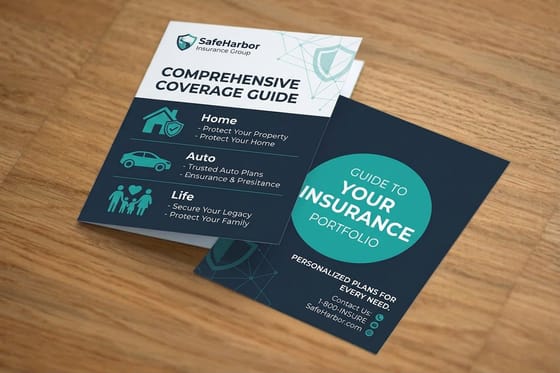
Simple and elegant. The bi-fold divides your sheet into two equal panels, creating four printable surfaces: a front cover, a back cover, and a two-page interior spread.
Folding steps:
- Place your sheet on a flat surface, printed side facing down.
- Bring the right edge over to meet the left edge precisely.
- Align the corners carefully before pressing the fold.
- Use a bone folder or ruler edge to crease from the center outward. This prevents air bubbles and wrinkles.
Bi-folds work great for event programs, product spotlights, and menus. They give you a generous interior spread, which is perfect when you need room for large images or detailed information. If you are also creating matching mailers, our guide on how to make envelopes helps you pair brochures with custom packaging.
The Z-fold (accordion fold)

The Z-fold gets its name from the shape it makes when viewed from the side. Instead of nesting panels inside each other like a tri-fold, each panel folds in the opposite direction, creating a zigzag pattern.
How to fold it:
- Start with your sheet face-up on a flat surface.
- Fold the right third of the sheet to the left, toward the center.
- Now fold the left third backward, away from you, in the opposite direction.
- When you pick it up and look at it from the edge, you should see a clear Z shape.
All three panels in a Z-fold are the same width, and that is a big difference from the tri-fold. No panel needs to be narrower because nothing nests inside anything else. This fold is popular for maps, step-by-step instructions, and timeline content because it can unfold completely flat or be read panel by panel.
The gate fold

Gate folds create a dramatic reveal. Two panels fold inward from opposite sides and meet in the center, like double doors opening. It is a premium fold that works well for luxury brands, invitations, and product launches.
Folding instructions:
- Lay your sheet face-down.
- Fold the left edge inward to the center of the sheet.
- Fold the right edge inward to meet the left panel at the center.
- The two flaps should meet without overlapping.
Gate folds require precise panel sizing. Each side panel is exactly one-quarter of the total sheet width, while the center spread is one-half. This fold uses more paper real estate than a tri-fold, so plan your content accordingly. For an eye-catching multi-piece kit, pair gate-fold brochures with 3D lenticular postcards.
The roll fold (barrel fold)
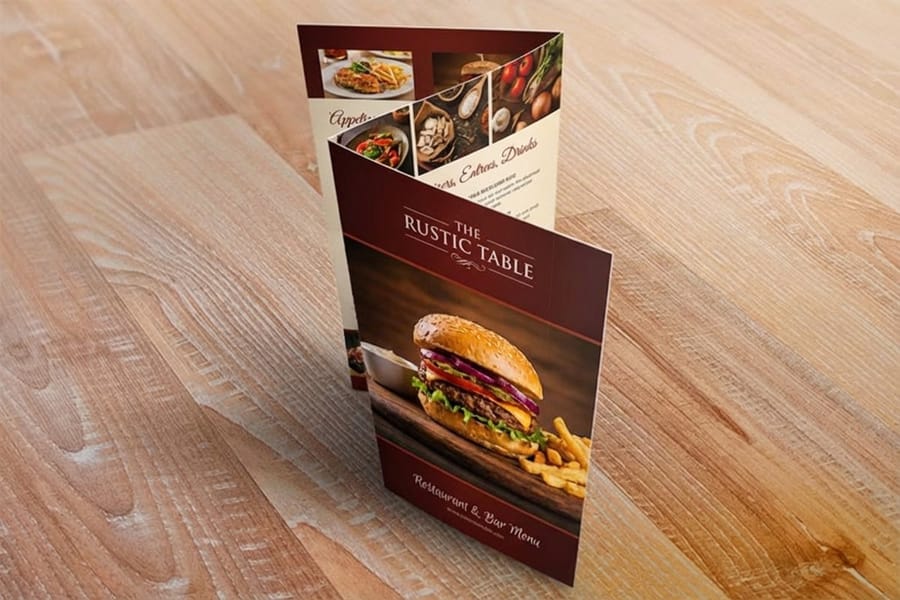
A roll fold works like a tri-fold's bigger sibling. It has four or more panels that progressively fold inward, each one wrapping around the previous panel. Think of it as rolling the paper toward the center.
Steps for a four-panel roll fold:
- Start with your sheet face-down.
- Fold the far-right panel inward toward the center.
- Fold the next panel over the first fold.
- Continue folding each successive panel over the previous one.
- Each inner panel must be progressively narrower, about 1/16 inch less, so the brochure closes flat.
Roll folds are ideal for content-heavy brochures like travel guides, product catalogs, and service menus. The progressive reveal keeps readers engaged as they unfold each layer.
The double parallel fold and the French fold
Two more folds round out the set, and both come from folding a sheet twice in a row rather than dividing it into three panels.
The double parallel fold
Fold the sheet in half, then fold that in half again along a parallel crease. You get four panels a side, eight printed surfaces, from a sheet that would give a tri-fold six. It closes to a quarter of the width, so a letter sheet finishes at 2.125 by 11 inches, narrow enough for a rack. The nesting rule still applies: the two inner panels need the 1/16 inch allowance, because they travel around the fold.
The French fold
Fold the sheet in half, then in half again at a right angle to the first crease. The result is a four panel piece with a blank reverse, which is why it is the standard for greeting cards and for a map tucked inside a booklet. Lay it out as one flat sheet and check the orientation twice, because half the panels print upside down relative to the other half.
Choosing paper weight and grain direction
The paper you print on directly affects how clean your folds turn out. Heavier stocks like 100 lb gloss cover resist folding and can crack along the crease if you do not score the paper first. Lighter stocks like 80 lb gloss text fold easily by hand without scoring.
Grain direction matters. Paper has a grain, the direction the fibers run. Folding with the grain gives you smooth, clean creases. Folding against the grain causes rough, cracked edges. When you order printed brochures from 4OVER4.COM, the production team handles grain direction automatically. But if you are folding at home or in the office, test a blank sheet first.
For heavier stocks, always score before folding. Scoring creates a shallow indentation along the fold line, giving the paper a guide to bend along cleanly. You can score with a bone folder and a ruler, or use a scoring tool designed for the job. Browse the guide hub for more tips on working with different paper types.
Setting up your file for professional folding
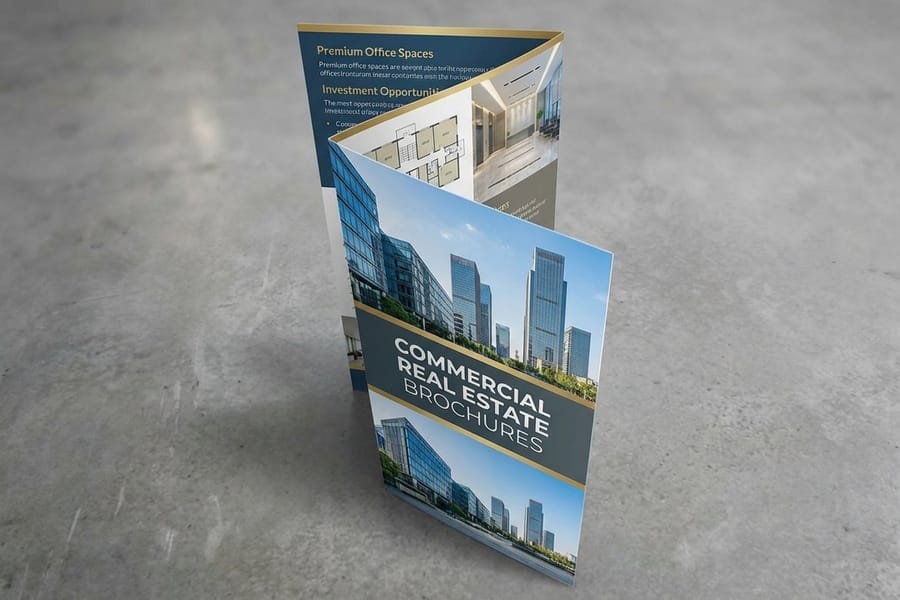
If you are sending your brochure to a professional printer, your file setup is just as important as the fold itself. Here is what to keep in mind:
- Panel widths: for tri-folds and roll folds, the innermost panel must be 1/16 to 1/8 inch narrower than the outer panels.
- Bleed: add 0.125 inch bleed on all sides. This prevents white edges after trimming.
- Safe zone: keep text and important elements at least 0.125 inch from fold lines and trim edges.
- Resolution: use 300 DPI minimum for sharp, professional results.
- Color mode: CMYK, not RGB. RGB colors shift during printing.
If you are creating other printed materials alongside your brochures, our guide on how to make flyers covers complementary design tips. Both formats share similar file setup requirements. You can also start from a ready-made blank brochure template that has panel sizing and fold marks built in.
Hand folding vs machine folding

For small runs under 50 pieces, hand folding works fine. Use a bone folder, work on a clean surface, and take your time aligning edges before creasing. A ruler helps keep folds straight on larger sheets.
For anything over 50 pieces, machine folding saves hours and delivers consistent results. Professional print shops like 4OVER4.COM use automated folding equipment that handles scoring and folding in one pass. The result is crisp, uniform folds on every single piece, something that is nearly impossible to achieve by hand at scale.
Folding mistakes that ruin good brochures

Even a beautifully designed brochure falls apart if the fold goes wrong. Here are the most common mistakes people make when learning how to fold a brochure:
- Equal panel widths on tri-folds. The inside panel must be narrower. Skip this and your brochure will not close flat.
- Folding against the grain. This causes cracking, especially on heavier paper stocks. Always test grain direction first.
- Skipping the score on thick paper. Anything heavier than 80 lb text stock needs scoring before folding. No exceptions.
- Misaligned content. Text or images that cross fold lines look broken when the brochure is folded. Keep critical elements within panel boundaries.
- Rushing the crease. A sloppy fold cannot be undone. Align edges first, then press firmly from the center outward.
- No bleed in the file. Without bleed you get white edges after trimming. Always add 0.125 inch on all sides.
4OVER4.COM handles scoring, folding, and trimming during production, so these issues disappear when you order professionally printed brochures. That is one less thing to worry about, and if sustainability matters to your brand you can run the whole job on green printing stock.
Wally walks you through the folds
Pick the fold, then let the press do the creasing
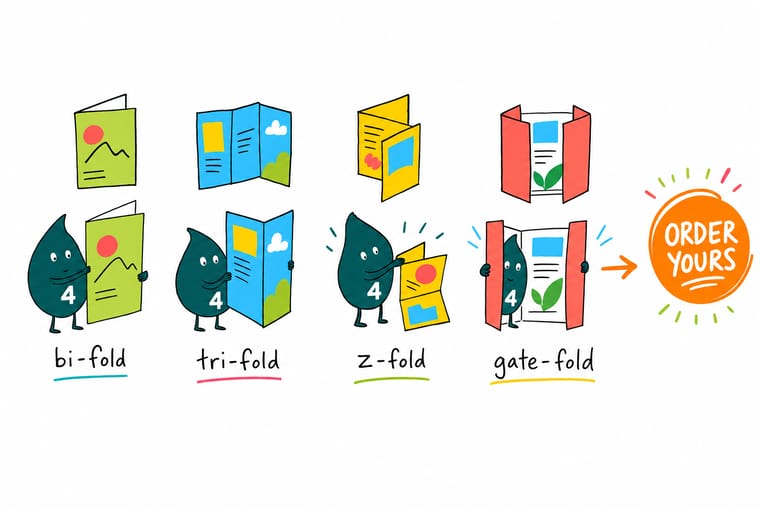
Wally treats a brochure like a tiny stage: the fold decides what your reader sees first, second, and last. Bi-fold for a clean spread, tri-fold for the classic handout, Z-fold to open flat, gate fold for a big reveal. Choose the one that fits your story, then let 4OVER4 score, fold, and trim the whole run so every panel lands crisp.
Order brochures →
Specs and pricing
Custom brochure specs and pricing
Here is what a fresh, made-to-order brochure gives you at 4OVER4.COM, with live specs and price-per-unit straight from the configurator, including every fold from half fold to gate fold.

| Quantity | Price Per Unit | Total |
|---|---|---|
| 50 | $1.14 | $57.11 |
| 100 | 82.4¢ | $82.38 |
| 200 | 53.3¢ | $106.55 |
| 300 | 41.0¢ | $123.02 |
| 400 | 34.9¢ | $139.49 |
| 500 | 31.2¢ | $155.97 |
| 600 | 26.7¢ | $160.36 |
| 700 | 23.5¢ | $164.75 |
Print it
Order brochures worth folding at 4OVER4


Free design templates
Start from a brochure template
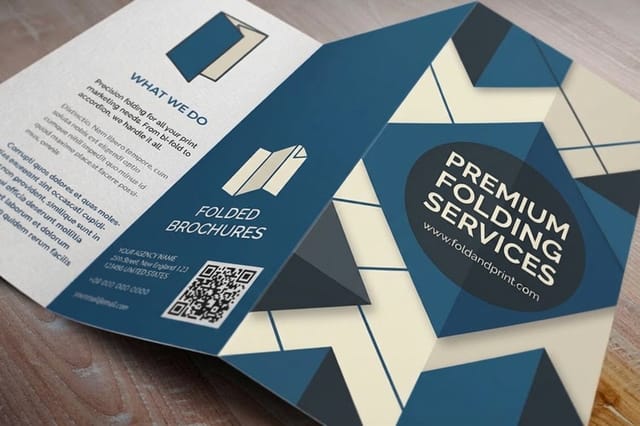
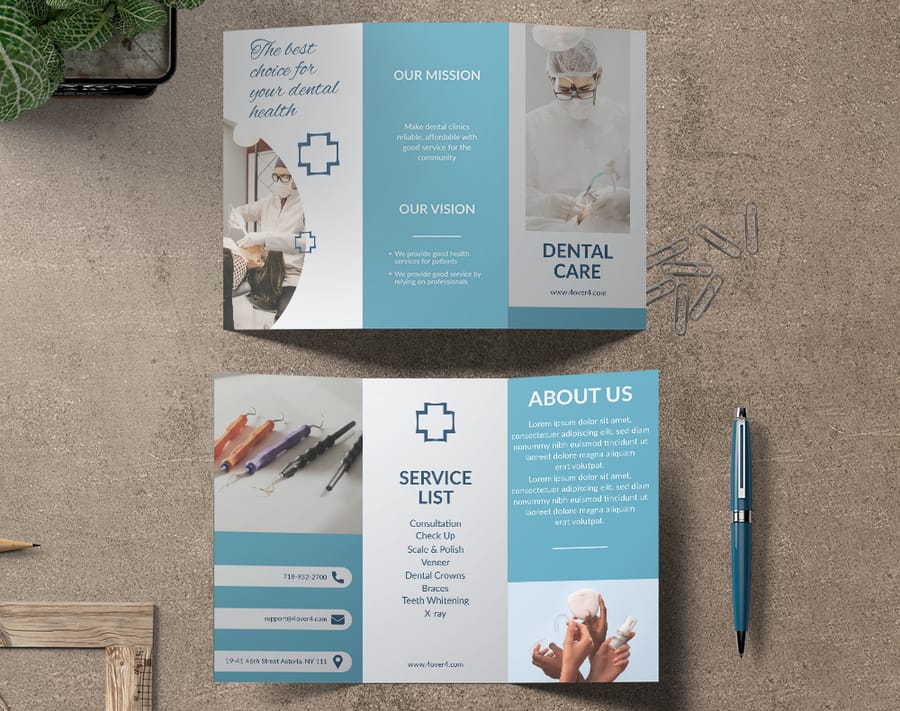
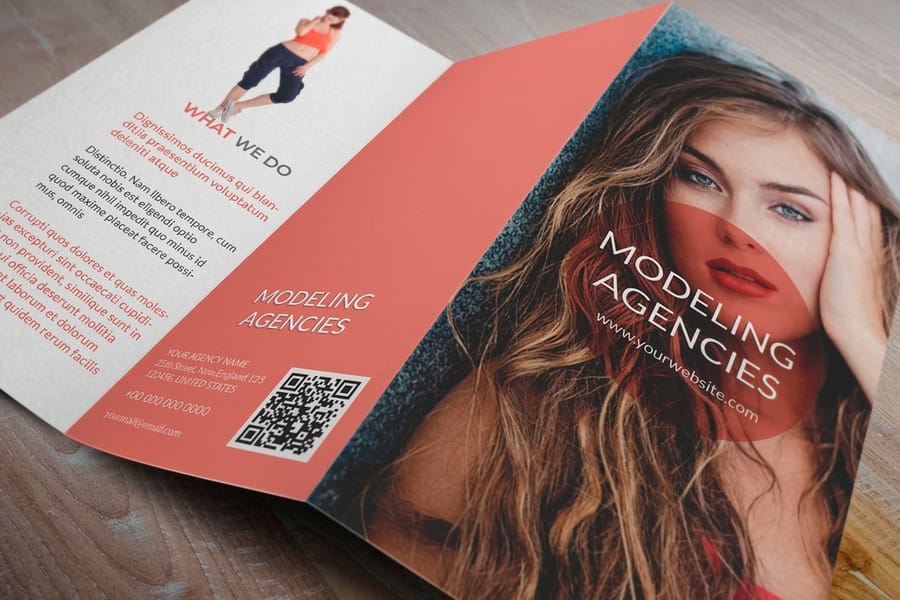
These layouts have proper panel sizing and fold marks built in, so your file lines up with the fold from the start. Open one in the 4OVER4.COM online designer and make it yours.
See it in use
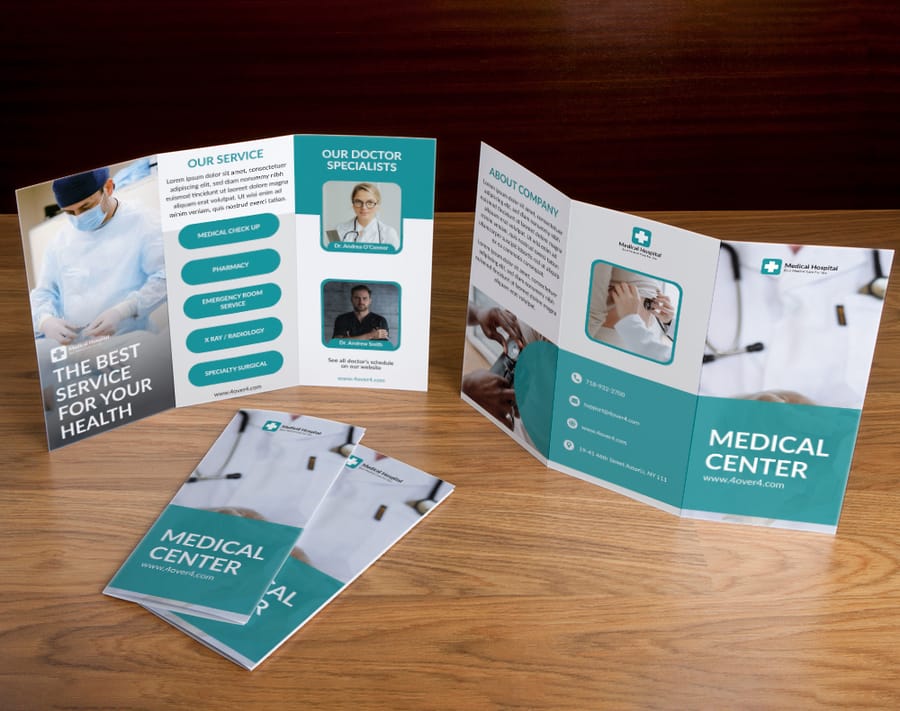
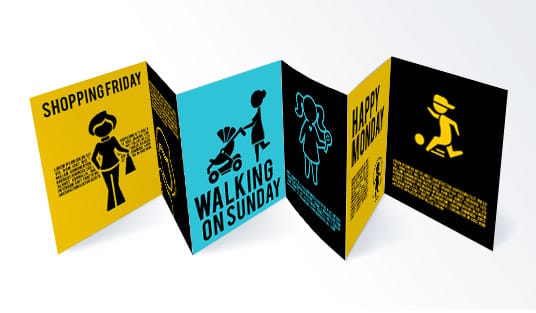
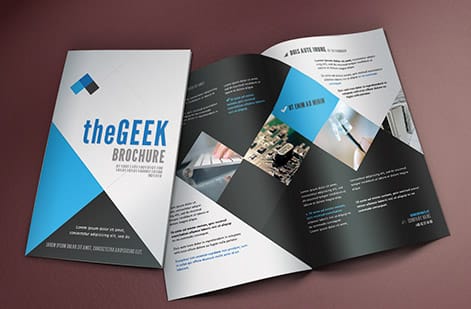
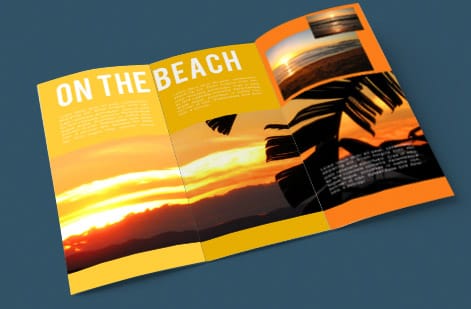
Brochures folded the eight ways above





Explore more
Where to go next




By the numbers
Eight fold styles on sixty paper types
Common Questions
Brochure folding questions, answered
How do you fold your brochure?
Choose the fold first, size the panels to it, then crease with the grain. On a tri-fold or a roll fold the inner panel is 1/16 inch narrower so it nests. On a Z-fold or an accordion every panel is equal and the creases alternate direction. On a bi-fold or a gate fold nothing nests at all. Score anything heavier than 80 lb text before it bends, and press each crease from the center outward.
How do you make a 3 fold brochure?
Start from an 8.5 by 11 inch sheet in landscape and divide it into panels of 3.6875, 3.6875 and 3.625 inches, with the narrow one on the right of the outside. Lay the six panels out in reading order, add 0.125 inch of bleed and keep type 0.125 inch off every fold line. Print the outside and the inside on the same sheet, then fold the narrow panel in first and wrap the cover over it.
What does a trifold brochure look like when it is folded?
Closed, it is a tall narrow panel about 3.6875 by 8.5 inches, the size that drops into a number 10 envelope, and you see the front cover and nothing else. Open the cover and two panels face you, the inside front and the outer face of the flap. Open the flap and the full three panel spread lies flat, with the back cover sitting behind it.
What is the most common brochure fold type?
The tri-fold, also called a letter fold, is the most widely used brochure fold. It divides a standard 8.5 by 11 inch sheet into three panels and fits neatly in a number 10 envelope. It is the go-to for restaurants, healthcare providers, and trade show handouts because of its compact size and natural reading flow.
Do I need to score paper before folding a brochure?
Yes, if you are using cover-weight stock, meaning anything heavier than 80 lb text. Scoring creates a guide line that prevents cracking along the fold. For lighter text-weight papers you can fold without scoring. When you order brochures from 4OVER4.COM, scoring is handled automatically during production.
How do I make sure my tri-fold panels are the right size?
The inside panel, the one that folds in first, needs to be about 1/16 to 1/8 inch narrower than the other two panels. This lets it nest inside without causing the brochure to bulge or buckle. The front and back panels stay at full width.
Which panel of a tri-fold brochure folds in first?
The narrow inside panel folds in first and the front cover panel wraps over it. On a letter size tri-fold that is the 3.625 inch panel folding in, with the two 3.6875 inch panels sitting outside it, and the two creases falling at 3.625 and 7.3125 inches from the left edge of the outside. A Z-fold has no first panel to nest, because all three panels are 3.667 inches wide and the creases simply alternate direction.
What is the difference between a Z-fold and a tri-fold?
A tri-fold nests panels inside each other, with the inside panel slightly narrower. A Z-fold alternates fold directions so each panel folds the opposite way, creating a zigzag shape. Z-folds have equal-width panels and can unfold completely flat, which makes them great for maps and timelines.
Can I fold brochures by hand or do I need a machine?
Hand folding works well for small batches under 50 pieces. Use a bone folder and ruler for clean, straight creases. For larger runs, machine folding delivers consistent results and saves real time. 4OVER4.COM includes professional machine folding on all brochure orders.
What paper grain direction should I fold along?
Always fold with the grain, not against it. Folding with the grain produces smooth, clean creases. Folding against the grain causes rough, cracked edges, especially on coated and heavier stocks. Test a blank sheet by folding it both ways to find the grain direction before you commit.
Get Started
Ready to print a brochure that folds perfectly?
Pick your fold and stock, drop in your design, and we score, fold, and trim every piece so it arrives ready to hand out.
Legal Disclaimer
Gold Standard guarantees apply to all standard orders placed through 4over4.com. Price match requires verifiable proof of a competitor's published price for an equivalent product with matching specifications and turnaround time. Satisfaction guarantee covers manufacturing defects and print quality issues. Contact support with order number and documentation.
