
How to Make Photo Cards That Print Sharp, Not Soft


Nadia is our customer education voice, built from the knowledge of our production team, with over 20 years in printing.
Photo cards fail for two reasons: the file was too small, or the crop cut somebody in half. Here is the pixel maths, the bleed, and how to order the cards once the file is right.
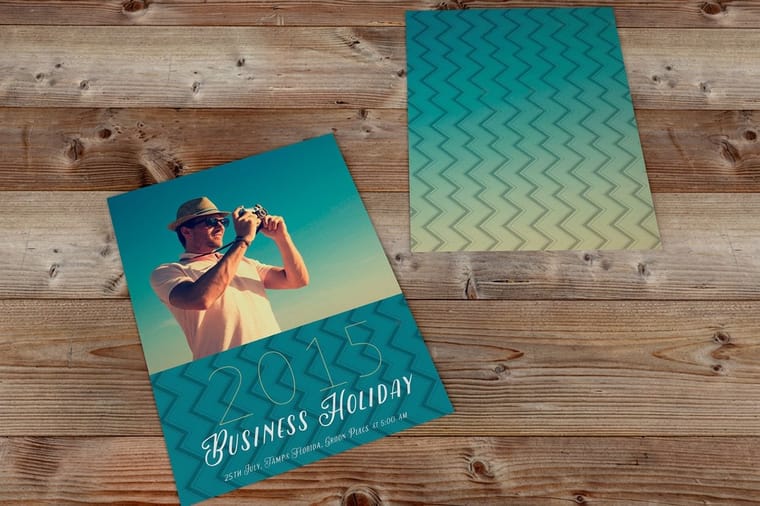
To make a photo card, size the photo to the finished card plus an eighth of an inch of bleed on every side, at 300 pixels per inch, then place it so nothing important sits within an eighth of an inch of the trim. A 4 by 6 photo postcard needs 1275 by 1875 pixels, a 5 by 7 folded greeting card needs 1575 by 2175. Any modern phone photo clears that. A picture saved off a social feed generally does not.
Quick answer
Card size plus bleed, times 300, equals the pixels you need
Every photo card decision comes back to one calculation. Take the finished card size in inches, add an eighth of an inch of bleed on each of the four sides, multiply by 300, and that is the pixel count. A 4 by 6 postcard needs 1275 by 1875. A 5 by 7 folded card front needs 1575 by 2175. Then keep faces, names and dates an eighth of an inch inside the trim, because the blade cuts a shifting stack and not a single sheet.
Choose Flat or Folded Before You Open the Photo
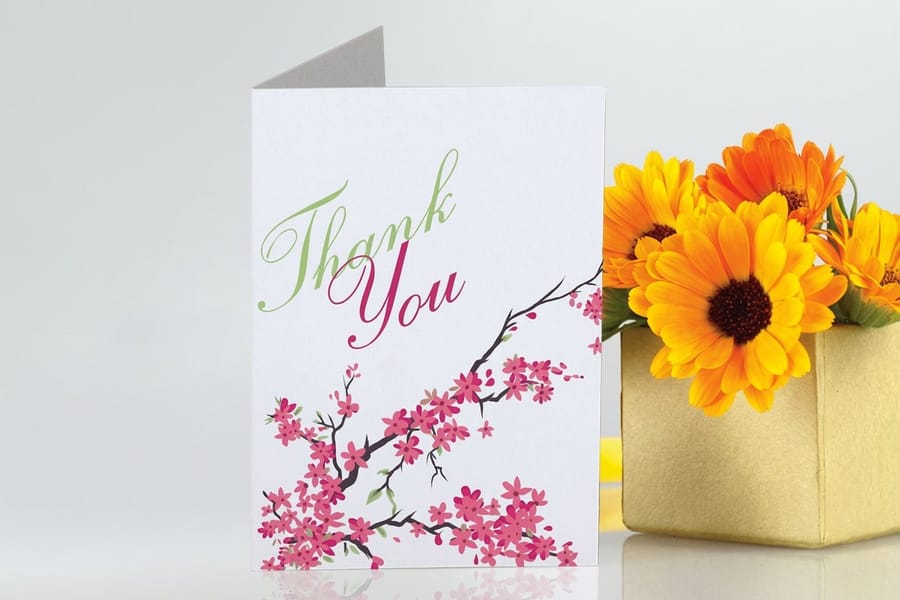
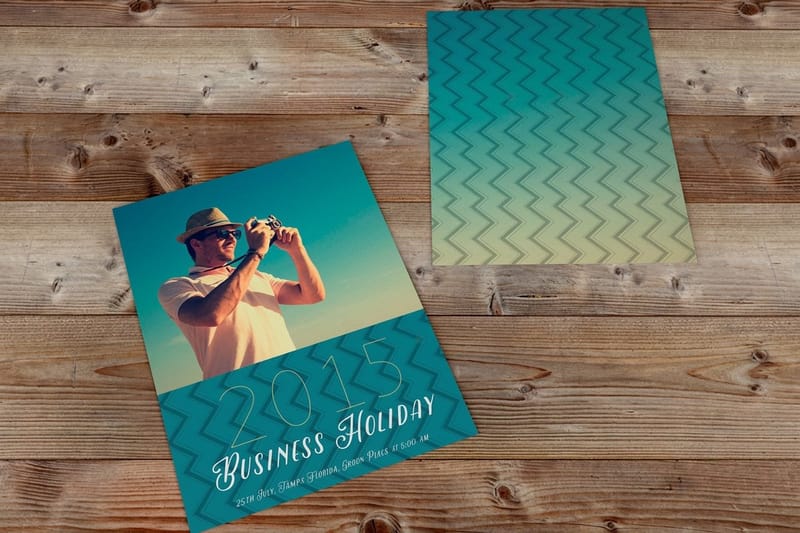
The format decides the crop, the price and the postage, so pick it first. A flat card is one sheet printed both sides. A folded card is a single larger sheet scored down the middle, which gives you four panels and a blank inside for a message.
Flat wins on cost and on mailing. A 4 by 6 photo postcard goes through the mail naked at postcard rate, and standard postcards start at $16.48. Folded wins when the card has to stand on a mantelpiece or carry a handwritten note, and greeting cards start at $56.02 because you are paying for roughly twice the sheet plus the score. The standard postcards story shows a finished flat run, our folded printing covers every scored format, and the guide postcards vs greeting cards, which should you print weighs the two in full.
| Format | Common size | Photo area | Starts at |
|---|---|---|---|
| Standard postcards | 4 x 6, 5 x 7, 6 x 9 | Full front, back split with the address panel. | $16.48 |
| Flat thank you cards | 4.25 x 5.5 and up | Full front, full back, no fold to work around. | $19.77 |
| Invitation cards | 5 x 7 flat | Full front, details on the back. | $19.77 |
| Folded thank you cards | Folds to 4.25 x 5.5 and up | Front panel only, inside stays writable. | $38.22 |
| Greeting cards | Folds to 5 x 7 | Front panel, optional inside photo. | $56.02 |
One thing worth knowing before you pick: 4 by 6 and 6 by 9 are the same proportion, so a photo crops identically on both and the only change is scale. A 5 by 7 is a different shape, slightly squarer, and it is the closest common card to what a phone camera actually shoots. Decide the size, then choose which photo suits it, not the other way around. The postcard printing category lists every size we cut so you can match the photo to the shape.
Run the size through the formula above before you commit. A 4 by 6 postcard needs a 1275 by 1875 pixel photo, a 5 by 7 card needs 1575 by 2175, a 6 by 9 postcard needs 1875 by 2775, and a 4.25 by 5.5 flat thank you card needs 1350 by 1725. If your photo falls short of the size you want, step down a size rather than stretch it. Postcards print on stocks from 14pt gloss to 24pt ultra thick in 3 business days at standard turnaround, and folded greeting cards take 5.
Get the Photo to the Right Pixel Count
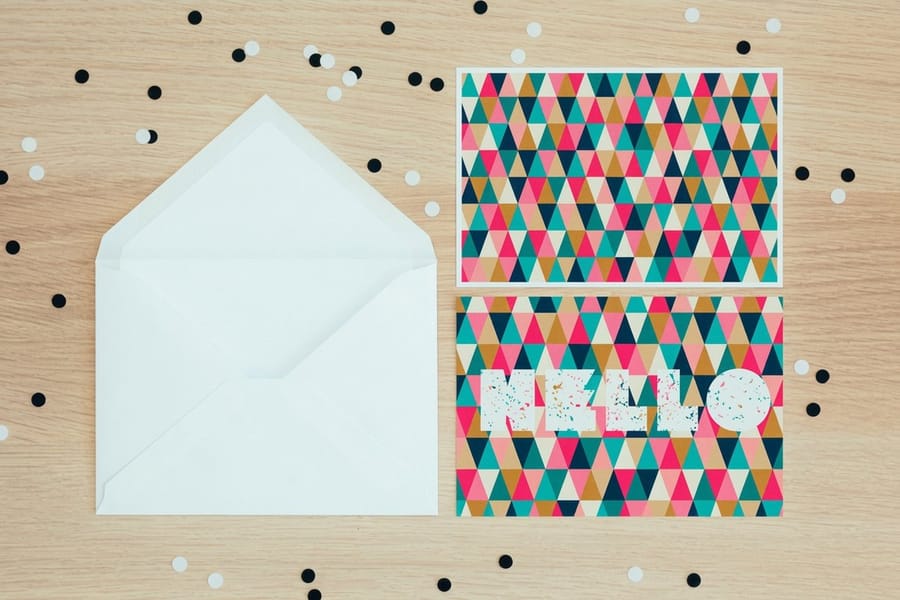
Print resolution is arithmetic, not a setting. Multiply the finished card size in inches, bleed included, by 300, and that is the pixel count the file needs. A 4 by 6 card is 4.25 by 6.25 with bleed, so 1275 by 1875 pixels. A 5 by 7 folded card front is 5.25 by 7.25, so 1575 by 2175.
Check the pixel dimensions of the photo, not the file size in megabytes. A heavily compressed 4000 pixel photo can be smaller on disk than a clean 1200 pixel one, and only the pixel count tells you what will print. On a Mac, Get Info shows the dimensions. In Photoshop it is Image Size, and our guide to changing DPI in Photoshop covers the resample checkbox that quietly ruins files.
Where photos usually fall short:
- Images saved from a social feed, typically around 1080 pixels wide, which covers 3.6 inches at 300 DPI.
- Screenshots, which come off the display at 72 to 144 pixels per inch and never gain detail afterwards.
- Pictures pulled out of a Word or PowerPoint file, which get downsampled on save.
- Photos already cropped hard once, where a 12 MP original is down to 2 MP before you start.
Below about 200 pixels per inch, the fine edges in a photograph go soft. On a billboard that is invisible. On a card held eight inches from someone's face, hair, eyelashes and printed text on a sign in the background all look mushy. If the only file you have is small, use it small: put it in a 2 inch frame on the card instead of stretching it across the whole front. Fixing a pixelated image explains what upscaling can and cannot rescue.
Bleed, Safety, and the Crop That Eats Your Subject
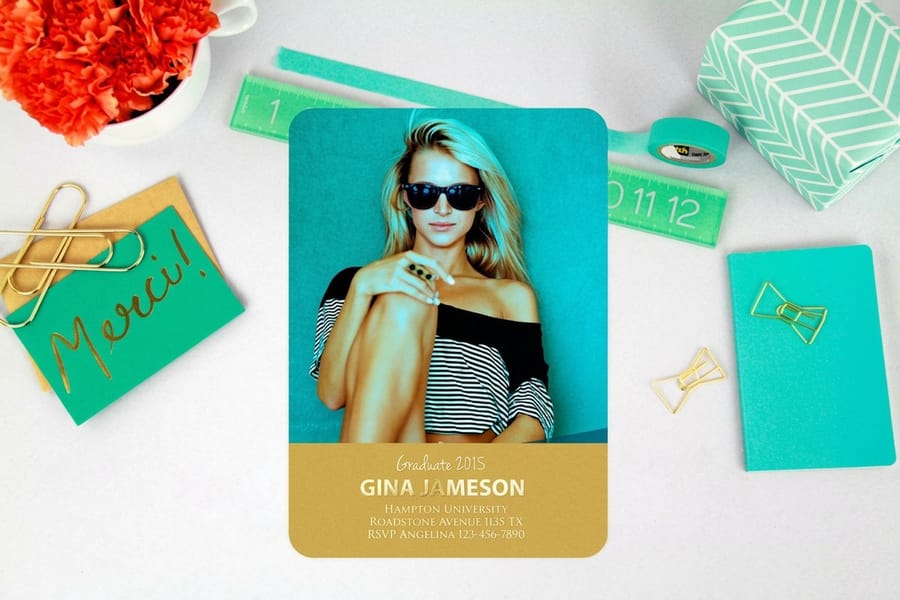
Cards are printed on large sheets and cut in stacks, and the stack shifts a fraction. That tolerance is why every photo card has two invisible lines around it.
Bleed is an eighth of an inch of photo extending past the trim on all four sides. Without it, one edge of the run shows a white hairline. Safety is an eighth of an inch inside the trim where nothing important goes. A name, a date, a logo or the top of somebody's head inside that band is gambling on the blade. Our bleed and trim guide shows the measurements on a real layout.
The crop is the part that surprises people. A phone camera shoots 4 by 3. A 4 by 6 card is 2 by 3. Filling that frame from a 4 by 3 photo removes about 11 percent of the width, and the software takes it evenly from both sides, which is exactly where the person on the end of a group shot is standing. Crop it yourself, deliberately, before you place it. A 5 by 7 is closer to the phone shape and loses far less, which is one honest reason to pick 5 by 7 for a group photo.
Start from a layout that already carries the trim and safety lines rather than measuring by hand. Our blank template library has the sizes ready to open, and the online design tool lets you drop a photo in and drag it, with the bleed and safety guides shown live so you can see what the blade will take.
Color, Coating, and the Proof That Saves a Reprint
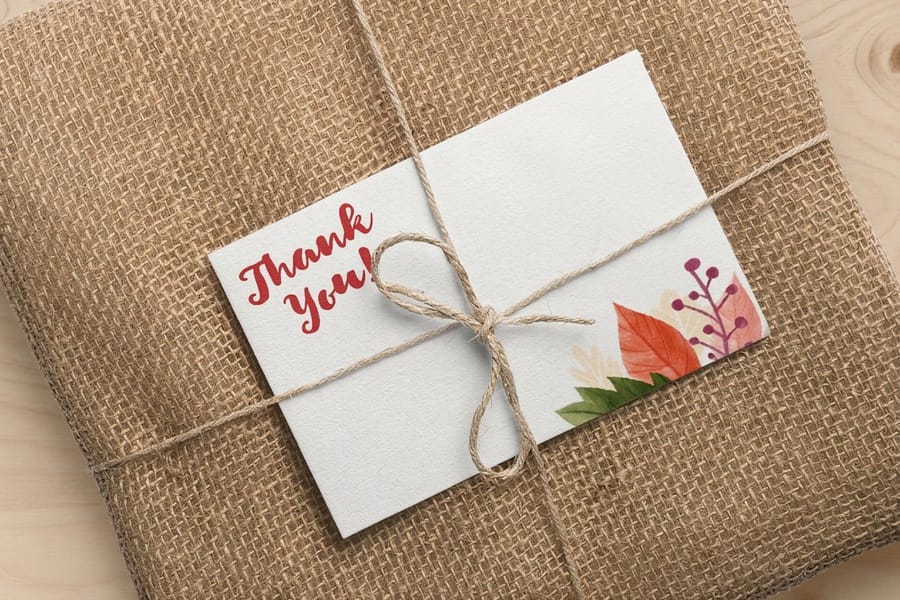
A screen makes color with light, a press makes it with four inks. Some colors simply do not exist in ink. Neon greens, electric blues and the cyan of a lit swimming pool are the usual casualties, and they come back duller than the screen promised. Skin tones convert well, so portraits are rarely the problem. Our guide on converting RGB files for print covers the conversion, and choosing a color profile covers which profile to convert into.
Coating changes the photo as much as the ink does. Gloss increases the difference between the darkest and lightest areas, so blacks look deeper and colors look richer, which is why landscape and food photos are almost always gloss. It also reflects a ceiling light straight back at the reader and shows every fingerprint. Matte and uncoated stocks look quieter and calmer, and they are the only ones that take a pen. That is the deciding factor on a folded card somebody has to sign.
Two habits keep photo cards out of the reprint pile. First, look at the file at 100 percent on screen before uploading, because half of all soft prints were already soft in the file. Second, order a small quantity first when the photo matters, then run the full job once you have held it. A run of 25 costs very little against reprinting 500 wedding cards where the bride is a shade too pink.
When you are ready, configure the size, stock and coating on the product page and upload the file there. Standard postcards from $16.48 covers most photo mailers, and greeting cards from $56.02 covers the folded ones people keep.
Wally explains photo cards
Measure the card, multiply by 300, then leave room for the blade
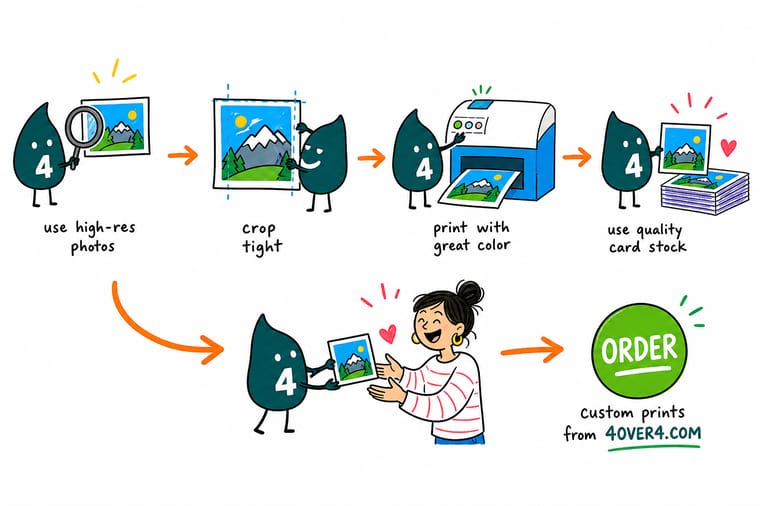
Wally takes the card size in inches, adds an eighth of an inch of bleed all the way round, and multiplies by 300. That is the pixel count. He pushes the photo past the trim on every side so no white edge sneaks in, then drags the faces away from the edge so the cutter cannot take an ear. If the only photo you have came off a phone, he is happy. If it came off a social feed at 1080 pixels wide, he makes it smaller on the card rather than stretching it.
Order photo postcards →
Specs and pricing
Photo card sizes, stocks and starting prices
Postcards come in 14 sizes from 2.5 by 2.5 to 6 by 11 inches, flat thank you cards in 4.25 by 5.5, 5 by 7 or 6 by 6 inches with matching white wove envelopes, and greeting cards fold to 4.25 by 5.5 or 5 by 7 inches. The live configuration choices and starting prices come from the 4OVER4.COM configurator.



Print it
Order the card once the photo is right
Postcards start at 50 for $16.48, flat invitation cards at 25 for $19.77, and greeting cards at 50 for $56.02, with a 3 business day standard turnaround on the flat cards and 5 on the folded ones.


Explore more
Where to go next
If your photo comes in under 1275 by 1875 pixels for a 4 by 6 card, start with the DPI and pixelation guides, then read the postcard anatomy guide to see how much of the back the address panel takes.

By the numbers
Photo cards at 300 dpi with bleed and safety
Common Questions
Your photo card questions, answered
What resolution does a photo card need?
300 pixels per inch across the finished size with bleed included. For a 4 by 6 postcard that is 1275 by 1875 pixels, for a 5 by 7 folded greeting card 1575 by 2175, for a 5.5 by 8.5 flat card 1725 by 2625, and for a 6 by 9 postcard 1875 by 2775. Below roughly 200 pixels per inch the edges in a photo start to look soft at reading distance, and a card is always read at reading distance.
Can I use a photo saved from Instagram or Facebook?
Usually not at full card size. Social platforms re-compress uploads and hand back something in the region of 1080 pixels wide, which covers 3.6 inches at 300 DPI. That is short of the 4.25 inches a 4 by 6 postcard needs once bleed is added, and well short of a 5 by 7. Go back to the original file on the phone or the camera card. If the original is genuinely gone, drop the small image into a smaller frame on the card and let a color block carry the rest of the layout.
Will my photo card have a white border?
Only if you design one. A photo that stops at the trim line will show a hairline of white on one edge, because cutting has a small tolerance and the stack shifts by a fraction. Extend the photo an eighth of an inch past the trim on all four sides so the blade always cuts through image. If you want a deliberate white border, build it at a quarter inch or more so a slight shift does not make one side look thinner than the other.
Should a photo card be gloss or matte?
Gloss for pure image, matte or uncoated the moment anyone has to write on it. A gloss coating raises contrast and makes blacks look deeper, which flatters landscapes and product shots. Matte scatters light, hides fingerprints, and takes ballpoint or gel pen. On a folded greeting card the common answer is a coated outside and an uncoated inside so the message can be handwritten.
How many photos fit on one card?
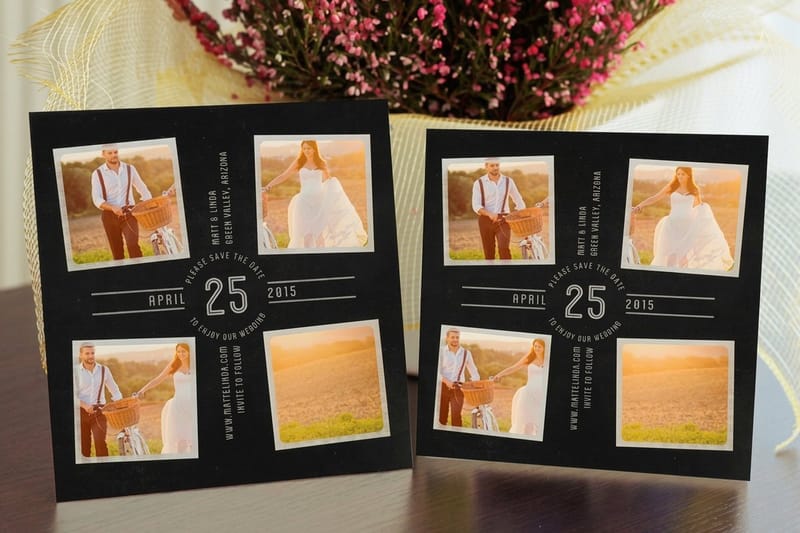
One large photo reads from across a room, three or four read from the hand, and past six a 5 by 7 turns into a contact sheet nobody looks at. If you want a grid, leave a consistent gutter of at least an eighth of an inch between images and keep the whole grid inside the safety margin, because a collage that runs to the trim will lose slivers of the outer frames.
Does the photo need to be converted to CMYK before I upload it?
It helps, mostly so there are no surprises. Bright RGB blues, cyans and neon greens sit outside the CMYK ink gamut and shift when they convert, and photos of a lit swimming pool or a neon sign are the usual casualties. Skin tones convert cleanly. Converting yourself lets you see the shift and correct it, which our guide on converting RGB to CMYK for print walks through step by step.
Can I enlarge a small photo to make it work?
You can enlarge it, but you cannot add detail that was never captured. Upscaling stretches existing pixels and, with AI tools, invents plausible new ones, which is fine on foliage and terrible on faces and text. A useful working limit is doubling the pixel dimensions on a soft subject and leaving anything with fine lines alone. If the photo is the whole point of the card, reshoot it rather than enlarge it.
Get Started
Order 25 flat photo cards from $19.77
Pick the size, choose gloss for punch or matte so it takes a pen, upload the file, and we print photo cards that stay sharp in the hand.
Legal Disclaimer
Gold Standard guarantees apply to all standard orders placed through 4over4.com. Price match requires verifiable proof of a competitor's published price for an equivalent product with matching specifications and turnaround time. Satisfaction guarantee covers manufacturing defects and print quality issues. Contact support with order number and documentation.
