
How to Make Custom CD Covers with Print-Ready Artwork


Emma is our prepress and print production voice, built from the knowledge of our production team, with over 20 years in printing.
Set your canvas to 4.724 x 4.724 inches with bleed, design at 300 DPI in CMYK, then export a print-ready PDF. The 4.724 inch square has to be exact, because the tray it slides into will not flex.
To make custom CD covers, start with the specs: build a 4.724 x 4.724-inch front panel with 0.125-inch bleed, work at 300 DPI in CMYK, and keep text inside the safe zone. Export a PDF/X-1a with fonts outlined, pick a gloss or matte stock, and order a proof before the full run. Nail those steps and every cover prints crisp and color-accurate.
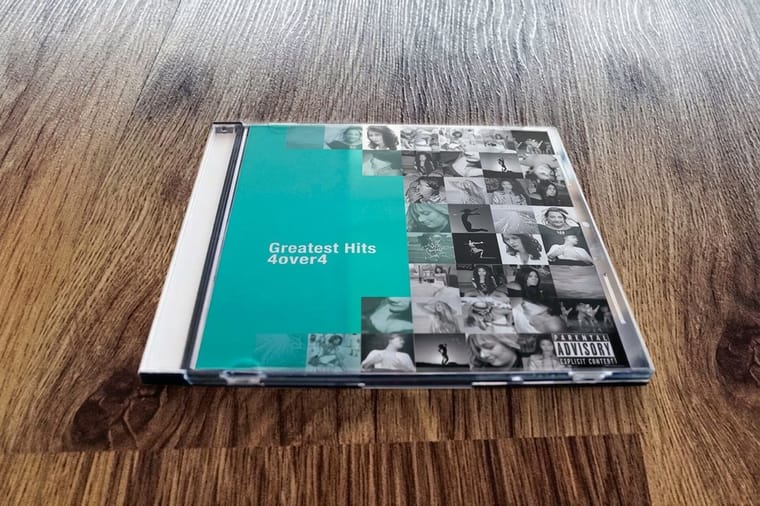
Quick tips
A 4.724 inch front and a 5.875 inch tray card
Design your CD cover at 4.724 x 4.724 inches with 0.125-inch bleed, work in CMYK at 300 DPI, and keep logos and text inside the safe zone. Export a PDF/X-1a with fonts outlined, choose gloss for punchy photos or matte for a softer look, and order a proof before the full run. 4OVER4.COM customers who follow these specs get covers that match the screen and feel like record-store quality.
A disc people keep on the shelf
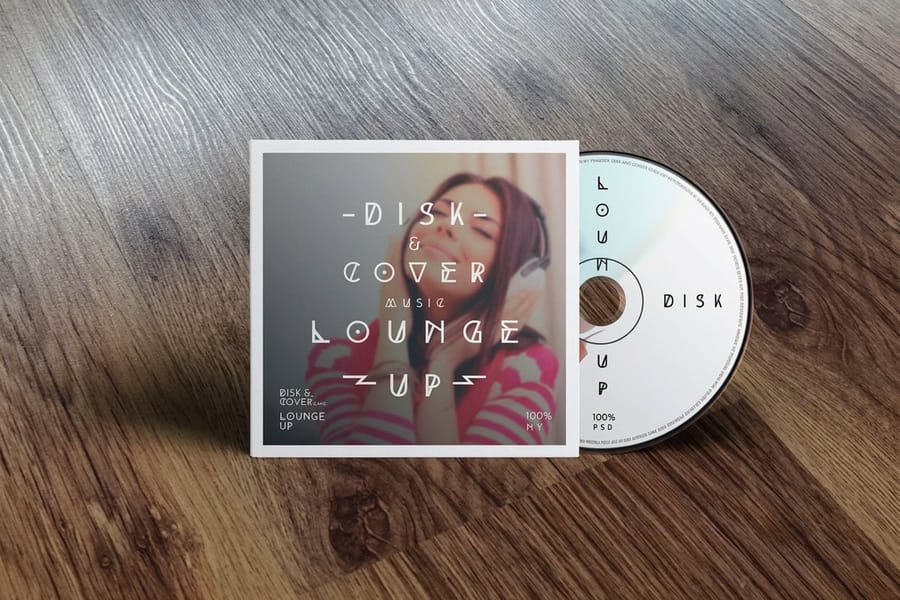
Physical media is having a real moment, and a 4.724 inch square of printed art is what gives a disc its presence. Vinyl collectors, indie musicians, and wedding photographers all lean on custom CD covers to give their work a presence you can actually hold. A cover that is designed well turns a plain disc into something people want to keep.
Learning how to make custom CD covers does not take a design degree. You need the right template, a handful of layout principles, and a printer you can trust. A mixtape, a sermon series, a folder of demo tracks: the process is the same once the specs are clear.
4OVER4.COM handles unusual sizes through Custom Projects, and CD covers sit alongside the rest of our marketing materials printing. If you are packaging other creative pieces, the custom magnets guide walks through a similar design-to-print workflow.
The 4.724 inch square and the tray card around it
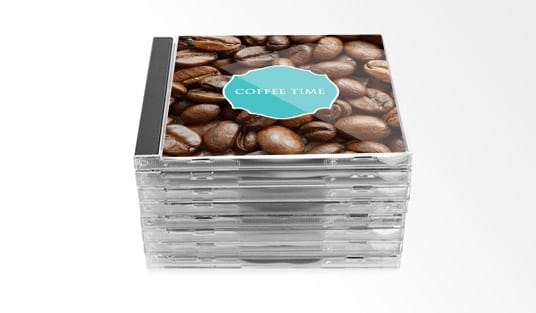
The standard jewel case insert measures 4.724 x 4.724 inches for the front panel. The back panel, also called the tray card, comes in at 5.875 x 4.724 inches once you count the spine folds on each side. Those spine sections run about 0.25 inches wide each.
Get the measurements wrong and text gets clipped or artwork drifts out of place. Add a 0.125-inch bleed on all four sides, which is the extra area trimmed away during production. Keep every important logo and line of text at least 0.125 inches inside the trim line. That margin is your safe zone.
If you have set up print templates before, like the ones in our how to make envelopes guide, the bleed and safe-zone idea carries over exactly.
Every panel size, with and without bleed
Set the document up with these numbers before you place a single image. Every size in the first column is the finished trim size, so the 0.125-inch bleed goes on top of it, and type and logos stay 0.125 inches inside the trim line on all four sides.
| Panel | Trim size | Size with bleed | What lives there |
|---|---|---|---|
| Front cover, the jewel case insert | 4.724 x 4.724 inches | 4.974 x 4.974 inches | Album art, title, artist name. This is the panel people see through the closed lid. |
| Back panel, the tray card | 5.875 x 4.724 inches | 6.125 x 4.974 inches | Track list, credits, barcode. The width already includes both spine folds. |
| Spine folds on the tray card | 0.25 inches wide each | Counted inside the tray card size | Artist and title reading down the edge. Center the type in the fold so a small shift at the score does not clip it. |
| Booklet pages | 4.724 x 4.724 inches per page | 4.974 x 4.974 inches | Lyrics, credits, photos. Page counts run in multiples of four, because one folded sheet gives four panels. |
| Safe zone | 0.125 inches inside the trim | Applies to every panel above | Anything you cannot afford to lose stays inside it, on all four sides. |
Two habits save most reprints. Draw the trim, the bleed and the safe zone as locked guide layers so you can see all three while you design, and print a full-size proof on plain paper before you commit. Trim that proof on the trim line, fold the two 0.25-inch spine sections, and drop it into a jewel case you already own. If it sits square on paper, it will sit square in the finished run.
Photoshop, Canva, GIMP or Inkscape

You do not need expensive software to design a strong CD cover. A few solid options cover almost every budget and skill level.
- Adobe Photoshop or Illustrator. The industry standard, with full control over layers, type, and export settings. Best for complex work with custom illustration.
- Canva. The free tier handles basic layouts well. Search its template library for CD cover, then customize and export as a PDF with crop marks.
- GIMP. A free, open-source stand-in for Photoshop. The learning curve is steeper, but it handles 300 DPI files and CMYK conversion with plugins.
- Inkscape. A free vector editor that shines on clean, graphic-heavy art you want to scale without limits.
Whichever tool you choose, set the document to 300 DPI and CMYK color mode before you start. RGB looks bright on screen but prints differently, and switching color modes after the design is finished usually shifts the colors on you.
The front panel people see through the lid

Your front cover is the first thing anyone sees, so it has to communicate the mood, genre, or purpose of the disc in a single glance.
Start with a strong focal image. A band photo, abstract artwork, a product shot, or a pattern all work. Make sure the file is at least 1500 x 1500 pixels at 300 DPI, because anything smaller turns pixelated in print. Layer your text on top, with the album title or project name as the largest element and the artist or company name second. Cap your fonts at two, one for headings and one for body, so the layout stays calm.
Let the genre steer your palette. Dark, moody tones suit rock and hip-hop, bright saturated colors fit pop and children's content, and clean whites with metallics read well for corporate or classical work. Our how to make flyers guide digs into the same color and layout basics.
Track list, spine and barcode on the tray card

The back cover carries far more information than the front. This is where the track titles, credits, copyright notices, barcode, and contact details live.
A few track listing tips keep it readable:
- Number each track, left-align the names, and right-align the run times.
- Use a clean sans-serif at 8 to 10pt minimum, since anything smaller gets hard to read.
- Leave breathing room between lines. Line spacing of 1.3 to 1.5x keeps the list easy to scan.
Do not forget the spine folds. Spine text on the left side reads from the bottom up, and there is barely any room, so keep it to the album title and artist name in a bold, condensed font at 6 to 7pt. If the cover carries a barcode for retail, place it in the lower right corner of the back panel with a minimum quiet zone of 0.25 inches around it.
PDF/X-1a, CMYK and outlined fonts
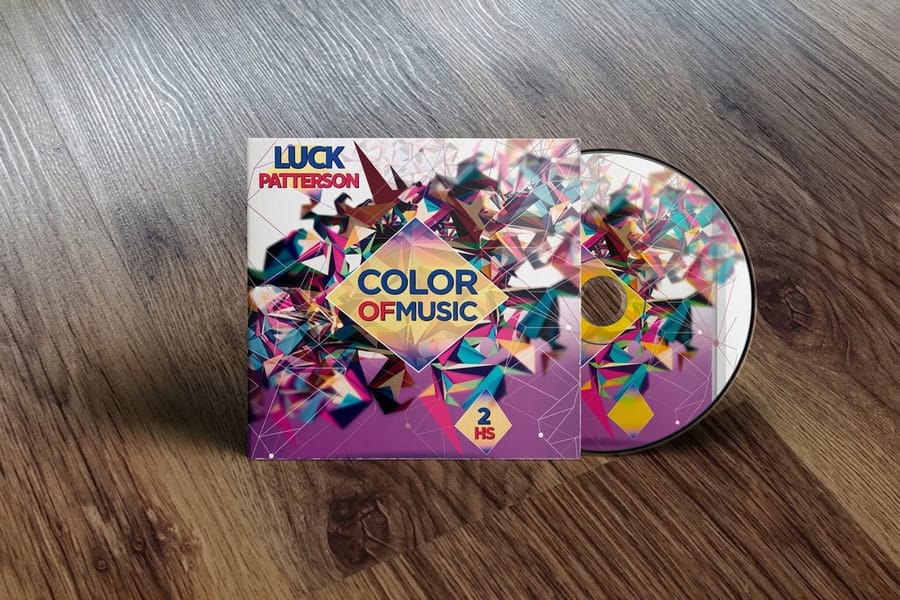
Three settings decide whether the file prints the way it looks on screen: a PDF/X-1a at 300 DPI, CMYK color, and outlined fonts. Apply them to a 4.974 inch square front file and a 6.125 by 4.974 inch tray card file, both with the bleed already included.
- File format. Export a high-resolution PDF, ideally PDF/X-1a, the commercial print standard. TIFF at 300 DPI with no compression works too. Skip JPEG, which compresses the image and adds visible artifacts.
- Color mode. Use CMYK, not RGB. If you designed in RGB, convert first and expect bright neons and electric blues to shift, because that is the nature of the ink process rather than a fault in the printer.
- Fonts. Outline all text by converting it to paths or curves so the press never substitutes a font. In Illustrator, select the text and choose Type, then Create Outlines. In Photoshop, flatten or rasterize the text layers.
For more on prepping print files, the guide hub at 4OVER4.COM covers file setup across dozens of product types.
Gloss text for inserts, cover stock for sleeves
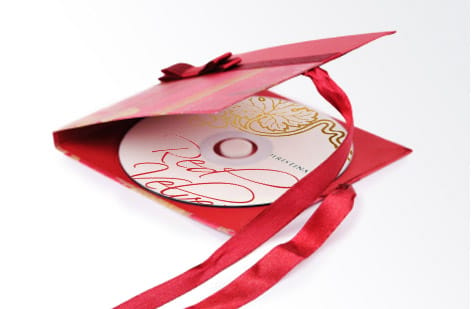
Paper choice shapes how a CD cover feels in someone's hands. A glossy finish makes colors pop and photos look vivid, matte cuts glare for a quieter, artistic feel, and uncoated stock has a natural, tactile quality that suits acoustic or folk projects.
Standard CD inserts usually run on 100lb gloss text or 80lb matte cover weight. Heavier stock feels more premium but has to fold cleanly for the tray card, so if you go thick, ask about scoring, a crease line that keeps the fold crisp. 4OVER4.COM runs CD covers on 100# Gloss Text and sleeves on cover stocks from 13pt to 16pt, and you can request free samples to feel the options before committing to a full run.
A home inkjet for 20 copies, the press from 50
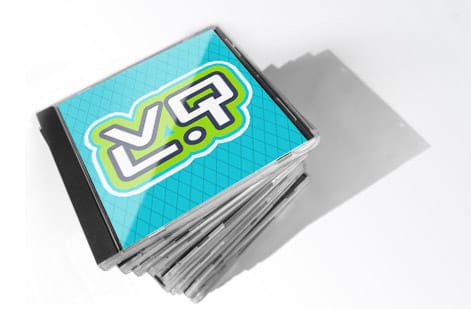
You can print CD covers at home on a decent inkjet with heavyweight glossy or matte paper, and that is fine for small batches of 10 to 20 copies. Printed CD covers from 4OVER4.COM start at 25 for $75.80 on 100# gloss text, as single panel inserts or folded covers of two, three or four panels. Home printers do have limits though, including inconsistent color, visible banding on gradients, and paper that never quite feels professional.
For runs of 50 or more, professional printing makes sense. The per-unit cost drops sharply, color stays consistent across the whole batch, and you get paper stocks a home printer cannot touch. The 150,000+ businesses that print with 4OVER4.COM include independent musicians, studios, and media companies who need dependable color and quick turnaround. If you are bundling covers with liner-note booklets, our custom booklets handle multi-page inserts.
Care about sustainability? Explore 4OVER4.COM green printing for recycled, eco-conscious stocks that look every bit as sharp.
Adding special finishes and extras
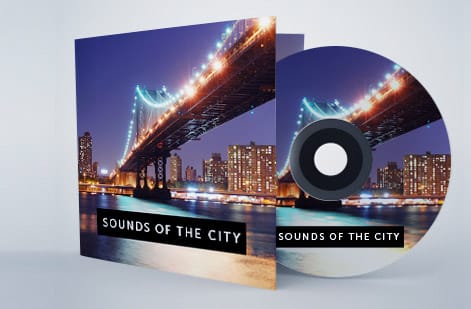
Special finishes are what get a cover picked up off a merch table.
- Spot UV. A glossy coating over specific areas, like your logo or album title, while the rest stays matte for a tactile contrast that catches the light.
- Foil stamping. Metallic gold, silver, or holographic foil pressed into the cover, ideal for limited editions.
- Embossing. Raised text or graphics you can feel with a fingertip, which adds a premium, collectible quality.
- Die cutting. Custom-shaped covers or windows cut into the front panel to reveal the disc underneath.
These finishes add cost, but they add perceived value too. A foil-stamped limited edition sells for more at a show than a standard print. If you are juggling other print projects, our how to fold a brochure guide covers folding that applies to multi-panel inserts, and if you keep custom stamps on hand, here is how to clean rubber stamps between jobs.
Mistakes that ruin custom CD covers and how to avoid them

Even people who know how to make custom CD covers hit the same snags. Sidestep these and your covers come out clean.
- Designing in RGB instead of CMYK. Your screen shows bright blues and greens that CMYK ink cannot reproduce, so design in CMYK from the start.
- Ignoring bleed and safe zones. That leads to white edges or clipped text. Add 0.125-inch bleed and keep text 0.125 inches inside the trim line, no exceptions.
- Using low-resolution images. A 400-pixel social photo looks fine on a phone and prints as a blurry mess. Stay at 300 DPI minimum.
- Forgetting the spine dimensions. The spine is tiny, so cramming text there makes it illegible. Keep it to the album title and artist name.
- Skipping the proof. 4OVER4.COM offers proofing so you catch errors before the full run ships. A small proof beats reprinting 500 covers with a typo in the track list.
Wally explains print-ready CD covers
Right specs in, sharp cover out
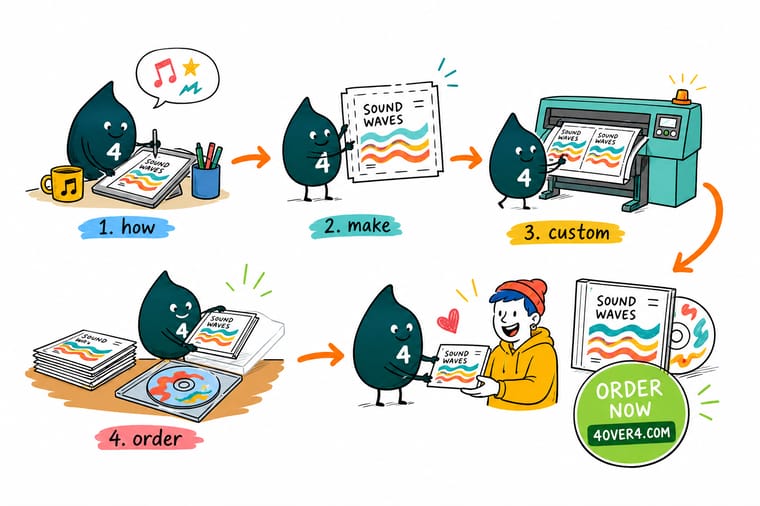
Wally treats a CD cover like any press job: set the size to 4.724 inches square, give it bleed, design in CMYK at 300 DPI, and outline the fonts so nothing shifts at the press. Miss one of those and the color drifts or the edges go white. Get them right and the printed cover matches what you saw on screen. When you are ready, drop your artwork into a made-to-order CD cover at 4OVER4.
Order CD covers →
Specs and pricing
Custom CD cover specs and pricing
CD covers start at 25 for $75.80 and sleeves at 100 for $438.25, with live specs and price-per-unit below.

| Quantity | Price Per Unit | Total |
|---|---|---|
| 25 | $3.03 | $75.80 |
| 50 | $1.67 | $83.48 |
| 100 | 91.2¢ | $91.18 |
| 150 | 65.9¢ | $98.86 |
| 200 | 53.3¢ | $106.55 |
| 250 | 45.7¢ | $114.24 |
| 300 | 41.7¢ | $125.22 |
| 400 | 34.0¢ | $136.20 |
Print it
Order CD covers and matching print at 4OVER4
See it in use
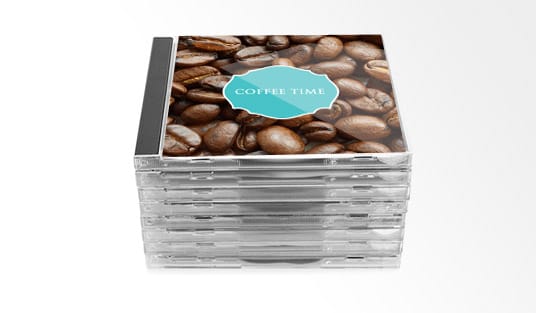
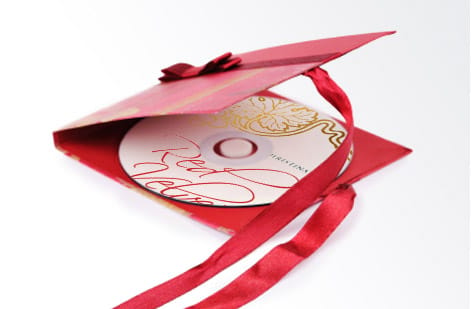
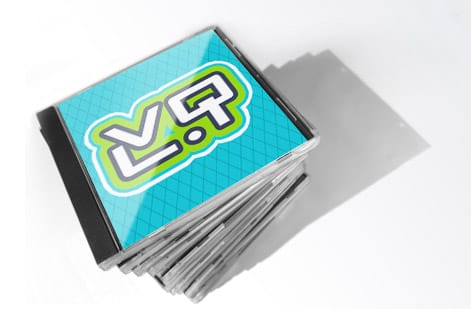
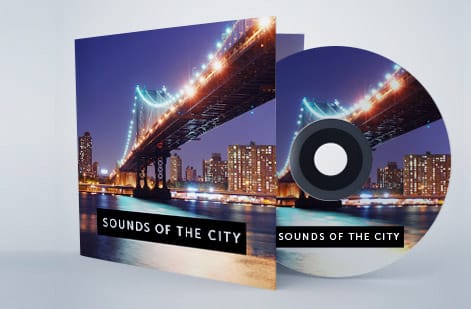
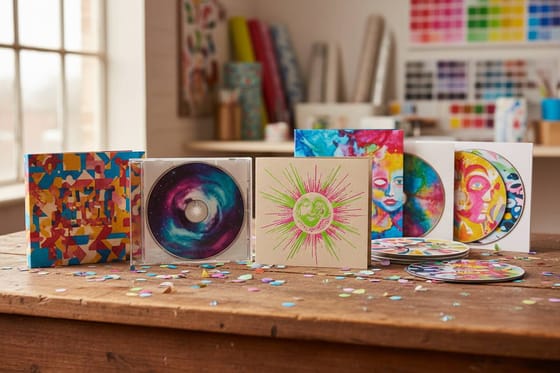
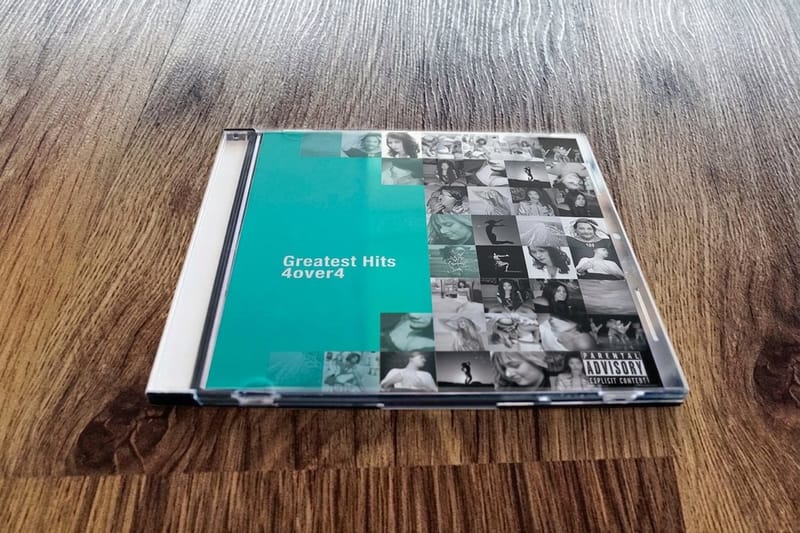
Covers and sleeves we printed for labels



Explore more
Where to go next


By the numbers
What runs on 100# Gloss Text here
Common Questions
Common questions about making custom CD covers
What size should a custom CD cover be?
The standard front panel for a jewel case insert is 4.724 x 4.724 inches. The back tray card measures 5.875 x 4.724 inches once you include two spine panels of about 0.25 inches each. Add a 0.125-inch bleed on all sides so the trim comes out clean.
What file format works best for printing CD covers?
Export your design as a PDF/X-1a file in CMYK color mode at 300 DPI, which is the industry standard for commercial printing. TIFF at 300 DPI also works. Avoid JPEG, because its compression leaves visible artifacts on the printed piece, especially across gradients.
Can I print custom CD covers at home?
Yes, for small batches of 10 to 20 copies on a photo-quality inkjet with heavyweight glossy or matte paper. For anything over 50 copies, professional printing from 4OVER4.COM gives you consistent color, better paper options, and a lower cost per unit.
How do I make sure my colors print accurately?
Design in CMYK from the beginning, since converting from RGB always shifts colors. Order a printed proof before the full run and steer clear of neon or electric tones that fall outside the CMYK gamut. For exact brand color on larger runs, Pantone spot colors are an option.
What paper stock should I use for CD covers?
Most CD inserts use 100lb gloss text or 80lb matte cover stock. Gloss makes photos and colors pop, while matte gives a softer, artistic look. Uncoated stock feels natural and suits folk, acoustic, or minimalist designs. Request paper samples to compare before you order.
How many CD covers can I order at once?
You can order anything from a small batch to several thousand. Per-unit pricing drops as the quantity climbs, so 250 to 500 at a time is usually the sweet spot for independent musicians and small studios balancing cost against inventory.
Get Started
Order 25 CD covers from $75.80 with print-ready art
Pick your panel size, upload your print-ready artwork, and we print sharp, color-accurate CD covers that match your screen proof.
Legal Disclaimer
Gold Standard guarantees apply to all standard orders placed through 4over4.com. Price match requires verifiable proof of a competitor's published price for an equivalent product with matching specifications and turnaround time. Satisfaction guarantee covers manufacturing defects and print quality issues. Contact support with order number and documentation.
