
How to Make a Digital Business Card


Emma is our prepress and print production voice, built from the knowledge of our production team, with over 20 years in printing.
Choose a format, add your contact details, brand it to match your printed cards, then generate a QR code and link. The code then goes on the back of a 3.5 by 2 inch QR code business card, and on the flyers and postcards you hand out, so the paper and the profile get built together.
A digital business card is your contact details packaged so a phone can save them in one tap. To make one, pick a format (an app profile, a .vcf file, or a QR-linked page), enter your name, title, company, phone, email, and website, brand it with your logo and colors, then generate a QR code and a short link to share. The strongest setup pairs it with a printed QR code business card so you can share online or in person.
Quick tips
Quick tips for a digital business card that works
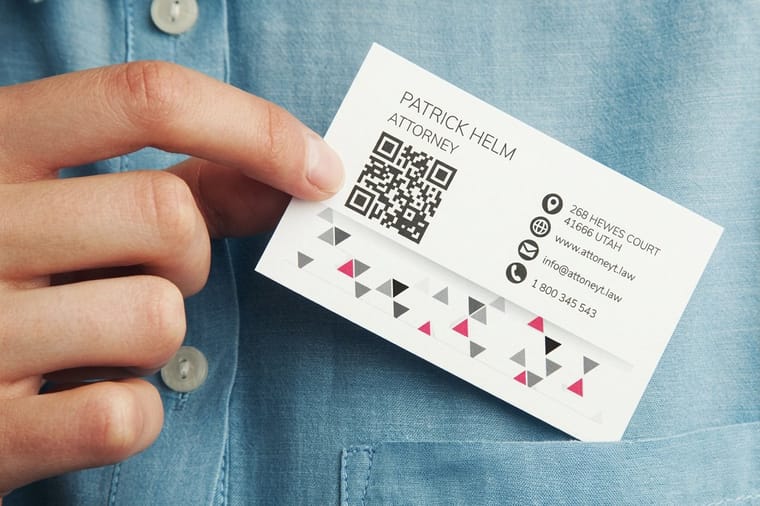
Keep it to one clear action and one clean brand. Choose a format that matches how you network, load only your core contact details, and give your QR code contrast and space so it scans on the first try. Match the digital card to your printed one, then test the scan on both an iPhone and an Android before you rely on it. 4OVER4.COM customers who put that QR on a printed card get the speed of digital and the staying power of print in one handoff.
What is a digital business card?
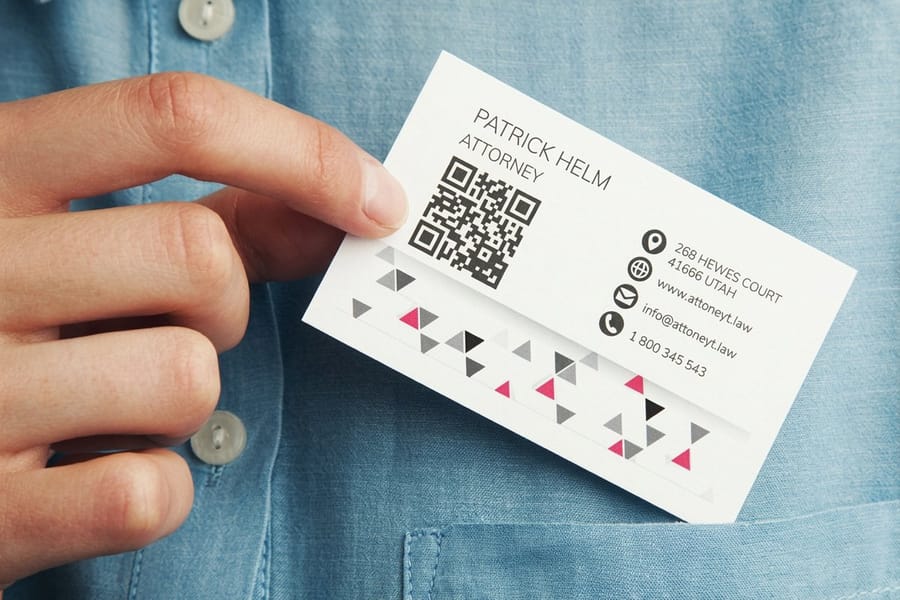
A digital business card holds the same six lines as a 3.5 by 2 inch paper card, name, title, company, phone, email and website, in a form a phone saves in one tap with no typing. It comes in one of three wrappers: a profile inside an app, a small .vcf contact file that downloads straight into a phone, or a hosted web page sitting behind a link. Whatever the wrapper, the job is the same as the paper version. Someone should walk away knowing your name, what you do, and how to reach you.
The difference is delivery. Instead of hoping a card survives a jacket pocket, you hand over a QR code, a tap, or a link, and the details land directly in the other person's contacts. If a term like vCard or NFC trips you up, our printing terms glossary keeps the definitions plain. And if you are weighing digital against a stack of printed cards, the honest answer is that most people use both, which is why the modern business card printing lineup now includes cards built to carry a code. For a printed card with a chip inside, the MOO NFC business cards alternative for smart networking compares the options.
The types of digital business cards
Five formats are in common use. Pick the one that matches where you meet people.
- App-based cards. Your profile lives in a dedicated app and updates in real time, so a new job title reaches everyone you already shared with. Best for people who network constantly.
- vCard (.vcf) files. A tiny file that opens straight into a phone's contacts. It works everywhere, needs no app on the other end, and is the closest digital cousin to a paper card.
- QR-linked cards. A QR code points a camera to a hosted page. Simple, universal, and the format that bridges cleanly onto print.
- NFC cards and tags. A chip shares your details on a tap. Slick in person, though the other phone has to support it.
- Link in a signature or bio. The humble option: a branded URL in your email footer or social profile. Free and always on.
Plenty of professionals mix two or three. A quick way to decide is to look at where your leads come from. If most conversations start online, lean on links and the ideas in our guide to business cards with social media icons. If you meet people face to face, a scannable card carries more weight.
How digital business cards are created
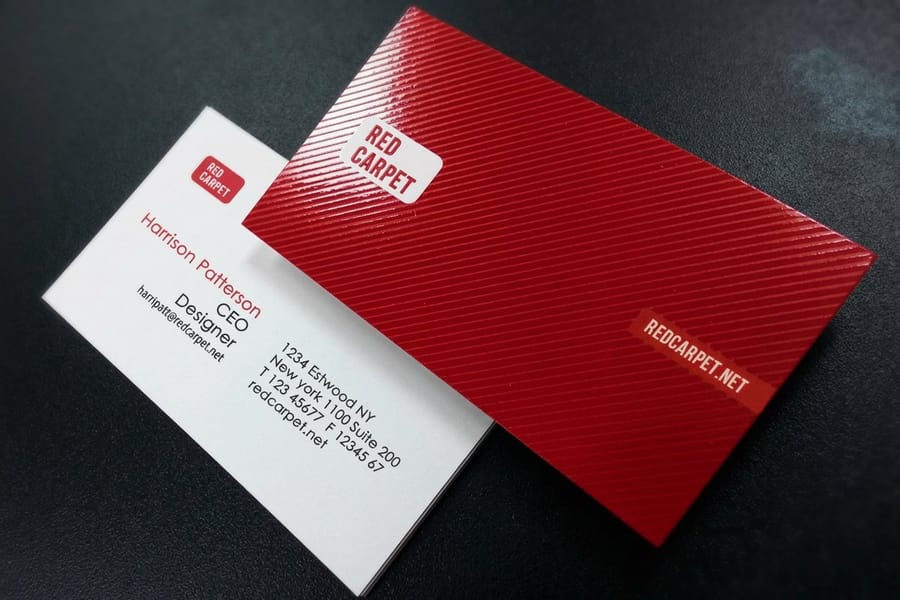
The first build takes about fifteen minutes: gather your details, style them, and generate a code and a link to share.
Start with the essentials that a contact card actually stores: name, title, company, phone, email, and website. Add one or two social links, not ten, so the card stays scannable and useful. Then brand it. A logo, your two brand colors, and a clean headshot make a screen feed feel like you rather than a form. If you want the on-screen version to echo your printed cards, our online designer lets you build the artwork once and reuse it in both places.
One detail people skip: match the proportions. A digital card that mirrors the real 3.5 by 2 inch footprint reads as intentional. Our breakdown of business card sizes and dimensions covers the exact measurements so your layouts line up front, back, and on a phone.
How digital business cards are shared
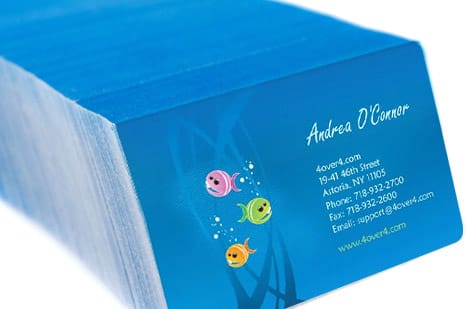
You have three ways to hand the card over, and the person on the other end needs no app for any of them.
Scan a QR code. Show it on your phone or on the back of a printed card, and their camera does the rest. This is the most reliable method because every modern phone reads QR out of the box. Our guide to using QR codes on print shows how to size and place a code so it scans on the first try.
Tap with NFC. Touch an NFC card to the back of a compatible phone and the card opens on its screen. Older or locked-down phones may not respond, so carry a code as the fallback.
Send a link. Drop the URL into a text, an email signature, or a social bio, where it keeps working long after the meeting. If LinkedIn is your main channel, see how to put your LinkedIn on a business card so the digital and printed versions point to the same place.
The real benefits of a digital business card
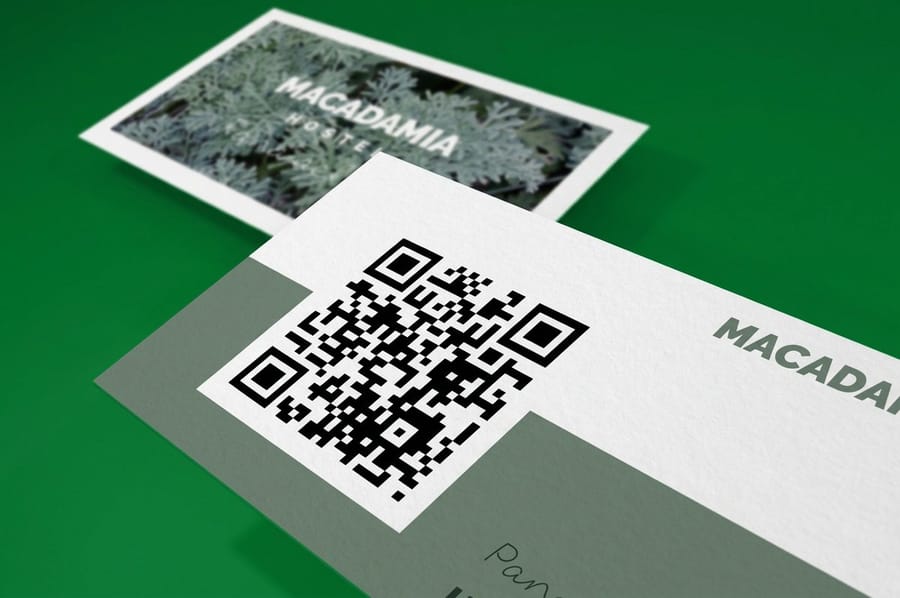
A digital card fixes three problems a paper run has on its own.
You edit it in one place. Change your number or title on the hosted page or app profile and every future scan shows the new details. The QR code on a 3.5 by 2 inch card points at that page, not at the old number, so the 500 cards already in circulation stay correct as long as you control the link.
They save contacts cleanly. The details drop into a phone with correct spelling and no manual entry, which means fewer lost leads after a busy event.
They carry more than a rectangle can. A portfolio link, a booking page, a menu, a video: the card becomes a doorway rather than a dead end.
They pair with everything else you print. The same code can go on flyers, postcards and packaging, so every printed piece in a campaign opens the same profile. If you are thinking bigger than a single card, the digital printing collection and our digital marketing guide for small business show how the pieces fit together.
The limitations worth knowing

A digital card cannot replace the paper one, and three failures show why.
Each route depends on hardware in the room. An NFC tap needs a compatible phone, a QR scan needs a working camera and roughly eight inches of distance, and a link needs signal. A dead battery, a weak signal in a packed conference hall, or a stranger who simply does not want to open their camera, and the exchange stalls. There is also friction: asking someone to scan feels like a small ask to you and a chore to them, especially across a generation gap.
And nothing beats the tactile signal of a well-made card pressed into a hand. That physical moment is exactly why business cards still matter, and why a heavier stock or a raised finish reads as serious in a way a screen cannot. A quick related read: whether an double-sided card earns its keep, since the back is prime real estate for a QR code.
How to make a digital business card, step by step
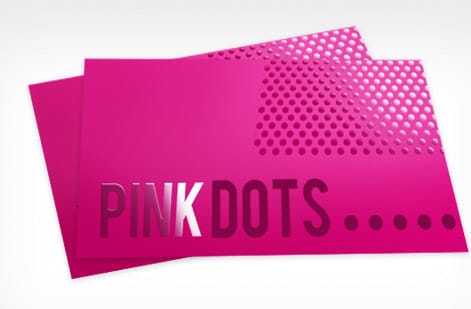
To make a digital business card: choose a format, enter your contact details, add your logo and colors, generate a QR code and a short link, then scan it on a real phone before you share it. The routine below runs start to finish. It takes about fifteen minutes the first time, and every step below has a free way to do it.
- Step 1. Choose your format. App profile, .vcf file, or a QR-linked page. If you are unsure, start with a QR link because it is the easiest to put on print later. Free option: open your own contact card in Apple Contacts or Google Contacts and export it, which hands you a working .vcf with no signup and nothing to renew.
- Step 2. Enter your core details. Name, title, company, phone, email, website, and one or two social links. Keep it lean. Free option: a public LinkedIn profile URL already carries all of it, so it can stand in as your card on day one while you build the branded version. Leave out anything you do not want to maintain, because every extra field is one more thing to correct when it changes.
- Step 3. Add branding. Upload a logo, set your colors, and add a headshot so the card looks like you, not a template. Free option: the free tier of Canva will crop the headshot and size the logo, and it exports a PNG large enough to reuse on the printed card. Write your brand colors down as hex values while you are here, because you will need the same values for press.
- Step 4. Generate the share assets. Create a QR code and a short link, and set up an NFC tag if your workflow calls for it. Free option: any free QR generator will do the job, but pick one that exports vector SVG or EPS. A vector code stays sharp when it prints at half an inch across; a screen-grabbed PNG at 72 dpi turns soft on paper and costs you scans.
- Step 5. Test on a real phone. Scan your own code and confirm it saves as a contact with no typos or broken links. Test it on one iPhone and one Android, in dim light, from roughly eight inches away, which is where someone holds a card you just handed them. Fix it now, because a code that is already printed cannot be edited unless the link behind it is one you control.
Once the digital side is solid, design the printed companion. You can start from our free design templates or shape something original in the online designer, then keep the layout, colors, and code identical across both so people recognize you no matter which one they meet first. Same logo, same hex values, same code: if the paper card and the phone screen disagree, the person you just met has to decide which one is really you.
QR code business cards: the physical bridge
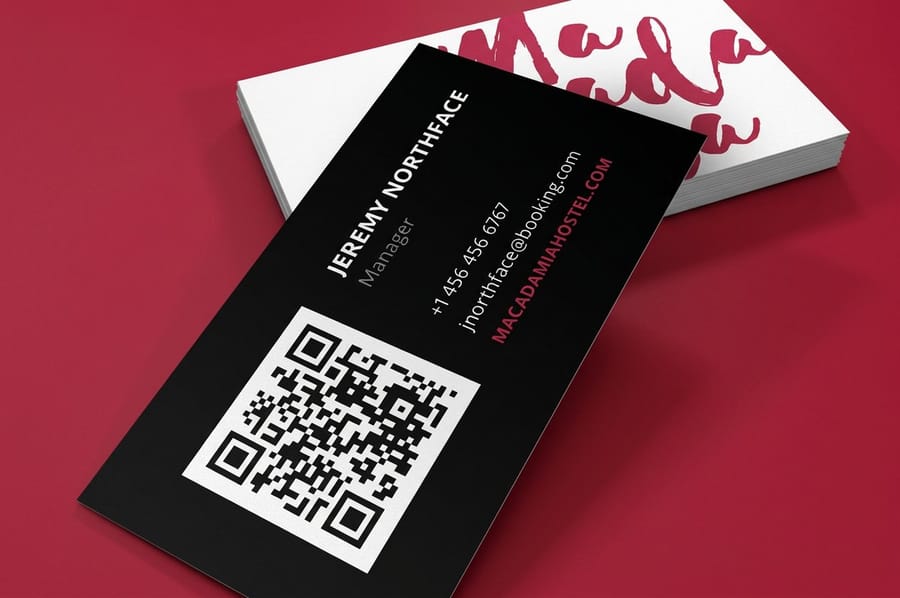
The setup that works is a printed card that carries your digital card on it. Put a QR code on the back with one clear instruction, and a single object now does both jobs: it survives a dead battery and it saves your full profile in a tap.
4OVER4.COM QR code business cards are made for this exact play. You place your code, we print it crisp enough to scan on the first pass, and you can proof the scan before the full run goes to press. Keep the code at least half an inch wide with quiet space around it, and avoid printing it too close to a fold or trim edge.
Two ways to run the pairing, depending on how much of the back you want to give up. Put the code on the back of a set of QR code business cards when scanning is the point and you want the layout built around the code. Or keep your existing design on standard business cards and drop the code into one corner of the back with the line Scan to save my contact underneath it. Either way the front stays the same 3.5 by 2 inches, so the card still fits a wallet, a badge holder, and a card file. If you are ordering for a team, our business cards printing range keeps the stock and finish identical across everyone while each person carries a different code.
Not sure where to have them made or how many to order? Our guide on where to print business cards weighs the options, and if you are building a broader kit, marketing materials printing lets the same QR ride on flyers, postcards, and door hangers so every touchpoint points home.
Best practices and mistakes to avoid
Five habits decide whether a new contact saves the card or swipes past it.
Do keep it to one clear action. Save my contact, book a call, or view my work. Three competing buttons kill the tap.
Do test across phones. What scans on your device may choke on an older one. Try iPhone and Android before you rely on it.
Do not bury the QR code. Give it contrast and space. A code lost in a busy design is a code nobody scans, and getting the card dimensions right leaves room for it.
Do not over-order print before you test the code. Print a small proof run, confirm the scan, then scale. Our take on how many business cards to order helps you size the batch without waste.
Do keep the digital and printed versions in sync. Same colors, same link, same you. When both match, a new contact remembers one brand instead of two. More answers live in our printing FAQs.
Wally explains the digital-plus-print combo
One card, two ways to share, zero missed leads
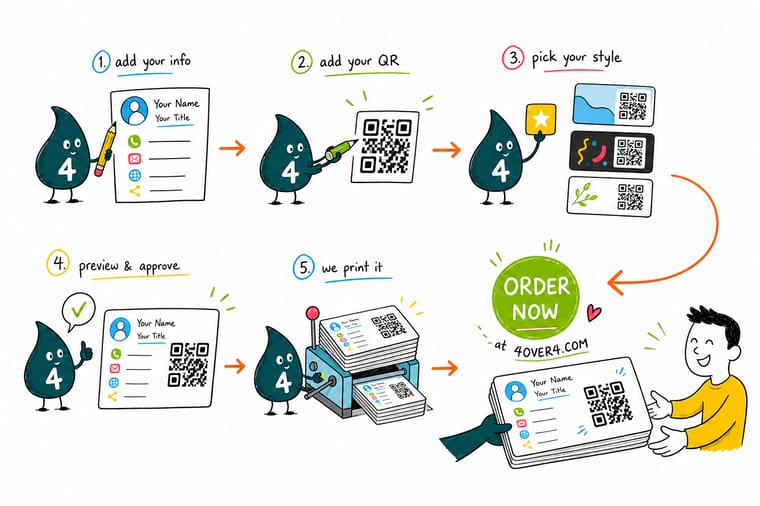
Wally sees a digital business card as speed and a printed card as staying power, so he refuses to pick just one. Put your QR code on a real card and the whole thing keeps working when the battery dies, the signal drops, or someone just wants something to hold. Build the digital side for free, then let 4OVER4 print the physical bridge that saves your full profile in a single scan.
Order QR code business cards →
Specs and pricing
QR code business card specs and pricing
The QR code business card prints at 3.5 by 2 inches on stocks from 14pt gloss cover to 80pt UltraWhite, 24pt ultra thick gloss and 18pt kraft among them, with the back blank, in black or in full color, and a standard or high gloss UV finish. 100 cards cost $17.57 and 500 cost $36.26. The live specs and price-per-unit below come straight from the configurator.
| Quantity | Price Per Unit | Total |
|---|---|---|
| 100 | 17.6¢ | $17.57 |
| 200 | 11.5¢ | $23.07 |
| 300 | 9.15¢ | $27.46 |
| 400 | 7.96¢ | $31.86 |
| 500 | 7.25¢ | $36.26 |
| 600 | 6.77¢ | $40.64 |
| 700 | 6.43¢ | $45.04 |
| 800 | 6.18¢ | $49.43 |
Print it
Cards that pair with your digital profile
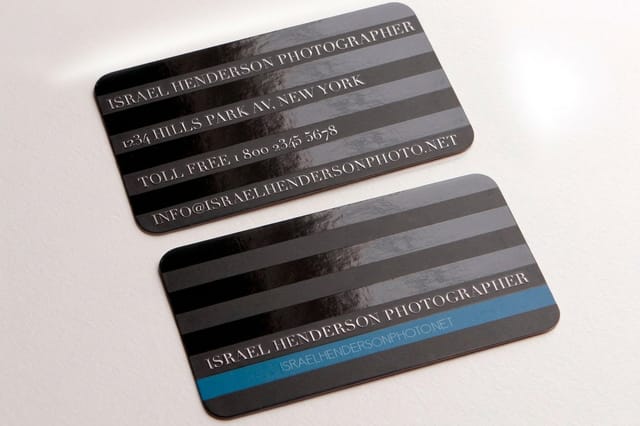
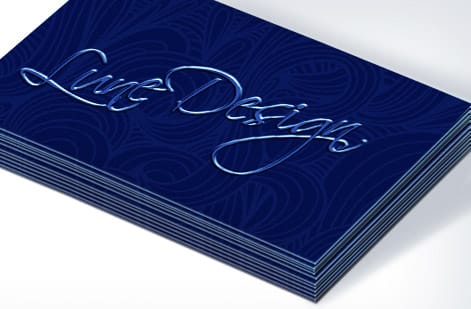
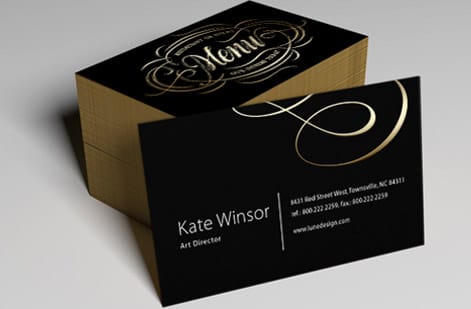
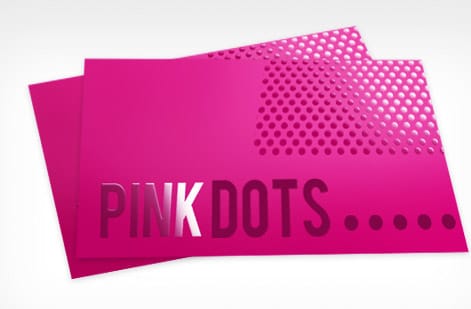
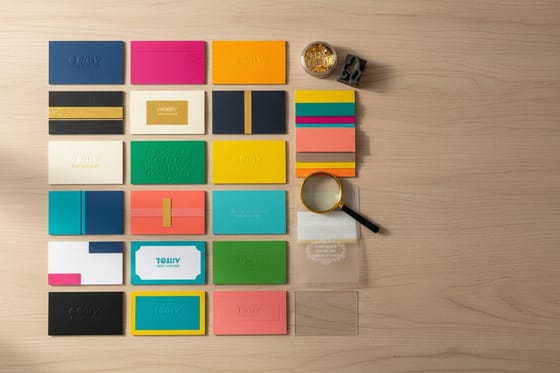
Pick QR code business cards when the code is the point of the back, spot UV business cards from 500 for $76.88 when you want a raised gloss logo beside it, and magnet business cards on 17pt or 35pt indoor magnet when the card should stay on a fridge or a filing cabinet.
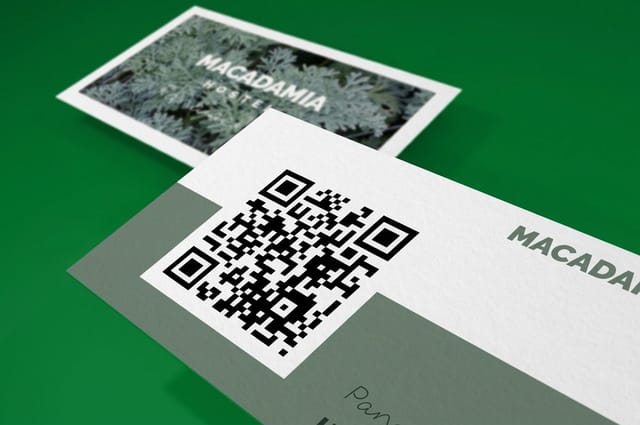
See it in use
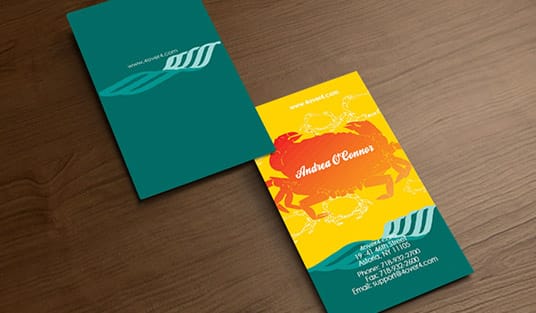
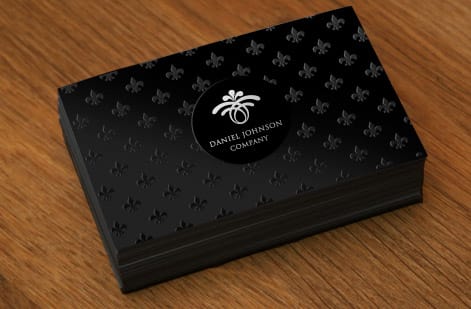
Printed cards that carry a digital profile

Explore more
Where to go next



By the numbers
QR cards at $0.18, spot UV at $0.15
Common Questions
Common questions about digital business cards
What is a digital business card, exactly?
A digital business card is your contact information packaged so a phone can save it instantly, without typing. It usually lives as an app profile, a downloadable .vcf contact file, or a simple web link, and it is most often shared through a QR code, an NFC tap, or a plain URL. Think of it as the same details you would print on paper, delivered straight into someone’s contacts app.
What are the main types of digital business cards?
There are five common formats. App-based cards live inside a dedicated app and update in real time. vCard (.vcf) files download straight into a phone’s contacts. QR-linked cards point a camera at a hosted page. NFC cards or tags share on a tap. And the simplest of all is a branded link in your email signature or social bio. Most people end up mixing two or three of these depending on where they network.
Are digital business cards free to make?
The basic versions are. A vCard file, a LinkedIn profile link, and a QR code generated from a free tool cost nothing. You start paying when you want a polished app profile with analytics, custom branding, a physical NFC card, or team management. A fair rule of thumb: free covers a solo card, paid tiers cover teams, tracking, and hardware.
How do I make a digital business card for free?
Five steps, no spend. One, open your own contact card in Apple Contacts or Google Contacts and export it as a .vcf file. Two, fill in name, title, company, phone, email, and website, plus one or two social links. Three, brand it with a logo and a headshot sized in a free tool such as the Canva free tier, and note your colors as hex values. Four, run the file or a public LinkedIn profile URL through a free QR generator and export the code as vector SVG or EPS so it stays sharp in print. Five, scan it on an iPhone and on an Android and confirm it saves with no typos. The free path stops short of analytics, team management, and NFC hardware, and the one thing worth paying for afterwards is the printed card that carries the code.
How do I share a digital business card with someone?
Show them your QR code and let their camera scan it, tap an NFC card to the back of their phone, or send the link by text or email. The person on the other end does not need your app installed. When they open the card, their phone offers to save you as a new contact in one step.
Do I still need paper business cards if I have a digital one?
Most professionals keep both, and there is a good reason for it. A digital card is fast and updatable, but it depends on batteries, signal, and the other person’s willingness to pull out their phone. A printed card works in a loud room, a dead zone, or a quick handoff at the door. The strongest setup is a printed card with your QR code on it, so one object does both jobs.
How do I put my digital card on a printed business card?
Generate a QR code that points to your digital card, then place it on the back of a printed card with a short line like “Scan to save my contact.” Keep the code at least half an inch wide with clear space around it so cameras lock on fast. 4OVER4.COM QR code business cards are built for exactly this, and you can proof the scan before the full run prints.
Get Started
Order 500 spot UV cards at $0.15 each
Drop your QR code on a crisp, scannable business card, add your logo and colors, and hand people one object that saves your whole profile in a tap.
Legal Disclaimer
Gold Standard guarantees apply to all standard orders placed through 4over4.com. Price match requires verifiable proof of a competitor's published price for an equivalent product with matching specifications and turnaround time. Satisfaction guarantee covers manufacturing defects and print quality issues. Contact support with order number and documentation.
