
Business Card Dimensions in CM by Region


Emma is our prepress and print production voice, built from the knowledge of our production team, with over 20 years in printing.
North America prints at 8.9 x 5.1 cm, Europe at 8.5 x 5.5 cm, most of Latin America at 9 x 5 cm, Japan at 9.1 x 5.5 cm. Add 0.3 cm of bleed, keep content 0.3 cm inside the trim, and your card fits every wallet and cardholder it lands in.
The standard business card measures 8.9 x 5.1 cm in North America, 8.5 x 5.5 cm across most of Europe, and 9 x 5 cm across most of Latin America (89 x 51 mm, 85 x 55 mm, and 90 x 50 mm). Japan uses 9.1 x 5.5 cm, China uses 9.0 x 5.4 cm, and Brazil runs smaller at 8.8 x 4.8 cm. Add 0.3 cm of bleed on every side, keep all text and logos 0.3 cm inside the trim in the safe zone, and design at 300 DPI in CMYK for a card that prints clean and fits any wallet.
Quick reference
Standard business card dimensions by region
Match the card to the region you are handing it out in. North America uses 8.9 x 5.1 cm, Europe uses 8.5 x 5.5 cm, Japan uses 9.1 x 5.5 cm, and China uses 9.0 x 5.4 cm. Sizes are measured to the trim line, so add 0.3 cm of bleed on every side before you export.
| Region | Dimensions (cm) | Dimensions (mm) |
|---|---|---|
| North America (USA, Canada) | 8.9 x 5.1 cm | 89 x 51 mm |
| Europe (most of the EU) | 8.5 x 5.5 cm | 85 x 55 mm |
| Japan | 9.1 x 5.5 cm | 91 x 55 mm |
| China | 9.0 x 5.4 cm | 90 x 54 mm |
Watch it printed
See standard business cards on the press, in 167 seconds
Why business card dimensions in cm actually matter
Business card dimensions in cm run from 8.5 x 5.5 cm in Europe to 8.9 x 5.1 cm in North America and 9.1 x 5.5 cm in Japan, and printing to the right one decides whether your card looks sharp or ends up trimmed crooked and tossed. A card that runs even 2 mm off feels wrong in someone's hand. It will not sit flush in a cardholder, and it sticks out of a wallet. These tiny details shape a first impression before anyone reads your name.
This guide breaks down every regional standard, the bleed you need, and the safe zone that protects your content. Whether you are printing for clients in New York, London, or Tokyo, you will walk away knowing the exact measurements. 4OVER4.COM offers blank templates pre-set to correct dimensions so you never have to measure anything yourself, and you can browse design templates with proper sizing already built in.
Working on other print projects alongside your cards? Our guide on how to clean rubber stamps keeps your stamp tools in shape, and the guide hub covers file prep for the rest of your toolkit.
North American business card dimensions
In the United States and Canada the standard business card measures 8.9 x 5.1 cm (3.5 x 2 inches, or 89 x 51 mm). This size took over because it closely mirrors credit card dimensions. Your card slides right into a wallet slot without folding, bending, or sticking out. That is not a coincidence, it is practical design that stuck.
If you are designing for the North American market, start with these exact measurements. Do not round up to 9.0 x 5.0 cm, because that extra millimeter matters once the printer trims your cards. You can pull pre-sized layouts from the 4OVER4.COM template library, or check the guide hub for more printing guidance.
How a business card compares to a credit card in cm
Credit card size in cm is the search that sits next to business card size for a reason: the two are close enough to share a wallet and different enough to matter at the trimmer. A credit card follows the ISO ID-1 standard at 8.56 x 5.40 cm, which is 85.6 x 54 mm or 3.37 x 2.13 inches, with rounded corners of about 0.3 cm radius. The North American business card is 8.9 x 5.1 cm, so it is 3 mm longer and 3 mm shorter than the card in your wallet.
That small difference is deliberate. The extra length lets the card sit proud of a wallet slot so it can be pulled out, and the reduced height keeps it under the slot edge. The European 8.5 x 5.5 cm card is almost exactly credit card sized, which is why it feels so at home in a cardholder built for bank cards. If you want a card that matches the credit card outline exactly, a plastic card printed at 8.56 x 5.4 cm with rounded corners does it, and our standard business cards keep the 8.9 x 5.1 cm trim that every North American holder expects.
European business card dimensions

Most European Union countries follow the 8.5 x 5.5 cm standard (85 x 55 mm). This is slightly shorter and wider than the North American card, so the shape feels a bit more square in your hand. It comes from the ISO system, the same one that gives Europe its A4 paper size instead of US Letter.
If you do business across the Atlantic, pay attention here. Printing North American cards for a European audience means your card will not fit standard European cardholders. It is a small detail, but it signals awareness, and people notice when a card does not sit right.
Japanese and Chinese business card dimensions
Japan uses a slightly larger standard at 9.1 x 5.5 cm (91 x 55 mm). Business cards, called meishi, carry deep cultural weight in Japan, and the exchange follows specific etiquette. Handing someone an incorrectly sized card can feel off even if they cannot pinpoint why. If you are attending meetings in Tokyo or Osaka, print to the Japanese standard.
China's standard business card measures 9.0 x 5.4 cm (90 x 54 mm). It is close to the Japanese size but not identical, so if you are doing business in mainland China, use these exact dimensions. Do not assume the Japanese or European size will work interchangeably.
A few other regions are worth knowing. Australia and New Zealand follow the European standard at 8.5 x 5.5 cm, South Korea uses 9.0 x 5.0 cm, and India commonly uses 8.9 x 5.1 cm thanks to heavy business ties with the US. When in doubt, ask your contact in that country what size they expect. For other print materials, our guides on how to fold a brochure and how to make flyers walk through proper dimensions too.
Latin American business card dimensions
Most of Latin America prints at 9 x 5 cm (90 x 50 mm, or 3.54 x 1.97 inches). Chile, Argentina, Mexico, and Colombia all work to that size, so one file covers the region, and the card still slides into a holder built for the North American standard. It reads a fraction wider and shorter than the 8.9 x 5.1 cm card, close enough that nobody comments, different enough that a stack of them looks deliberate.
Brazil is the exception at 8.8 x 4.8 cm (88 x 48 mm), the smallest of the common standards. If your meetings run through Sao Paulo as well as Santiago or Bogota, print two batches rather than splitting the difference, because a card that misses by 2 mm in both directions looks like it was trimmed wrong instead of sized for somewhere else.
The setup rules do not change with the region. Add 0.3 cm of bleed on all four sides, so a 9 x 5 cm card is built at 9.6 x 5.6 cm, keep text and logos 0.3 cm inside the trim, and work at 300 DPI in CMYK. Then order business cards printed to any regional size and hand over a card that fits the hand it lands in.
Bleed, trim, and safe zones, the numbers that save your design
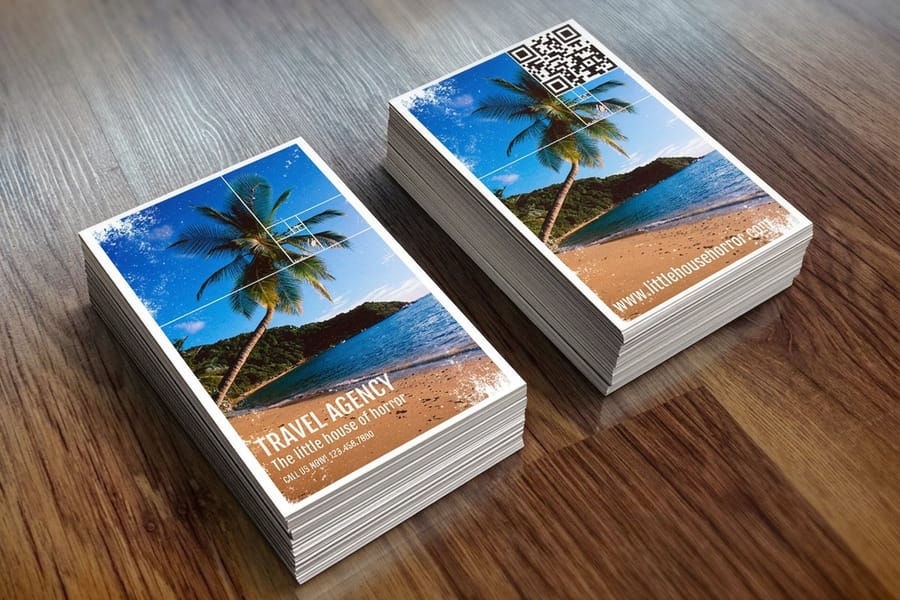
A card trimmed at 8.9 x 5.1 cm starts life as a larger file. Three measurements sit around that trim, the bleed outside it, the trim line itself and the safe zone inside it, and they keep your design from getting cut off, misaligned, or looking amateur.
Bleed is the extra area beyond the trim line where your design extends. For business cards, standard bleed is 0.3 cm (3 mm) on each side, so a North American card with bleed should be set up at 9.5 x 5.7 cm instead of 8.9 x 5.1 cm. Cutting machines shift by fractions of a millimeter, and if your background color stops exactly at the trim line, you get a thin white edge on some cards. Bleed eliminates that risk.
The safe zone is the inner area where all your important content lives, your name, phone number, logo, and email. Keep everything at least 0.3 cm (3 mm) inside the trim line. For a North American card that means text and logos stay within roughly 8.3 x 4.5 cm. Anything between the safe zone and the trim risks getting clipped, so stay inside it with no exceptions.
Setting up your file correctly
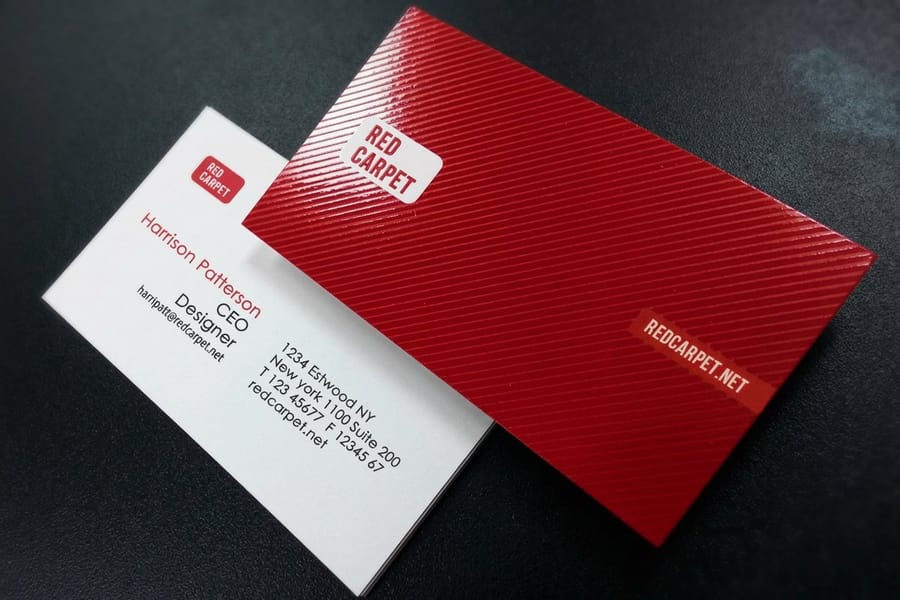
A standard North American card file comes down to five settings, from the 9.5 x 5.7 cm document to the color mode.
- Document size: 9.5 x 5.7 cm, which includes 3 mm of bleed on all sides.
- Trim line: 8.9 x 5.1 cm, the actual card edge after cutting.
- Safe zone: 8.3 x 4.5 cm, where all text and logos should stay.
- Resolution: 300 DPI minimum for sharp, crisp printing.
- Color mode: CMYK, not RGB, because screens and printers read color differently.
For European cards, adjust the numbers. Document size becomes 9.1 x 6.1 cm with bleed, trim sits at 8.5 x 5.5 cm, and the safe zone lands at 7.9 x 4.9 cm. The 4OVER4.COM blank templates come with bleed and safe zones already marked, which saves you the math on every order. Start from a print-ready blank like the black business cards template or the 3D lenticular business cards template, both sized to the trim with guides already in place.
Choosing between standard and non-standard sizes
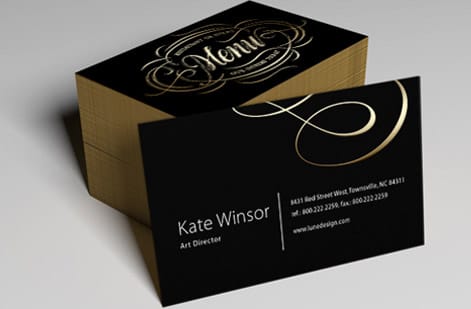
An 8.9 x 5.1 cm or 8.5 x 5.5 cm card fits the wallets, cardholders, and Rolodexes built around it, and cards that get stored are cards that get referenced. For most professionals, real estate agents, lawyers, accountants, and consultants, standard dimensions are the safe call. Your card needs to be kept, not admired once and then discarded because it fits nowhere.
Creative professionals can bend the rule. A square card (6.5 x 6.5 cm), a mini card (7.0 x 2.8 cm), or a folded card that opens to double the space all stand out and signal creativity. The trade-off is that they cost more to print and do not fit standard holders, so weigh memorability against practicality before you commit.
If you want something eye-catching that still fits a wallet, 4OVER4.COM offers 3D lenticular business cards that add motion and depth to standard-sized cards. For more creative print ideas, see our guides on custom magnets and how to make envelopes.
Portrait or landscape, the same centimeters turned on end
Orientation does not change the trim. A landscape card is 8.9 cm wide by 5.1 cm tall, and a portrait card is the same sheet rotated to 5.1 cm wide by 8.9 cm tall. The bleed stays at 0.3 cm on every side, the safe zone stays 0.3 cm inside the trim, and the price is identical, because the printer cuts the same rectangle either way. What changes is the layout and how the card reads in a holder.
Landscape suits a long name, a wide logo and a row of contact lines, and it is what most cardholders and wallets expect. Portrait gives a tall logo or a monogram room to breathe, keeps text in short stacked lines, and stands out in a pile of horizontal cards. In Japan, where meishi are often set with vertical script, a portrait layout is common, and a bilingual card can run landscape on one side and portrait on the other as long as both sides share the 9.1 x 5.5 cm trim. Set the document at the bleed size in the orientation you want and never rotate the artwork inside a landscape file to fake a portrait card, because the safe zone guides no longer line up.
Converting between centimeters, millimeters, and inches
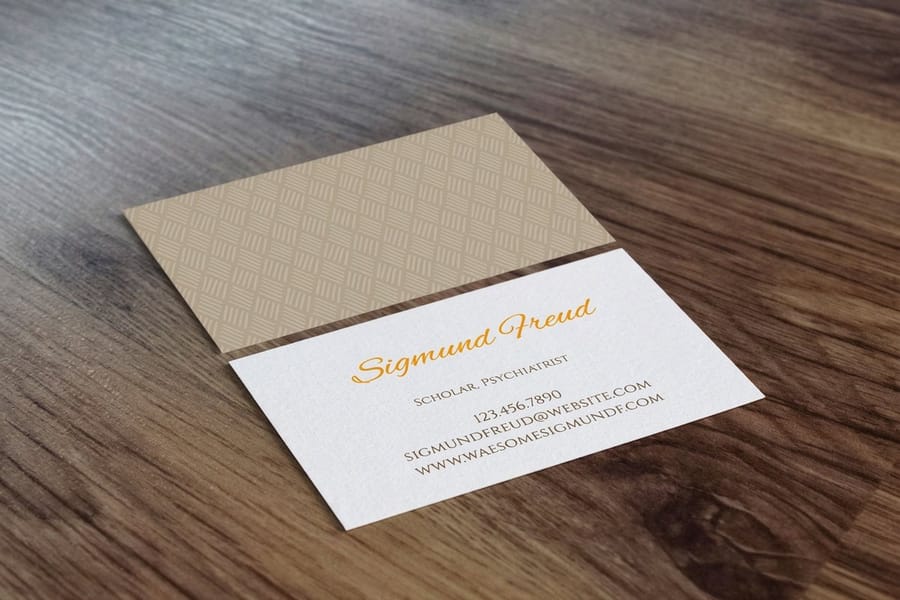
Photoshop might open a new file in inches, Illustrator might use points, and Canva uses pixels, so a size written in centimeters often needs converting before it goes in. Four conversions cover the units those programs use.
- Cm to mm: multiply by 10, so 8.9 cm becomes 89 mm.
- Cm to inches: divide by 2.54, so 8.9 cm becomes 3.5 inches.
- Inches to cm: multiply by 2.54, so 3.5 inches becomes 8.9 cm.
- Cm to pixels at 300 DPI: multiply cm by 118.11, so 8.9 cm becomes 1,051 pixels.
Here is the 9 x 5 cm Latin American card worked all the way through, since it is the size most conversion charts skip. 9 x 5 cm is 90 x 50 mm, 3.54 x 1.97 inches, and 1,063 x 591 pixels at 300 DPI. Add the 0.3 cm bleed on all four sides and the document becomes 9.6 x 5.6 cm, which is 96 x 56 mm or 3.78 x 2.2 inches, while the safe zone for text pulls in to roughly 8.4 x 4.4 cm.
When you set up files in Photoshop or Illustrator, type the dimensions in centimeters directly, since both programs accept cm as a unit. Do not convert by hand and risk rounding errors, let the software handle it. And if math is not your thing, grab a pre-built template. 4OVER4.COM provides downloadable files already sized correctly for every standard region, so no conversions are needed.
Want to confirm the paper, print quality, and trimming accuracy in hand before you commit? Order a set of free business cards to see how your dimensions and design look printed for real.
Sizing mistakes that ruin business card prints
Six sizing errors show up in business card files at 4OVER4.COM more often than any others, and each one comes down to a few millimeters.
- Forgetting bleed entirely. You get white edges on cards with colored backgrounds. Always add 0.3 cm of bleed on every side.
- Placing text too close to the trim line. Keep important content at least 0.3 cm inside the edge. Phone numbers and emails are the most common casualties.
- Using the wrong regional size. Sending an 8.9 x 5.1 cm file when your printer expects 8.5 x 5.5 cm means your design gets stretched or cropped.
- Designing in RGB instead of CMYK. Colors shift when converted, so that bright blue on screen can print as a dull purple. Set your color mode to CMYK from the start.
- Low resolution files. Anything below 300 DPI looks fuzzy in print, and logos and small text suffer the most.
- Rounding dimensions. Do not round 8.9 cm to 9.0 cm. That 1 mm difference compounds with bleed and creates misalignment.
4OVER4.COM catches many of these issues during file review, but it is faster and cheaper to get it right the first time.
Wally explains card sizing
A card sized right is a card that gets kept
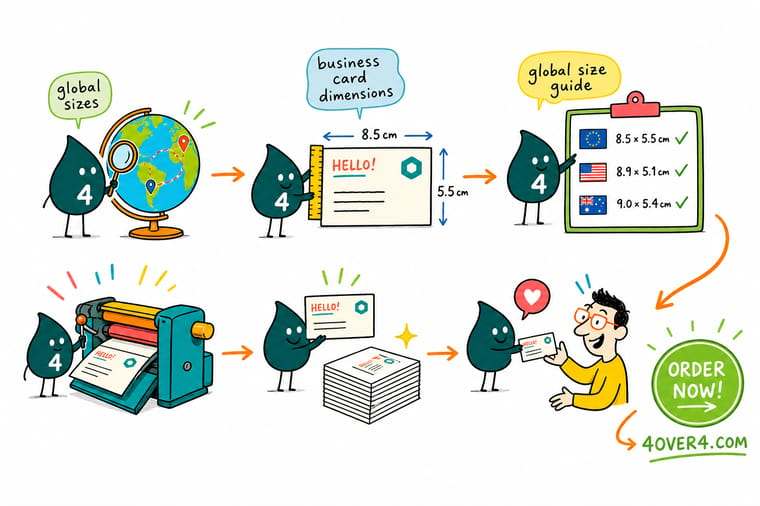
Wally measures twice and cuts once: pick the right regional size, add 0.3 cm of bleed so the color runs off the edge, and keep your name and number 0.3 cm inside the trim. Do that at 300 DPI in CMYK and your card slides into every wallet clean, crisp, and impossible to lose.
Order business cards →The three zones
Bleed, trim, and safe zone at a glance
Every print-ready card is built from these three measurements. Get them right and the blade can drift a hair without ever showing a white edge or clipping your logo.
| Print element | Standard dimension (cm) | Purpose |
|---|---|---|
| Bleed area | 0.3 cm added to each side | Extends the background past the trim line to prevent white edges after cutting. |
| Trim line | 8.9 x 5.1 cm (example) | The final, intended dimensions of the cut business card. |
| Safe zone | 0.3 cm inside the trim line | An inner margin where all critical text and logos must sit to avoid being cut off. |

Specs and pricing
Standard business card specs and pricing
Once your file is sized right, here is what a standard business card gives you at 4OVER4.COM, with live specs and price-per-unit pulled straight from the configurator.
| Quantity | Price Per Unit | Total |
|---|---|---|
| 100 | 17.6¢ | $17.57 |
| 200 | 11.5¢ | $23.07 |
| 300 | 9.15¢ | $27.46 |
| 400 | 7.96¢ | $31.86 |
| 500 | 7.25¢ | $36.26 |
| 600 | 6.77¢ | $40.64 |
| 700 | 6.43¢ | $45.04 |
| 800 | 6.18¢ | $49.43 |
Print it
Business cards and matching print at 4OVER4


See it in use
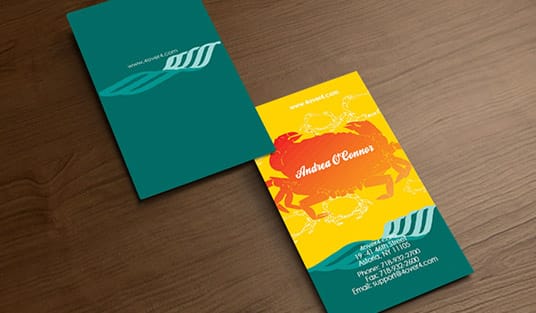
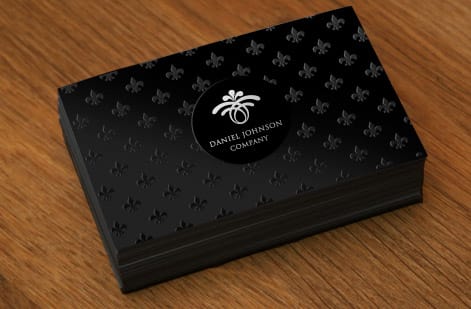
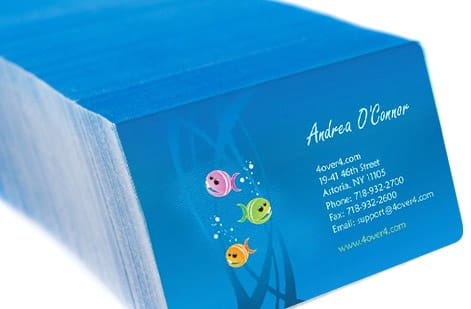
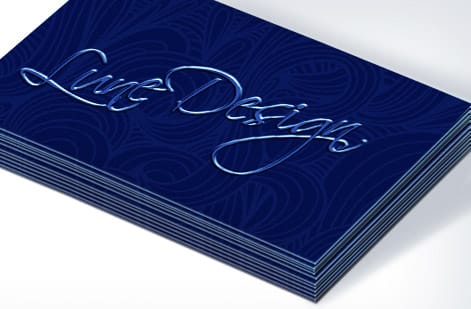
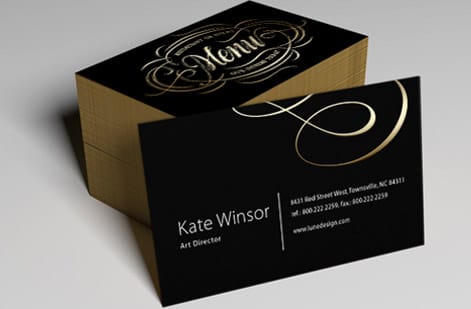
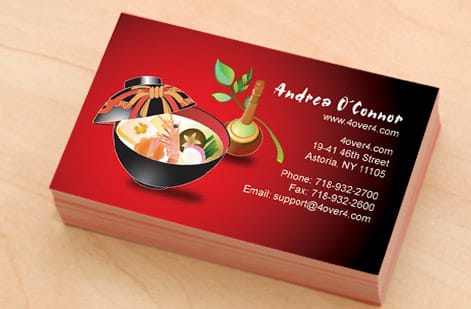
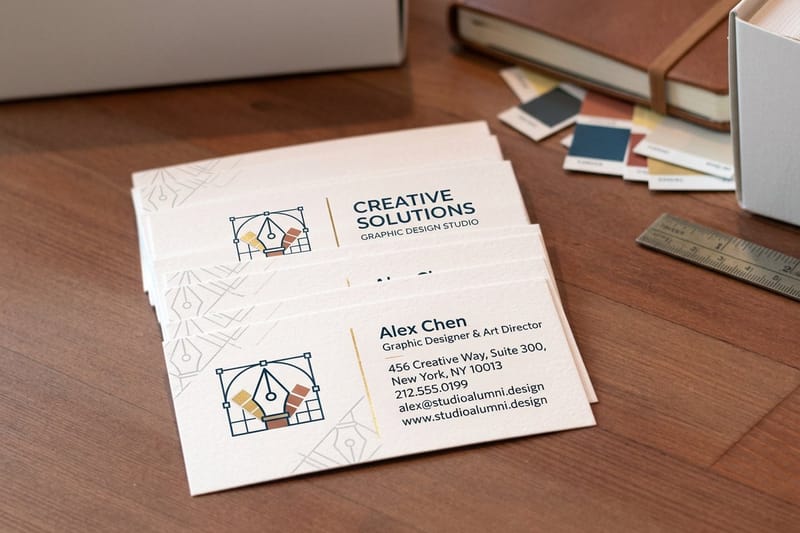
Business card work from customer orders


Explore more
Where to go next




By the numbers
Card volume and the paper types behind every size
Common Questions
Common questions about business card dimensions in cm
What size is a 5x7 card in cm?
A 5 x 7 inch card is 12.7 x 17.8 cm, or 127 x 178 mm. That is a greeting card, invitation or photo card size rather than a business card, and it fits an A7 envelope. Build the file at 13.3 x 18.4 cm to include 0.3 cm of bleed on every side and keep text 0.3 cm inside the trim.
Is a business card 2x3?
Not quite. The standard North American card is 3.5 x 2 inches, which is 8.9 x 5.1 cm, so it is 2 by 3.5 rather than 2 by 3. A true 2 x 3 inch card, 5.1 x 7.6 cm, is a non-standard size that prints fine but sits loose in a holder built for the standard trim.
What is the best size for a business card?
The standard size for the region where you hand it out: 8.9 x 5.1 cm in North America, 8.5 x 5.5 cm in Europe, 9 x 5 cm in most of Latin America and 9.1 x 5.5 cm in Japan. A card that fits the local wallet and cardholder gets kept, and a kept card is the whole point. Go non-standard only when standing out matters more than storage.
What is the standard business card size in centimeters?
In North America the standard business card measures 8.9 x 5.1 cm. In Europe the standard is 8.5 x 5.5 cm, Japan uses 9.1 x 5.5 cm, and China uses 9.0 x 5.4 cm. Always confirm which regional standard your printer expects before you submit your file.
How much bleed should I add to my business card dimensions?
Add 0.3 cm (3 mm) of bleed on all four sides. For a North American card your total document size with bleed becomes 9.5 x 5.7 cm. This extra space lets background colors and images run past the cut line so no white edges appear after trimming.
What's the safe zone for a business card in cm?
Keep all text, logos, and important design elements at least 0.3 cm inside the trim line. For a standard North American card the safe zone is roughly 8.3 x 4.5 cm. Anything outside that area risks being partially cut off during production.
Can I use European business card dimensions in the United States?
You can, but it is not ideal for everyday networking. European cards at 8.5 x 5.5 cm are a little wider and shorter than US cards at 8.9 x 5.1 cm, so they do not sit as neatly in American cardholders. If you work in both regions, print two separate batches at the correct regional size.
What resolution should I use when designing a business card?
Design at 300 DPI minimum. At standard business card dimensions that works out to roughly 1,051 x 601 pixels for a North American card. Lower resolutions give you blurry text and soft logo edges that read as unprofessional in print. Set your file to CMYK color mode as well.
Does 4OVER4.COM provide templates with correct business card dimensions?
Yes. 4OVER4.COM offers downloadable blank templates pre-set with correct trim lines, bleed marks, and safe zones for standard business cards. The templates work in Adobe Illustrator, Photoshop, and InDesign, so they take the guesswork out of your first print-ready file.
What is the standard business card size in Chile?
Chile prints business cards at 9 x 5 cm, which is 90 x 50 mm or 3.54 x 1.97 inches. That is slightly wider and shorter than the North American 8.9 x 5.1 cm card. Build the document at 9.6 x 5.6 cm to allow 0.3 cm of bleed on every side, and keep text and logos 0.3 cm inside the trim line.
Which countries use 9 x 5 cm business cards?
Chile, Argentina, Mexico, and Colombia all print at 9 x 5 cm, which makes it the working standard across most of Latin America, and South Korea uses the same 9.0 x 5.0 cm footprint. Brazil is the exception at 8.8 x 4.8 cm. If you carry cards through several of these markets, 9 x 5 cm covers the most ground.
Get Started
Ready to print business cards at the right size?
Pick your region's standard, drop in your design, and we print crisp, wallet-perfect cards on the stock and finish you choose.
Legal Disclaimer
Gold Standard guarantees apply to all standard orders placed through 4over4.com. Price match requires verifiable proof of a competitor's published price for an equivalent product with matching specifications and turnaround time. Satisfaction guarantee covers manufacturing defects and print quality issues. Contact support with order number and documentation.
