
How to Make Posters from Design to Print and Display


Tobias is our voice for cutting, binding and large format, built from the knowledge of our production team, with over 20 years in printing.
Size the poster for the room, lead with one strong headline and image, set the file up in CMYK at 150 DPI, then print it on stock that fits where it will hang. The routine below is built around one question, how far away is the reader.
To make a poster, start with size and viewing distance, then build a clear hierarchy with one headline, one focal image, and one call to action. Set type large enough to read from across the room, design in CMYK at 150 DPI or higher with a bleed, and pick paper and finish to match where the poster will hang. Proof it, then print.
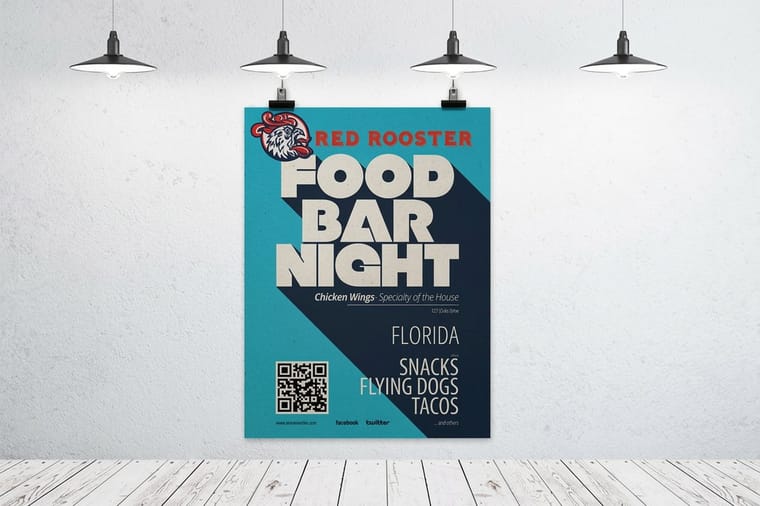
Quick tips
Quick tips for making a great poster
Design your poster for distance, not for the screen. Lead with one headline of five to seven words, give it a single focal image, and keep type large enough to read from across the room. Build the file in CMYK at 150 DPI or higher with a bleed, then match paper and finish to where it will hang. 4OVER4.COM customers who plan the size first and proof before printing get posters that look sharp and last.
Poster options
Poster sizes, stocks and prices side by side
To make a poster print ready, upload a PDF, TIFF or EPS built at the final size in CMYK, at 150 DPI or higher, with the background running past the trim. Then pick the product that fits your size and your count: a run of 50 or more goes on Posters, while one big print goes on large format.
| Product | Sizes | Stock | Starts at | Production |
|---|---|---|---|---|
| Posters | 11 x 17 to 22 x 28 inches | 100# gloss or silk text, 70# uncoated text, 14pt cover or synthetic plastic | 50 for $108.75 | 5 business days |
| Large format posters | 11 x 17 to 48 x 96 inches, or any size | 10mil semi gloss or hi gloss, canvas, vinyl or 7mil weatherproof polypropylene | 1 for $25.00 | 2 business days |
| Mounted posters | 8 x 10 to 40 x 60 inches | 10.4 mil semi gloss or hi gloss on 3/16 inch foam core | 1 for $39.99 | 4 business days |
| Framed posters | 16 x 24 inches | Ultra white giclee paper in a matte black frame | 1 for $87.86 | 4 business days |
Why knowing how to make a poster matters
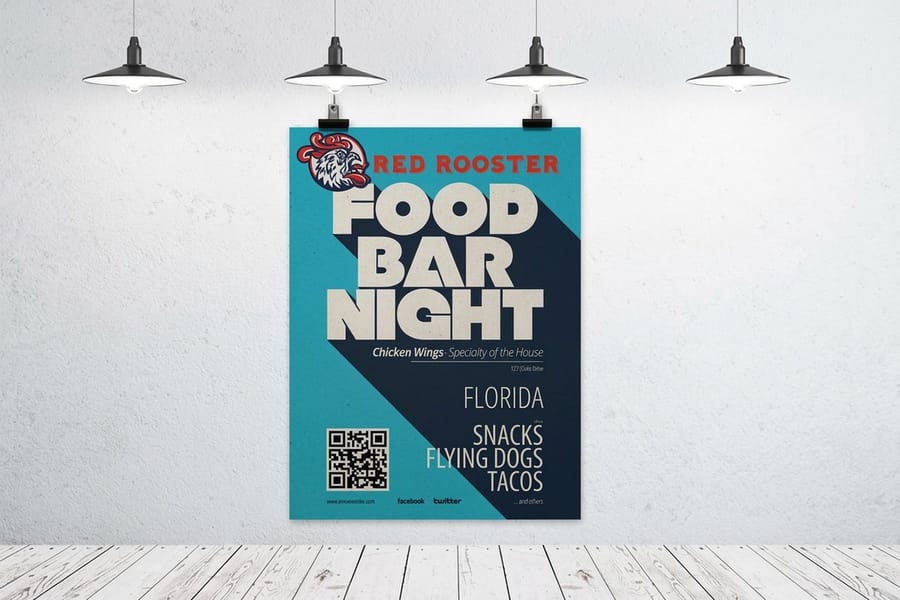
A poster gets about three seconds. Someone walks past an 18 by 24 print on a cafe wall, glances over, and either reads your five to seven word headline or keeps moving. A weak layout, muddy color, or type that is too small turns all of that effort into wallpaper. Learning how to make a poster the right way is what separates a piece people stop for from one they never register.
An event, a product launch, a class, and a concert all follow the same rules. Size the poster for the room, lead with a single strong idea, and print it on stock that holds up. This guide walks through each decision in order, from choosing a size to setting up the file and picking a finish. If you also hand out printed pieces at the same event, our guide on how to make flyers pairs nicely with everything here. A gig has its own format, and our concert poster size range runs from 11 by 17 up to 48 by 96 inches. For the handout that goes with it, watch the Concert Flyers video.
4OVER4.COM has served 150,000+ businesses since 1999, across every product it prints, so the advice below comes from what prints well. Browse the custom poster showcase for real examples, then follow along as we build a poster from the ground up.
Choosing your poster type and size
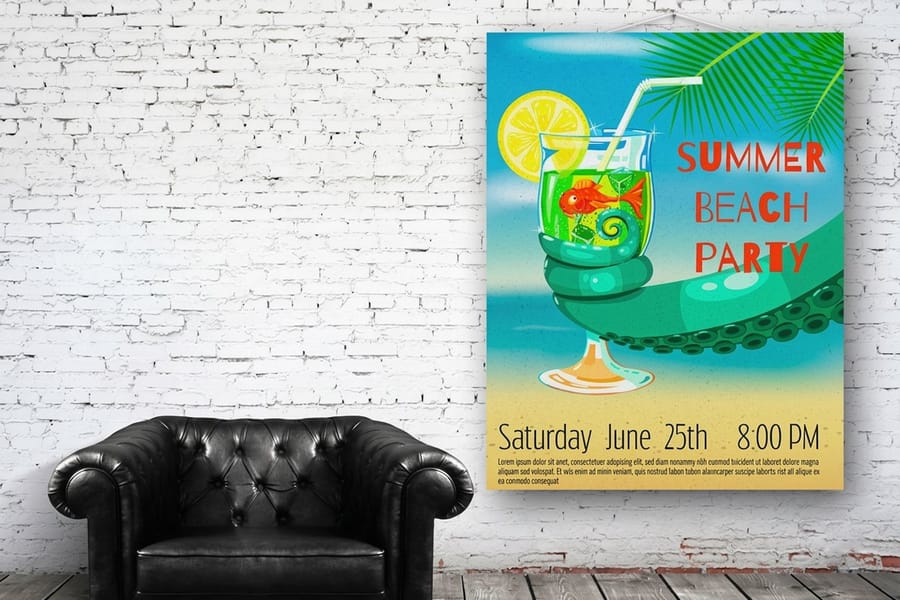
Before you open a design tool, decide what kind of poster you need and how big it should be. Standard posters run from 11 by 17 for close-up reading up to 24 by 36 and 27 by 40 for high-impact placement. A smaller poster suits a coffee-shop bulletin board, while a larger print earns its keep on a busy wall or in a shop window.
The material matters as much as the dimensions. A standard poster on paper is the go-to for indoor promotion. Mounted posters and foam core posters stand up on an easel without curling, framed posters add a finished, gallery look, and large format posters go big for trade shows and storefronts. Match the format to how the poster will be displayed, not just to what looks good on your screen. Before you pick one, check what it costs to print a poster, by size, paper and quantity.
Not sure which way to go? Compare sizes, materials, and pricing on the posters printing page, or browse the full large format printing range to see how posters sit alongside banners and signage.
Planning layout and visual hierarchy

The most common poster mistake is treating the whole surface as equal. It is not. Your eye needs somewhere to land first, then a clear path to the rest. Start with a single focal point, usually a bold headline or one strong image, and let everything else support it.
Give the headline the top third of the poster where the eye naturally goes, then place your key visual in the center and your call to action near the bottom. Leave generous empty space around each element so nothing feels crowded. A reader should be able to trace the message from top to bottom without stopping to hunt for what matters. If your project also involves folded printed pieces, the same hierarchy thinking shows up in our guide on how to fold a brochure.
Typography that reads from across the room
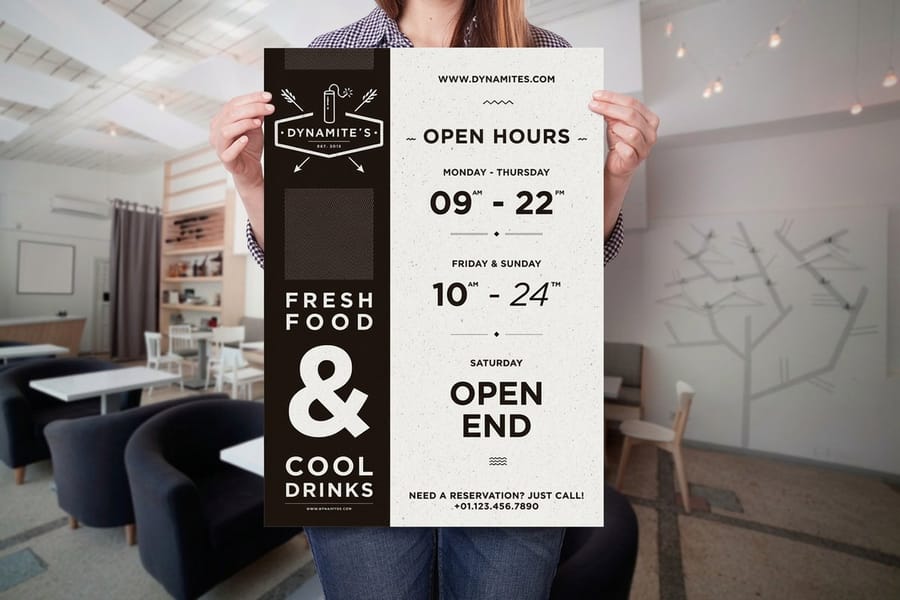
Posters are read at distance, so type that looks fine on a laptop can vanish on a wall. Use a simple rule to size your headline: allow about one inch of letter height for every ten feet of viewing distance. A poster meant to grab attention from thirty feet away needs a headline at least three inches tall.
Keep the words to a minimum. A strong headline is five to seven words, no more. Lead with the who, the what, and one reason to care, then let the supporting text fill in details for anyone who steps closer. Stick to one or two typefaces, use weight and size to signal importance, and never stretch or squeeze letters to make them fit. If you want your poster type to match your other materials, the free online designer keeps fonts consistent across every piece.
Make your poster online free

You do not need design software to make a poster. The free online designer runs in your browser and opens a canvas already built at the finished size, with the bleed and the safe margin marked, so you drop in your photo, your logo, and your headline without setting up a document or paying for an app.
So yes, you can make a poster for free online, and you only pay when you print your poster. Lay it out, check the headline against the one inch of letter height for every ten feet of viewing distance rule, then send the file straight to press. If you want to compare 11 by 17 against 18 by 24 or 24 by 36 first, or weigh gloss against matte, start from poster printing and pick the size and stock before you design.
Color, contrast, and imagery
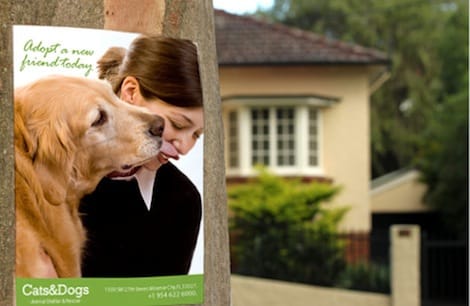
Contrast is what makes a poster readable from a distance. Dark text on a light background, or light text on a dark one, carries across a room. Text laid straight over a busy photo disappears, so drop a solid or semi-transparent color block behind any words that sit on an image.
Choose a tight palette, usually two or three colors plus a neutral, and let one of them dominate. Pull the accent color from your logo or brand so the poster feels like part of a set rather than a one-off. When you build the file, work in CMYK rather than RGB, because print color is mixed differently than screen color and bright RGB blues and greens can shift once they hit paper. Pair a poster with matching event invitations and the color carries all the way from the wall to the mailbox.
Resolution and file setup for print
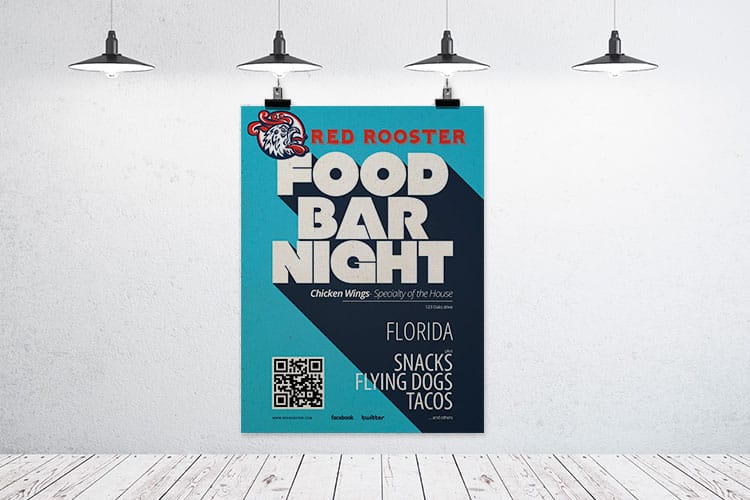
A pixelated poster reads as amateur from ten feet away, so resolution is not the place to cut corners. Design at 150 DPI minimum at the actual print size, and aim for 300 DPI when your source images allow it. The key phrase is at actual print size, because a photo that looks sharp small can fall apart when scaled up to poster dimensions.
Set your document up correctly from the start. Build the canvas at final size, add a bleed so background color runs past the trim edge, keep important text a safe margin inside the edges, convert fonts to outlines, and export a high-resolution PDF, TIFF, or EPS in CMYK. Getting these basics right on the first try saves a reprint later. Our wider guide hub covers file prep for plenty of other products too if you are building a full set of materials.
Choosing paper and finish
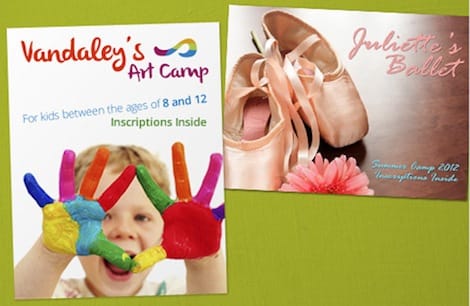
The stock you print on changes how a poster feels and how long it lasts. 4OVER4.COM prints posters on 100# Gloss Text, 100# Silk/Matte Text, and 70# Uncoated Text, so match the finish to the job. Gloss and high-gloss UV coating make photos and saturated color pop, which suits product and event posters. Matte keeps text crisp and cuts glare, which helps when a poster hangs under bright store or gallery lighting.
Think about durability too. A poster that lives on an indoor wall for a week has very different needs than one that travels between events or hangs outside. For heavy handling or outdoor placement, a laminated or vinyl option resists moisture, fading, and scuffs far better than plain paper. When you compare stocks on the posters printing page, picture where the poster will actually spend its life and choose from there.
Printing and proofing your poster
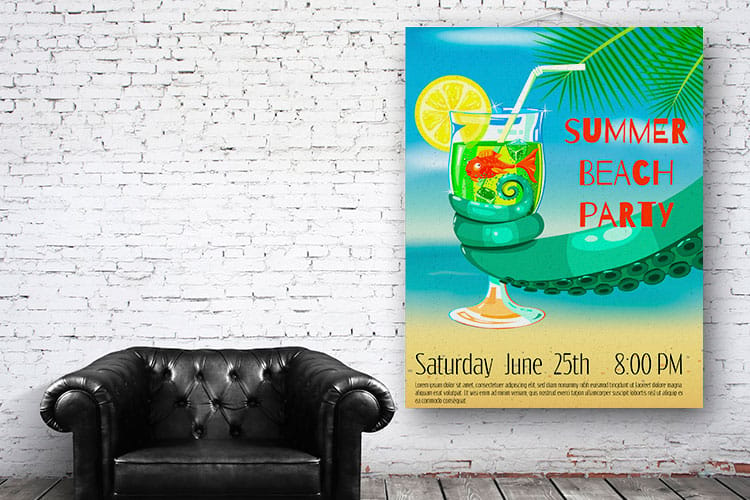
Once the design is set, give printing enough runway. Order at least two to three weeks ahead so you have time for revisions, production, and shipping without a scramble. Rushing the last mile is where small errors turn into reprints, and a poster you settled on in a hurry rarely looks as good as one you slept on.
Use a proof before you commit to a full run. A proof lets you catch color shifts, a low-resolution image, or a typo while it is still cheap to fix. If you build the artwork in the online designer, the correct size and bleed are handled for you, which removes the most common setup mistakes. When everything checks out, place the order on the standard posters page and pick your paper and finish at checkout.
Displaying and mounting your poster

How you hang a poster shapes how professional it looks. A bare paper poster taped to a wall reads as temporary, while a mounted or framed print reads as intentional. For a polished, freestanding display, mounted posters and foam core posters hold their shape on an easel, and framed posters give a finished edge for a lobby or gallery wall.
Match the mount to the setting. Indoor posters can hang on standard paper, while anything outdoors or high-traffic benefits from a rigid or weather-ready format. Roll printed posters rather than folding them for transport, store them in a tube, and keep them out of direct sun and moisture so the color stays true. Explore the full posters and wall art range to see mounting and framing options side by side.
Common mistakes that ruin a poster
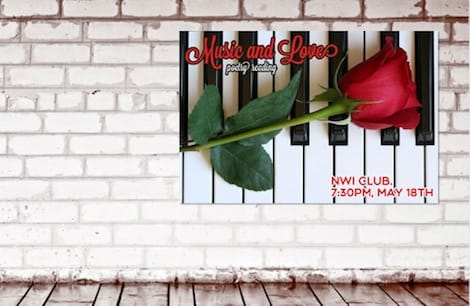
Even seasoned designers trip over the same poster errors. Avoid these and your work stands out for the right reasons.
Cramming in too much. A poster stuffed with text and images overwhelms the viewer and gets skipped. Edit hard, feature one message, and let empty space do some of the work.
Type that is too small. If people have to walk up to read the headline, the poster has already failed. Size type for the distance it will be seen from.
Low-resolution artwork. Blurry images and soft logos scream amateur. Design at 150 DPI minimum at full size and check the file before you send it.
Skipping bleed and using the wrong color mode. No bleed means white slivers at the trim edge, and RGB files can shift color on press. Build in CMYK and extend the background past the trim.
Ignoring where it will hang. A gorgeous poster on the wrong stock fades outdoors or glares under lights. Pick paper and finish for the real setting. Keeping your branded tools in shape helps too, and our guide on how to clean rubber stamps covers that side of a tidy print kit.
Wally explains poster design
One idea, sized for the wall, beats a busy poster every time
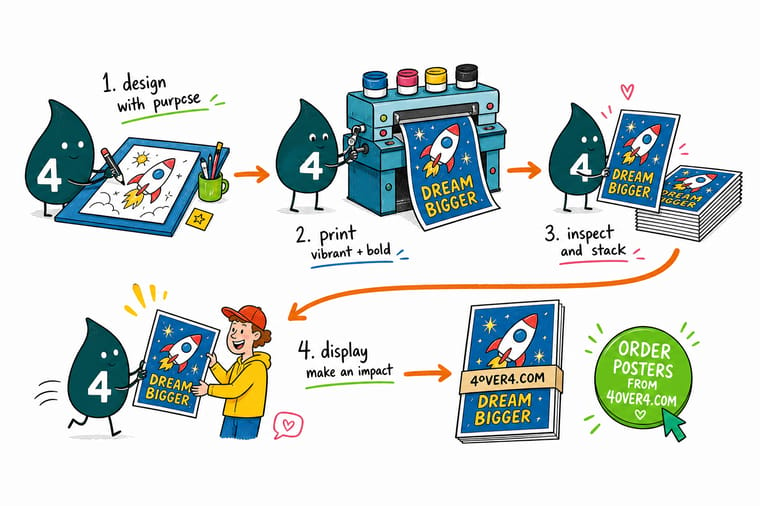
Wally thinks of a poster like a billboard for a small room: you get about three seconds, so pick one headline, one image, and one thing you want people to do. Make the type big enough to read from across the space, print it in CMYK at 150 DPI so it stays crisp, and choose paper that fits where it hangs. When the design is ready, order a sharp, made-to-order poster built to your exact size at 4OVER4.
Order posters →
Specs and pricing
Custom poster specs and pricing
Here is what a made-to-order poster gives you at 4OVER4.COM, with live specs and price-per-unit pulled straight from the configurator.

| Quantity | Price Per Unit | Total |
|---|---|---|
| 50 | $2.18 | $108.75 |
| 100 | $1.64 | $163.67 |
| 200 | $1.01 | $202.11 |
| 300 | 80.2¢ | $240.55 |
| 400 | 69.7¢ | $278.99 |
| 500 | 63.5¢ | $317.44 |
| 600 | 55.8¢ | $335.02 |
| 700 | 50.4¢ | $352.59 |
Print it
Order posters and wall art at 4OVER4
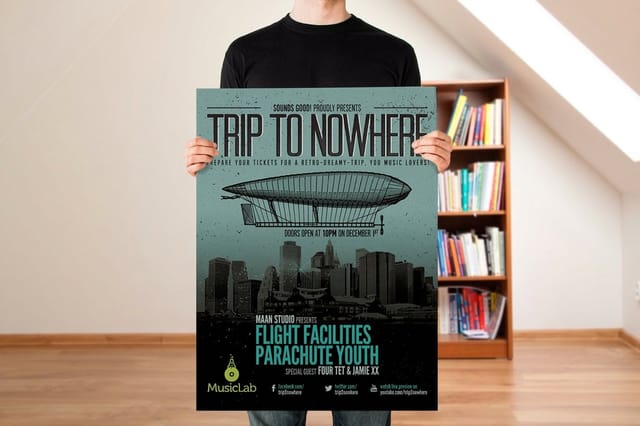

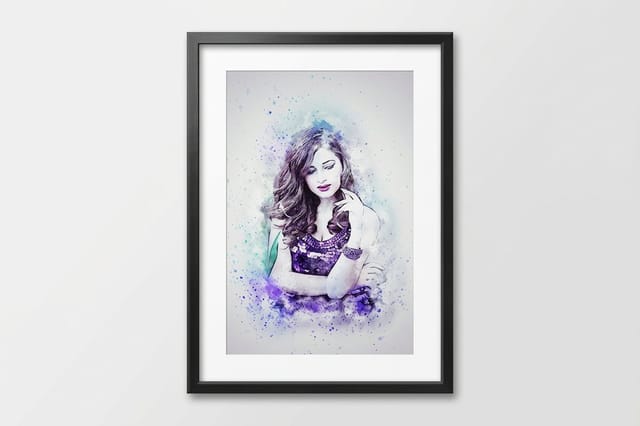
See it in use
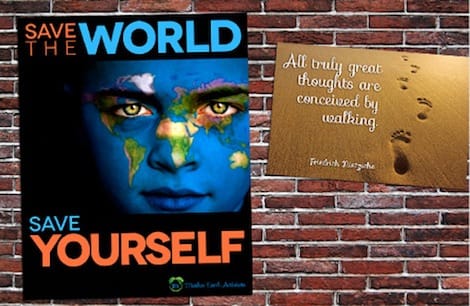
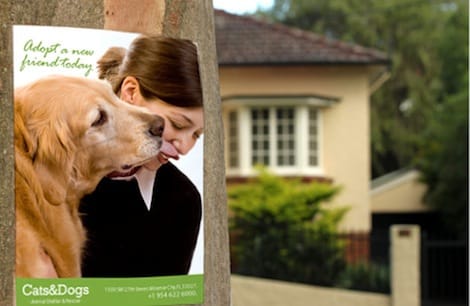
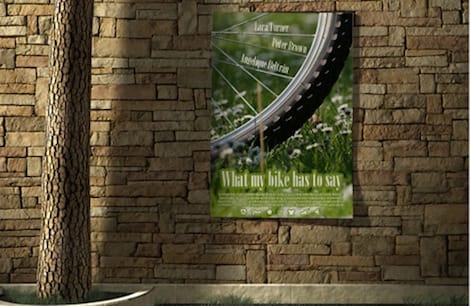
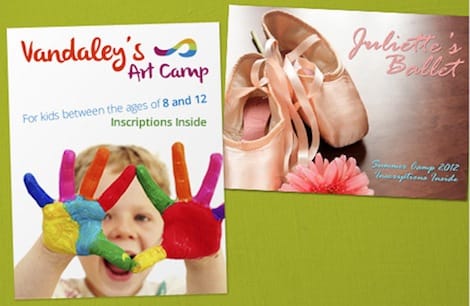
Posters we printed for customer jobs



%22%2F%3E%3Ccircle%20cx%3D%2234%22%20cy%3D%2219%22%20r%3D%2229%22%20fill%3D%22%2314b8a6%22%20opacity%3D%220.15%22%2F%3E%3Ccircle%20cx%3D%2233%22%20cy%3D%2229%22%20r%3D%229%22%20fill%3D%22%2314b8a6%22%20opacity%3D%220.1%22%2F%3E%3Crect%20x%3D%2274%22%20y%3D%229%22%20width%3D%2234%22%20height%3D%2219%22%20rx%3D%224%22%20fill%3D%22%2314b8a6%22%20opacity%3D%220.08%22%20transform%3D%22rotate(14%2080%2030)%22%2F%3E%3C%2Fsvg%3E)
Explore more
Where to go next


By the numbers
The large-format catalog behind a poster
Common Questions
Common questions about making posters
What is the best size for a poster?
It depends on where the poster will hang and how far away people stand. For a wall someone reads up close, 11 by 17 or 18 by 24 works well. For a poster meant to grab attention across a room or a store, step up to 24 by 36 or 27 by 40. When in doubt, go one size larger than feels comfortable, because a poster that is too small gets ignored.
What resolution do posters need to print sharp?
Design at 150 DPI minimum at the actual print size for large format, and 300 DPI is ideal when your files can handle it. Large posters are viewed from a few feet away, so 150 DPI looks clean while keeping file sizes manageable. Always check your artwork at full size before you send it, since a photo that looks fine on screen can turn soft once it is blown up to poster scale.
How far in advance should I order posters?
Order at least two to three weeks before you need them. That leaves room for design revisions, printing, and shipping without a panic. 4OVER4.COM delivers with 99.8% on-time delivery, but rushing the design stage is where most avoidable mistakes creep in.
What file format should I submit for poster printing?
Send a high-resolution PDF, TIFF, or EPS built at the final print size. Set the color mode to CMYK, convert all fonts to outlines, and include a bleed so nothing important sits on the trim edge. If you would rather build the artwork in your browser, the 4OVER4.COM online designer sets the dimensions and bleed for you automatically.
Which paper or finish is best for posters?
Choose gloss when the poster is photo-heavy and you want saturated, punchy color. Choose matte when the design is text-heavy or the poster hangs under bright lights, since matte cuts glare and stays readable. For anything that lives outdoors or gets handled a lot, laminated or vinyl stock adds durability and moisture resistance.
Can I use posters outdoors?
Yes, as long as you print on the right material. Standard poster paper is made for indoor use, so for outdoor placement pick a weather-resistant option such as vinyl or a laminated finish. These handle sun, rain, and repeated handling far better and keep your colors from fading over a run of events.
Get Started
Order 50 posters from $108.75 and hang the first one
Pick your size, drop in your artwork, choose a paper and finish, and we print a crisp, vivid poster built to your exact dimensions.
Legal Disclaimer
Gold Standard guarantees apply to all standard orders placed through 4over4.com. Price match requires verifiable proof of a competitor's published price for an equivalent product with matching specifications and turnaround time. Satisfaction guarantee covers manufacturing defects and print quality issues. Contact support with order number and documentation.
