
Phishing Exposed and How to Stop It Before Anyone Clicks

Marcus is our print marketing voice, built from the knowledge of our production team, with over 20 years in printing.
Phishing is impersonation, and it needs no hacking. The messages are built to a pattern, five checks catch them, and a few controls still hold after somebody clicks, including a desk card, a wall poster, an onboarding brochure and a callback notepad that keep the rule in sight.
Phishing is a message that borrows a trusted identity to make an ordinary request: sign in, pay this, open that. It works on attention rather than ignorance, so the defense that holds is a rule you follow when you are busy, not a fact you memorised. That rule is never authenticate and never pay from a link. Behind it, the controls worth paying for are the ones that still work after a person clicks: a password manager that refuses to fill a lookalike domain, a security key bound to the real site, and a callback on any change to bank details.

Quick answer
A borrowed name, an ordinary request, and one rule that holds
Phishing succeeds because the ask is normal and the sender looks familiar. Bulk campaigns go to everyone, spear phishing is written for one named person, and business email compromise arrives from a genuine supplier mailbox that passes every technical check. Filters and mail authentication clear the noise. What stops the expensive ones is a password manager that will not autofill a lookalike domain, a security key that answers only the real site, and a phone call on any change to bank details.
How a Phishing Message Is Actually Built
Every phishing message has the same five parts: a borrowed identity, a pretext, a reason to move now, one action, and the payload waiting behind it. Strip a message down to those five and the sales pitch falls apart.
The pretext is the part that decides whether it works. A fake invoice that lands in accounts payable during the week of a real project is not luck, it is fifteen minutes of reading your website, your LinkedIn hiring posts and a press release. The identity is cheap to fake, the urgency is a template, and the action is nearly always one of three things: sign in here, approve this payment, open this file. What varies is how well the story fits your week.
The delivery route changes the tells, so it helps to know which shape you are looking at.
| Type | How it arrives | Who it targets | The usual ask | The tell that survives |
|---|---|---|---|---|
| Bulk phishing | Mass email to scraped addresses. | Anyone with a mailbox. | Log in to fix a problem with an account. | Generic greeting, and a sending domain with no relationship to the brand it names. |
| Spear phishing | One email written for one person. | A named role: finance, HR, an admin. | Open this file or approve this request. | The details are right, but the domain was registered recently and has no history with you. |
| Business email compromise | A reply inside a real thread, often from a real supplier account. | Whoever pays invoices. | Change the bank details before the next payment. | The request lands near a genuine payment date and quietly resists a phone call. |
| Smishing | SMS or a chat app. | Phone first staff and drivers. | Tap a short link to confirm something. | A shortened link, and a number that is not the one you already have on file. |
| Quishing | A QR code in an email or printed on paper. | Anyone with a phone camera. | Scan and sign in. | The code resolves to a domain nobody recognises, or the sticker sits on top of the original code. |
Business email compromise deserves the extra attention it gets. It is the one that arrives from a genuine, correctly signed mailbox, so every technical check passes, and it is the one that moves real money out of a real account. A payment rule beats a spotting skill here, which is the argument in the cash flow system guide as well.
The Five Checks That Catch Almost Everything
Spotting advice usually arrives as a list of twenty warning signs, which nobody recalls under pressure. Five is about the limit of what a person uses in real life, and these five are ordered from fastest to most reliable.
- Read the address, not the name. The display name is free text the sender chooses. Expand it and look at the domain after the @ sign.
- Check where a reply would go. A message that looks like it comes from your director but replies to a different address is finished right there.
- Look at the real destination of the link, then do not use it. Hover on a desktop and read the status bar. Then open the site through your own bookmark or by typing the domain, because a genuine alert will still be there when you arrive.
- Let the password manager vote. If it does not offer to fill the login page, the domain is not the one it saved. That is a string comparison, and it beats human eyesight at the end of a long day.
- Call back for anything about money or access. Use a number you already had, never the one in the message. One call is cheap insurance against the most expensive category of fraud there is.
Two honest limits. On a phone the sending address hides behind the display name and there is nothing to hover over, so mail read on a phone deserves more suspicion rather than less. And a message from a supplier whose mailbox is already compromised passes every header check you can run, because it genuinely is from them. That is why check five is the one that carries real weight and the other four are triage.
Put the Rule Where the Decision Gets Made
Nothing printed blocks a phishing email. What paper does is put the rule in front of the person at the moment they are deciding, which is the moment their laptop is the thing they no longer trust. A policy in a shared drive is invisible during those thirty seconds. A card taped to a monitor is not.
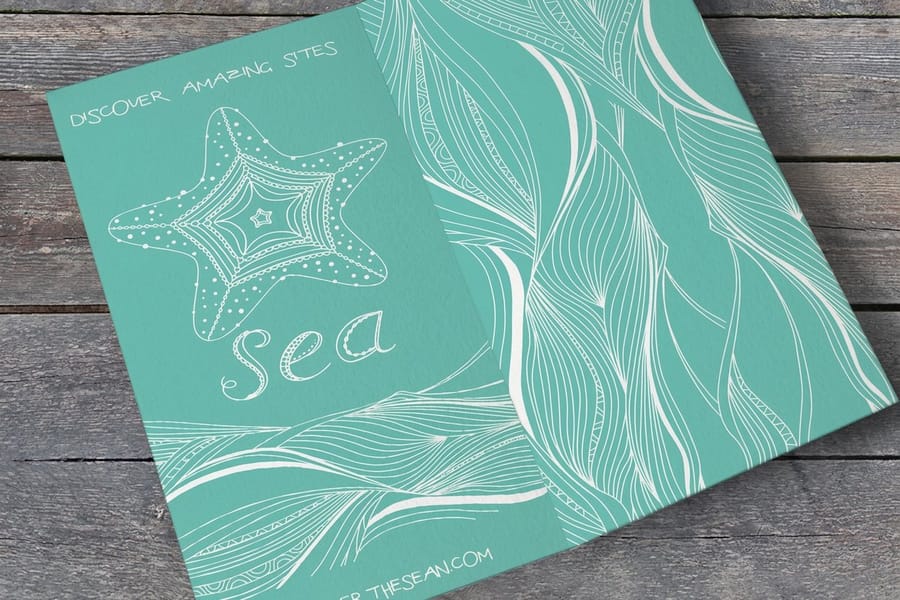
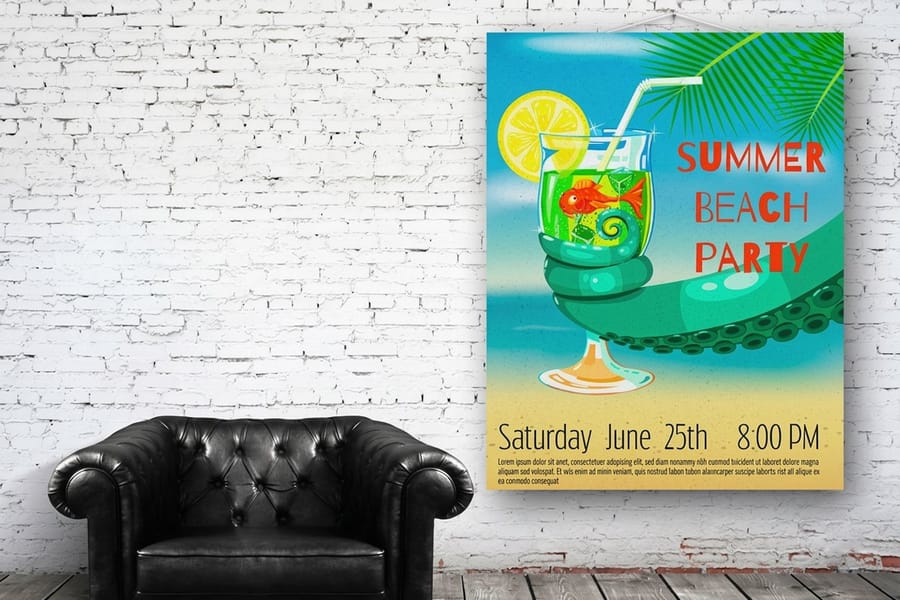
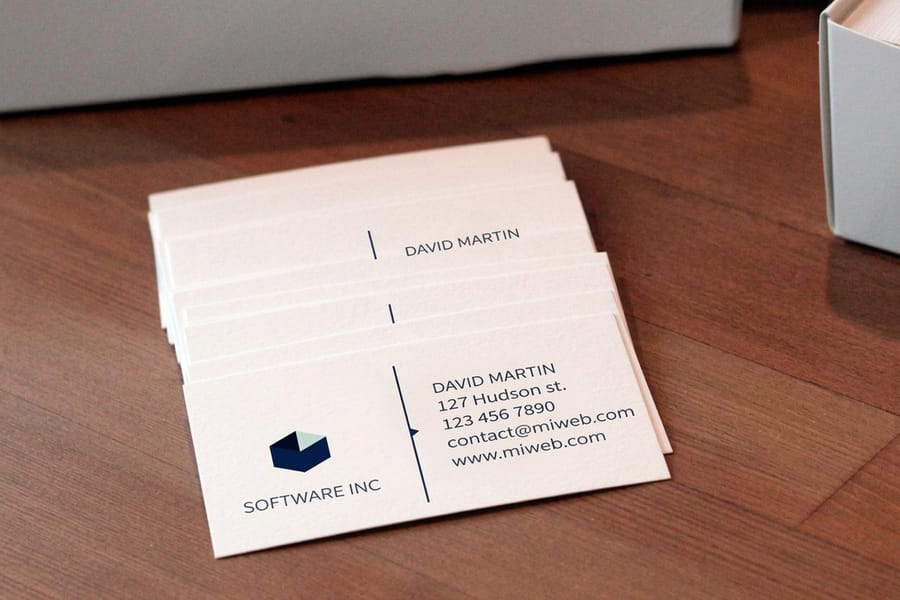
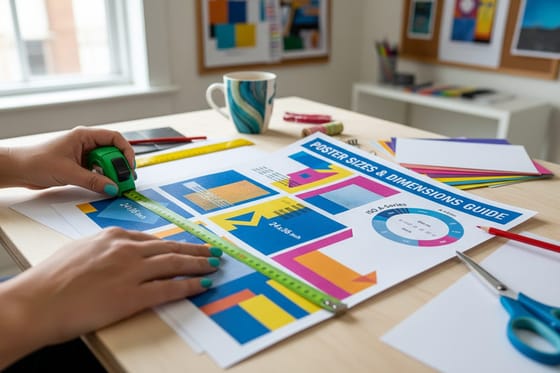
Four pieces cover most of it. A desk card, business card size, carrying the callback rule and the internal address for reporting a suspicious message, which is the one thing people forget when they panic. Standard business cards start at $17.57 and print in quantities where every desk gets one. A wall poster in the break room or above the shared printer, big enough to read from across the room and worth rotating each quarter, since a poster that has hung for two years is furniture. Standard posters start at $108.75, and the poster sizes guide covers what reads at what distance.
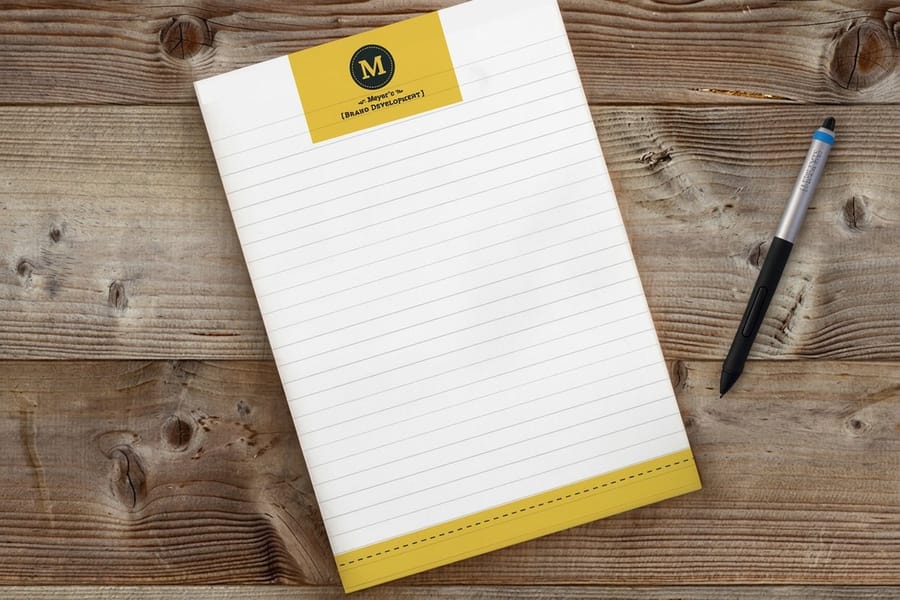
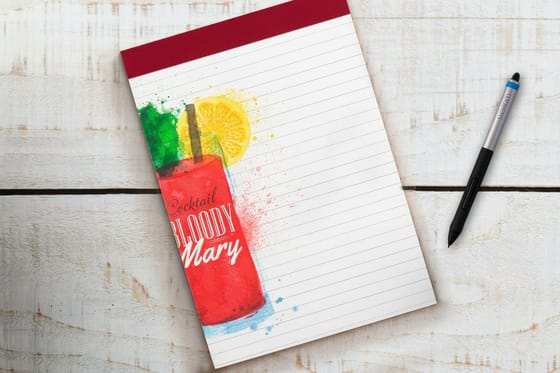
Then a short brochure in the onboarding pack, giving new starters the escalation path on day one instead of month four. Standard brochures start at $57.11. Finally a notepad beside the phone in accounts payable, printed with the four questions to ask on a verification callback, so the log is written rather than remembered. Standard notepads start at $93.37, and the notepad sizes and uses guide explains sheet counts and formats. For an awareness push in a single month, standard flyers from $39.54 are the cheapest way to put the same message on every desk at once.
| Piece | Size and stock | First run | What goes on it |
|---|---|---|---|
| Desk card | 2 x 3.5 in on 14pt gloss cover, or 14pt uncoated so staff can write an extension on it | 100 for $17.57 | The callback rule and the internal address for reporting |
| Wall poster | 11 x 17 up to 22 x 28 in, on 100 lb gloss text or 80 lb gloss cover | 50 for $108.75 | Two lines, big enough to read across the room, rotated each quarter |
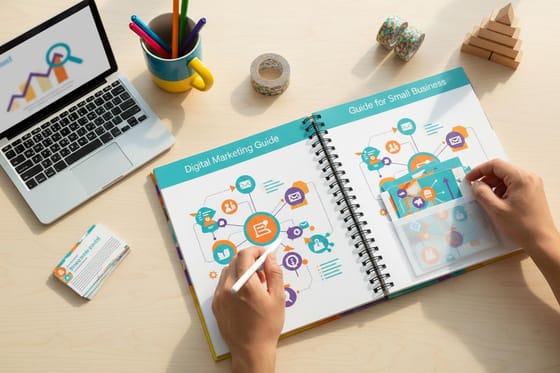
| Onboarding brochure | 8.5 x 11 in, flat or half fold | 50 for $57.11 | The escalation path, who to call and when |
| Callback notepad | 4.25 x 5.5 up to 8.5 x 11 in, 50 or 100 sheets of 70 lb uncoated text | 25 pads for $93.37 | The four verification questions, with room to log the answers |
One thing to check on your own printed work while you are at it. If you print QR codes on posters, table cards or mailers, print the plain web address beside the code, point it at a domain you own rather than a shortener, and walk past your own display now and then to be sure nobody has stuck a different code over yours. The marketing materials range covers the formats, and a blank template keeps the artwork at the right size.
What Each Defense Actually Stops, and What It Misses
Security budgets get spent on the control that is easiest to buy rather than the one that closes the gap in front of you. The six rows below run from mail authentication at the top to a callback rule on bank changes at the bottom. Read the third column first, because that is where the next incident lives.
| Control | What it stops | What it misses | What it costs you |
|---|---|---|---|
| SPF, DKIM, DMARC at reject | Mail that fakes your exact domain. | Lookalike domains, free mail accounts using your name in the display field, and real accounts taken over. | A staged rollout, since jumping straight to reject can bounce forwarded mail and list traffic. |
| Filtering gateway | Bulk campaigns and known bad links, at volume. | Mail written for one person, and anything sent from a clean, genuine mailbox. | A license per seat and a quarantine that somebody has to review. |
| FIDO2 keys or passkeys | Credential theft outright, because the credential answers only the real domain. | Malware, and any fraud that never involves signing in. | Hardware per person, and a recovery plan for the day a key is lost. |
| App codes or push approval | Password only theft, which is most of the bulk noise. | Real time relay, where the fake page collects the code and spends it in seconds, plus approval fatigue late at night. | Very little, which is why it is the floor rather than the finish line. |
| Password manager for everyone | A password typed into a lookalike domain, since it will not autofill. | Somebody who overrides it and copies the password across by hand. | The license, plus about a week of migration grumbling. |
| Callback rule on bank changes | The invoice fraud that costs the most per incident. | Credential phishing, which never touches a payment. | One phone call per change, and a finance team confident enough to make it. |
Two patterns fall out of that table. The controls at the top are cheap and stop volume, and the controls further down are the only ones still working when a message arrives from a real, signed, trusted mailbox. Most companies buy the top half and stop. Rolling out the bottom half is a change management job more than a technical one, which is covered in the change management playbook.
The First Hour After Somebody Clicks
Assume the click happens, because eventually it does. The size of the loss is set almost entirely by what happens in the following hour, so this sequence is worth printing and pinning up before you need it.
- Change the password from a different device, then revoke active sessions. A reset on its own leaves a stolen session token signed in and working.
- Check mailbox rules and forwarding. The standard first move inside a captured mailbox is a rule that files replies from finance into an archive folder, so the real owner never sees the conversation happening in their name.
- Look for a new authenticator or app password. An added second factor is a back door that survives every password reset you do afterwards.
- If money or bank details were in scope, call the other party on a number from your own records, and tell your bank in the same hour. Recall windows on transfers are measured in hours, not days.
- Keep the message with full headers. A screenshot loses the routing information that shows where it really came from.
- Tell everyone what it looked like. The same pretext almost always lands on several desks in the same morning.
- Do not punish the person who reported. The cost of the incident is set by the delay, and the delay is set by whether reporting feels safe.
Write those seven lines down, put them where the people who need them work, and rehearse the callback once so it is not the first time anyone has done it. If you are building the wider plan around it, the small business marketing guide shows which of your contact details are public and therefore already in an attacker's notes.
Wally explains phishing
The name is borrowed, the request is normal
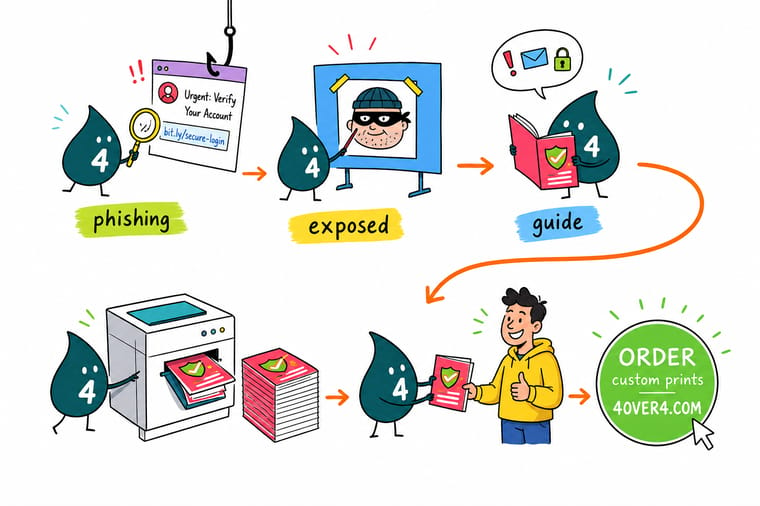
Wally gets an email from his own bank, or so the name says. He reads the address after the @ sign instead of the friendly name, and it belongs to nobody. Then he does the thing that works even when the address looks perfect: he ignores the link, opens the site from his own bookmark, and finds no alert waiting. For anything about money he picks up the phone and calls the number he already had. Wally keeps that rule on a card at his desk, because nobody reads a policy at the moment they need it.
Print security awareness posters →
Specs and pricing
Formats for an awareness program, with starting prices
Posters for the wall, flyers for a single month push, notepads for the callback log at the finance desk. Live configuration choices and starting prices straight from the 4OVER4.COM configurator. Posters come in six sizes from 11 x 17 to 22 x 28 inches, flyers in nine sizes from 4.25 x 5.5 to 11 x 25.5 inches from 50 for $39.54, and notepads in five sizes at 50 or 100 sheets.



Print it
Put the rule on the wall and on the desk
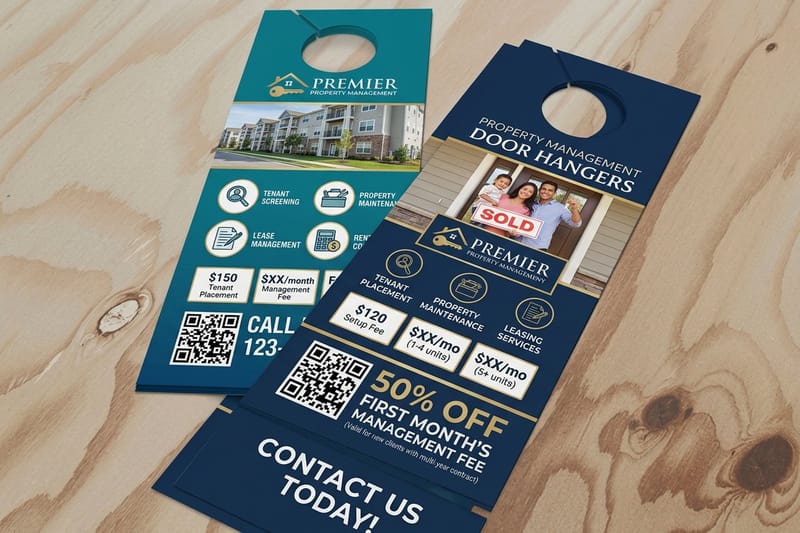
Fifty posters from $108.75 for the break room, 50 brochures from $57.11 for the onboarding pack, and 100 business cards from $17.57 as desk cards for every seat.




Explore more
Where to go next
Roll out a new rule so people follow it, set the payment controls a fake invoice tests, check where your public contact details appear, and pick a poster size that reads across a room.

By the numbers
Posters and desk pads that keep the rule in sight
Common Questions
Your phishing questions, answered
What is phishing, in plain terms?
Phishing is a message that pretends to come from someone you trust so you will hand over a password, a payment, or access to a system. It arrives by email, text, chat or a QR code, and it asks for something you do every week: confirm your login, approve an invoice, open a shared file. Nothing is broken into. The attacker uses your own habits and a borrowed identity, which is why technical staff fall for it as often as anyone else when the pretext lines up with a real project.
How do I tell a phishing email from a real one?
Read the actual address rather than the display name, since the friendly name is free text an attacker chooses. Check whether reply-to points somewhere different from the sender. Look at where a link really goes before you touch it, then open the site through your own bookmark instead of the link anyway. The strongest check is the least effort: if your password manager does not offer to fill in the login page, the domain is not the one it saved, and that is a machine comparing strings rather than your eye at 4pm.
Does DMARC stop phishing?
It stops one specific kind. With SPF and DKIM published and DMARC set to p=reject, mail that claims to come from your exact domain and is not signed gets rejected before it lands, which kills the classic fake invoice sent as your own billing address. It does nothing about a lookalike domain registered a week ago, nothing about a free mail account carrying your CEO name in the display field, and nothing about a genuine supplier mailbox that has been taken over, because that mail is properly signed by the supplier. Move to p=reject in stages too, since forwarded mail and mailing lists can break when you jump straight there.
Is SMS or app-based two-factor good enough?
It is the floor, not the ceiling. Any code you can read and type can be relayed: the fake page asks for the code, passes it to the real site inside its valid window, and the attacker is in. Push approvals add fatigue, where the tenth prompt at 11pm gets tapped to make it stop. A FIDO2 or passkey style security key removes the whole class of attack because the credential is bound to the real domain and simply will not answer a copy. Put keys on the accounts that matter first: email, finance, and anything that can reset other passwords.
Are QR codes a phishing risk?
Yes, and it has a name, quishing. A QR code hides its destination, so the usual habit of reading a link before tapping it does not apply, and a filter that scans text often does not read the image. Two habits fix most of it. When you scan, check the domain on the preview screen before the page loads. When you print a code on a poster, flyer or table card, print the plain web address next to it so a reader can compare, point it at a domain you own rather than a shortener, and walk your own display once in a while to make sure nobody has stuck a different code over yours.
What do I do if I already typed my password into a fake page?
Work in this order. Change the password from a different device, then revoke active sessions, because a reset on its own leaves a stolen session token working. Check the mailbox for new rules and forwarding addresses, since the first move inside a mailbox is usually a rule that hides replies from finance. Look for a new authenticator or app password added to the account, which is a back door that survives the reset. If bank details were in scope, call the other party on a number from your own records and tell your bank the same hour. Then keep the original message with full headers, and tell colleagues what it looked like, because the same pretext usually arrives at several desks.
Get Started
Posters run 50 for $108.75, notepads 25 for $93.37
Print the callback rule on a desk card, the report address on a break room poster, and the escalation path in the onboarding brochure. Pick your size, upload the artwork, and we ship it.
Legal Disclaimer
Gold Standard guarantees apply to all standard orders placed through 4over4.com. Price match requires verifiable proof of a competitor's published price for an equivalent product with matching specifications and turnaround time. Satisfaction guarantee covers manufacturing defects and print quality issues. Contact support with order number and documentation.
