
How to Print on Canvas


Tobias is our voice for cutting, binding and large format, built from the knowledge of our production team, with over 20 years in printing.
Turn a favorite photo into wall art. Here is the full path from a high-resolution image to a gallery-wrapped canvas: resolution, the edge wrap, wrap depth, canvas type, and the order.
To print on canvas, start with a photo at 150 to 300 DPI at final size, convert it to CMYK, and add about 2 inches of image on every side for the edge wrap. Choose a 0.75 inch standard or 1.5 inch gallery wrap depth, keep your subject centered so nothing important lands on the fold, then pick stretched, framed, or rolled canvas and order at your exact size.
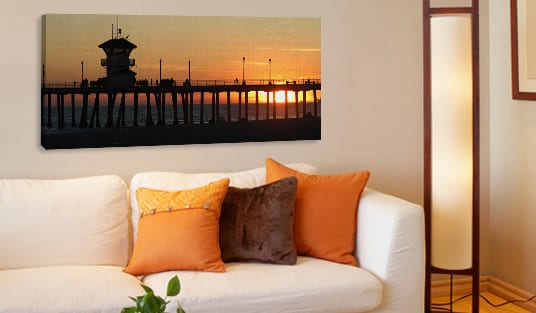
Start here
Printing on canvas in one paragraph
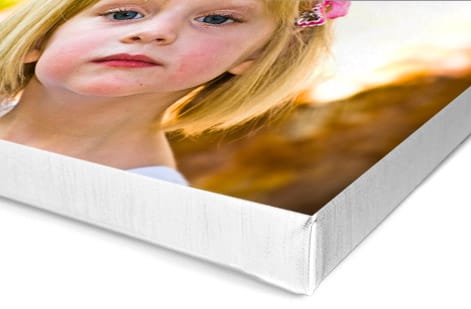
Begin with a high-resolution photo, then design for the wrap. Set the file to 150 to 300 DPI at final size, convert to CMYK, and extend the image about two inches past the face on every side so it folds cleanly around the frame. Choose a 0.75 inch standard or a 1.5 inch gallery wrap depth, pick stretched, framed, or rolled canvas, and order at your exact wall size. The cross-section below shows how the image wraps the edge.
Watch it printed
See stretched canvas on the press, in 92 seconds
Why canvas turns a photo into wall art
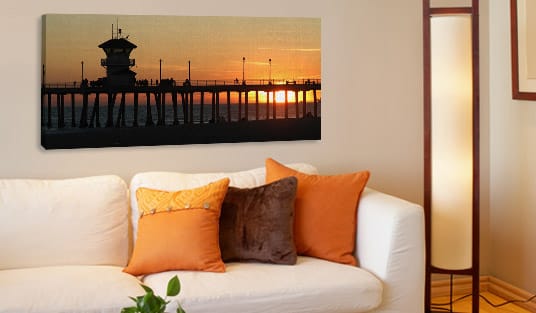
Print a 16 by 20 inch photo on glossy paper and on canvas, and only the canvas reads as art on the wall. The woven texture and matte surface soften glare, add depth, and give the image the presence of a painting, which is why canvas is the first choice for portraits, landscapes, and statement pieces. Our stretched canvas runs from 11 by 14 up to 32 by 48 or 36 by 36 inches, and rolled canvas goes to 40 by 60 or any size.
Getting there is a short, repeatable process: start with a strong high-resolution image, prepare it for print color, account for the wrap that folds around the frame, choose your depth, and pick the canvas type. This guide walks each step in the order you would actually do it.
If you would rather not build a file, our online designer helps you size and place the image, and our canvas prints come in stretched, framed, and rolled options so you can order the exact look your wall calls for.
Printing on canvas at home versus ordering a print
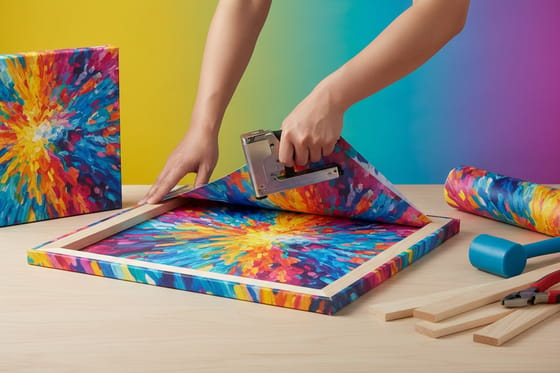
A home inkjet can print on canvas, and the results are fine for a small piece. The limits show up in size and finish. An inkjet printer takes canvas sheets up to letter or 13 by 19 in, the ink sits on the surface until you seal it with a spray varnish, and you still have to stretch the sheet over bars by hand or frame it flat. Sublimation needs a polyester coated canvas and a heat press, and gel transfer, where you glue a paper print face down and rub the paper away, leaves a soft image that reads as a craft project.
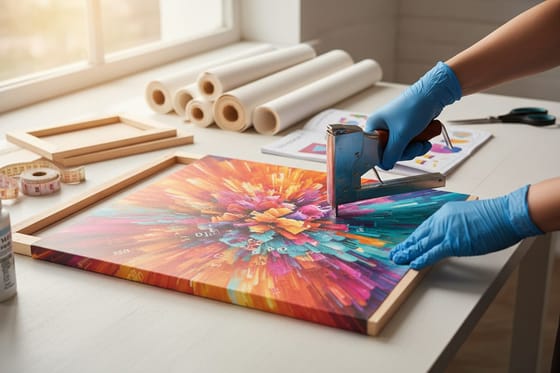
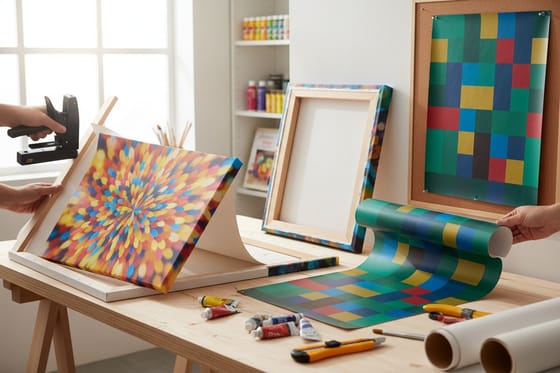
A printed stretched canvas from a production press works differently. The image goes onto a roll of coated canvas wide enough for a 24 by 36 in piece and larger, the ink is pigment based so it holds color for years, and the print is stretched and stapled over a wooden frame before it ships. Stretched canvas at 4OVER4.COM starts at $59, which is close to what a pack of inkjet canvas sheets and a set of stretcher bars cost, without the afternoon of stretching.
Use a home printer for a test of your crop and color. Order the print when the piece has to hang on a wall.
Prep your photo: resolution and DPI
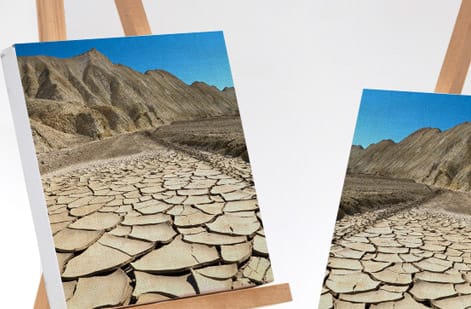
Detail has to be in the file before it can be on the canvas, and the texture hides only a little softness. Aim for at least 150 DPI at your final print size, and 300 DPI if the piece will be viewed up close. For a 16 by 20 inch canvas, that means roughly 2400 by 3000 pixels or more.
Check the image at one hundred percent zoom before you commit. If it looks soft there, it will look soft on the wall, and enlarging a small file only stretches the pixels you already have. Our 300 DPI setup guide shows exactly how to confirm your file is big enough.
Finish the prep by converting to CMYK and brightening the shadows a touch, since matte canvas and ink read slightly darker than a backlit screen. A quick exposure lift keeps the final print from looking heavy.
Bleed and the edge wrap
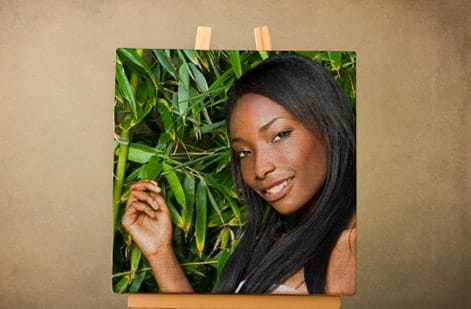
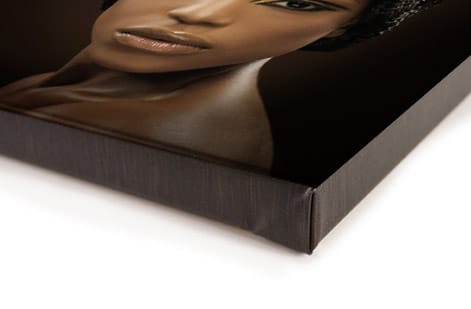
On a gallery-wrapped canvas the image folds around the sides of the wooden frame, so the outer inches of your file become the edges rather than the face. Plan for that or your edges run out of picture.
The safe habit is to extend your image about two inches past the final face size on every side. If your photo cannot extend that far, keep the subject well inside the center and use a mirror-wrap or a solid color for the sides so nothing important lands on the fold.
This is the same three-lines thinking that governs all print, adapted to a physical wrap. Faces, text, and horizons should sit comfortably inside the face area, never on the corner where the canvas folds.
Choosing your wrap depth
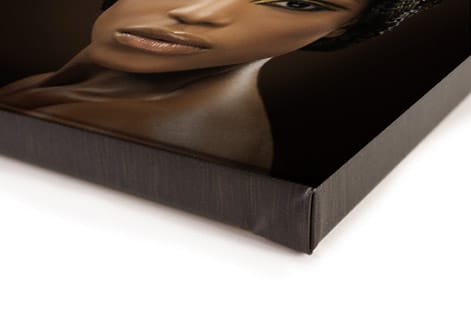
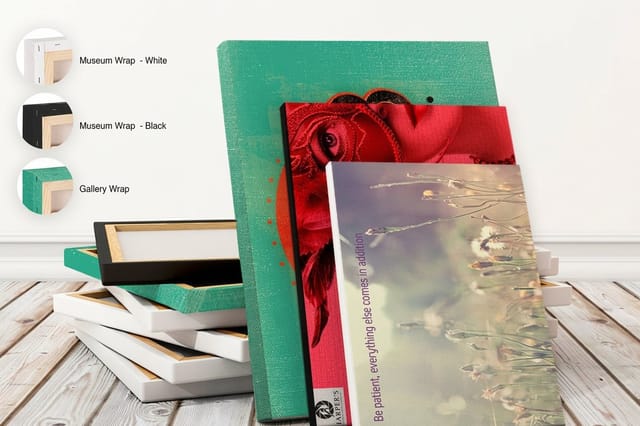
The thickness of the canvas edge, the wrap depth, sets how far the piece stands off the wall and changes the whole feel of it. A standard 0.75 inch edge sits close to the wall and works beautifully in grids and gallery walls where many pieces hang together.
A 1.5 inch gallery depth stands off the wall, casts a soft shadow, and reads as a premium, framed-quality piece on its own. It is the choice for a single hero image over a sofa or bed.
Whichever depth you pick, keep important content clear of that edge. On a deep wrap especially, a face or a line of text placed too close to the corner can bend around onto the side. When in doubt, go deeper and center the subject.
Pick the canvas type for the room
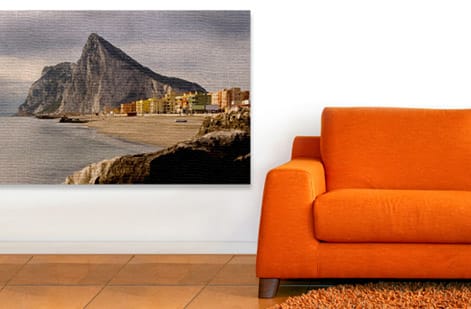
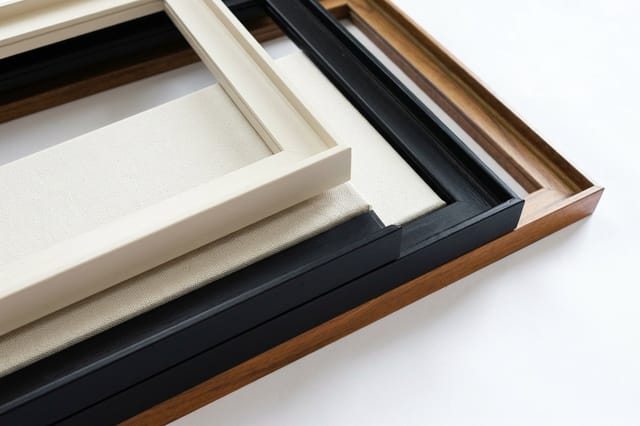
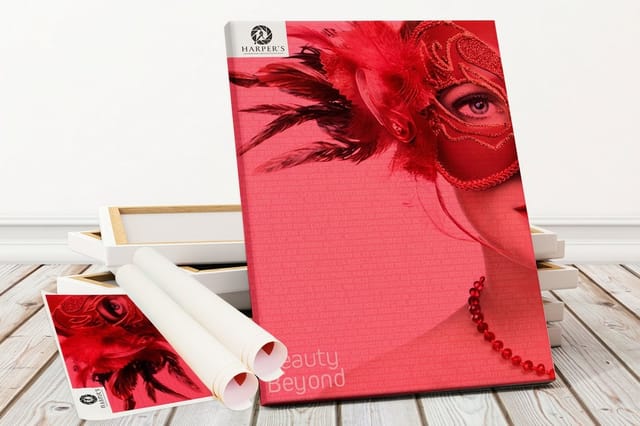
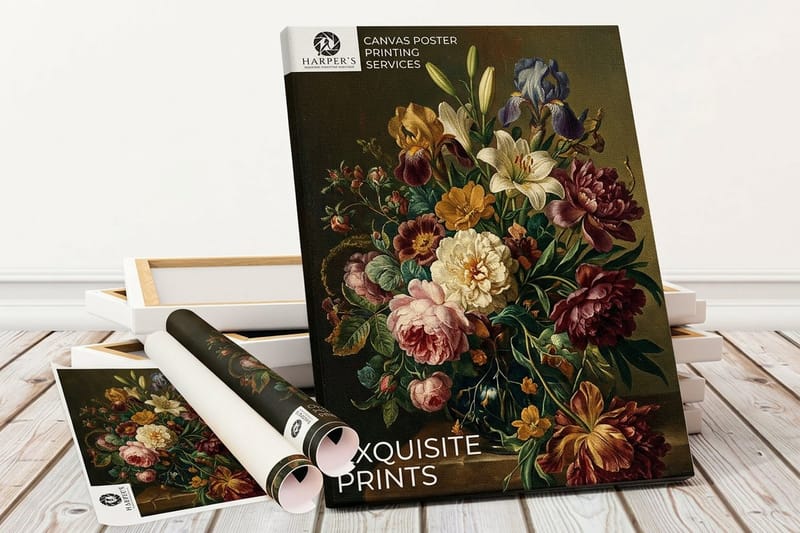
Stretched, framed and rolled canvas cover almost every need. Stretched canvas arrives wrapped over the frame and ready to hang, the everyday choice for photos and art. Framed canvas adds a floating wood border around the stretched piece for a more finished, gallery look.
Rolled canvas ships flat without a frame, which is the most economical option and the right one when you have a preferred framer or a nonstandard frame in mind.
If you want the deepest gallery presence and richest color, our premium canvas prints pair a heavier canvas with a deep wrap. Not sure which suits your space? Our guide on framing canvas prints walks through the trade-offs.
Hanging and caring for a canvas print
Choosing where it hangs is the last step, because a stretched canvas arrives ready to hang. A 0.75 in edge hangs flush on a sawtooth hanger or a single nail through the frame bar. A 1.5 in gallery wrap is heavier and sits better on a picture wire strung between two D-rings on the back, with two hooks in the wall so it stays level.
Keep the print out of direct sun and away from a bathroom or a kitchen stove, since heat and steam loosen the canvas over time. Dust it with a dry soft cloth. Never spray cleaner on the face, and if a corner gets scuffed, a clean eraser lifts most marks off the matte surface.
For a grid of several pieces, lay the layout on the floor first, keep the gaps equal, about 2 in, and hang the center piece at eye level, roughly 57 in from the floor to the middle of the group.
Upload your file and order
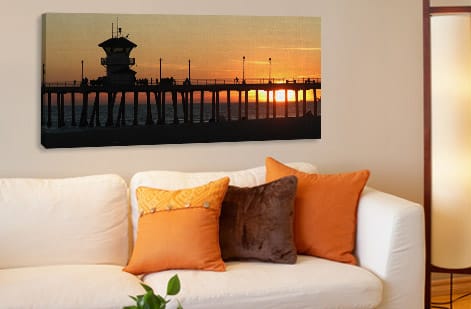
With the file sized, the color set, and the wrap accounted for, ordering is quick. Choose your exact dimensions and wrap depth, select the canvas type, and upload your flattened high-resolution file. The configurator prices the piece live as you adjust size and depth. Stretched canvas starts at $59.00 on semi gloss canvas with a 1.5 inch gallery wrap or a museum wrap with a white or black edge, and ships in 3 business days as standard. Framed canvas starts at $50.33 in 16 by 16 up to 24 by 36 inches with a black, off-white or pecan frame, and rolled canvas starts at $25.00.
Before you check out, use the preview to confirm your subject sits safely inside the face and nothing critical falls on the wrap. This is the moment to catch a horizon or a head that drifts toward the edge.
The live specs and pricing below show the sizes, wrap depths, and options for stretched canvas at 4OVER4.COM. Pick the setup that fits your wall and your image, then send it to print.
Wally wraps the photo, not just the front
Canvas prints fold around the frame
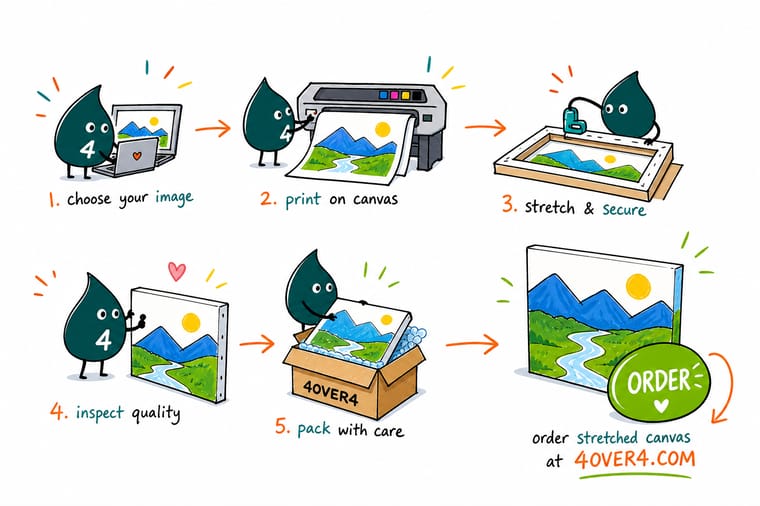
Wally treats a canvas like a box, not a page. He keeps the subject centered, adds a couple of inches of image on every side for the wrap, and picks the depth to match the wall, slim for a gallery grid or deep for a hero piece. Size it, set the type, and 4OVER4 stretches and ships it ready to hang.
Print your canvas now →Quick reference
The canvas file setup, at a glance
Match these settings, 150 to 300 DPI at final size, CMYK, 2 inches of extra image on every side, a 0.75 or 1.5 inch wrap and a flattened JPG, TIFF or PDF, and your image is ready to become a stretched, framed, or rolled canvas.
| Setting | Get it to | Why it matters |
|---|---|---|
| Resolution | 150 to 300 DPI at final size | Canvas texture hides some softness, but detail still needs real pixels at the printed dimensions. |
| Color mode | CMYK for print | Convert from RGB so the inks on canvas match what you expect, especially skin tones and skies. |
| Bleed for wrap | 2 in extra on every side | The image folds around the frame, so the outer inches become the edges rather than the face. |
| Standard wrap depth | 0.75 in | A slim edge that sits close to the wall, a fit for grids and gallery walls. |
| Gallery wrap depth | 1.5 in | A deeper edge that reads as a premium gallery piece and stands off the wall. |
| File format | High-resolution JPG, TIFF, or PDF | A flattened, full-resolution file prints predictably with no relinked assets. |
Step by step
Print a canvas in 7 steps
- Check the photo resolution Open your image and confirm it holds up at the size you plan to print. For a 16 by 20 inch canvas you want roughly 2400 by 3000 pixels or more for crisp results.
- Convert color and correct exposure Switch the file to CMYK, then brighten shadows slightly since canvas and matte ink read a touch darker than a glowing screen.
- Add the wrap area Extend your image about two inches past the final face size on every side, or place your subject well inside the center so nothing important lands on the fold.
- Choose your wrap depth Decide between a 0.75 inch standard edge and a 1.5 inch gallery edge, and keep faces and text clear of whichever edge you pick.
- Pick the canvas type Select stretched canvas to hang as-is, framed canvas for a floating border, or rolled canvas to ship flat for your own framing.
- Export a print-ready file Flatten the image and save a high-resolution JPG, TIFF, or PDF at the final dimensions, with the wrap area included.
- Upload and order Set your exact size and depth in the configurator, upload your file, and the price updates live before you check out.

Specs and pricing
Stretched canvas specs and live pricing
Once your file is ready, the print decisions come down to size and wrap depth. Here are the live specs and price-per-unit for stretched canvas at 4OVER4.COM, straight from the configurator: 12 sizes from 11 by 14 to 36 by 36 inches, semi gloss canvas, a 1.5 inch wrap, from $59.00 for one.

| Quantity | Price Per Unit | Total |
|---|---|---|
| 1 | $59.00 | $59.00 |
Print it
Bring your photos to 4OVER4 canvas
See it in use
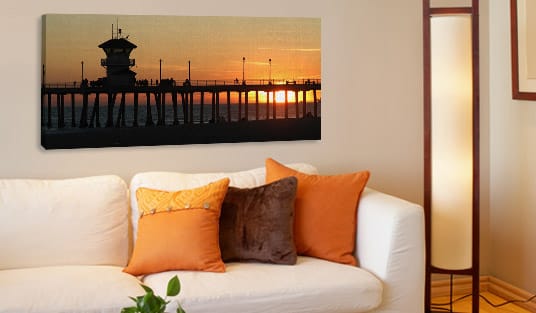
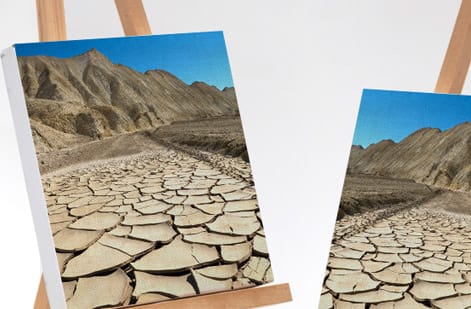
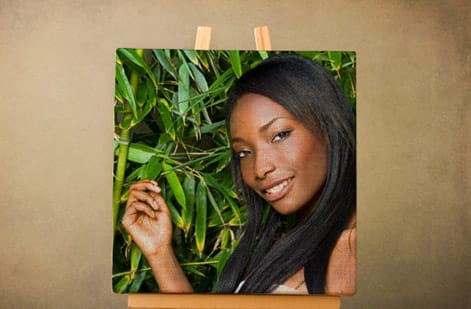
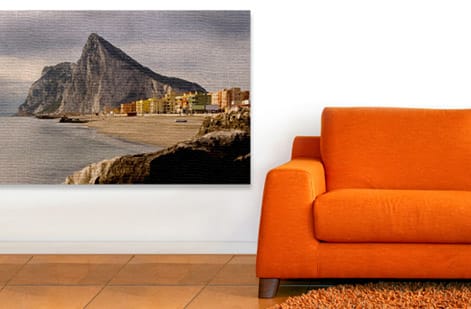
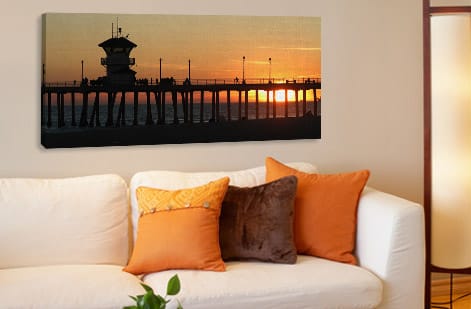
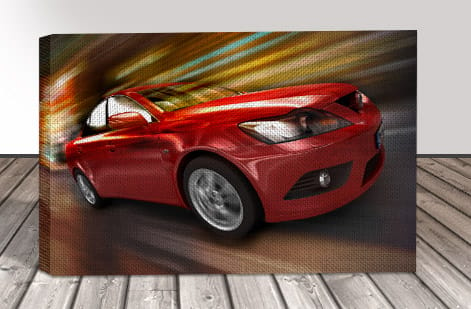
Canvas prints we stretched and shipped

Explore more
Where to go next
By the numbers
The stocks and canvas behind wall art
Common Questions
Common questions about printing on canvas
Can a normal printer print on canvas?
Some can. An inkjet printer that accepts thick media will feed canvas sheets sold for inkjet use, up to letter size on most desktop models and 13 by 19 in on wide ones. A laser printer will not, because the heat of the fuser damages the coating. The home print still needs a sealing spray and a frame or stretcher bars, so for anything larger than a desk piece a printed stretched canvas is the simpler route.
How do I get a picture printed on a canvas?
Pick a photo that is sharp at the size you want, at least 150 DPI at final size, so roughly 2400 by 3000 pixels for a 16 by 20 in piece. Extend the edges about 2 in on every side for the wrap or choose a mirror wrap, then upload the file to the stretched canvas configurator, set the size and the 0.75 in or 1.5 in wrap depth, check the preview, and order. It arrives stretched over a frame and ready to hang.
Why won't Canva let me print?
Canva is design software, not a printer, and most print problems there come from the export. Download the design as PDF Print or as a JPG at the highest quality, at the exact size of your canvas print, then upload that file to the configurator. If the download button is greyed out, the design is using a Pro element or the file is still saving. A Canva template sized for a phone screen is far too small for canvas, so start from a custom size in inches.
What is printing on canvas?
Printing on canvas means reproducing a photo or artwork onto a woven canvas material rather than paper, then stretching it over a wooden frame so it hangs like a painting. The process starts with a high-resolution image, converts it to print color, accounts for the wrap that folds around the frame edges, and finishes as a stretched, framed, or rolled canvas. Because canvas has a subtle texture and a matte surface, it reads as art on the wall rather than a glossy photo print, which is why it is the go-to for portraits, landscapes, and gallery pieces.
How do I choose the right canvas print?
Match the canvas type to how you want it to hang. Stretched canvas arrives ready to hang and works for most photos and art. Framed canvas adds a floating wood border for a more finished, gallery look. Rolled canvas ships flat and is best when you have a preferred framer or a nonstandard frame. Then choose the wrap depth: a 0.75 inch edge for a flat, close-to-the-wall look, or a 1.5 inch gallery edge for depth and shadow. Size to the wall and keep your subject centered so the wrap never cuts into the important part of the image.
What does a canvas print cost and how are prices set?
Canvas pricing scales mainly with size and wrap depth, plus the canvas type you choose. A small 8 by 10 inch stretched canvas costs far less than a large 24 by 36 inch gallery-wrapped piece, and a deeper 1.5 inch wrap adds material over a slim 0.75 inch edge. Framed canvas adds the cost of the floating frame, while rolled canvas is the most economical since it skips stretching. You set the dimensions and options in the configurator at 4OVER4.COM and the price updates live, so you can compare sizes and depths before you commit.
What sizes, wraps, and finishes are available for canvas prints?
Canvas prints come in a wide range of standard sizes from small 8 by 10 inch pieces up to large statement sizes, plus custom dimensions to fit a specific wall. Wrap depth options are typically a 0.75 inch standard edge and a 1.5 inch gallery edge. Type options include stretched, framed, and rolled canvas, and the surface is a matte, low-glare finish that suits both photography and fine art. Mirror-wrap and solid-color edge options let you control what shows on the sides when your image does not extend far enough to wrap.
How long does a canvas print take to make and ship?
Canvas is a made-to-order product, so production covers printing, stretching, and drying before it ships, and the exact timing depends on the size and options you choose. The live product page at 4OVER4.COM shows the current production and shipping estimate for your selected dimensions and wrap depth, and larger or framed pieces can add a little time. You always see the estimate before checkout, and canvas ships protected so it arrives ready to hang.
Get Started
Ready to turn your photo into canvas art?
Upload your image, set the size and wrap depth, and print it as a stretched, framed, or rolled canvas at 4OVER4.COM. Adjust every option and watch your price update live.
Legal Disclaimer
Gold Standard guarantees apply to all standard orders placed through 4over4.com. Price match requires verifiable proof of a competitor's published price for an equivalent product with matching specifications and turnaround time. Satisfaction guarantee covers manufacturing defects and print quality issues. Contact support with order number and documentation.
