
Custom Die Cutting at Home vs Ordering Die Cuts Online


A desktop cutter earns its keep on prototypes and short runs. Past roughly a hundred pieces the arithmetic flips. Each method stops making sense at a measurable point.
Cut at home when the run is small, the shape is simple and you need it tonight. Order the die cut once the run passes about a hundred pieces, the stock is heavier than 14pt, or the outline has tight inside corners. A desktop drag blade traces the outline once per sheet, so time and edge quality both scale badly. A production die presses the whole lift in one stroke, which is why the last piece matches the first. Die cut stickers start at $93.37 and die cut business cards at $26.37 at 4OVER4.COM.
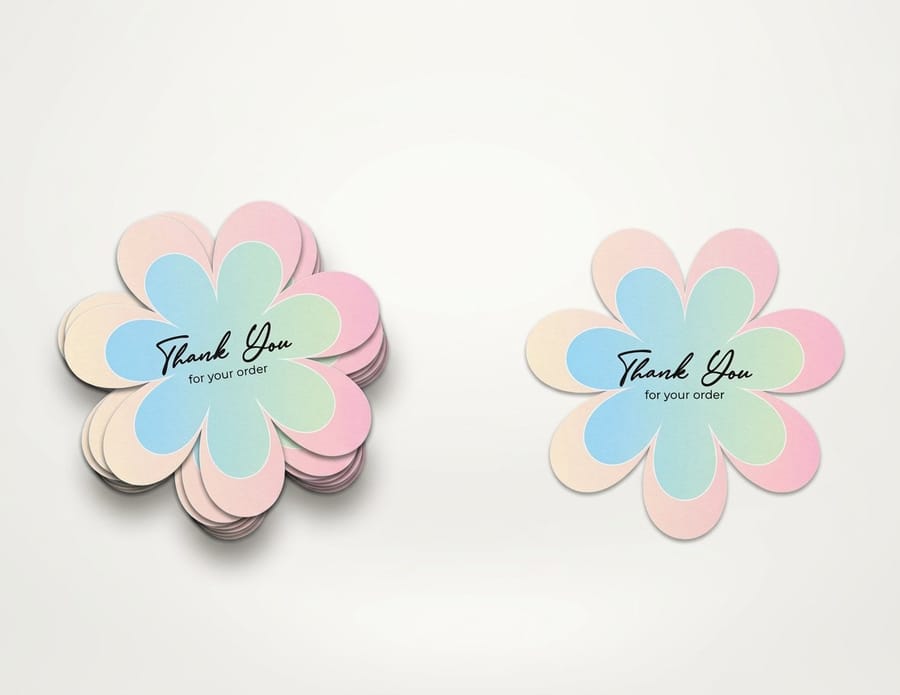
Quick answer
One blade per sheet, or one stroke for the whole stack
The difference is not quality of intention, it is how many times the cut has to happen. A desktop cutter drags a single swivelling blade around your outline on one sheet, then does it again for the next sheet, and every piece still needs weeding by hand. A steel rule die is bent to your cut line once and presses through a stacked lift in a single stroke, so the corner on the last piece is the corner on the first. That is why the home machine is the better prototyping tool and the worse production tool.
What Cutting Your Own Shapes at Home Actually Involves
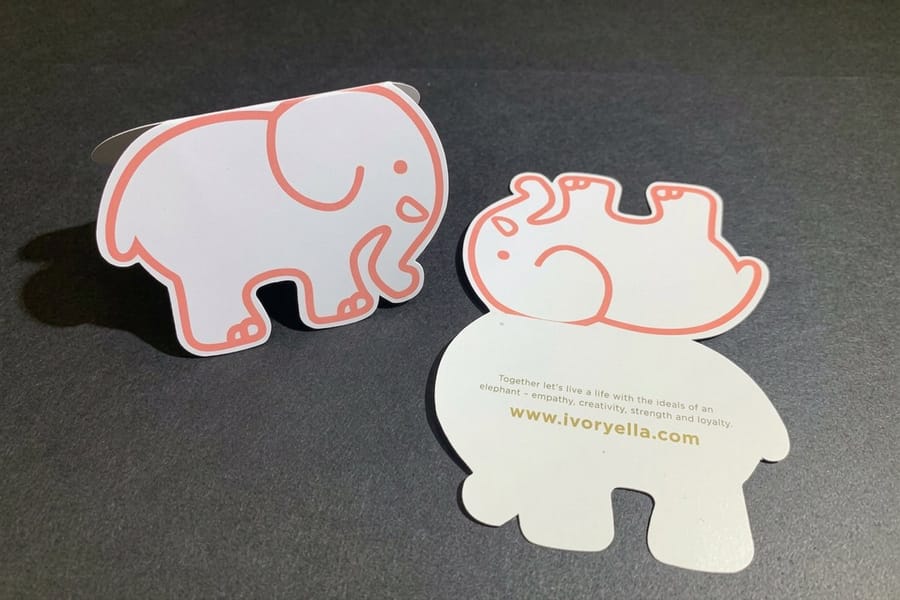
Three methods cover almost every do it yourself die cut, and they fail in different places.
A craft knife over a printed template. Cheapest, slowest, and better than people expect for a handful of pieces if you keep the blade fresh and cut against a steel rule. It falls apart on curves. Ten identical circles cut by hand are ten slightly different circles, and the eye catches that the moment they sit next to each other.
Manual thin dies and a press. The craft aisle version of real die cutting: a thin etched die, a sandwich of plates, and a roller press. The cut is genuinely clean because it is a die. The catch is that you are limited to the shapes sold as dies, and a custom outline means paying for custom tooling, which is the exact cost a print order already absorbs.
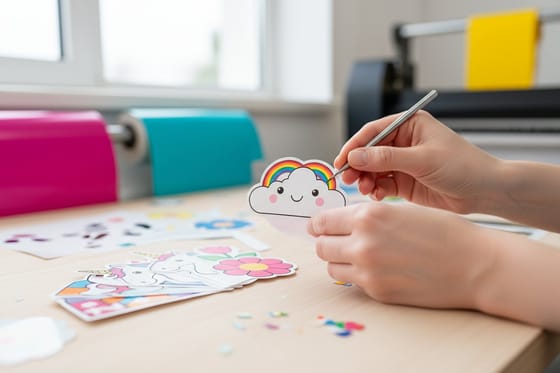
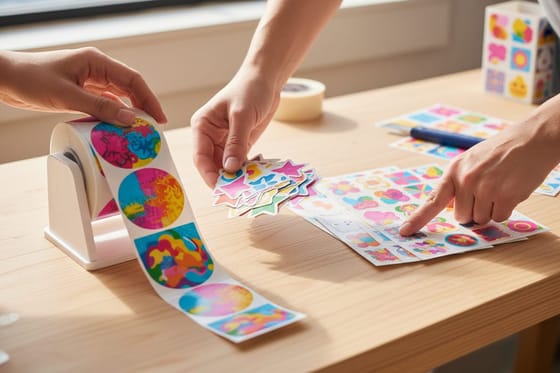
A desktop drag blade cutter. This is what most people mean by die cutting at home. The machine holds a tiny swivelling blade in a carriage and drags it around your vector path while the material sits on a tacky mat. Print then cut mode adds registration marks that the machine scans off your own printed sheet so the cut lands on the artwork. It handles vinyl, printable label stock, paper and light card, cuts one sheet per pass, and every sheet still has to be weeded by hand afterwards. If you are new to the terminology, what die cut stickers are covers how the shape, the liner and the weeding fit together.
None of these is a bad tool. They are prototyping tools. If you are testing three sticker shapes before committing to a run, cut them at home tonight, hold them, and then order the winner as die cut stickers. If you want the full picture of what happens on the press side, die cutting explained covers the production process end to end.
The Cost Comparison Nobody Puts in the Tutorial
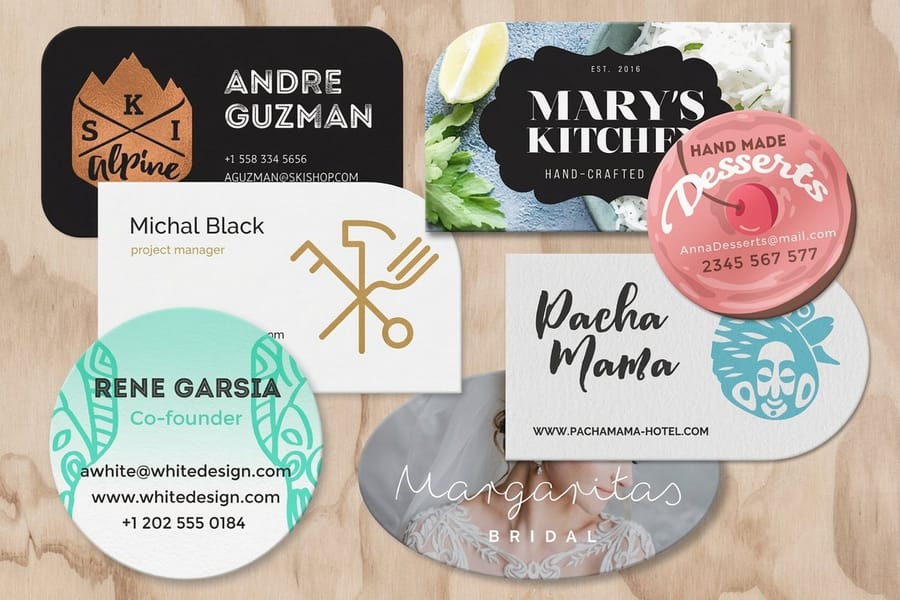
Every home cutting tutorial compares the machine price against one print order and stops there. That is the wrong comparison, because the machine is bought once and the labor is paid every single time you use it.
| Method | What you pay up front | What every run costs you | Where it stops working | Honest run size |
|---|---|---|---|---|
| Craft knife and template | Almost nothing. | Your hands, plus a fresh blade before every batch. | Curves, repeats, and anything anyone else will inspect closely. | 1 to 20 pieces. |
| Thin dies and manual press | Press plus a die for each shape. | A new die every time the shape changes. | Custom outlines, because you are back to buying tooling. | Fixed stock shapes only. |
| Desktop drag blade cutter | Machine, mats, blades, printable stock. | Mats lose tack, blades dull, and every sheet is a pass plus a weed. | Heavy stock, laminate, tight inside corners, long runs. | 20 to about 100 pieces. |
| Ordered production die cut | Nothing. The shape is in the product price. | The order, from $26.37 for die cut business cards. | Same day panics, and single one off prototypes. | 100 pieces and up. |
Read the last two columns together. The crossover is not a precise number, it is the point where weeding stops being a task and becomes the job. Die cut stickers start at $93.37, die cut labels at $93.37, any shape size paper die cut at $87.00, and die cut business cards at $26.37. Set those against an afternoon of feeding sheets one at a time and the arithmetic gets clear quickly.
There is one honest advantage the home machine keeps forever: it is in your room. Nothing we print arrives faster than a shape you cut yourself at eleven at night. That is worth real money when the deadline is tomorrow, and it is worth nothing at all when the deadline is next month.
Where the Home Blade Gives Up
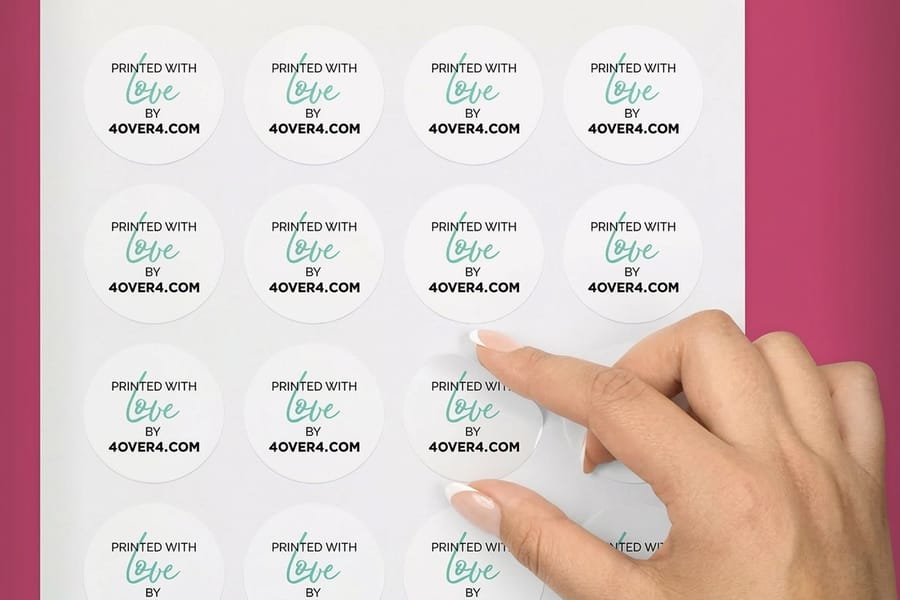
The limits are physical, so no amount of practice removes them. Knowing them in advance saves a wasted roll of material.
Inside corners round off. A drag blade swivels to follow direction changes, so it needs a little travel to come around. Point a tight inside angle at it and the blade arcs through the turn instead of pivoting on the spot. Steel rule is bent to the corner and holds it, which is why an ordered shape keeps a crisp notch and a home cut version comes back softened.
Kiss cut depth is a guess. You are setting blade pressure against a liner you cannot measure. Too much and you score through the backing, so the sheet tears when it flexes. Too little and the face will not release when you weed it. A press sets that depth once against a known liner and holds it for the whole run. Kiss cut versus die cut explains what each one is for.
Thickness beats the blade before you expect it. Light card is fine. At 14pt and above, coated stock either needs multiple passes, which lets the sheet shift on the mat, or comes back with a fibrous edge you can see from across a table. Laminate is worse: the blade tends to drag the film rather than cut it. That is the entire reason die cut hangtags at $36.26 and die cut flyers at $34.05 are press work.
Print then cut inherits your printer errors. The cutter scans registration marks off the sheet you printed, so it aligns to the print rather than to the artwork. If your home printer scales the page by even a fraction to fit its own margins, the marks move, and the cut line walks off the design towards the far edge of the sheet. On press the print and the cut are both registered to the sheet edge, so drift has nowhere to accumulate.
Material choice narrows fast. Home machines want thin, flat and consistent. Textured stocks, heavy coatings and anything with a rigid face fight the mat. Our guide to choosing the right sticker material covers which faces and adhesives suit which job, and rolls versus sheets versus die cut covers the format decision that usually comes next.
How to Hand the Cut Over Without Losing Control of the Shape
The fear that keeps people cutting at home is losing control of the outline. It is a reasonable fear and it is solved by the file, not by the machine.
Draw your cut line as one closed vector path on its own named layer. Keep the artwork on a separate layer and push bleed past the cut path on every edge, so a small shift in the cutting stage still lands on printed color rather than on white paper. Keep type and anything you cannot afford to clip inside a safety margin from that path. Avoid dashed strokes for the cut line, because a dash exports as a run of open segments rather than one path. The bleed, cut line and safety checklist has the exact setup, and the blank template library gives you a correctly sized starting file.
Then pick the product that matches the piece. Die cut stickers from $93.37 for anything peeled and applied. Die cut labels from $93.37 for packaging and jars. Any shape size paper die cut from $87.00 when the outline is unusual and the piece is paper. Die cut business cards from $26.37 when the shape is the whole point of the card. If you would rather build the layout in the browser than in a design app, the online designer handles the artwork and keeps your shape inside the cut line.
Browse the full range in the custom shape die cut collection or the wider die cutting collection, and keep the home cutter for what it is genuinely best at: proving the shape works before you commit to five hundred of them.
Wally cuts it both ways
One sheet at a time, or the whole lift at once
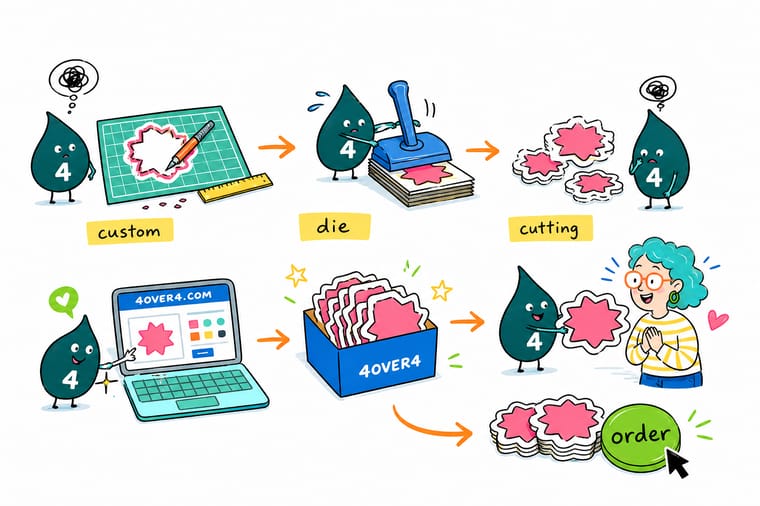
Wally spent Saturday feeding sheets through a desktop cutter, one pass each, weeding every one by hand. Then he watched a steel rule die press through a whole stack in a single stroke and keep the same crisp inside corner on every piece. His rule is simple. Prototype at home, prove the shape works, then order the run and get the afternoon back.
Order die cut stickers →Specs and pricing
Custom shapes, sizes, and starting prices
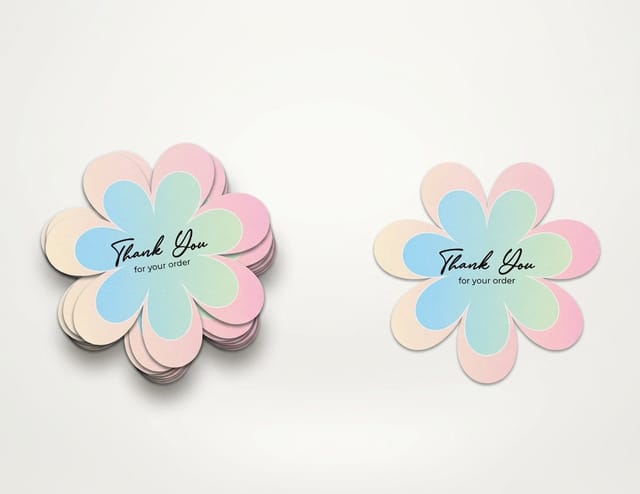
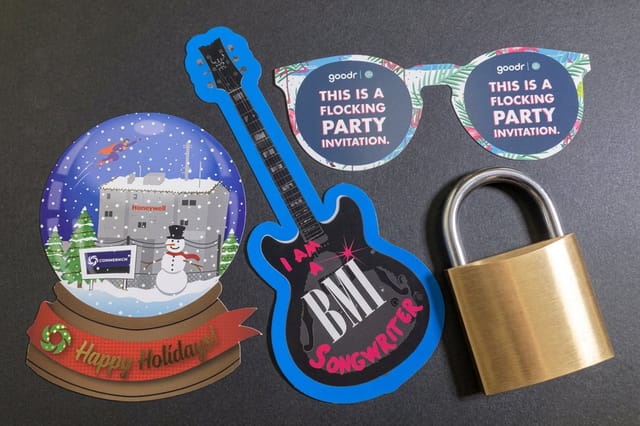
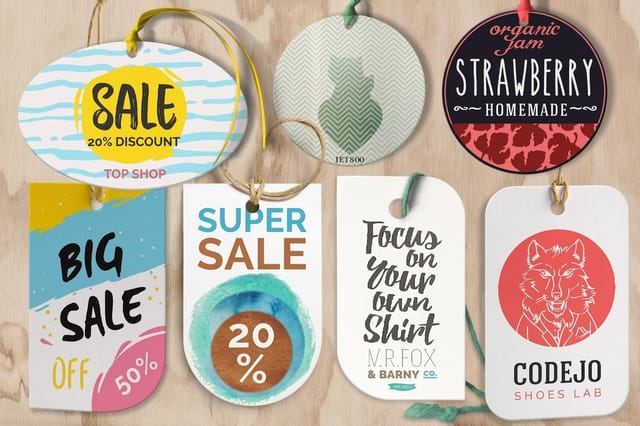
Compare the cut to shape options side by side, with live configuration choices and starting prices straight from the 4OVER4.COM configurator.

Print it
Order the shape instead of cutting it
Explore more
Where to go next


By the numbers
The output an online die cut order taps into
Common Questions
Your die cutting questions, answered
Can I make real die cut stickers at home?
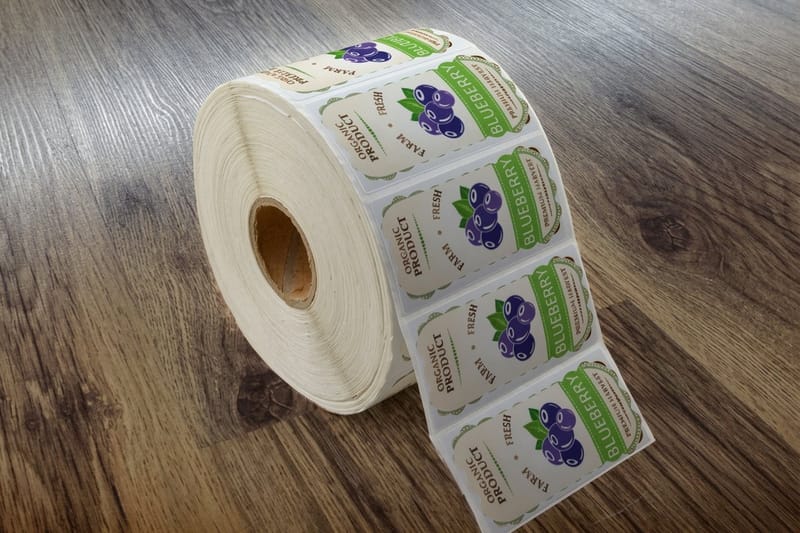
You can make cut to shape stickers at home, and for a small batch they look good. What a desktop cutter gives you is a drag blade tracing your outline on printable vinyl or label stock, one sheet at a time, with the cut aligned by registration marks it scans off the sheet. What it does not give you is a consistent kiss cut depth across a long run, a crisp tight inside corner, or a laminate that survives the blade. For a market stall on Saturday it is fine. For a product label that has to look identical on five hundred jars, order the cut.
How many pieces before ordering is cheaper than cutting them myself?
Work it out in hours rather than dollars, because the machine is a one time purchase and your time is not. A desktop cutter runs one sheet per pass, then every sheet has to be weeded by hand. Somewhere around a hundred pieces most people find the weeding is the whole job, and at that point die cut stickers at $93.37 or die cut business cards at $26.37 buy back an afternoon. Below that, and especially for one offs and prototypes, the home machine is genuinely the better tool.
What is the difference between kiss cut and die cut on a home machine?
A kiss cut goes through the face material and stops on the liner, so the sticker peels off a flat backing sheet. A full die cut goes through everything, so you get a loose shape. On a desktop cutter both are the same blade at different pressures, which is why the setting is fiddly: liner thickness varies between brands and a pressure that kiss cuts one stock will slice through another. Our guide on kiss cut versus die cut walks through when each one is the right call.
Will a home cutter get through 16pt card stock?
Not cleanly, and this is the most common disappointment. Desktop cutters are built for vinyl, label stock, paper and light card, so on heavy coated stock they either need multiple passes, which shifts the sheet, or they leave a fibrous torn edge. Anything at 14pt and above, anything laminated, and anything with a folded or drilled feature belongs on a press. That is the range covered by die cut business cards and any shape size paper die cut work.
Do I have to pay separately for the die?
At 4OVER4.COM the shape is priced into the product, so there is no separate plate or tooling line on your order. You supply the cut line as a vector path in your file, we build the cut to it, and the price you see on the product page is the price for the finished cut pieces. That is the single biggest structural difference from a local trade finisher, who will usually quote you a tooling charge on top of the print.
What file do I send for a custom shape?
Send a vector file with your artwork on one layer and a single closed path for the cut line on its own layer, named clearly, with bleed extending past that path on every edge. Do not send a raster image of the shape and do not draw the cut line as a dashed stroke, because a dashed path exports as a series of open segments. Start from a correctly sized layout in our blank template library and check your outline against the bleed and cut line checklist before you upload.
Get Started
Ordered die cuts start at 50 pieces for $87.00
Upload your cut line, pick a stock, and we press the whole run to the same outline so piece five hundred looks like piece one.
Legal Disclaimer
Gold Standard guarantees apply to all standard orders placed through 4over4.com. Price match requires verifiable proof of a competitor's published price for an equivalent product with matching specifications and turnaround time. Satisfaction guarantee covers manufacturing defects and print quality issues. Contact support with order number and documentation. On-time delivery rate based on tracked orders 1999 to 2026. Individual results may vary based on shipping carrier performance.
