
5 Print Pieces That Feed Your Sales Automation Chatbot Real Leads
Every piece here is quoted automatically: the configurator prices 100 QR code business cards from $17.57 or 50 postcards from $16.48 the moment you pick size, stock and quantity, with no quote request to wait on. Sales chatbots answer fast and qualify cheaply. What they cannot do is walk up to somebody and start talking. These five printed pieces do that part, each one sized and finished so the code on it actually scans.
A sales automation chatbot needs an opening line it cannot write itself, and print supplies it. QR code business cards catch the person you just met, postcards reopen the chats that stalled on price, stickers keep a code alive on a laptop for a year, brochures hold the detail the chat window should not type, and flyers buy volume at a booth. Point every code at a redirect on your own domain, not at the vendor, and you never reprint when you switch platforms.
The picks
Five pieces, from a $16.48 postcard run to $93.37 die-cut stickers
Buy the piece your funnel is missing, or print all five so one brand carries the whole chain from the handshake to the transcript. QR code business cards start at $17.57 for 100, postcards at $16.48 for 50, flyers at $39.54 for 50, brochures at $57.11 for 50 and die-cut stickers at $93.37 for 25. Prices come straight from the configurator and fall per unit as the quantity climbs. Start from a design template if you would rather drop a logo in than build a layout from scratch.
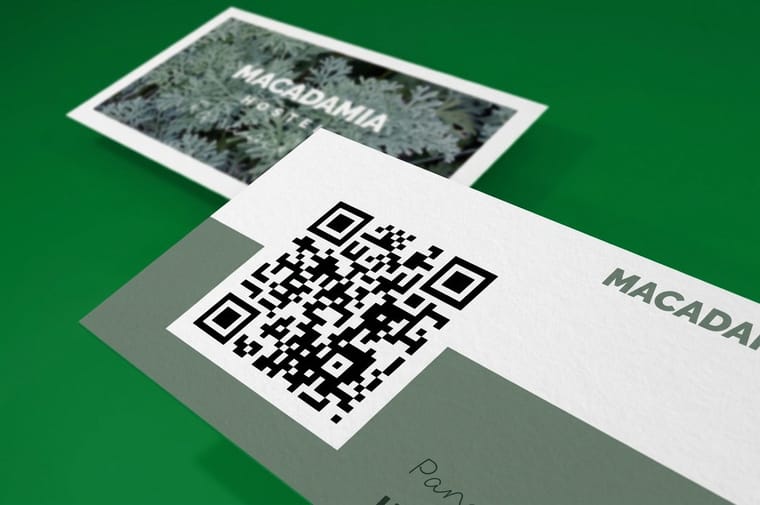
- 1 QR Code Business Cards from $17.57
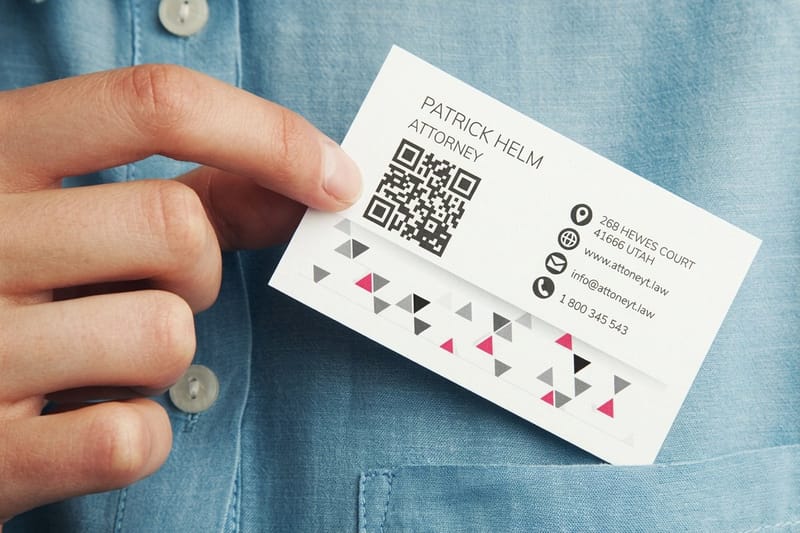
The scan that happens two seconds after a handshake, while the person still remembers why they cared.
- 2 Standard Postcards from $16.48
Mail restarts the chats that died at the pricing question. Held at reading distance, a 1 in code scans on the first try.
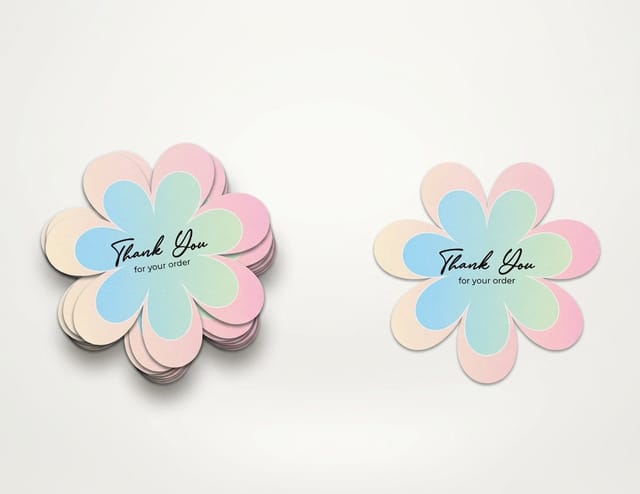
- 3 Die-Cut Stickers from $93.37
A code that lives on a laptop lid or a tool case for a year and gets scanned by people you never met.
- 4 Standard Brochures from $57.11
The long answer a chat window should never try to type: the pricing table, the integration list, the security page.
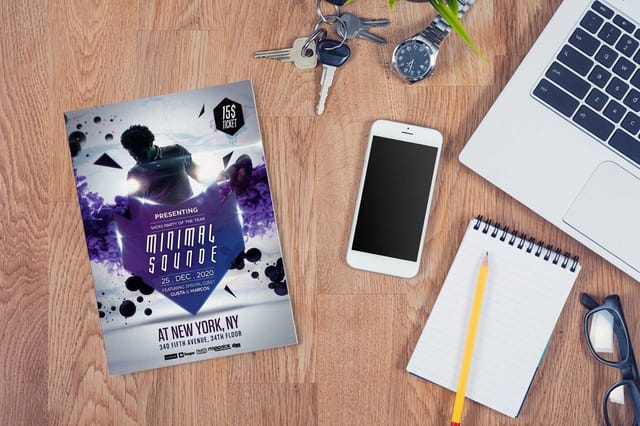
- 5 Standard Flyers from $39.54
Cheap volume for a booth, a counter, or a conference bag, where the code has to read from arm length.


The one rule
Never print the chatbot vendor URL
A printed code is permanent and a software contract is not. Put a short link on your own domain between the two, forward it to whichever platform you run, and give each printed piece its own source tag on that link. The diagram shows the whole chain, and it is the difference between changing vendors for free and changing vendors for the price of another print run.
Sizing
Code size, scan distance, and finish for each piece
A QR code reads from roughly ten times its own width, so the code that works on a business card is too small on a flyer. Match the code to the distance the piece is actually read from, keep four blank modules of quiet zone on every side, and keep gloss away from anything scannable. Tap a piece to jump to its section.
| Piece | Smallest code that scans | Read distance | Finish to ask for |
|---|---|---|---|
| 1. QR code business cards | 0.8 in square, 1 in if you drop a logo in the middle | Held in the hand, about 8 in | Matte or soft touch, never gloss under office lighting |
| 2. Postcards | 1 in to 1.25 in square | Reading distance, roughly 10 in to 12 in | Uncoated or matte, so a kitchen ceiling light does not flare it |
| 3. Die-cut stickers | 1.25 in square, with the cut line 0.25 in clear of the code | Arm length off a laptop lid, about 12 in | Matte laminated vinyl |
| 4. Brochures | 1 in square on the panel, 1.5 in on the back cover | Reading distance, 10 in to 14 in | Matte lamination, or leave the code panel uncoated |
| 5. Flyers | 1.5 in square minimum | Arm length or pinned to a board, 15 in to 24 in | Matte or dull coat, gloss only if the code sits away from a light source |
The listicle
How the five pieces divide the work
Each piece catches a different person at a different moment, and the bot should know which one sent them. The card works on someone you have already spoken to. The postcard works on someone who went quiet. The sticker works on a stranger. The brochure works on someone comparing you to two competitors on paper. The flyer works on a crowd. Below, each one in order, with the production detail that decides whether the code reads.
1. QR code business cards: the scan right after the handshake
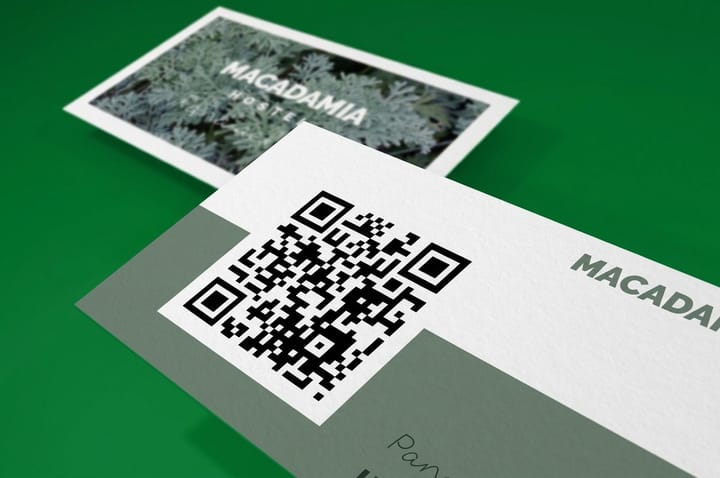
Nothing converts like a card handed over while the conversation is still warm. A QR code business card takes the person you just met and drops them into the bot before the memory fades, which is the one window where a sales chatbot has a real advantage over a form.
The geometry is tighter than people expect. A card is 3.5 in by 2 in, and a code that scans reliably wants about 0.8 in square plus a quiet zone of four blank modules on every side. That is close to half the short dimension gone, so plan the layout around the code instead of squeezing it into a corner at the end. If you drop a logo into the middle of the code, go up to 1 in and set the error correction to level H, which the QR standard defines as recovering up to 30 percent of a damaged code. Anything less and a logo the size of a pencil eraser breaks the scan.
Finish matters more than stock here. Gloss lamination on a card held under an office ceiling panel bounces light straight into the lens, and the camera hunts for two or three seconds before it locks. Matte or soft touch kills the glare. Print a real proof and scan it with three different phones before you order the run, because a code that reads perfectly on a monitor can fail on paper at the size you actually chose.
For layout ideas that do more than park a black square on the back, see QR code business card ideas that convert and our walk through how to use QR codes on business cards.
2. Postcards: restart the chats that stalled on price
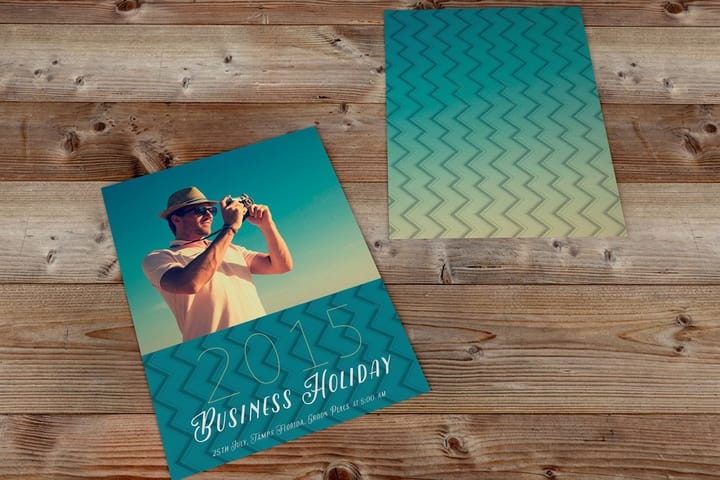
Every sales bot has a graveyard: the conversations that got to the pricing question and stopped. A standard postcard is the cheapest way to reopen those, because it arrives in a channel your competitors have abandoned and it does not land in a promotions tab.
Mail is held at reading distance, so a 1 in to 1.25 in code is plenty and you can spend the rest of the card on one specific line. Not "chat with our assistant." Something the person already told the bot, such as the plan they were pricing or the seat count they typed. That is the whole reason to mail from chat data rather than from a purchased list.
Here is the catch nobody mentions in the chatbot pitch. You can only mail these people if the bot collected an address, and most bots ask for an email and stop. Add a postal field to the qualification flow, or at minimum a zip code, and accept that a share of visitors will drop off at that question. If a mailable list is the goal, our lead generation mailer toolkit covers the pieces that pair with it, and adding a QR code to your postcards covers placement so the code clears the address block and the barcode zone.
3. Die-cut stickers: a code that stays in the wild for a year
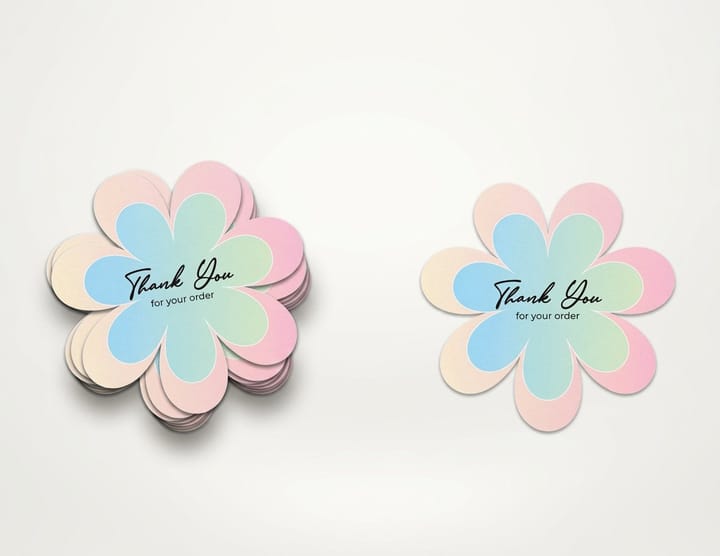
Cards get filed and postcards get recycled. A die-cut sticker ends up on a laptop lid, a tool case, or the side of a server rack, and it keeps getting scanned by people who never met you. That is the piece in this kit with the longest tail, and it is also the one that punishes a lazy URL the hardest.
Because a sticker outlives your software stack, print the redirect on your own domain and nothing else. Change chatbot vendors next year and you edit one line on your server. Print the vendor link instead and you are throwing away the run. This is the entire argument of the diagram above, and stickers are where it bites first.
Two production details decide whether it works. Keep the die line at least a quarter inch clear of the code, because a cut that trims into the quiet zone kills the scan even though the code itself is intact. And ask for matte lamination on the vinyl. Gloss vinyl on a laptop lid, under a window, is the single most common reason a printed code refuses to read. Our guide on how to print QR code stickers goes deeper on material and cut setup.
4. Brochures: the long answer the chat window should not type
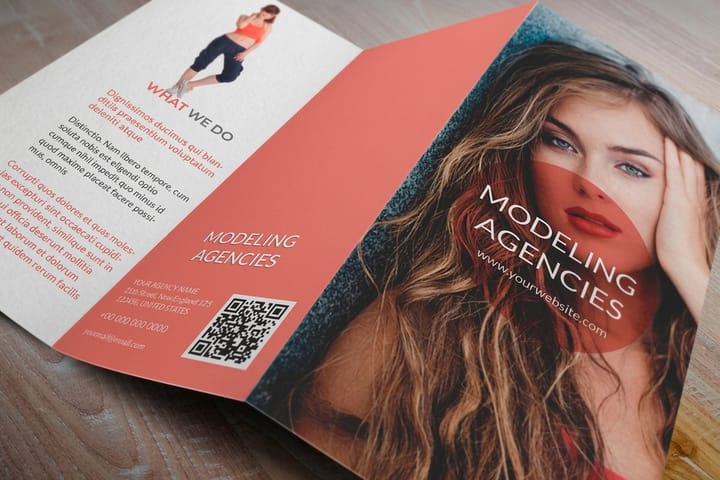
A chatbot that pastes six paragraphs into a message bubble loses the reader. Some answers are tables, diagrams, and side-by-side comparisons, and those belong on paper. A standard brochure gives you three or four panels for the pricing tiers, the integration list, and the security page, so the bot can stay short and point at the detail.
Use the fold deliberately. A trifold outer panel is what a person sees first and it should carry one claim and the code. The inside spread is where the comparison table goes, because that is the only surface wide enough to hold three columns without shrinking the type below 9 point. Paper choice is not decoration either: a 100 lb gloss text folds cleanly and photographs well, while a heavier cover weight cracks along the score unless you ask for it to be scored first. The differences are laid out in best paper types for brochure printing.
The honest limit is shelf life. Software pricing moves, and a brochure printed in bulk is a promise you may not keep in six months. Print short runs, date the back panel quietly, and let the code carry the version that is actually current. For code placement across folded pieces, see how to use QR codes on flyers, brochures, and postcards.
5. Flyers: volume for the booth, the counter, and the conference bag
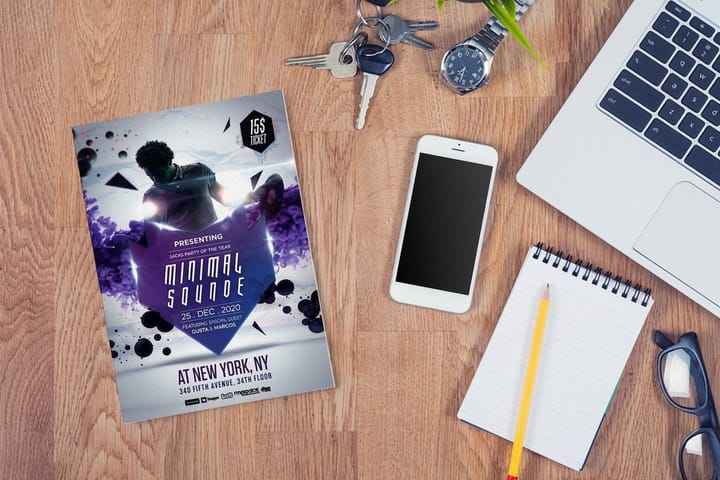
When you need three hundred of something and the unit cost has to disappear, print flyers. They are the piece you hand out at a booth, leave on a counter, or slide into a conference bag, and the only piece in this kit cheap enough to accept a low scan rate as the cost of reach.
Flyers get read standing up, at arm length, sometimes pinned to a board across a room. Push the code to 1.5 in square minimum and put it bottom right, where a thumb naturally sits when someone holds a sheet. Then fix the copy, because the usual mistake is bigger than any layout problem: "Chat with our AI assistant" is a description, not an offer. "Answer three questions, get your quote in 90 seconds" gives a person a reason to raise a phone in a crowded hall.
Paper weight decides whether it survives the bag. A 100 lb gloss text sheet holds its shape through a day of handling, while a text weight thin enough to feel like a photocopy gets creased and dropped. The trade-offs are in best paper weight for flyers. If the flyers are going on a staffed counter or a cafe table rather than into a hand, table tents stand the same code upright where people are already sitting with a phone out, and they do not blow off a table at an outdoor event.

Write the first message
What the bot should open with, by piece
A source tag is only worth adding if the bot uses it. These are the five openers, one per printed item, each written to make sense only to a person who scanned that specific thing.
- From a business card. "Hi, we just met at the counter. Want the quote for the setup we talked about?" The bot already knows the context because the card carried its own source tag.
- From a postcard. "You asked about pricing last month and we never finished. Here is the number for your headcount." Only works if you mailed the people whose chats stalled, not a rented list.
- From a sticker. "Nice find. This is the support line for the gear you are looking at." A sticker gets scanned by strangers, so the opener has to make sense with zero history.
- From a brochure. "The pricing on page 3 is current as of this quarter. Want me to check what your volume costs?" The paper carries the detail, the bot carries the arithmetic.
- From a flyer. "You have got 90 seconds. Answer three questions and I will send the quote to your phone." Flyers are read standing up, so the promise has to be short.
Specs and pricing
The two pieces most teams reorder
Cards go out one at a time and flyers go out by the box, so those are the two that come back around fastest. QR code cards at 2 by 3.5 in go from $17.57 for 100 to $36.26 for 500, and flyers from $39.54 for 50 to $97.76 for 400, both in 3 business days. Here are the live specs and the price ladders for both.

| Quantity | Price Per Unit | Total |
|---|---|---|
| 50 | 79.1¢ | $39.54 |
| 100 | 57.1¢ | $57.11 |
| 200 | 37.3¢ | $74.69 |
| 300 | 28.6¢ | $85.68 |
| 400 | 24.4¢ | $97.76 |
| 500 | 21.8¢ | $108.75 |
| 600 | 18.7¢ | $112.03 |
| 700 | 16.5¢ | $115.33 |
| Quantity | Price Per Unit | Total |
|---|---|---|
| 50 | 33.0¢ | $16.48 |
| 100 | 24.2¢ | $24.16 |
| 200 | 15.9¢ | $31.86 |
| 300 | 12.8¢ | $38.45 |
| 400 | 11.3¢ | $45.04 |
| 500 | 10.3¢ | $51.62 |
| 600 | 9.89¢ | $59.31 |
| 700 | 9.57¢ | $67.00 |
Wally explains who starts the conversation
The bot is fast, but it never speaks first
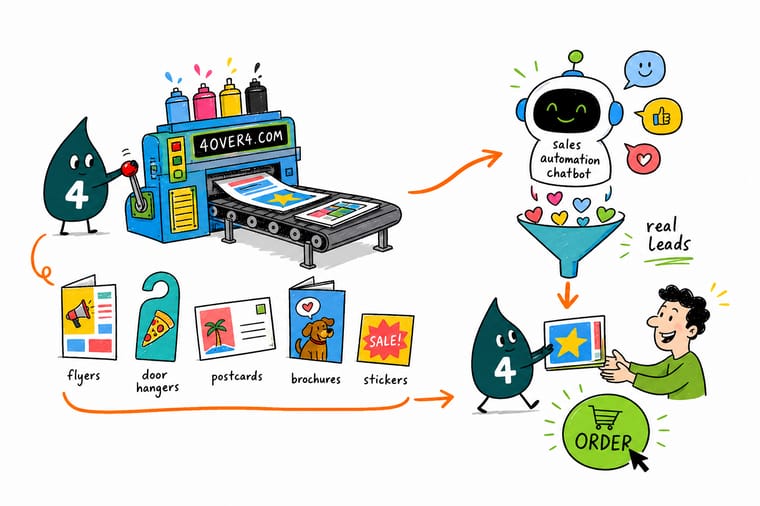
Wally points at the part of the funnel most teams skip. A sales chatbot is excellent from the second message onward and completely silent before the first one. Paper is what puts the opening in a hand: a card after a meeting, a postcard to somebody who went quiet, a sticker on a laptop lid, a brochure on a desk, a flyer in a conference bag. Send every printed code to a link on your own domain, tag each piece separately, and the transcript will tell you which one to print again.
Shop business basics printing →See it in use
Sticker shapes cut on our table
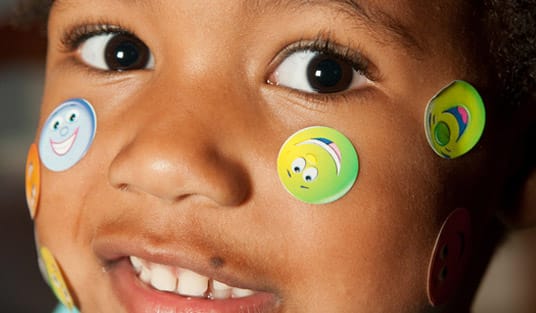
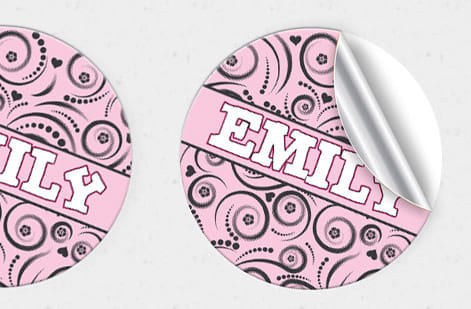
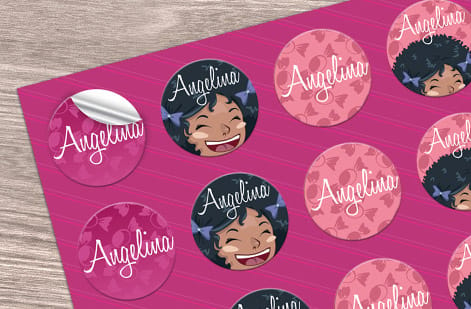
These are stickers from customer runs. A 3 by 3 in die-cut sticker leaves room for a 1 in code and its quiet zone, and 25 start at $93.37 on white vinyl or a gloss label.



%22%2F%3E%3Ccircle%20cx%3D%2236%22%20cy%3D%2220%22%20r%3D%2231%22%20fill%3D%22%23a78bfa%22%20opacity%3D%220.15%22%2F%3E%3Ccircle%20cx%3D%2233%22%20cy%3D%2229%22%20r%3D%2210%22%20fill%3D%22%23a78bfa%22%20opacity%3D%220.1%22%2F%3E%3Crect%20x%3D%2276%22%20y%3D%2210%22%20width%3D%2221%22%20height%3D%2220%22%20rx%3D%224%22%20fill%3D%22%23a78bfa%22%20opacity%3D%220.08%22%20transform%3D%22rotate(16%2080%2030)%22%2F%3E%3C%2Fsvg%3E)
Explore more
Where to go next

By the numbers
What a scannable code can be printed on
Common Questions
Common questions about print and sales chatbots
Do printed QR codes actually get scanned in 2026?
They do, because the camera app now reads them without a separate download, which was the barrier for the first decade. The variable is not the technology, it is the reason to scan. A code with an offer attached gets used and a code labeled "learn more" does not, which is why every piece in this kit pairs the code with a specific promise rather than a brand statement.
How big does a QR code need to be on a printed piece?
Work from the ratio of about ten to one: the code scans from roughly ten times its own width. A 1 in code reads at around 10 in, which suits a postcard or a brochure panel held at reading distance. A business card handed over needs 0.8 in minimum, and a flyer read at arm length or pinned to a board needs 1.5 in. Leave a quiet zone of four blank modules on every side, whatever the size.
Should the code point straight at my chatbot?
No. Point it at a short link on your own domain, such as yoursite.com/ask, and have that link forward to whichever chat platform you run. Printed codes cannot be edited, so a vendor URL on 5,000 cards becomes dead paper the day you switch tools. The redirect also lets you add a source tag per piece without touching the artwork.
Which finish scans best?
Matte, soft touch, dull coat, and plain uncoated stock all scan first try. Gloss lamination is the one to avoid on any panel carrying a code, because a ceiling light or a window reflects off the coating and back into the lens, and the phone hunts for a few seconds before it locks. If the piece has to be gloss for other reasons, keep the code away from the shiniest area and test the printed proof.
Can I tell which printed piece a conversation came from?
Yes, and it is the main reason to use a redirect. Give each item its own parameter on the same short link, so the card, the postcard, and the sticker arrive tagged differently. The bot reads that tag and can both greet the person appropriately and record the source in the transcript, which tells you what to reprint and what to stop printing.
What should the bot say to someone arriving from print?
Something that only makes sense if they scanned that specific piece. A card scan can open with the meeting that just happened, a postcard scan with the pricing question the person abandoned, a sticker scan with no assumed history at all because a stranger picked it up. A generic greeting wastes the one advantage print gives you, which is knowing the context before the first message.
What does the five piece kit cost to start?
At 4OVER4.COM the entry prices are $17.57 for 100 QR code business cards, $16.48 for 50 standard postcards, $39.54 for 50 standard flyers, $57.11 for 50 standard brochures, and $93.37 for 25 die-cut stickers. Every price falls per unit as the quantity climbs and updates live in the configurator as you change size, stock, and finish, so a booth run of flyers costs far less per sheet than a box of fifty.
Get Started
Give the bot something to answer
Print the five piece chatbot kit as one branded set at 4OVER4.COM. QR code business cards start at $17.57 for 100 on 14pt gloss cover in 3 business days, and each other piece is configured for size, stock and finish on its own page.
Legal Disclaimer
Gold Standard guarantees apply to all standard orders placed through 4over4.com. Price match requires verifiable proof of a competitor's published price for an equivalent product with matching specifications and turnaround time. Satisfaction guarantee covers manufacturing defects and print quality issues. Contact support with order number and documentation.
